- Home
- All templates
- 2026 recap
Year in review
2026 Recap and Year in Review Templates for Instagram
ReelClub has 2026 recap and year in review templates for Instagram: 12-photo Reels, a 7-slide My 2026 carousel and an 11-photo month-by-month story. Choose your best photos from the year, pick a song cut to the beat and export from your iPhone in minutes.
38 templates · Updated
Templates

November photo dump
Reel · 8 photos
Verse cinema
Reel · 5 photos
Four-up collage
Reel · 12 photos
2026 recap
Reel · 12 photos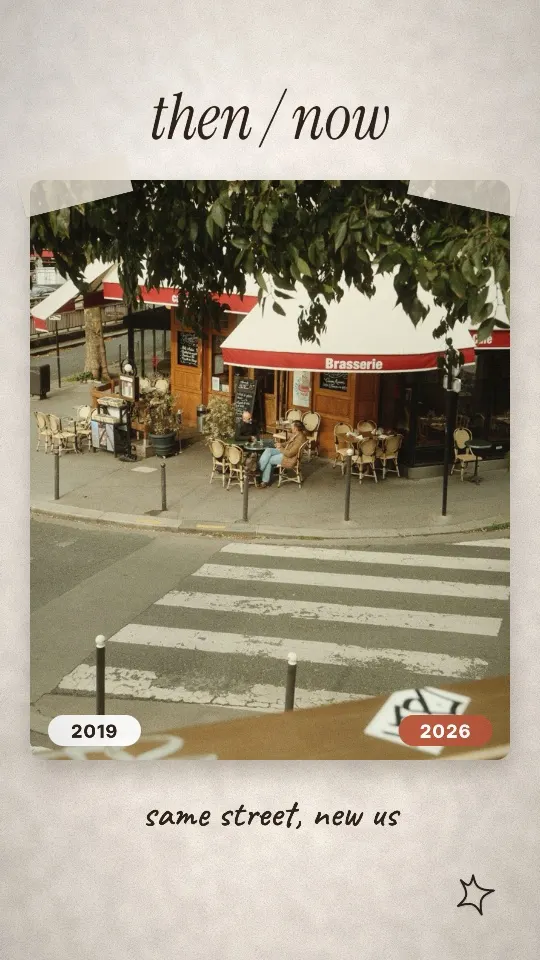
Then / now
Reel · 8 photos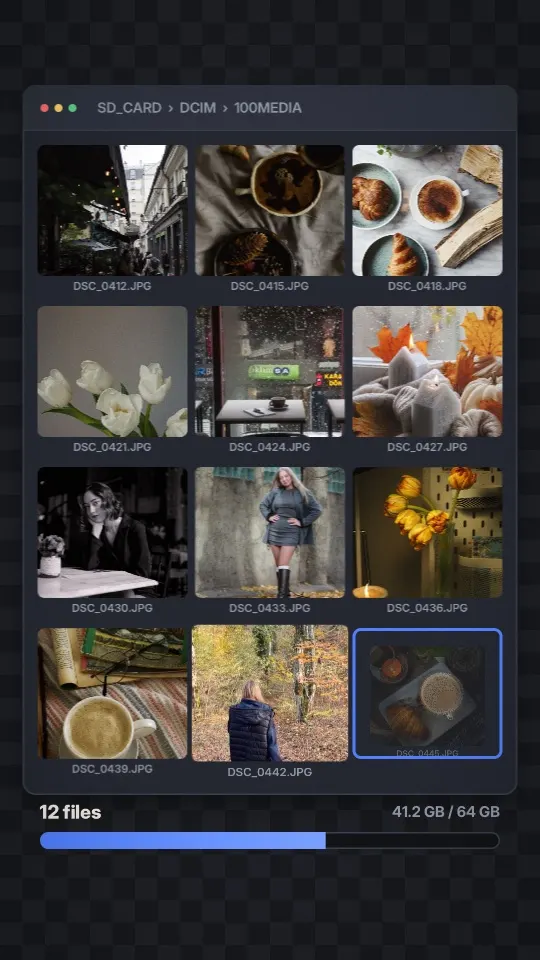
From my SD card
Reel · 13 photos
Moodboard
Reel · 10 photos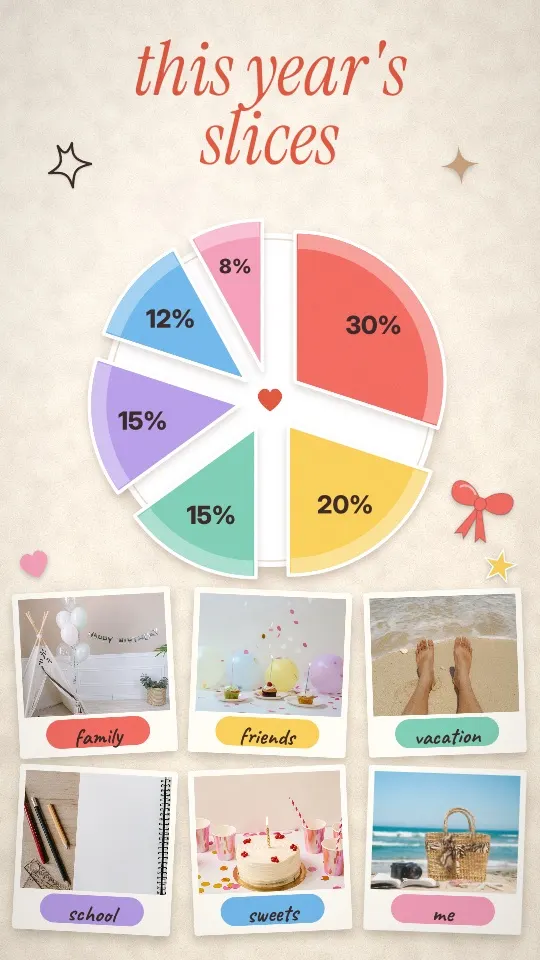
Cake slices
Reel · 7 photos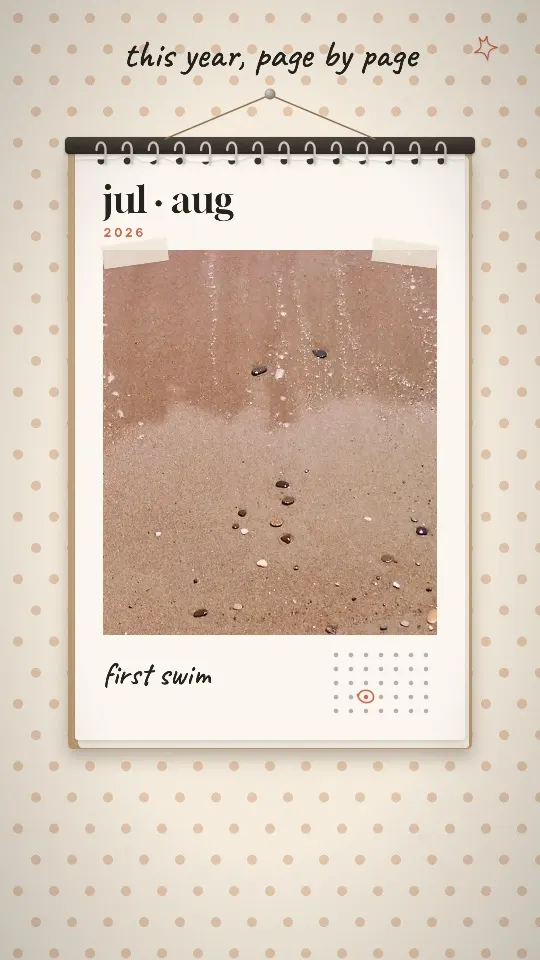
Year-end calendar
Reel · 10 photos
Twelve months
Reel · 14 photos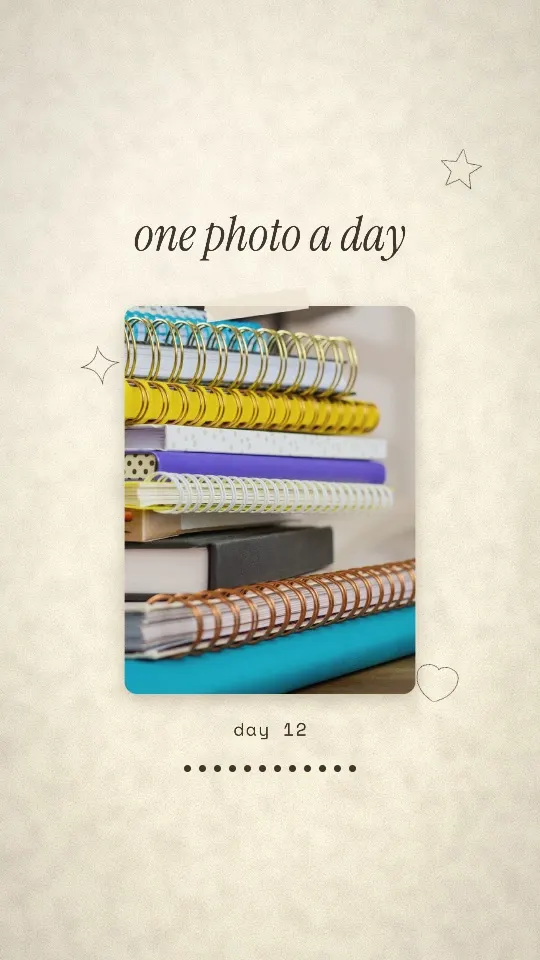
Small frame
Reel · 13 photos
Highlighter notes
Reel · 5 photos
Page by page
Reel · 8 photos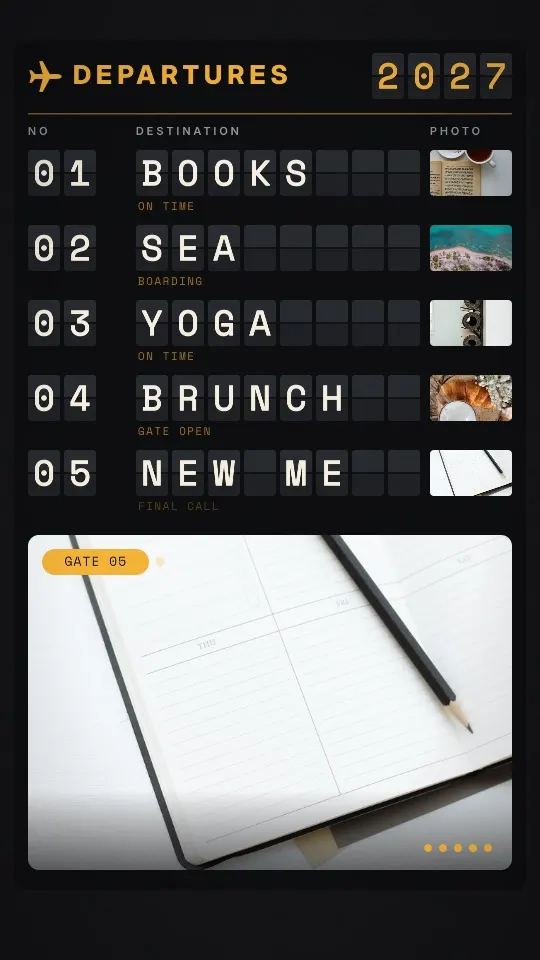
Departure board
Reel · 6 photos
My 2027 sentence
Reel · 8 photos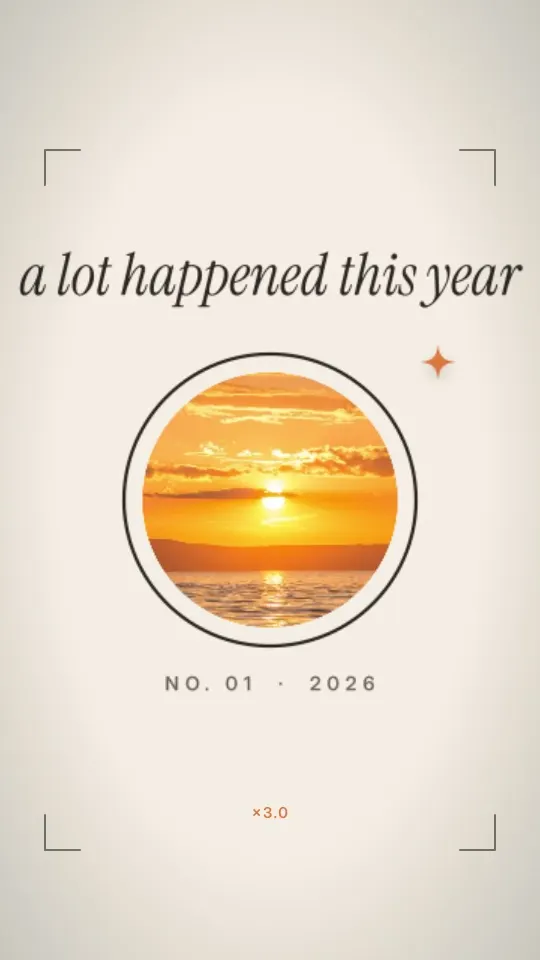
Small text
Reel · 5 photos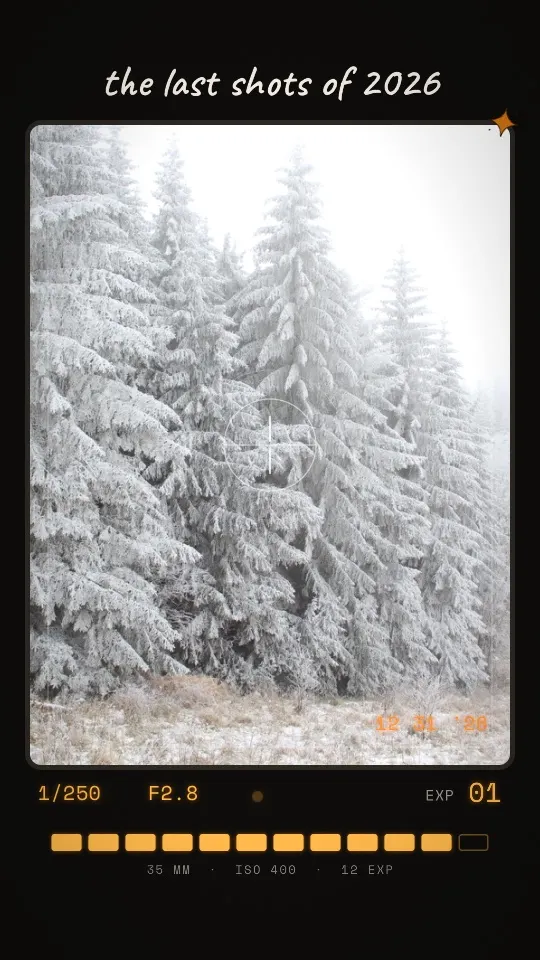
Last shots
Reel · 14 photos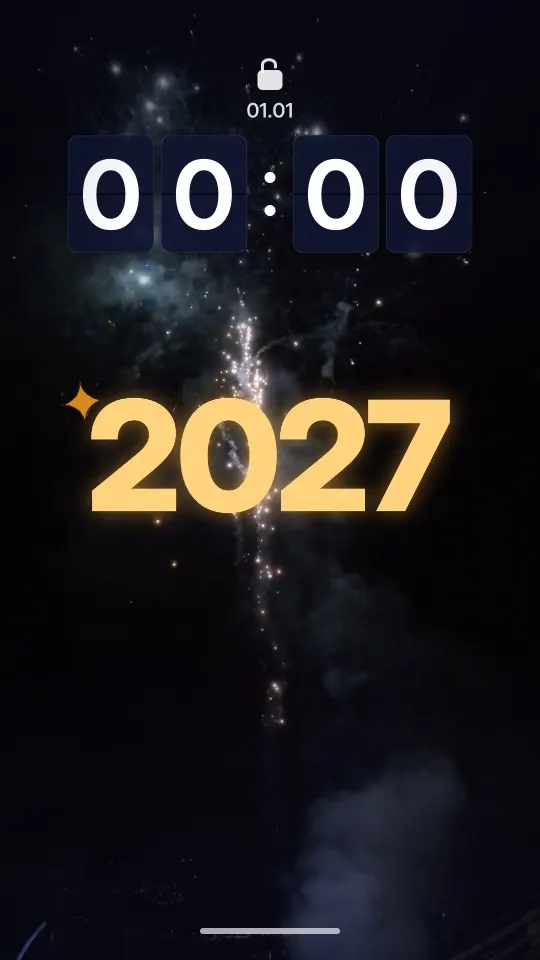
Midnight
Reel · 8 photos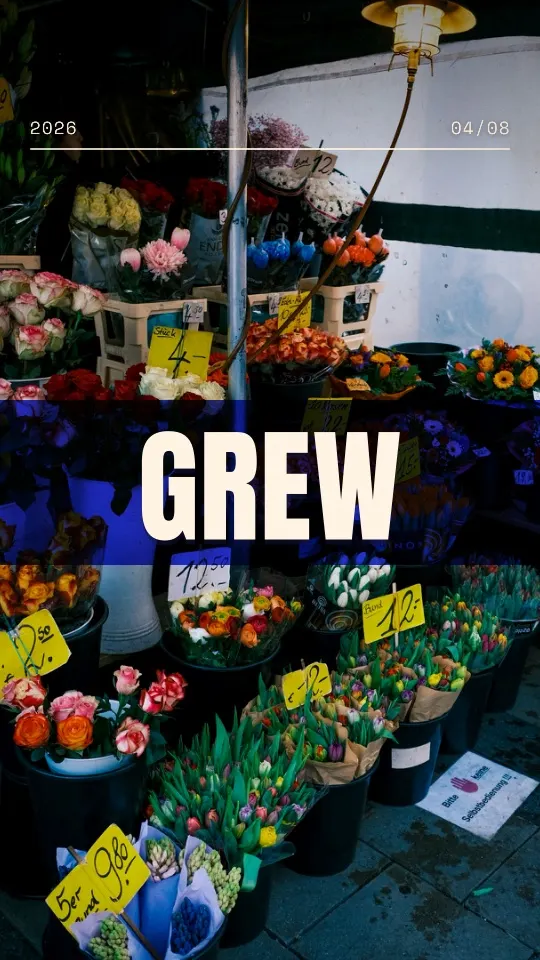
Eight words
Reel · 10 photos
Speed
Reel · 10 photos
Blink
Reel · 5 photos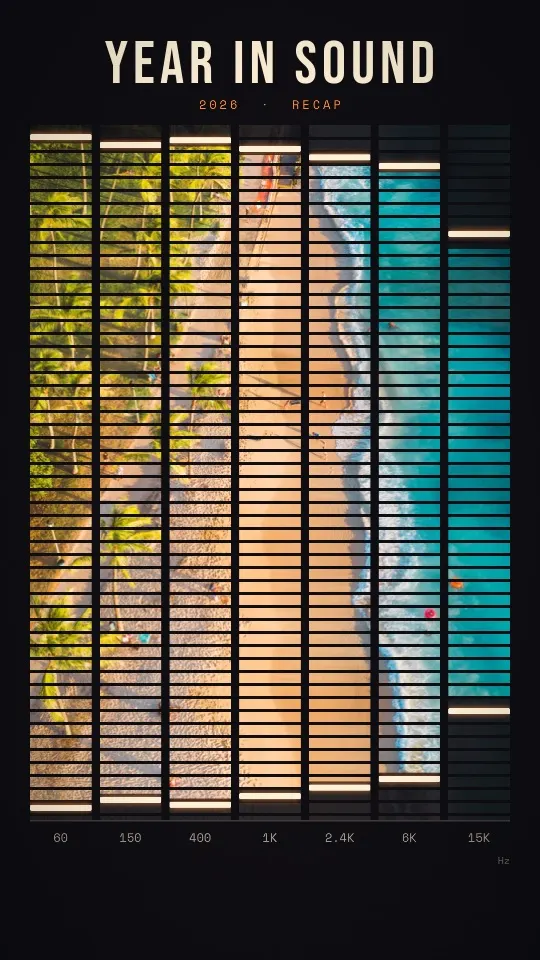
Equalizer
Reel · 10 photos
Nine squares
Reel · 9 photos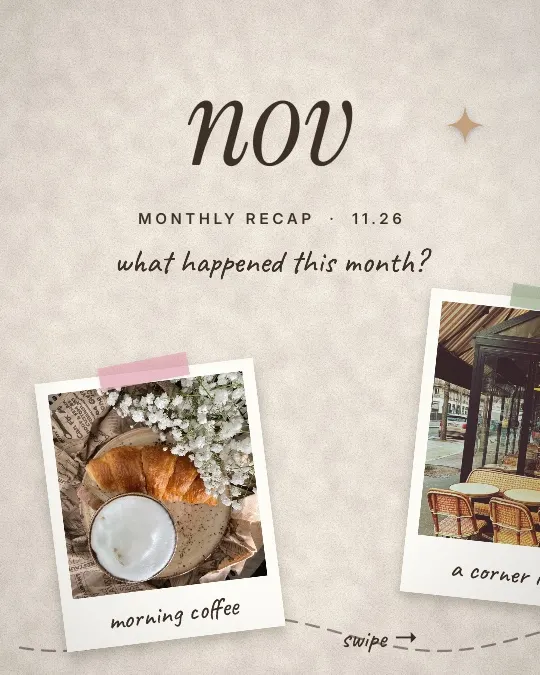
November recap
Carousel · 4 slides
December recap
Carousel · 5 slides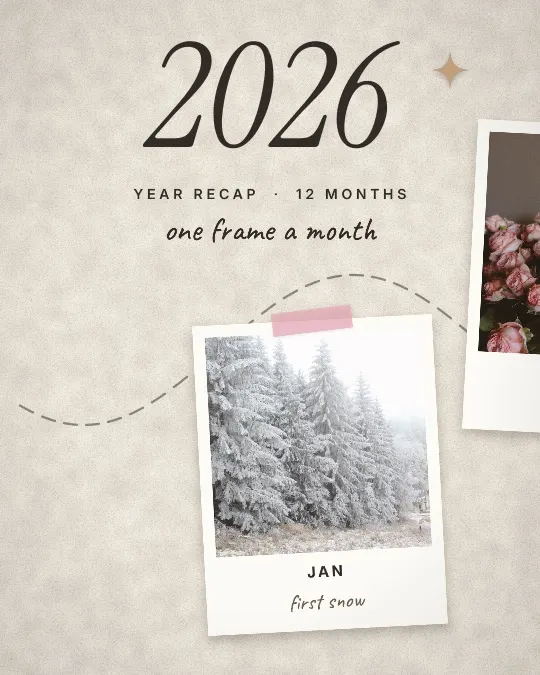
My 2026
Carousel · 7 slides
3×3 grid
Carousel · 4 slides
My desktop
Carousel · 5 slides
November chat
Carousel · 5 slides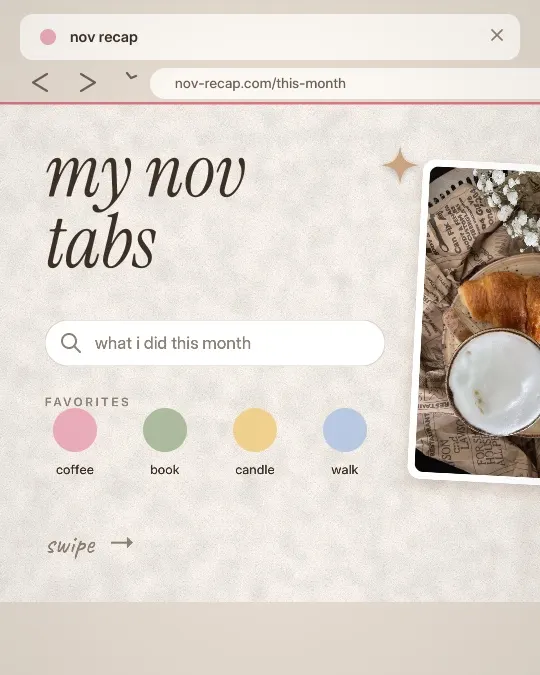
My tabs
Carousel · 5 slides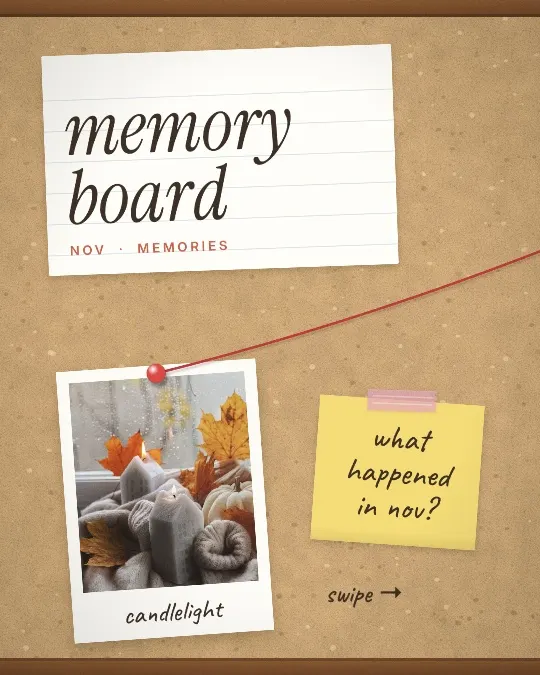
Cork board
Carousel · 5 slides
Month calendar
Story · 5 photos
Six frames
Story · 6 photos
My week so far
Story · 12 photos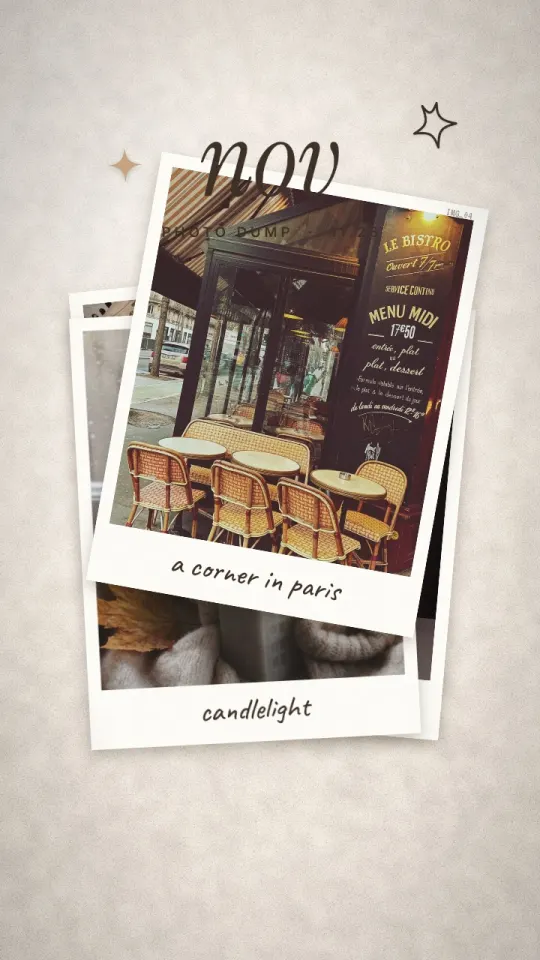
November dump
Story · 4 photos
Moodboard
Story · 10 photos
2026 month by month
Story · 11 photos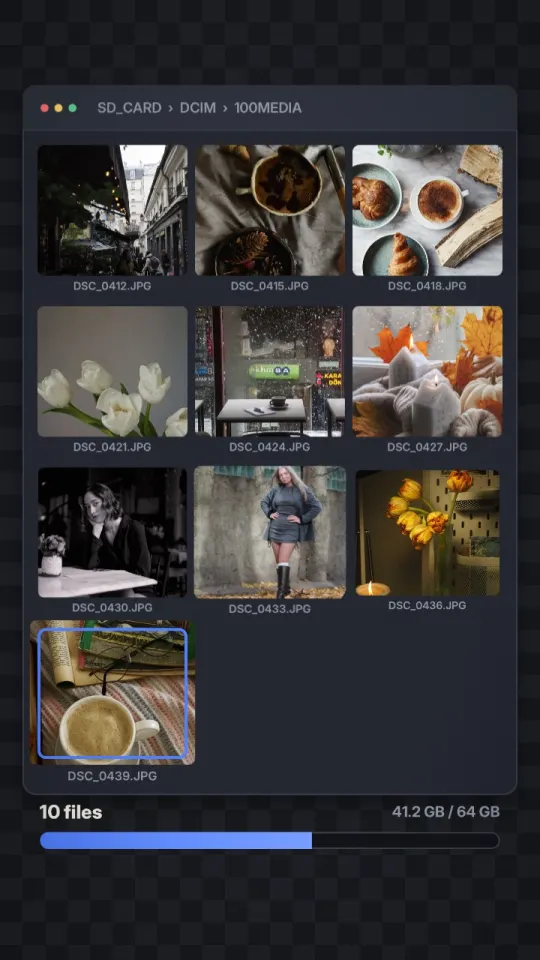
My SD card
Story · 10 photosWhat goes into a good year-in-review?
A year in review fails when it tries to include everything. The ones people finish and watch twice have a rule: one photo per month, or twelve photos that each stand for something. ReelClub’s year templates are built on that idea, so the structure is done and you choose photos.
Which recap format should I make?
| Format | Template | Details |
|---|---|---|
| Reel | 2026 recap | 12 photos, 16 seconds |
| Reel | Twelve months | 14 photos, 15 seconds |
| Reel | Year-end calendar | 10 photos, 14.6 seconds |
| Carousel | My 2026 | 12 photos, 7 slides, seamless |
| Story | 2026 month by month | 11 photos |
Not sure? Make the Reel for reach and the carousel for people who want to look slowly.
How do I make a 2026 recap in ReelClub?
- Scroll your camera roll and favorite your 12 best photos before you start. It saves time.
- Open the year-in-review collection and preview a template.
- Tap Use template and choose your photos. The app labels each slot, so you know which month goes where.
- Edit the text, change fonts and set each photo’s focus point.
- Pick a song and export. It saves to your Photos app.
Our guide on how to make a year-in-review Reel goes deeper on choosing photos and ordering them.
Which photos should I pick?
One per month is the simplest rule. If a month has nothing, use a screenshot, a meal, or a view from your window. Add one photo from your hardest month, since that is usually the one people respond to. Skip duplicates, and keep a quiet photo for last. For ideas on what to include beyond the usual, see photo dump ideas.
Can I make several recaps from the same photos?
Yes. The several-Reels-at-once feature places the photos you choose into a few templates, and you keep your favorite. Then export the carousel as well. The carousel templates are all seamless, so the swipe flows slide to slide.
What is it going to cost me?
Ten templates are free. Recap templates need ReelClub Pro at $4.99 weekly or $29.99 yearly, with a 3-day free trial for new subscribers. You can cancel anytime in iPhone Settings. The year-end rush is also a good time to look at the new year templates and the photo dump collection. Everything stays on your iPhone, with no account.
Questions, answered
How do I make a 2026 recap on Instagram?
Choose a recap template, add one photo per month or your twelve best photos, pick a song and export. ReelClub offers the 2026 recap Reel, the My 2026 carousel and a month-by-month story, so you can post it as a Reel, a swipeable post or a story. All save to Photos.
When should I post a year in review?
Most people post between mid-December and the first days of January, when feeds fill with recaps. Making yours early gives you time to pick photos calmly. You can save drafts in ReelClub and export on the day. Posting before New Year's Eve also avoids the rush.
How many photos does a recap need?
It depends on the layout. The 2026 recap Reel takes 12 photos in 16 seconds, Twelve months takes 14, and the month-by-month story takes 11. The My 2026 carousel takes 12 photos across 7 slides. The app shows what each slot is for.
Can I post my year in review as a carousel instead of a Reel?
Yes. The My 2026 carousel lays 12 photos across 7 seamless 1080×1350 slides that save to Photos in order, so the year reads left to right as people swipe. A Reel suits a recap set to music; a carousel suits people who like to pause on each month.
Related guides
Your photos, edited.
Download ReelClub on iPhone. Browse every template for free, use 10 of them without paying, and try Pro free for 3 days.




