- Home
- All templates
- Valentine's Day
Valentine's Day
Valentine's Day Reel Templates for Couples
ReelClub has Valentine's Day reel templates for couples on iPhone: Our story, First date, Mixtape, Heartbeat and You | me, plus love-letter carousels and couple stories. They also work for anniversaries. Add 4 to 9 photos, choose a song cut to the beat and export a Reel in minutes.
15 templates · Updated
Templates
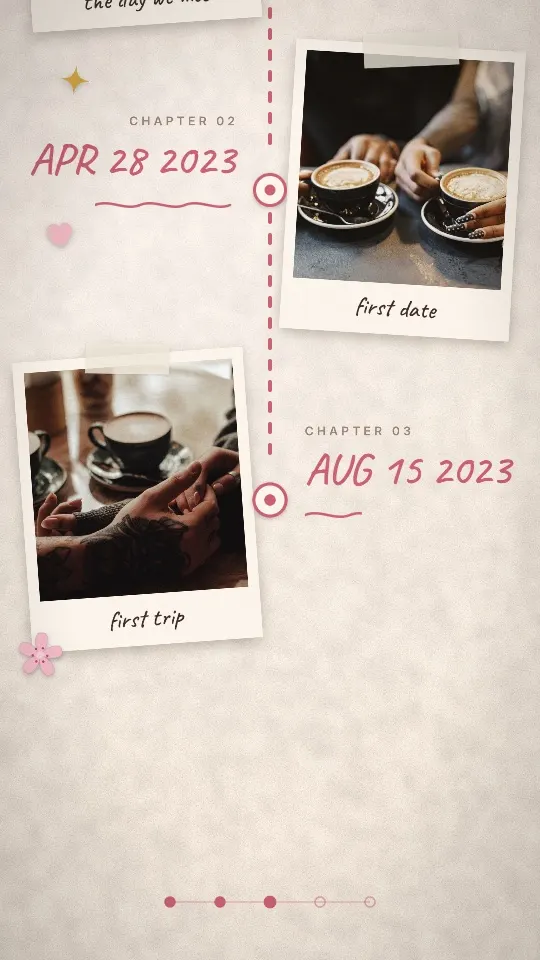
Our story
Reel · 6 photos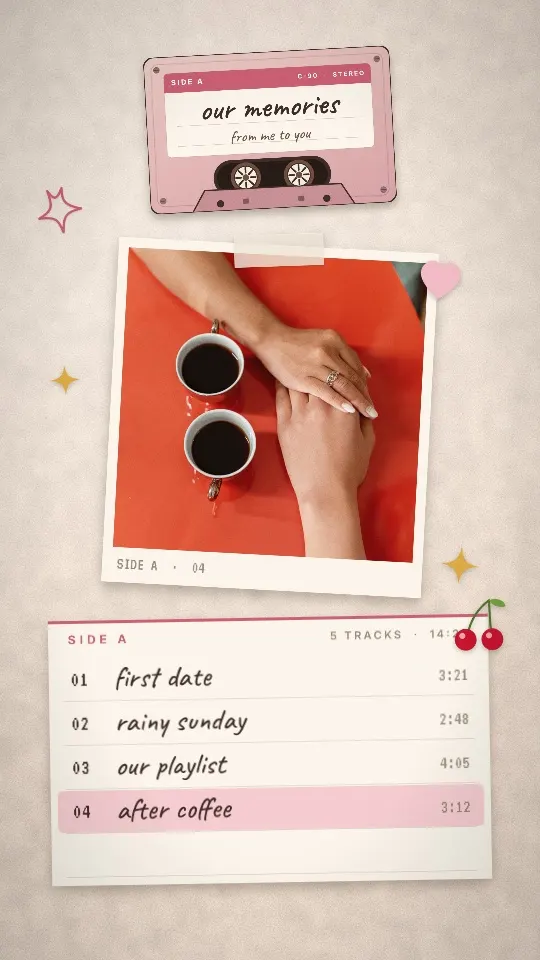
Mixtape
Reel · 6 photos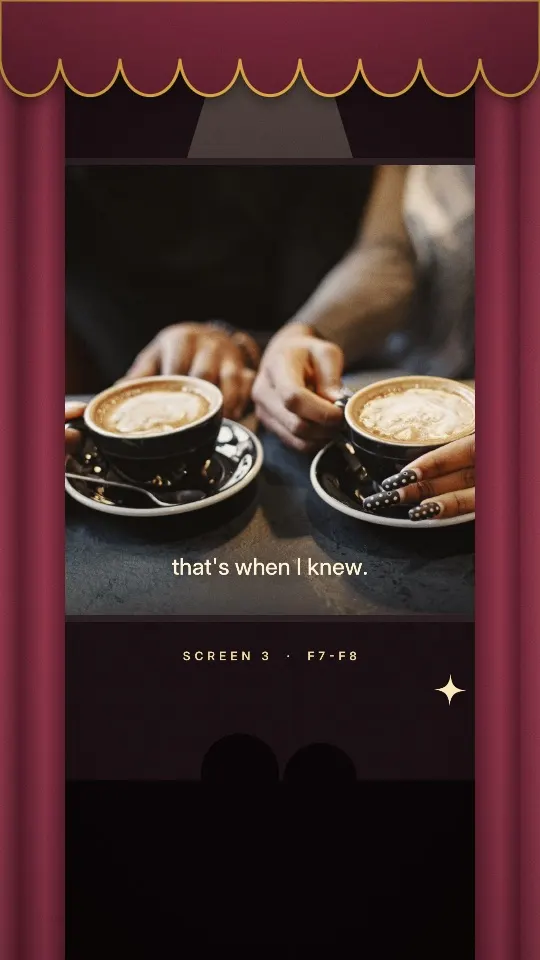
First date
Reel · 6 photos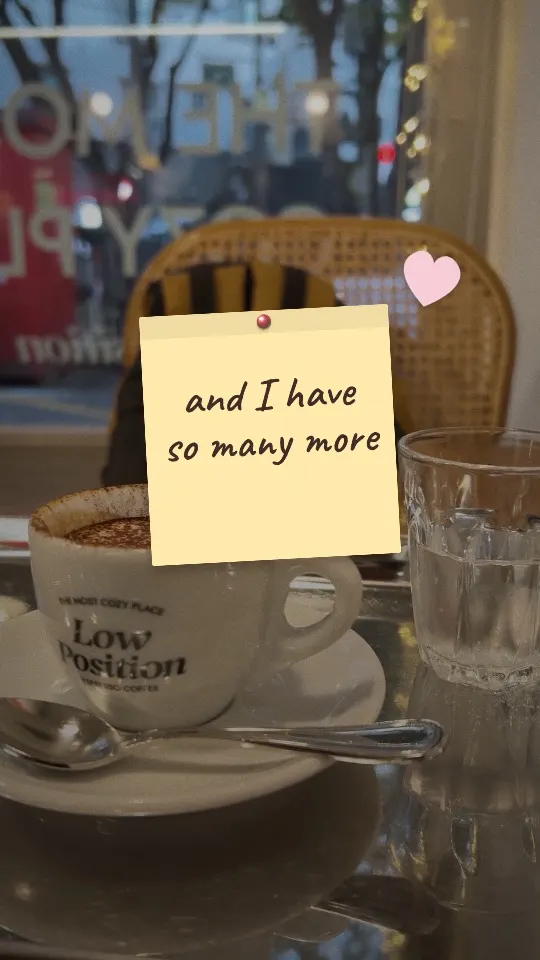
Because…
Reel · 6 photos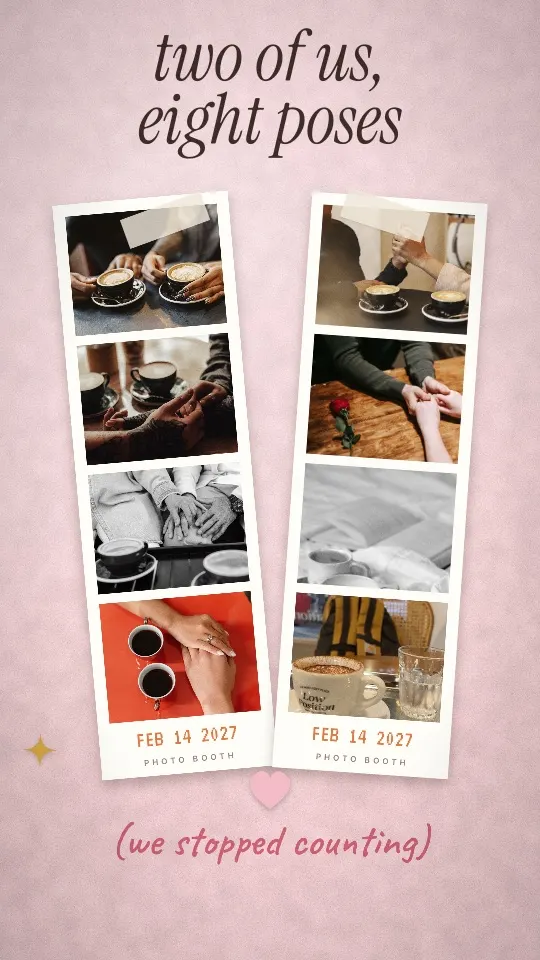
Photo booth
Reel · 8 photos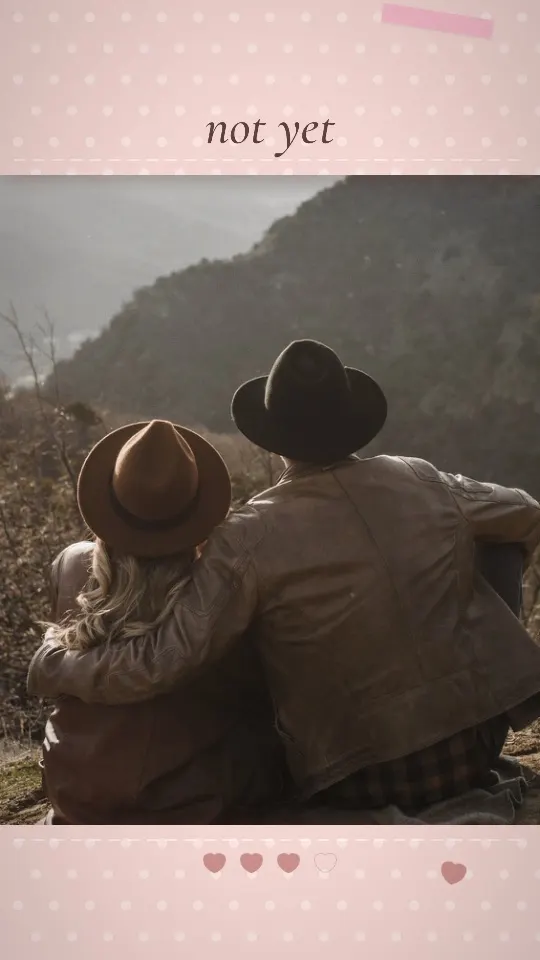
Soft launch
Reel · 4 photos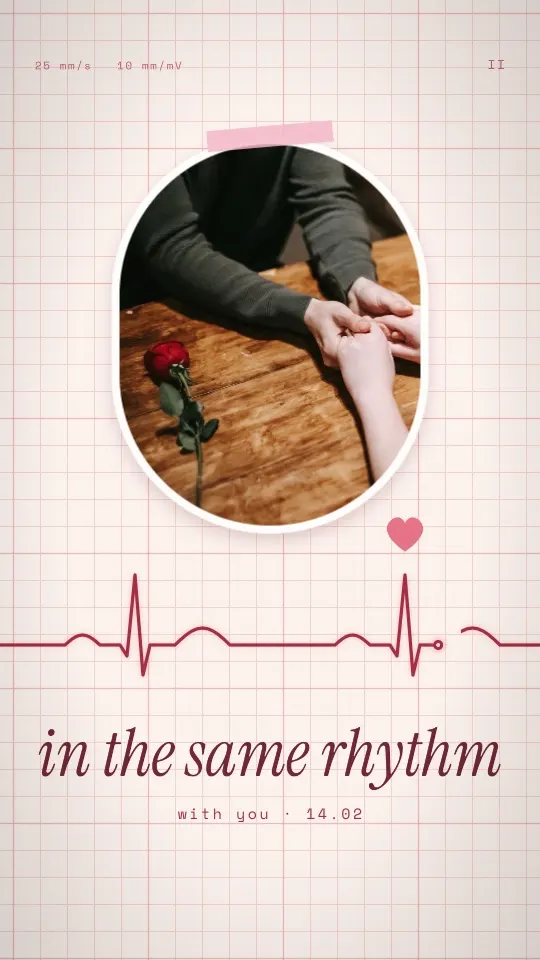
Heartbeat
Reel · 8 photos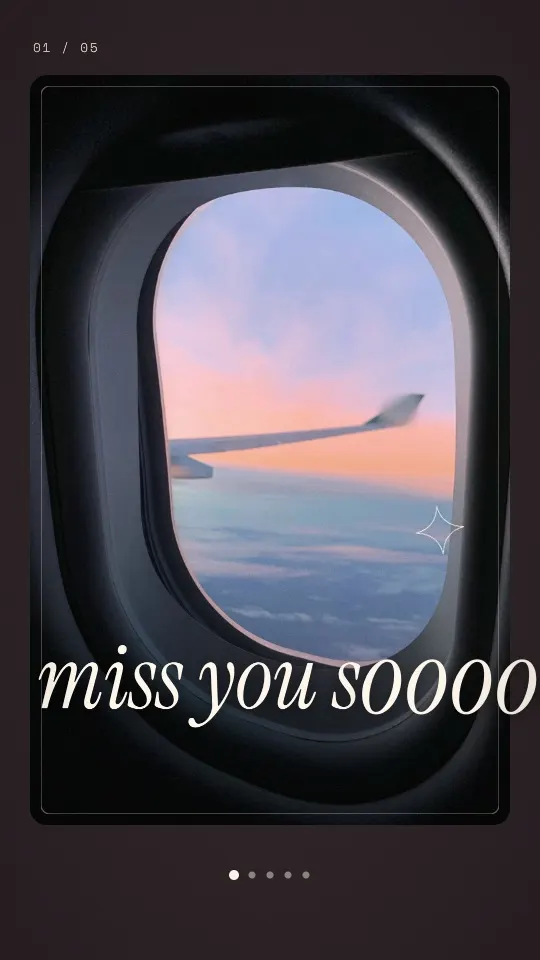
Long word
Reel · 5 photos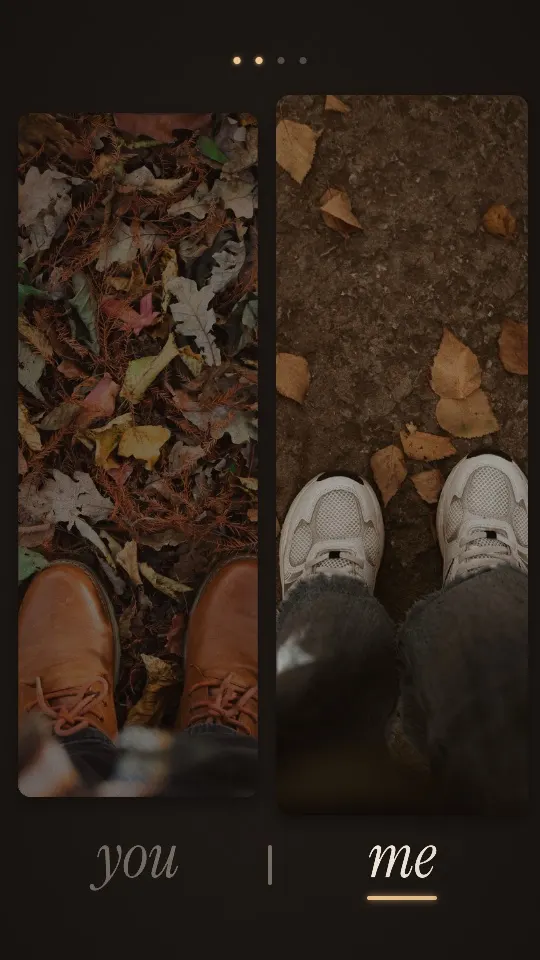
You | me
Reel · 9 photos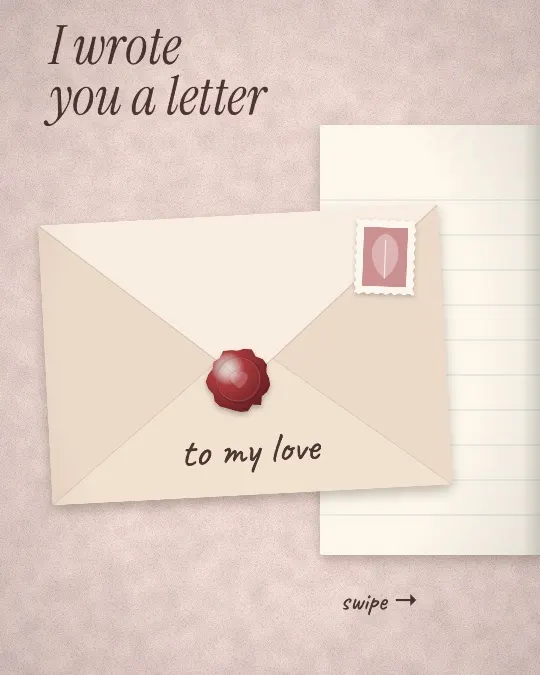
Love letter
Carousel · 5 slides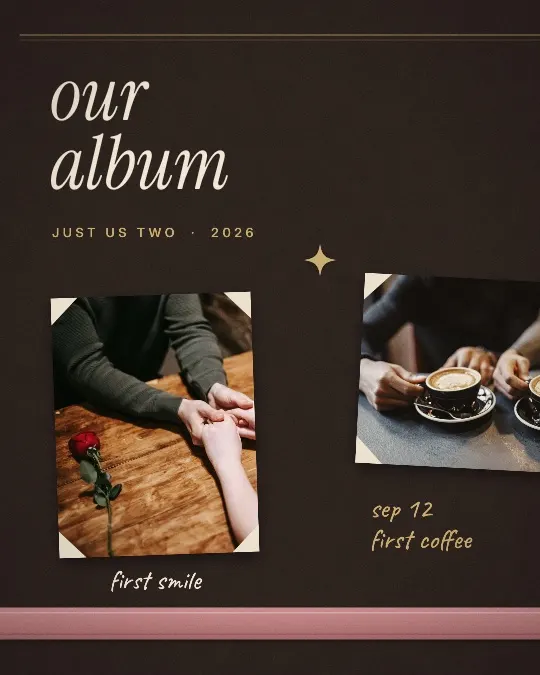
Our album
Carousel · 5 slides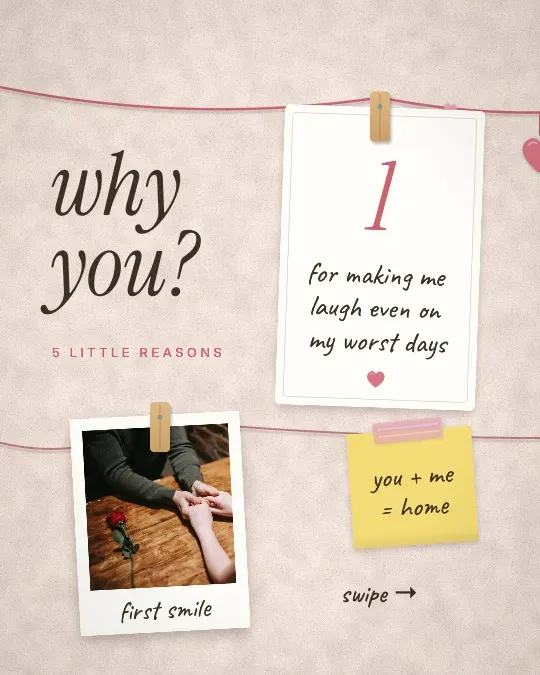
Why you
Carousel · 5 slides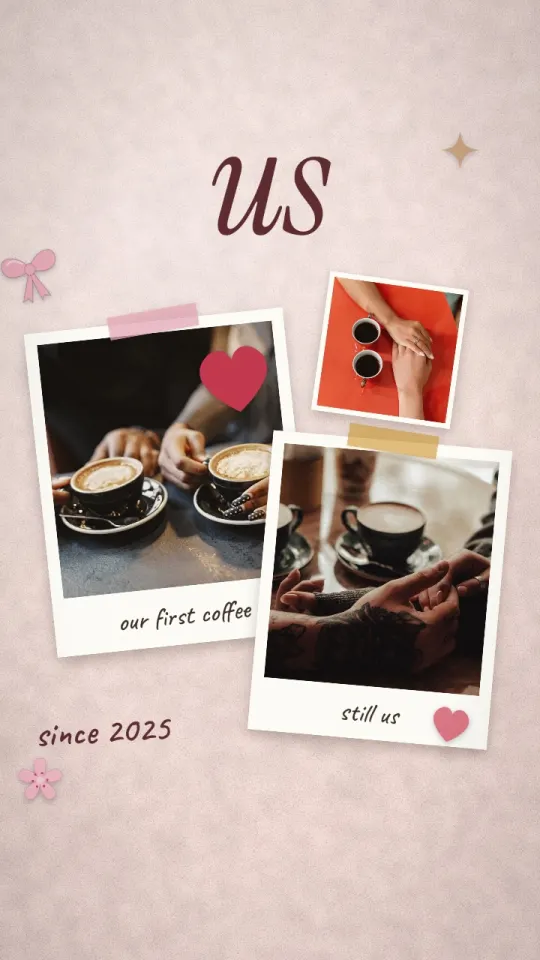
Us
Story · 3 photos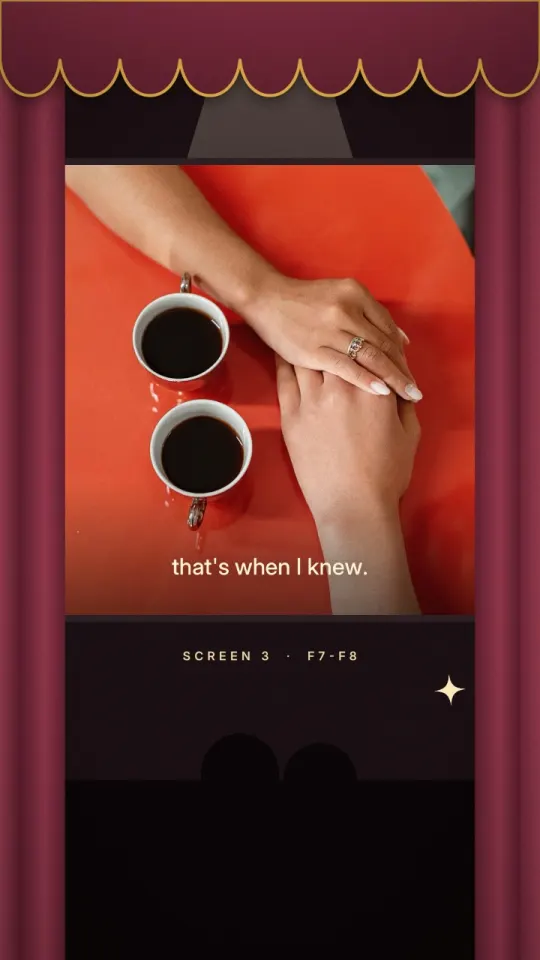
Our first movie
Story · 1 photo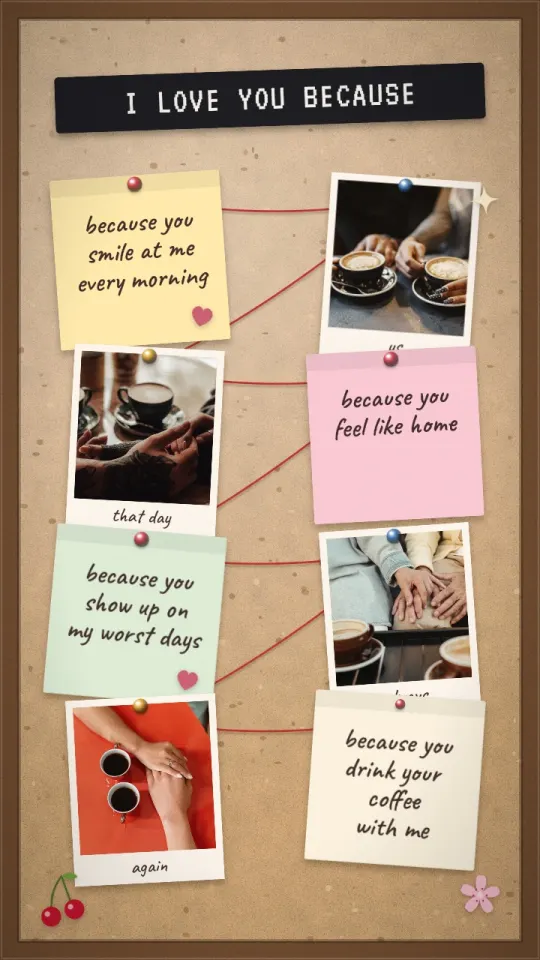
Because…
Story · 4 photosWhich template is right for the two of you?
Valentine’s Day posts usually do one of four things: tell the story of a couple, list reasons, share a letter, or mark a date. ReelClub has a template for each, in Reel, carousel and story form, so you can pick the one that fits your photos instead of forcing them.
| Idea | Template | Details |
|---|---|---|
| How we met | Our story | 6 photos, 16.8 seconds |
| The first date | First date | 6 photos, 15.7 seconds |
| Songs and moods | Mixtape | 6 photos, 10.2 seconds |
| Reasons you love them | Because… | 6 photos, 15.3 seconds |
| A quick photo-booth strip | Photo booth | 8 photos, 11 seconds |
| The two of you | You | me | 9 photos, 13.6 seconds |
| A soft, slow one | Heartbeat | 8 photos, 16 seconds |
How do I make a Valentine’s Reel in ReelClub?
- Choose a template and preview it full screen.
- Tap Use template and add photos and videos of the two of you. The app labels each slot.
- Edit the text. Names, dates, a line only they will understand.
- Pick a song. Tracks matched to each template are listed first, and you choose the exact part of the song.
- Export to Photos. Post it, or send it by message.
What about carousels and stories?
A carousel suits more writing. Love letter has 4 photos across 5 slides, Our album has 9 photos across 5 slides, and Why you is a five-slide list of reasons. Because the designs are seamless, a photo or a handwritten line can run across slides. The carousel templates page explains how it works. For stories, Us, Our first movie and Because… are quick.
Can I use these for an anniversary or couple reel?
Yes. Anniversary reels are the same shape: a date, a few photos from the beginning, a few from now. Soft launch (4 photos) is for an understated relationship reveal. For milestones, also look at wedding and birthday templates.
When should I post?
Make it a few days early so you are not editing on the 14th. Drafts save automatically in ReelClub, so you can come back and swap a photo. Also see photo dump ideas for a looser version.
What does it cost?
Download and preview are free. Ten templates are free to use; the rest require ReelClub Pro at $4.99 weekly or $29.99 yearly, with a 3-day free trial for new subscribers. Browse the full template catalog.
Questions, answered
How do I make a Valentine's Day reel?
Pick a template like Our story or First date, add 6 photos of the two of you, change the text, choose a song and export. ReelClub saves a 1080×1920 video to Photos. Post it to Instagram or TikTok, or send it privately to your partner.
Can I use these for an anniversary reel?
Yes. Our story, First date and Our album work well for anniversaries: pick photos from the first year, or one per year together. Change the text to dates and places. The same templates suit a long-distance reel, a thank-you or a couple's year in pictures.
Is there a Valentine's Day Instagram story template?
Yes. Us is a three-photo story, Our first movie is a single frame, and Because… is a four-photo story. All export as 1080×1920 images. For a swipeable post, the Love letter, Our album and Why you carousels are seamless.
What if I want a gift for my partner, not a public post?
Make the Reel and send it by message instead of posting. Everything is created on your iPhone, with no account, and nothing is uploaded, so the video stays private until you share it. Why you and Love letter are written as notes to one person.
Your photos, edited.
Download ReelClub on iPhone. Browse every template for free, use 10 of them without paying, and try Pro free for 3 days.




