Guide
How to Make a Photo Dump on Instagram
Short answer
To make a photo dump, pick 6 to 12 photos from the last few weeks, put your best frame first, mix close-ups with wide shots, and post them as a carousel or a short Reel. Add a one-line caption and a song that matches the mood. Instagram carousels hold up to 20 items; most dumps work better at 8 to 10.
- Choose a window of time, such as a month or a weekend, and pull 15 to 20 photos from it.
- Cut down to 6 to 12 photos, keeping a mix of close-ups, wide shots, food, people and random objects.
- Put the strongest, most eye-catching photo first and the funniest or quietest one last.
- Pick the format: a swipeable carousel, or a Reel that plays the photos to music.
- Write a short, low-effort caption and choose a song that matches the mood.
- Post, then pin or save the dump to a Highlight if it is one you want to keep.
What is a photo dump, and what makes a good one?
A photo dump is a set of casual photos from a stretch of your life, posted together without a strict story. Instagram carousels and short Reels are the usual formats. A good dump feels unplanned but is actually edited: the order is deliberate, the colors roughly agree, and no two photos are near-duplicates. If you want the background first, read what a photo dump is.
How many photos should a photo dump have?
Instagram carousels accept up to 20 items, but a dump rarely needs all of them. The practical range is below.
| Format | Photos | Why |
|---|---|---|
| Carousel | 6 to 12 | Most viewers lose interest well before 20 |
| Reel with music | 8 to 14 | About 1 second per photo keeps it moving |
| Story | 3 to 6 | Each frame is short, and viewers tap through fast |
| TikTok photo post | 6 to 12 | Same logic as a carousel |
Cut mercilessly. If two photos say the same thing, keep the better one. A tight 8-photo dump beats a loose 20-photo one.
Carousel, Reel or story: which format should you pick?
Pick by how you want people to watch.
- Carousel: self-paced, great for detail, captions and “wait, go back” moments. Best when your photos are strong on their own.
- Reel: paced by music, easy to share. Best when you want a mood, not a gallery.
- Story: casual and temporary. Best for a mini dump of the week that disappears in 24 hours.
If you are unsure, start with a Reel and make a carousel from the same photos later. The two formats reach slightly different people.
How do you order the photos?
Three rules cover most cases.
- First-frame rule: the first photo is the cover. Use your best image, ideally one with a clear subject and good light. Do not lead with a blurry mirror selfie unless that is the joke.
- Alternate scale: follow a close-up with a wide shot, then a portrait with an object. Repeating the same distance makes a dump feel flat.
- End with a payoff: a funny frame, a quiet moment or a screenshot of something relatable. The last photo is what people remember.
Group by color if you can. Warm photos next to warm photos look intentional even when the content is random.
What should you include?
A dump reads as a person’s life, so it needs variety. Aim for a spread like this:
- 1 or 2 food or drink photos
- 1 close-up of a detail, such as hands, a mug or a texture
- 1 wide shot of a place
- 1 photo with friends or family, or a candid
- 1 random object or a screenshot
- 1 “nothing special” photo that adds honesty
For more ideas by theme, see 50 photo dump ideas.
What caption works for a photo dump?
Short and loose. Date ranges (“late november”), a lowercase one-liner, or a single emoji-free word all work. Avoid explaining each photo. If you want engagement, ask a tiny question in the caption or add context to one photo in the comments. Hashtags are optional; a few specific ones are better than a long block.
Which song fits which mood?
Choose by feeling, not by chart position. Describe what the dump feels like and match it.
| Dump mood | Song feel |
|---|---|
| Cozy, slow weeks | Soft acoustic, warm and unhurried |
| Busy, chaotic month | Upbeat, fast tempo, a clear beat to cut on |
| Nostalgic or end of year | Dreamy, mid tempo, a bit wistful |
| Travel and golden hour | Bright, open, a steady groove |
| Night out | Low, rhythmic, a bass-forward pulse |
| Funny and unserious | Playful, bouncy, something that shifts mid-way |
On Instagram and TikTok you add the sound when you post. The platform’s library changes over time, so listen for the tempo you want and pick a section where the beat starts early.
How do you make a photo dump Reel on iPhone?
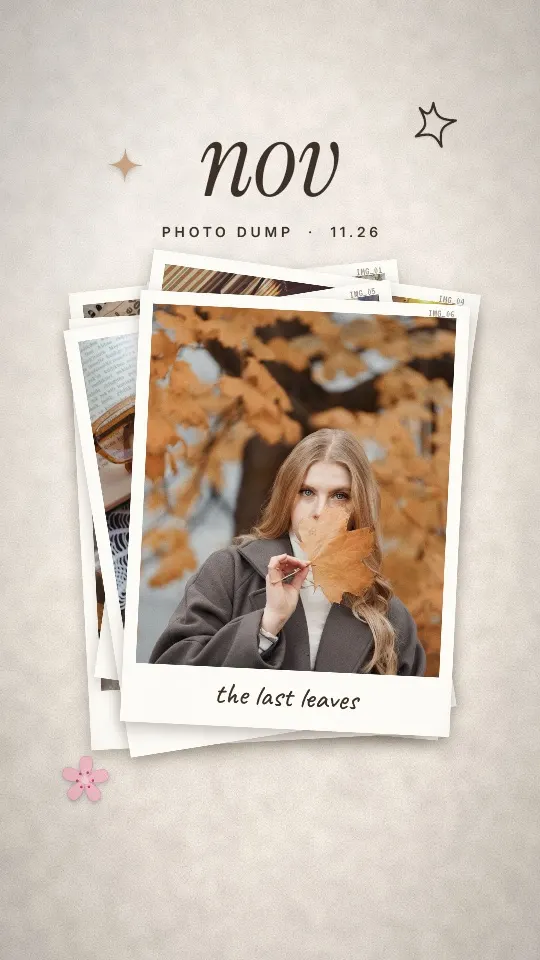
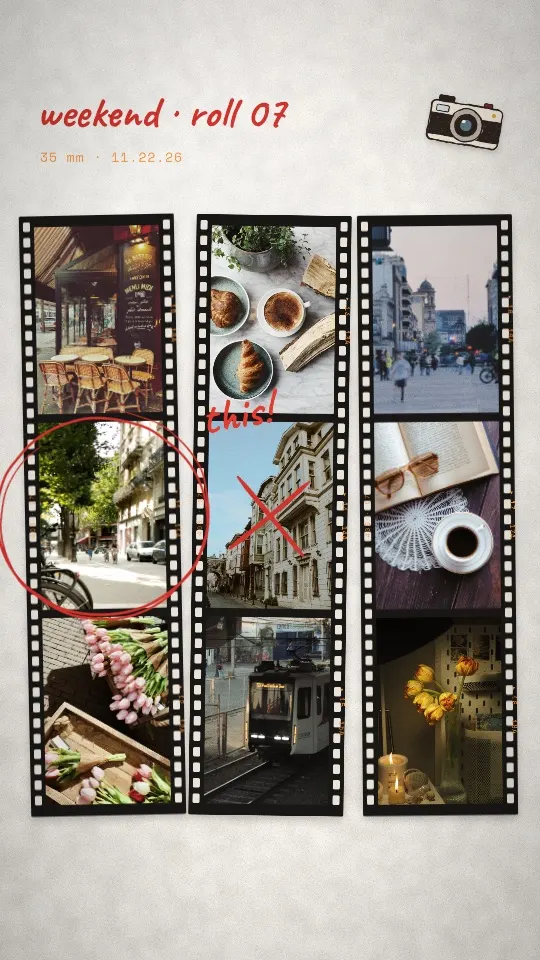
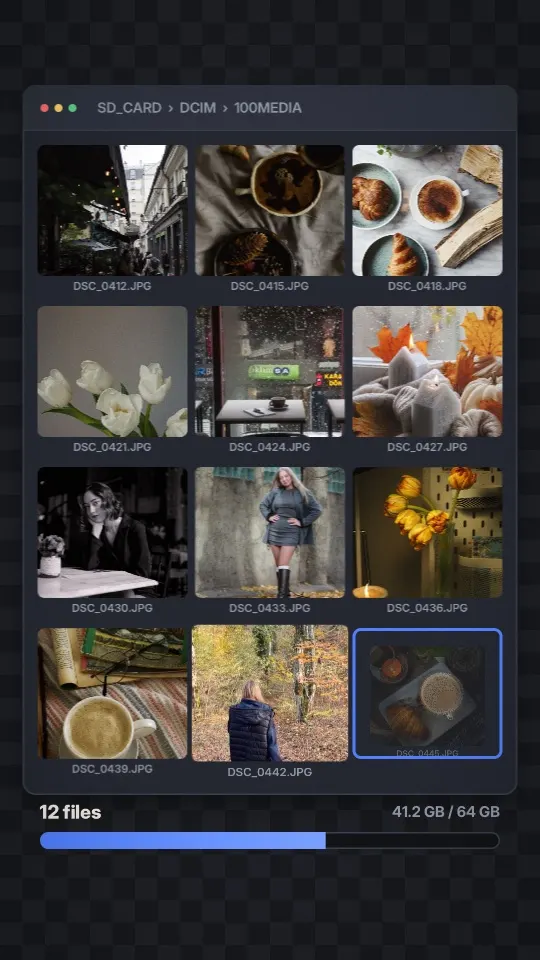
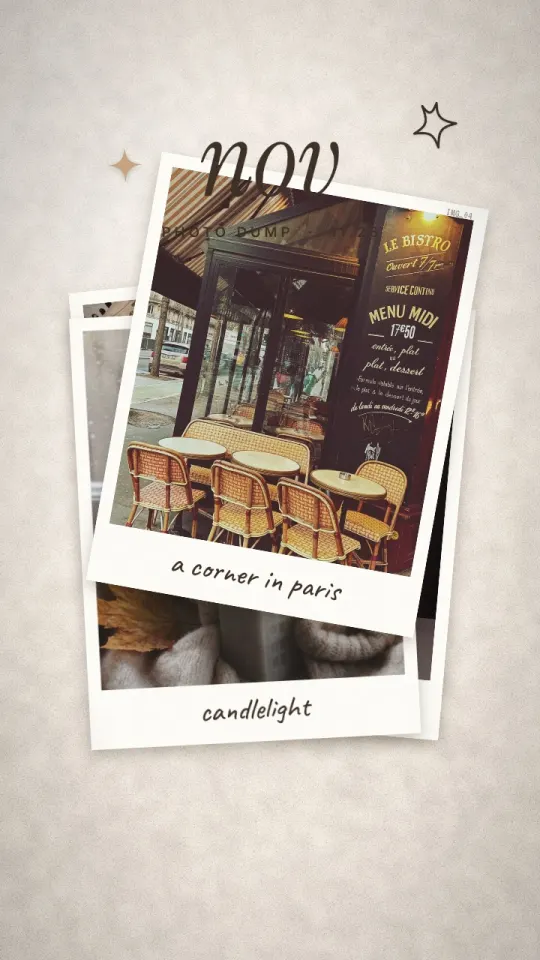
You can build one inside Instagram by adding several photos to a Reel and setting the timing yourself. The faster route is a template, where timing and transitions are already planned. In ReelClub you pick a template, such as November photo dump (8 photos, about 9.6 seconds), choose your photos, and export a 1080×1920 video with music cut to the beat. For a calmer look, Contact sheet lays 9 photos out like film proofs, and From my SD card fits 13 photos into about 15 seconds. The full walkthrough is in how to make a Reel with photos on iPhone.
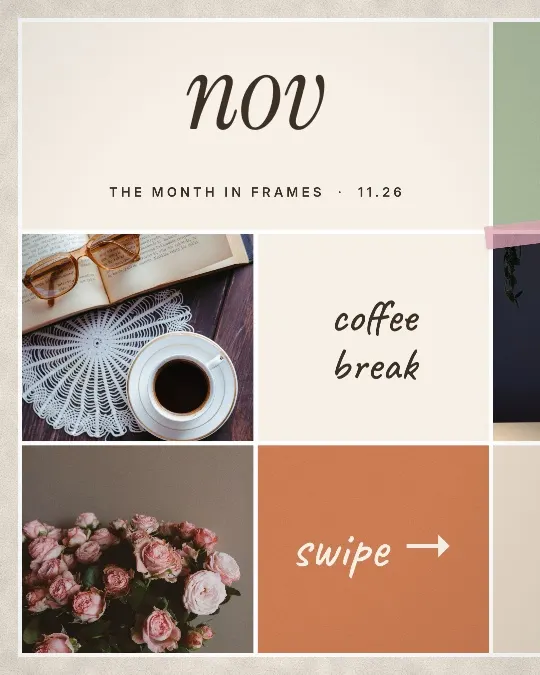
For a swipe version, the December recap carousel has 8 photos across 5 slides, and the 3×3 grid turns 10 photos into a tidy mosaic. If you want a seamless design that flows across slides, see how to make a seamless carousel.
A quick checklist before you post
- First photo is your strongest one
- No near-duplicates
- Roughly consistent color or brightness
- 6 to 12 photos
- Caption is one line
- Song matches the mood and starts on a beat
Make your dump in ReelClub
ReelClub is an iPhone app with 170+ templates, including a full set of photo dump Reels, carousels and stories. Pick one, drop in your photos, and it exports to your Photos app ready to post. Ten templates are completely free, and the rest need ReelClub Pro with a 3-day free trial. Browse the full photo dump templates or see all carousel templates.