Guide
How to Make a 2026 Recap (Year in Review) Reel
Short answer
To make a 2026 recap Reel, pick one photo per month (12 photos), put your strongest moment first, add a short month label to each, and set it to a song with a clear beat. For a longer look back, use 24 photos, two per month. Post it as a Reel for rhythm or as a carousel for detail.
- Open your camera roll and filter by month, January through December 2026.
- Pick the one best photo from each month, so you have 12.
- If you want a longer recap, pick a second photo for each month to reach 24.
- Choose a format: a Reel set to music or a swipeable carousel.
- Add a short label to each photo, such as the month name or a two-word note.
- Write a one-line caption and post before the year turns.
What is a year in review Reel?
A year in review Reel, also called a recap, is a short video or carousel that sums up your year in a handful of photos. The most common structure is one photo per month, so 12 photos for 2026. It works because everyone has a camera roll full of moments they forgot, and seeing them in order makes the year feel finished. It also suits the December moment: people are already reflecting, and a recap gives them something to react to.
How do you make a 2026 recap month by month?
The month-by-month method takes about 30 minutes.
- Filter your camera roll by month. Start with January 2026 and scroll through each month.
- Pick one photo per month. Choose the one that sums up the mood, not the most technically perfect.
- Check the spread. If you have 12 photos of food, swap two for people or places.
- Order them. Chronological is the default. If you want a stronger first frame, start with your best photo and then run January to December.
- Label them. Add a short word, a number or the month name to each.
- Pick the format and song. Decide between a Reel and a carousel below.
To save time, use the “favorites” or “recents” views in your photo app and search by a place or person for months that feel blank.
What is a 12-photo structure?
A 12-photo recap gives each month one slot.
| Position | Content | Tip |
|---|---|---|
| 1 | Strongest photo of the year | Works as the cover |
| 2 to 11 | The months in order | Alternate people, places and details |
| 12 | December or a closing frame | Quiet, warm, forward-looking |
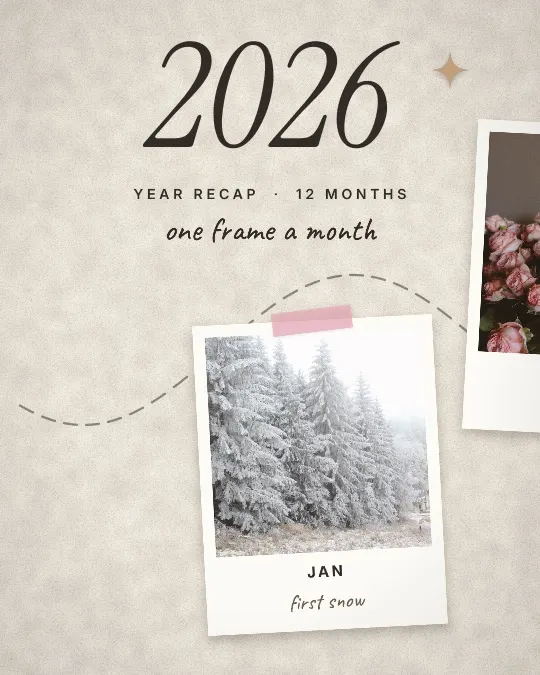
For a Reel, 12 photos at about one second each give you a 12-second video, and a slightly longer one if you hold the first and last frames. 2026 recap is built for exactly this: 12 photo slots in about 16 seconds. Twelve months uses 14 frames in about 15 seconds. As a carousel, My 2026 takes 12 photos across 7 slides.
What is a 24-photo structure?
Use 24 photos when your year was busy or you cannot choose between two moments per month. Two photos per month can be a pair, such as a “before and after”, or a wide shot and a close-up.
| Approach | How it works |
|---|---|
| Two Reels | Make one for January to June and one for July to December, 12 photos each |
| One fast Reel | 24 photos at 0.5 seconds each runs about 12 seconds, so it needs a strong beat |
| Two carousels | One per half-year, 12 photos each |
| Pair slides | In a carousel, put two photos on one slide for each month |
Since Instagram carousels allow up to 20 items, 24 photos in one carousel is not possible. Split it or make a Reel. A fast Reel needs a song with a clear beat so the quick cuts feel intentional. See how to make a Reel with photos on iPhone for timing.
Reel or carousel: which should you choose?
| Reel | Carousel | |
|---|---|---|
| Pacing | Set by music | Set by the viewer |
| Best photo count | 10 to 14 | 8 to 12 |
| Strength | Mood, shareability | Detail, captions |
| Weakness | Little time on each photo | Fewer people swipe to the end |
| Good for | A tidy summary | A deeper look, with notes per month |
If you have time, make both. Post the Reel first, then the carousel as a “more from the year” follow-up. For design ideas on swiping, see how to make a seamless carousel.
What songs and moods fit a recap?
Pick by feeling. A wistful, mid-tempo track suits a thoughtful year. An upbeat, fast track suits a busy one. A warm, gentle track fits a calm year. Choose a section with a clear beat early on and make sure it ends cleanly so the last photo lands. Add trending sounds inside Instagram or TikTok when you post if you want to ride one.
What caption ideas work for a year in review?
- “2026, in 12 photos.”
- “a year, mostly good.”
- “things I forgot I did.”
- “12 months, one camera roll.”
- “thank you, 2026. see you, 2027.”
- A single line about what changed this year.
Keep it to one line. If you want engagement, ask a tiny question like “what was your favorite month?”
How do you make a recap in ReelClub?
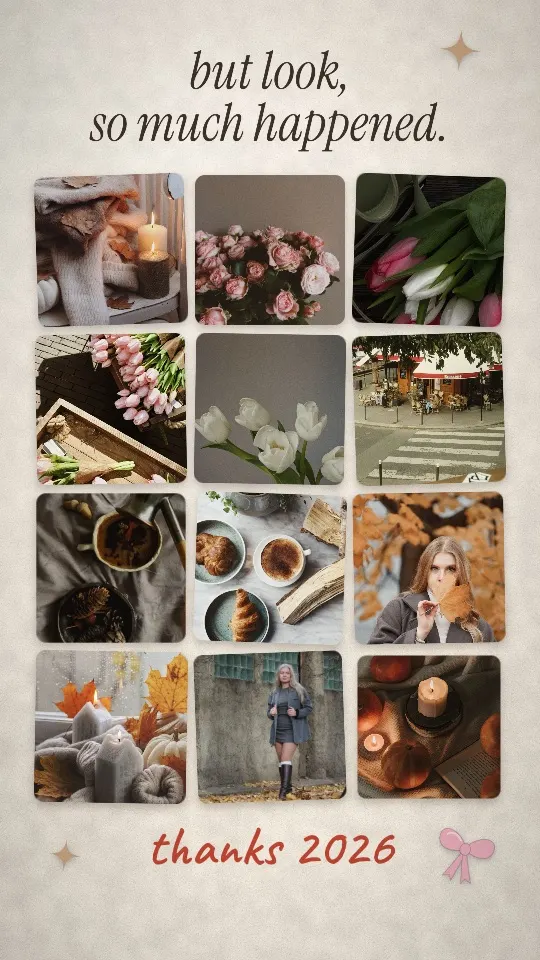
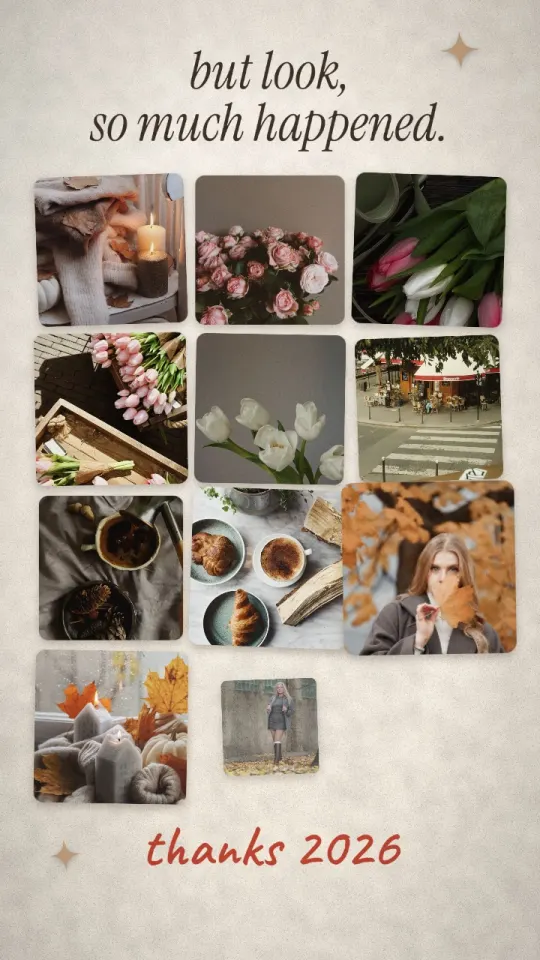
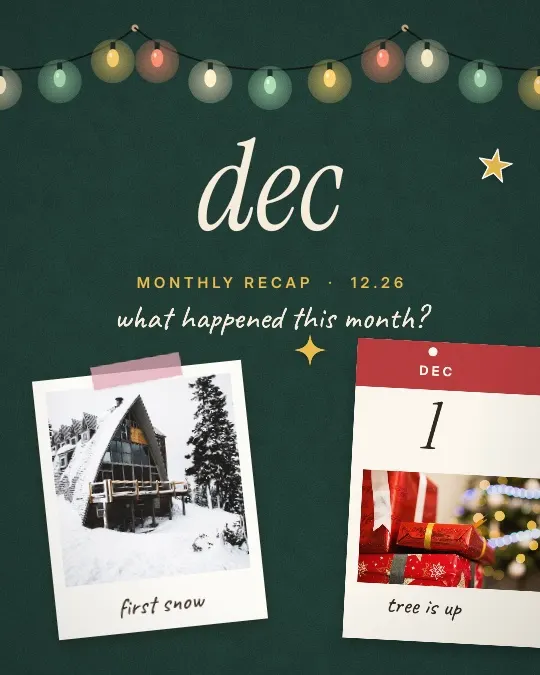
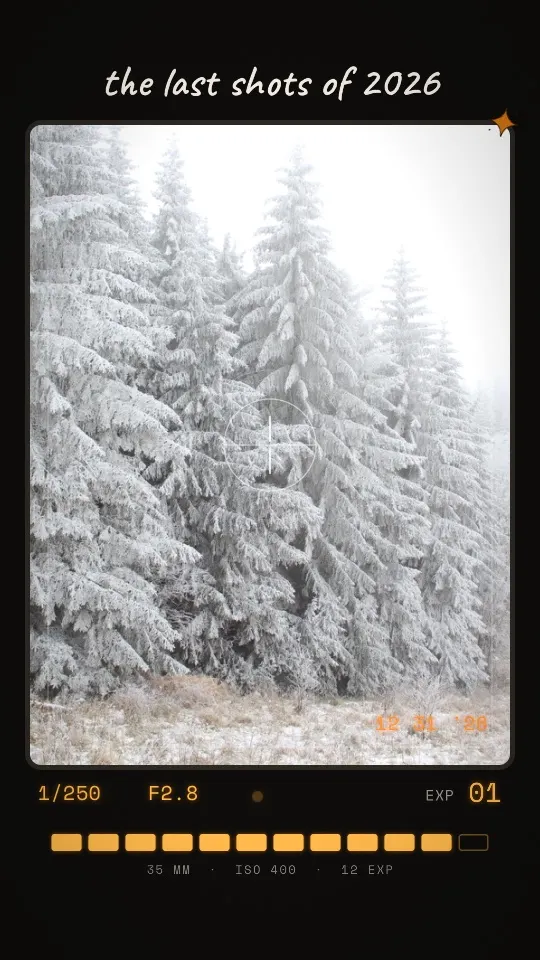
ReelClub is an iPhone app with 170+ templates, including a full year-end set. Pick a recap template, choose photos from your library (the app shows what each slot is for), edit the text, choose the part of the song and export. Reels save as 1080×1920 video with music cut to the beat; carousels save as 1080×1350 slides in left-to-right order; stories save as 1080×1920 images. There is also a Story recap, 2026 month by month, with 11 photos, and Last shots for a fast 14-photo December close. The December recap carousel covers the final month on its own.
Ten templates are free to use and export; the rest need ReelClub Pro, with a 3-day free trial. Browse the full year in review collection or the New Year collection.
What mistakes should you avoid?
- Using 12 photos that all look the same
- Skipping labels, which leaves viewers guessing the month
- Choosing a song with a long quiet intro
- Posting too late, after the wave of recaps has passed
- Making the caption longer than the video
A quick plan for this week
- Today: filter your camera roll and pick 12 photos.
- Tomorrow: choose a template and a song.
- Before December 24: post the Reel.
- After New Year: post a carousel with more photos.
For more ideas on what to include, see photo dump ideas.