- Home
- All templates
- Photo dump templates
- Twelve months

Photo dump · Reel
Twelve Months Reel Template
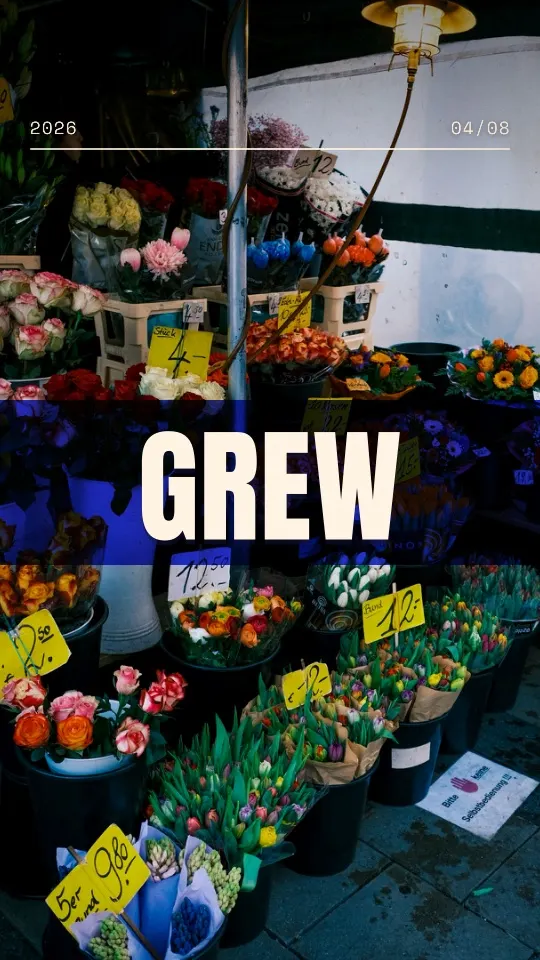
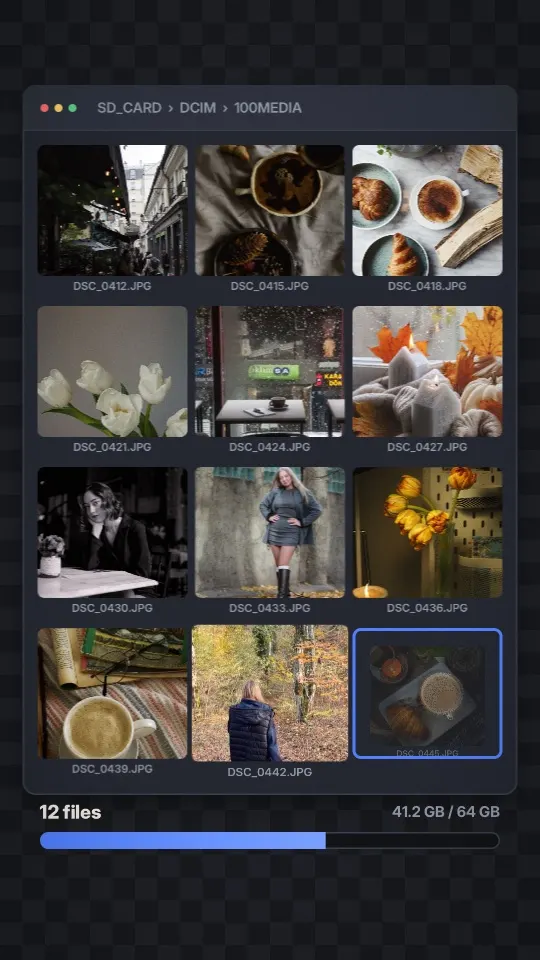
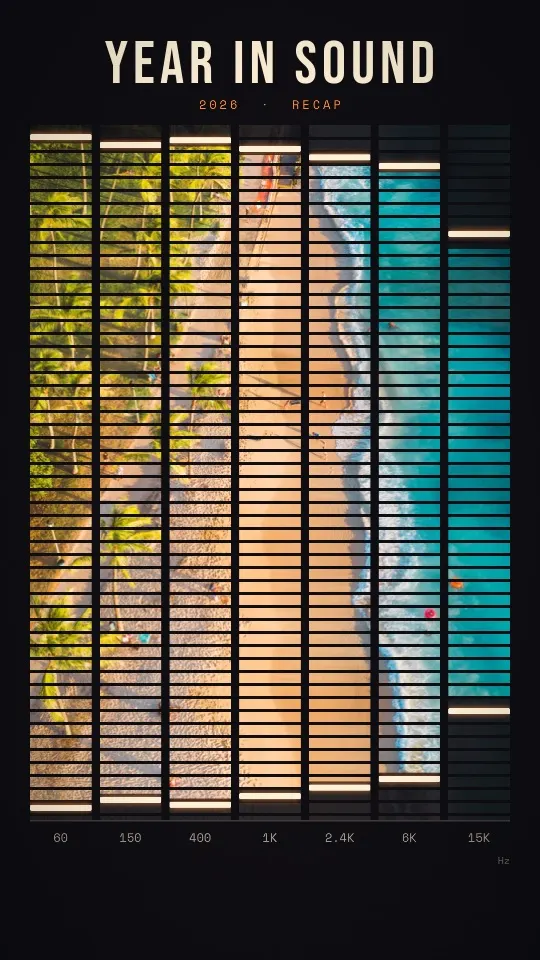
A whole year in twelve frames. The Reel opens with a clip of the sky or a window, then goes month by month, with a counter in a pill at the bottom that moves from 01 to 12 over a progress bar, and ends with a closing frame. Fourteen slots, two must be video, and twelve take photos or video. About 15 seconds, music cut to the beat. Edit the year, the title "twelve months, one year" and the captions. It needs ReelClub Pro.
Included with ReelClub Pro: $4.99/week or $29.99/year, 3-day free trial.
Perfect for
- Year-end recap Reels
- One photo per month series
- Year-in-review for friends and family
What you’ll need
- video: opening (sky, a window)
- 01 · month 1 of the year
- 02 · month 2 of the year
- 03 · month 3 of the year
- 04 · month 4 of the year
- 05 · month 5 of the year
- 06 · month 6 of the year
- 07 · month 7 of the year
- 08 · month 8 of the year
- 09 · month 9 of the year
- 10 · month 10 of the year
- 11 · month 11 of the year
- 12 · month 12 of the year
- video: closing (lights, candles, celebration)
Tip: Pick one picture per month that you remember, not the best one, and use a sky or window clip for the opening.
Text you can change
- “one year, twelve frames”
- “twelve months, one year”
- “2026”
Every line, font and style can be changed in the editor.
Caption ideas
- one year, twelve frames
- twelve months, one year
- 2026, in order
How do you use this template?
- Download ReelClub from the App Store and open this template.
- Tap “Use template” and pick photos and videos from your library. The app shows what each slot is for.
- Change the text, music or framing if you like, then export. It saves to Photos, ready for Instagram or TikTok.
You might also like

Your photos, edited.
Download ReelClub on iPhone. Browse every template for free, use 10 of them without paying, and try Pro free for 3 days.




