- Home
- Photo to video
Photo to video
Photo to Video App with Music for iPhone
ReelClub is a photo to video app with music for iPhone. Pick a template, choose photos, and the app cuts them to the beat of a song. Exports are 1080×1920 videos saved to Photos, ready for Instagram or TikTok. There is no account, and 10 templates are free.
123 templates · 4 free · Updated
Templates
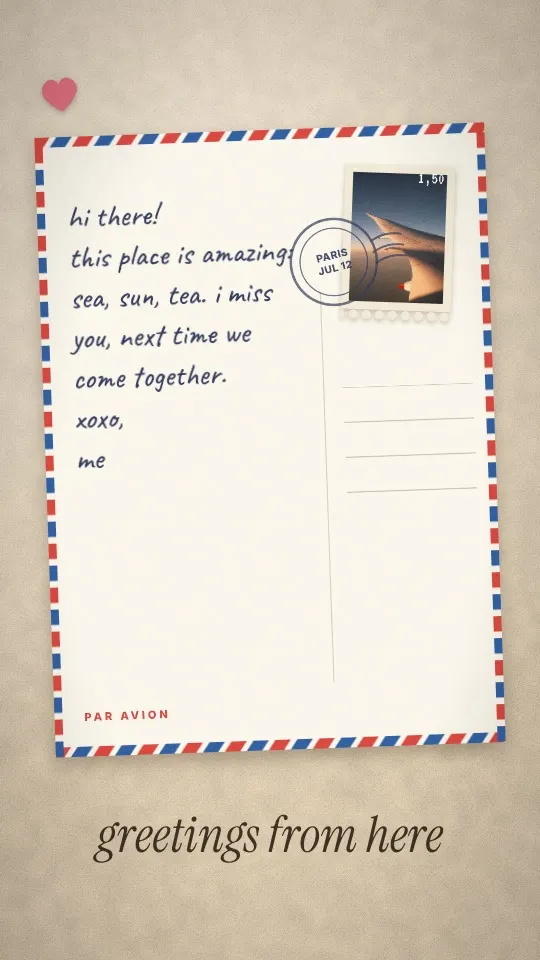
Postcard
Reel · 6 photos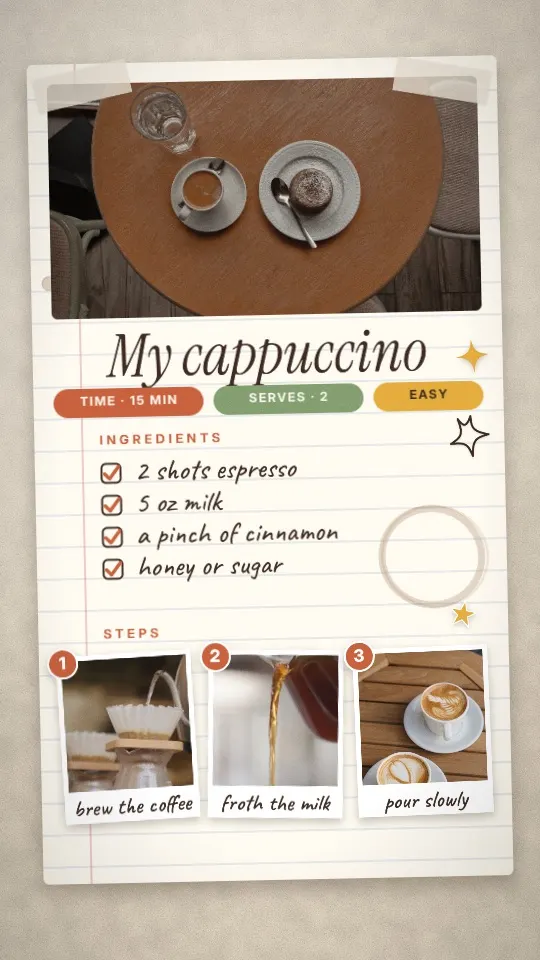
Recipe card
Reel · 6 photos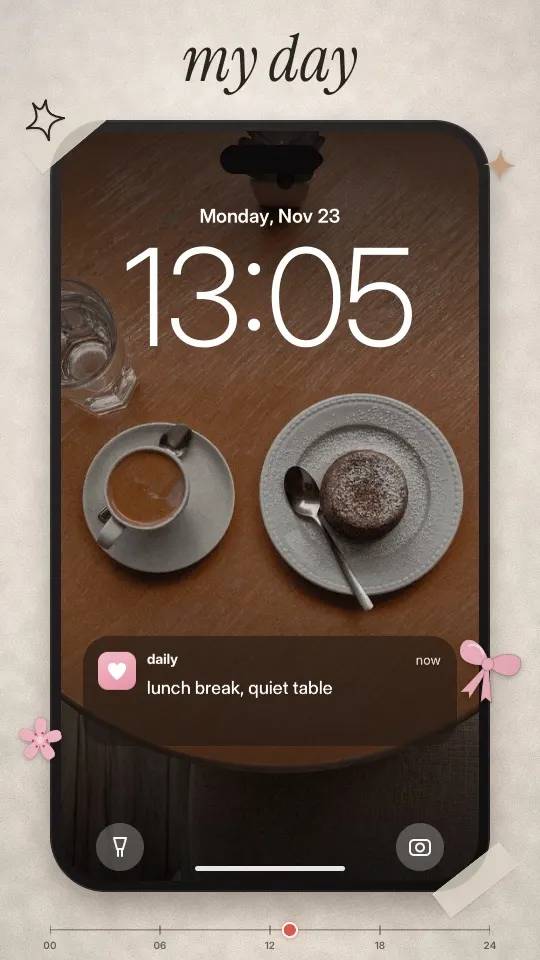
Day by the clock
Reel · 6 photos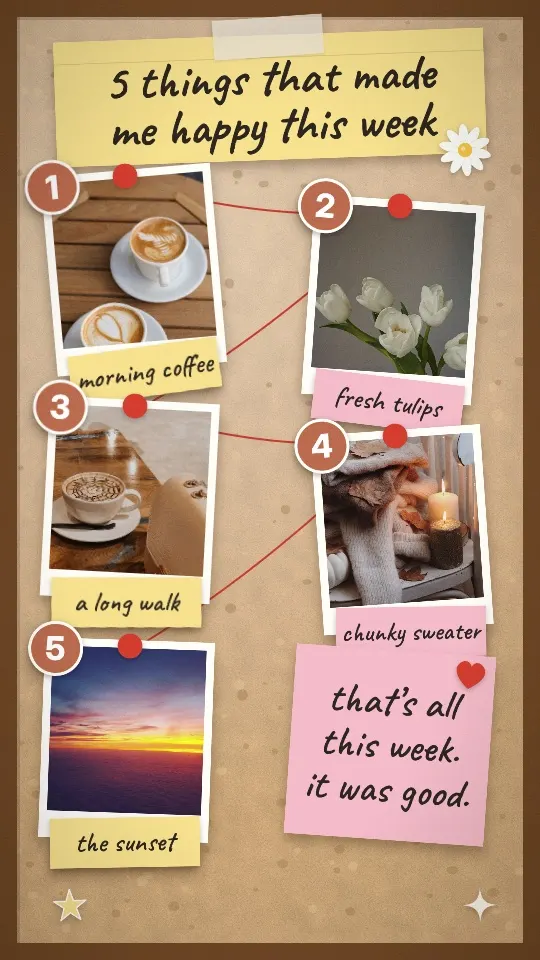
5 things
Reel · 5 photos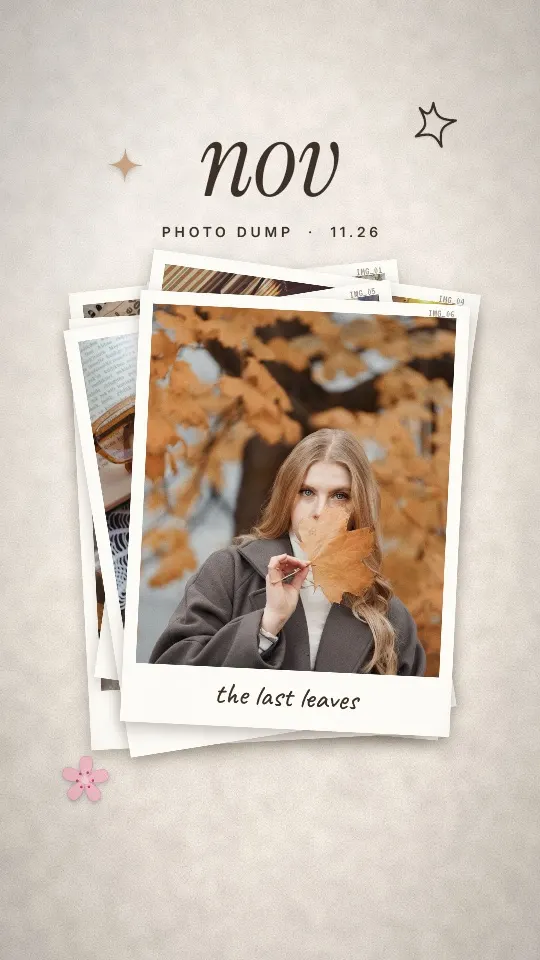
November photo dump
Reel · 8 photos
Magazine cover
Reel · 5 photos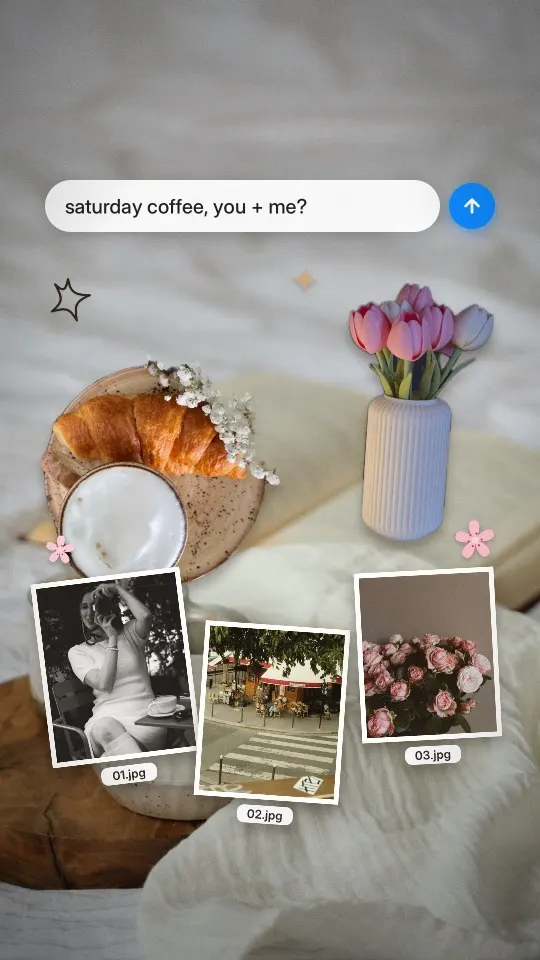
Coffee table
Reel · 8 photos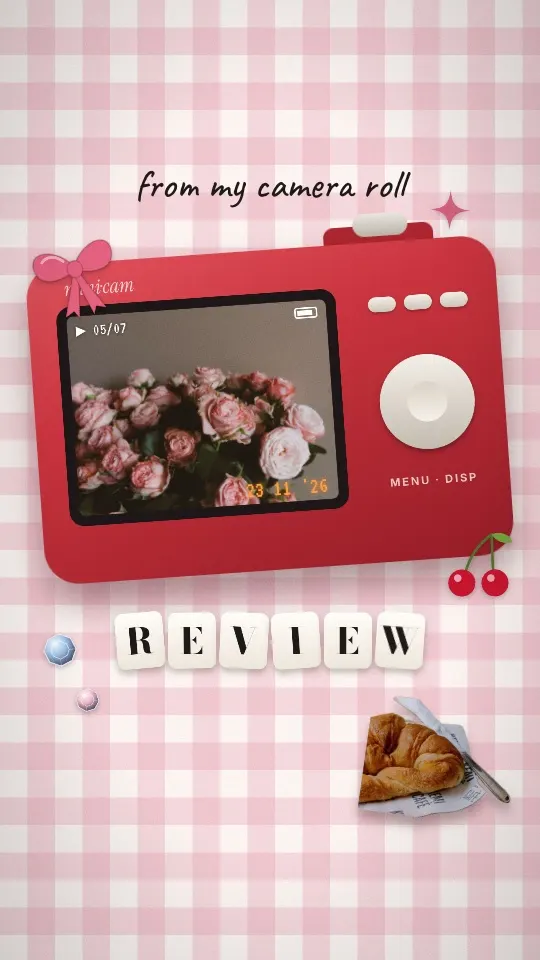
Retro camera
Reel · 11 photos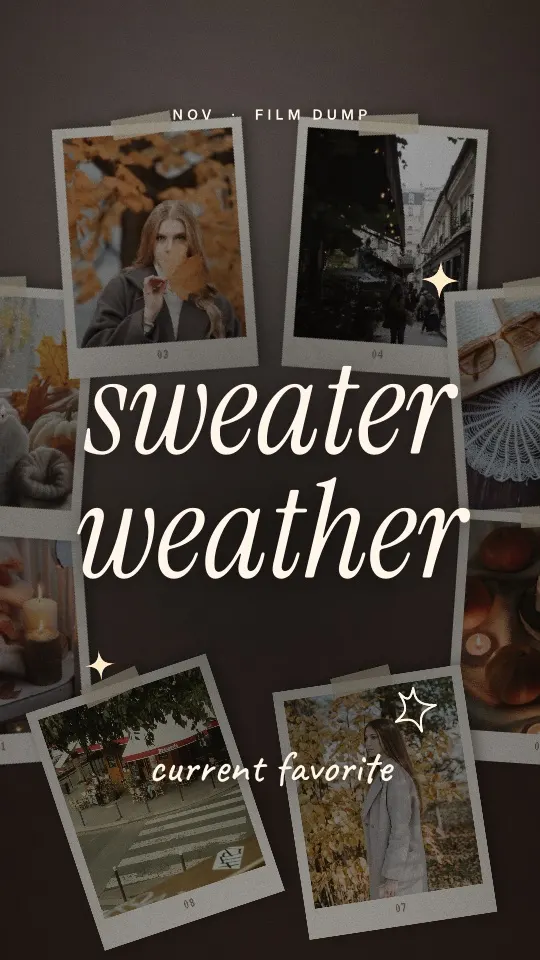
Sweater weather
Reel · 10 photos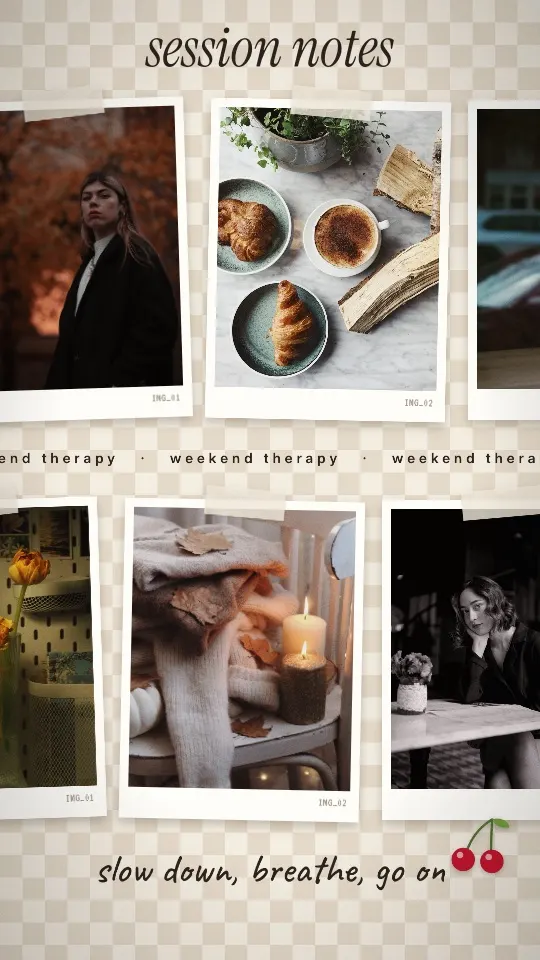
Weekend therapy
Reel · 7 photos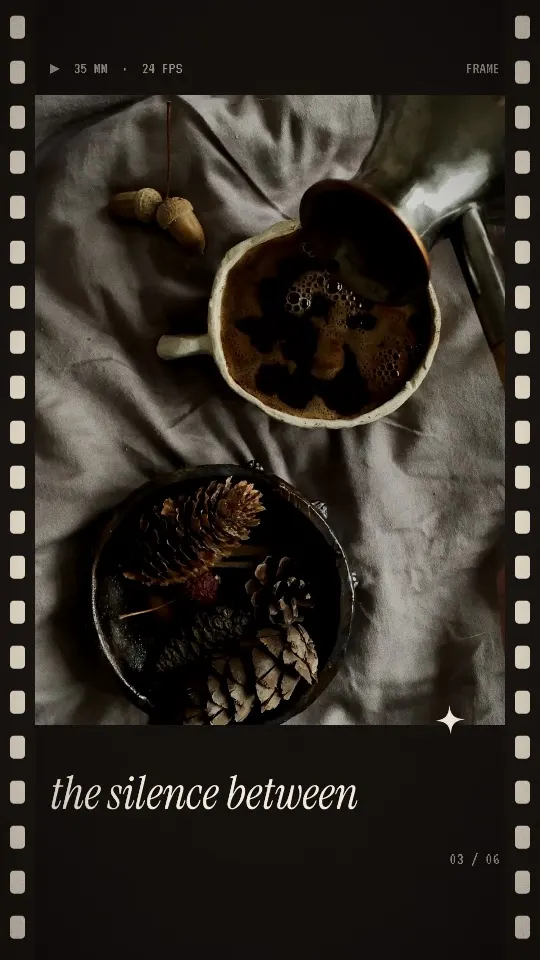
Verse cinema
Reel · 5 photos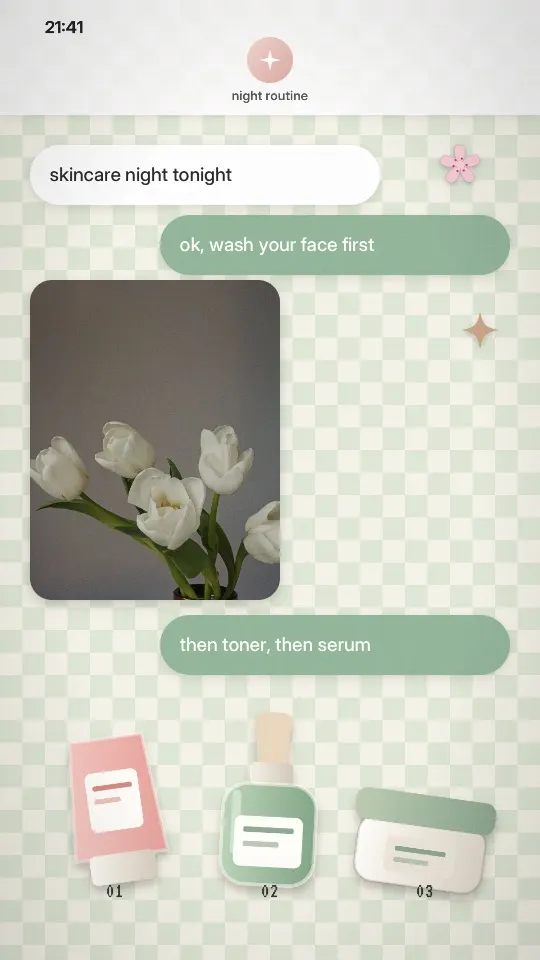
Skincare chat
Reel · 4 photos
White page
Reel · 9 photos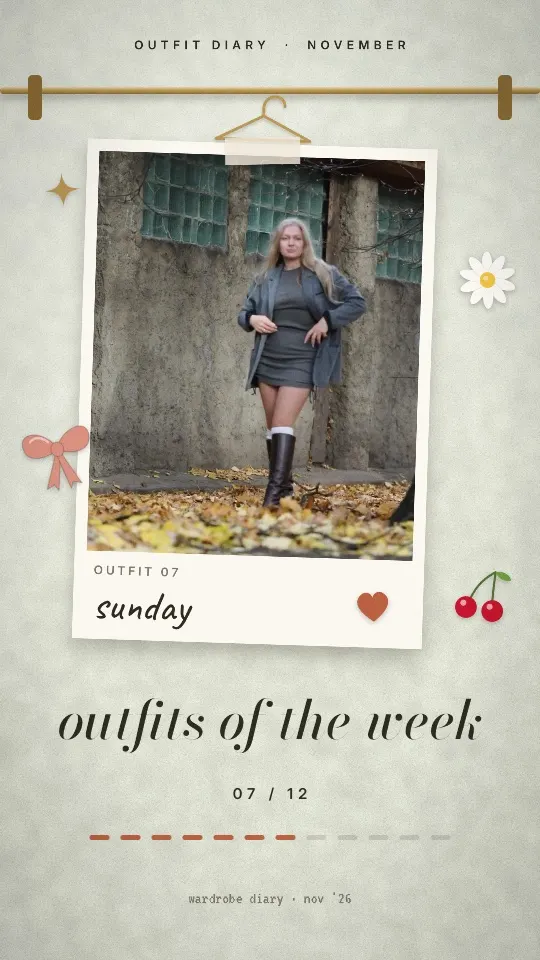
Outfit diary
Reel · 12 photos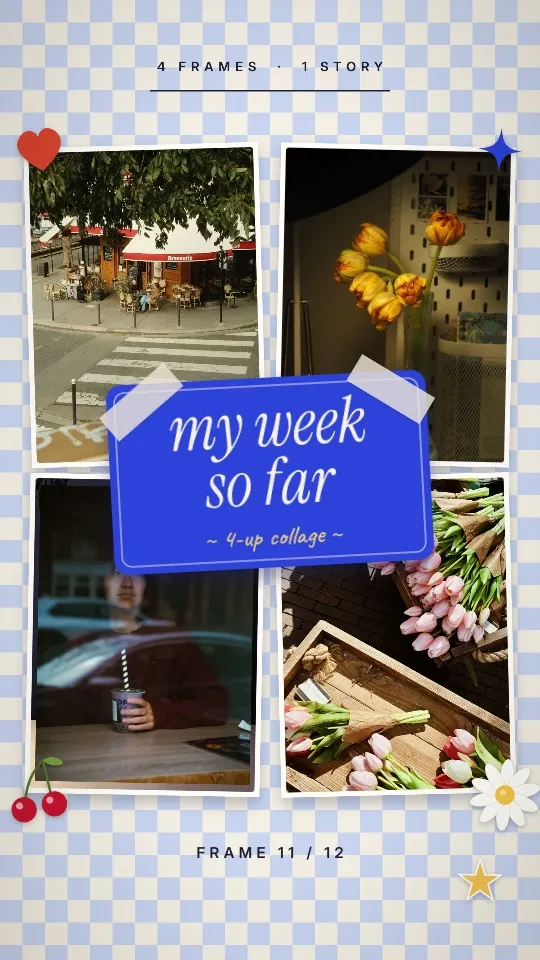
Four-up collage
Reel · 12 photos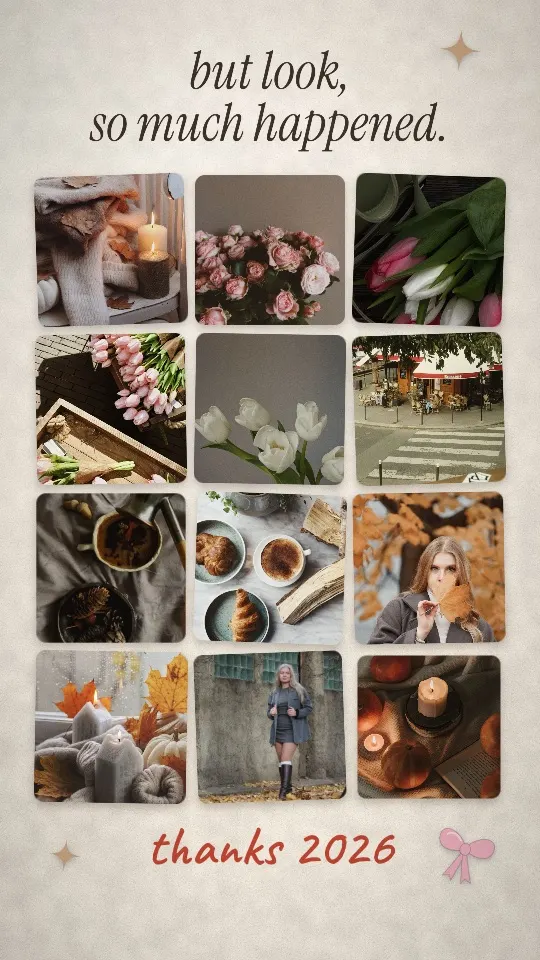
2026 recap
Reel · 12 photos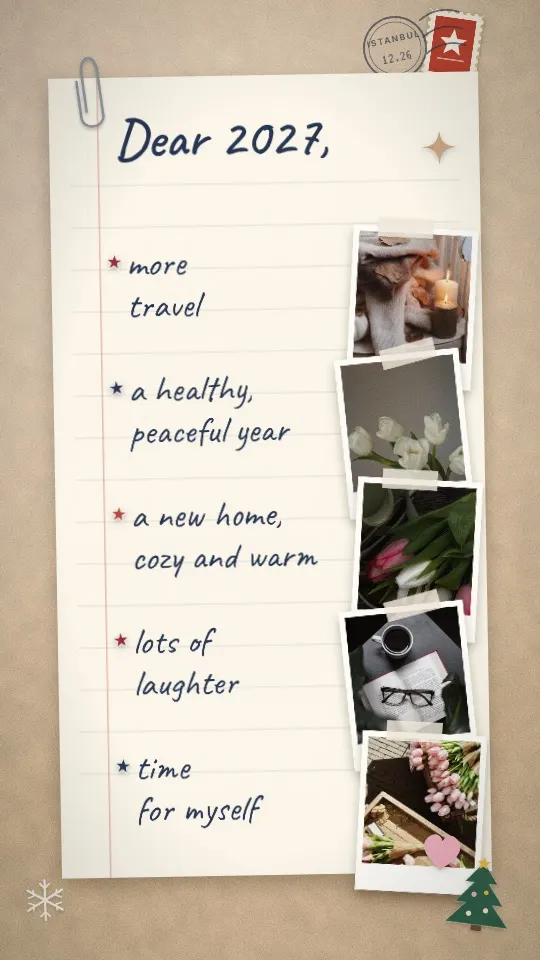
Dear 2027
Reel · 6 photos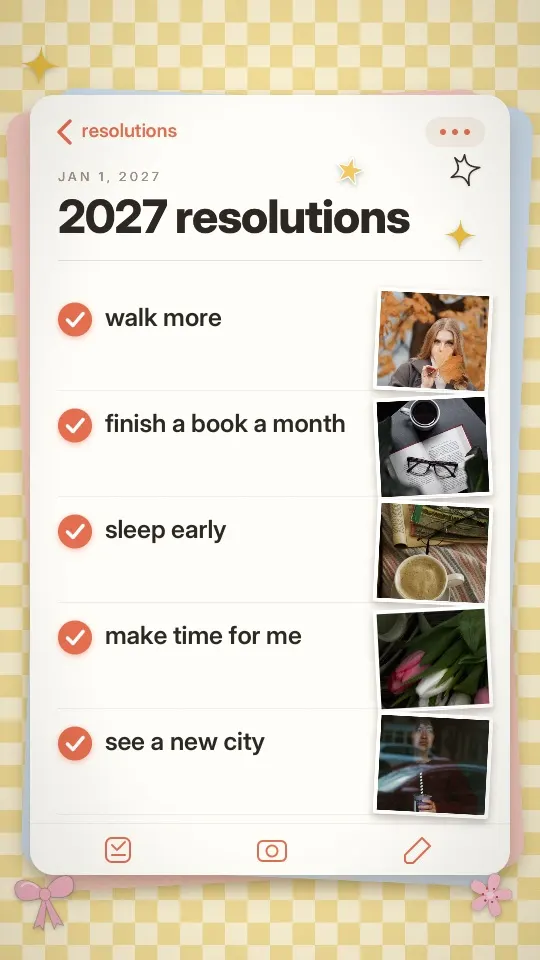
New year resolutions
Reel · 6 photos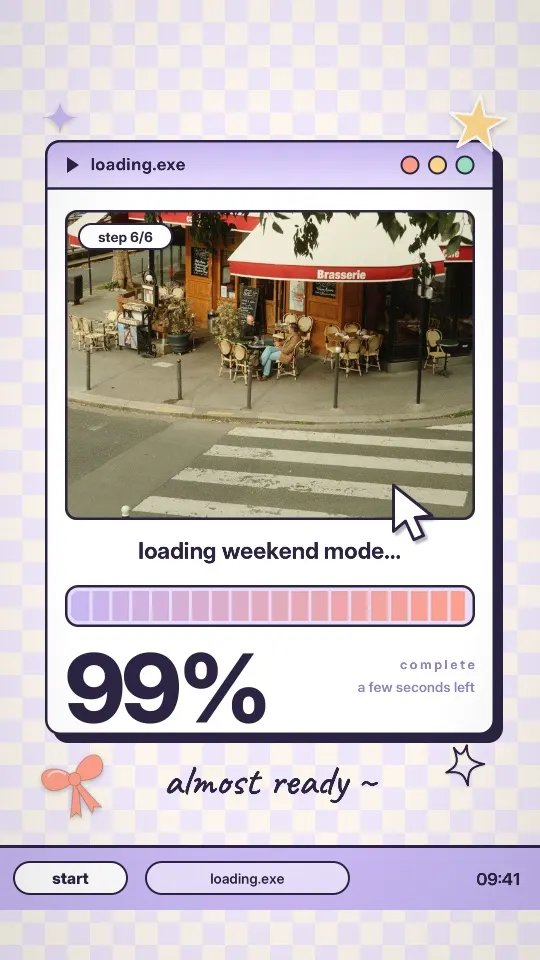
Loading
Reel · 7 photos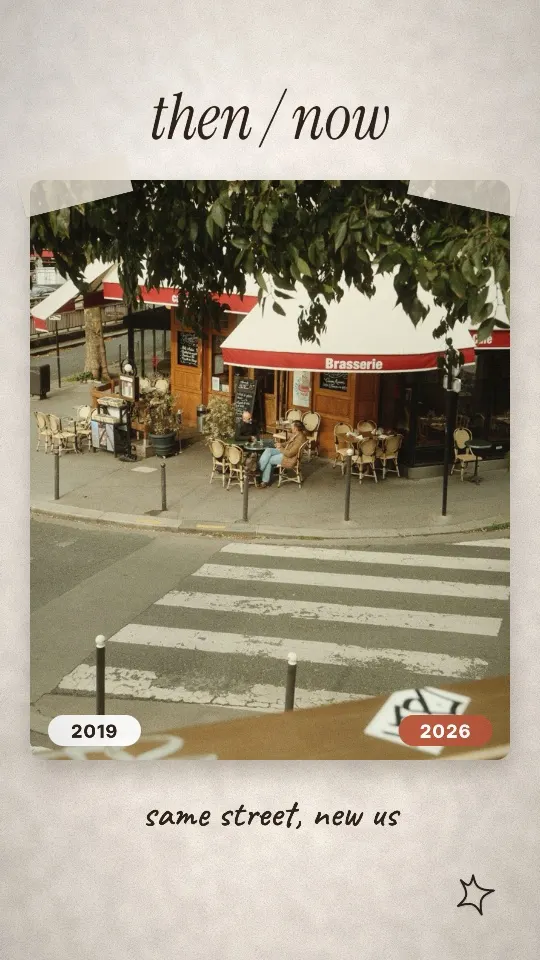
Then / now
Reel · 8 photos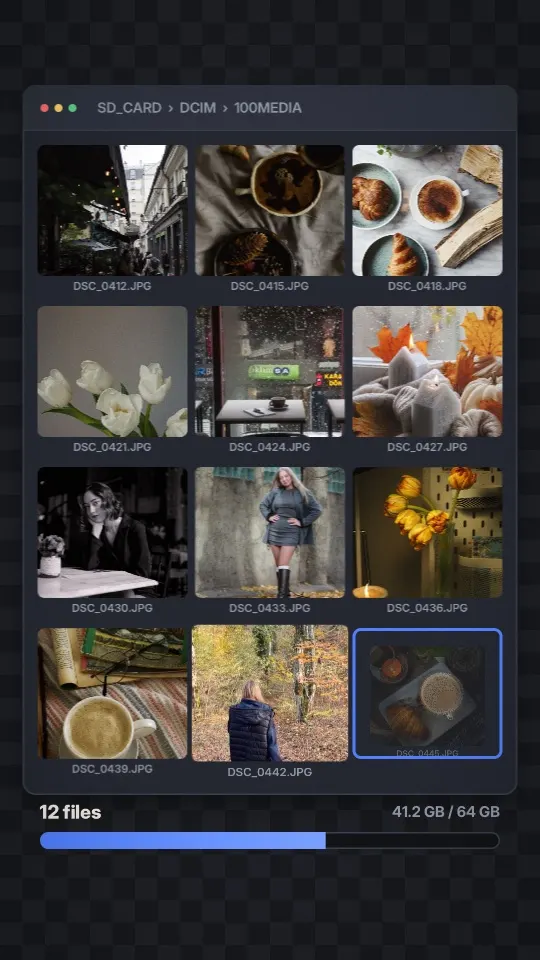
From my SD card
Reel · 13 photos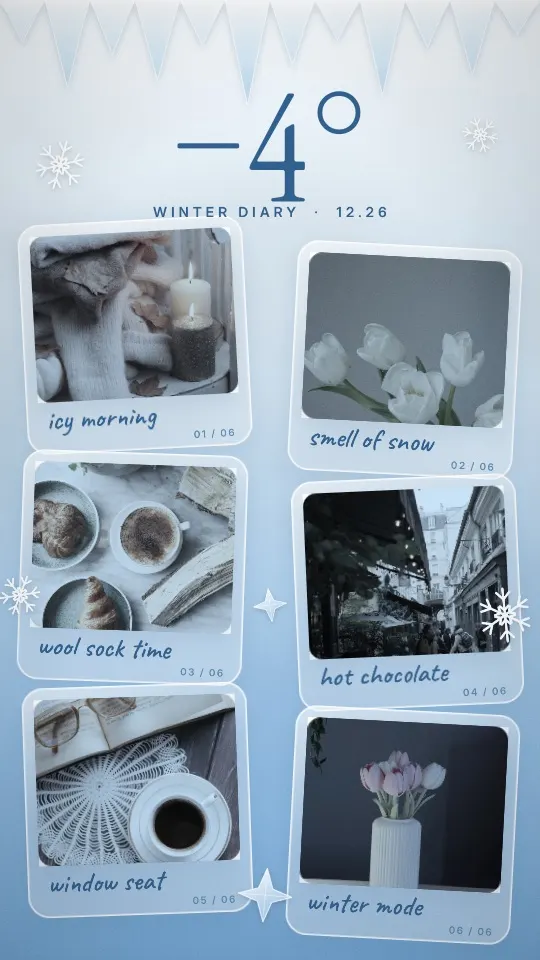
Ice blue
Reel · 8 photos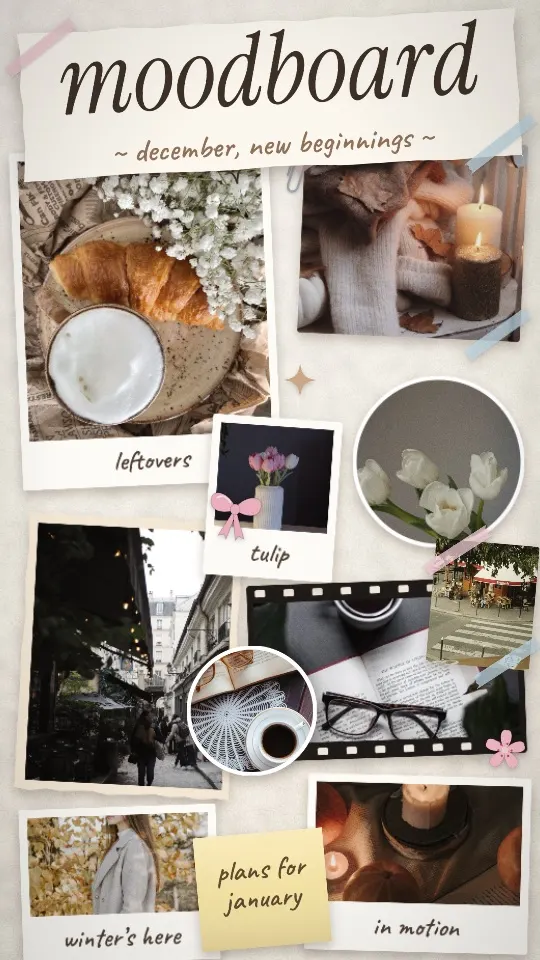
Moodboard
Reel · 10 photos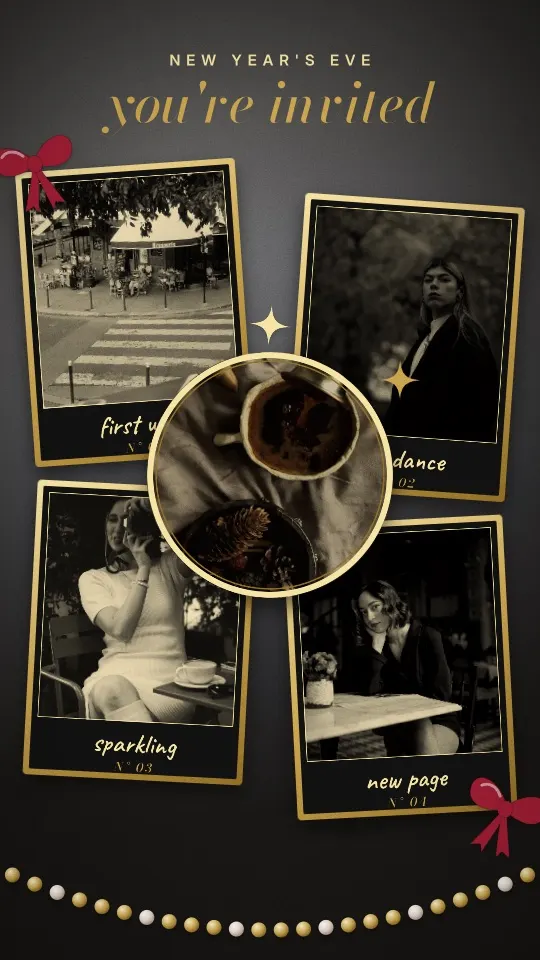
New Year's Eve
Reel · 6 photos
Countdown
Reel · 11 photos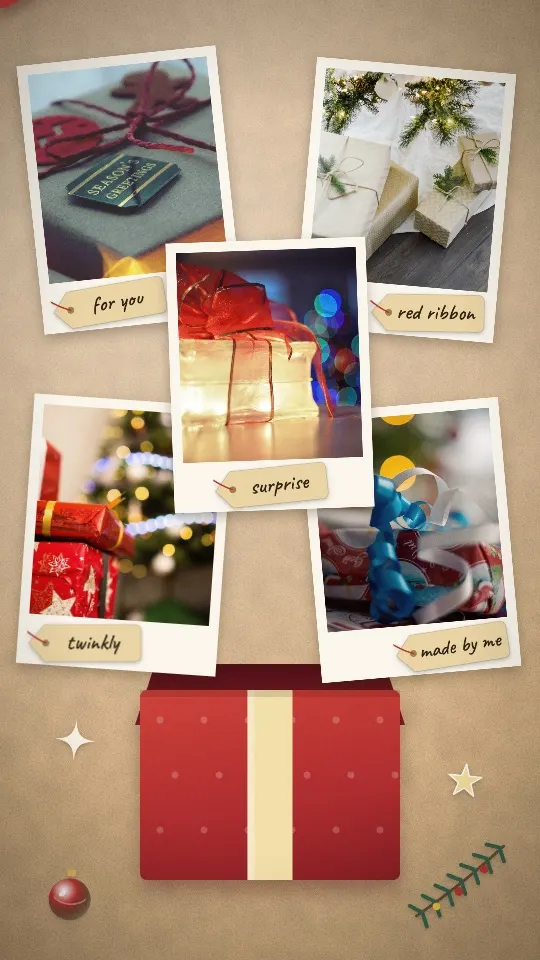
Gift box
Reel · 7 photos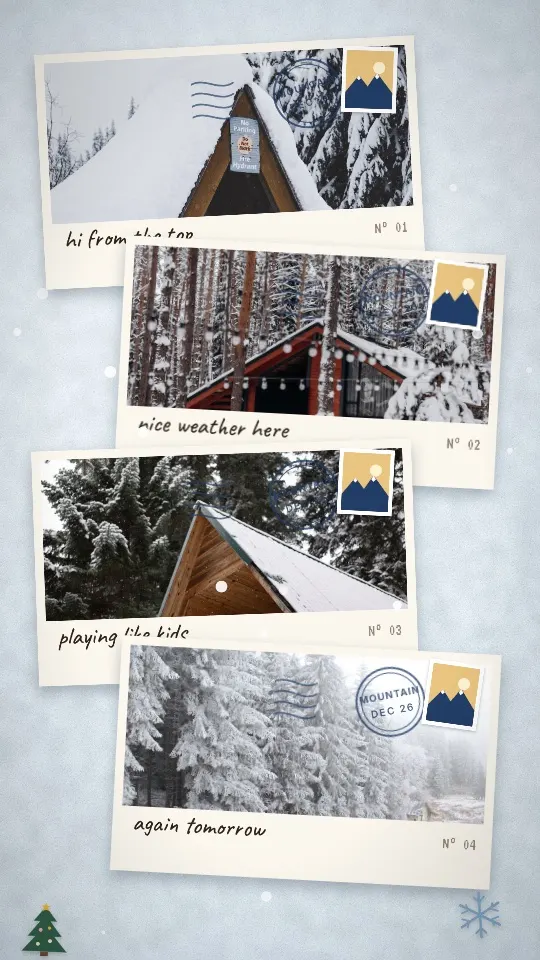
Snow trip
Reel · 6 photos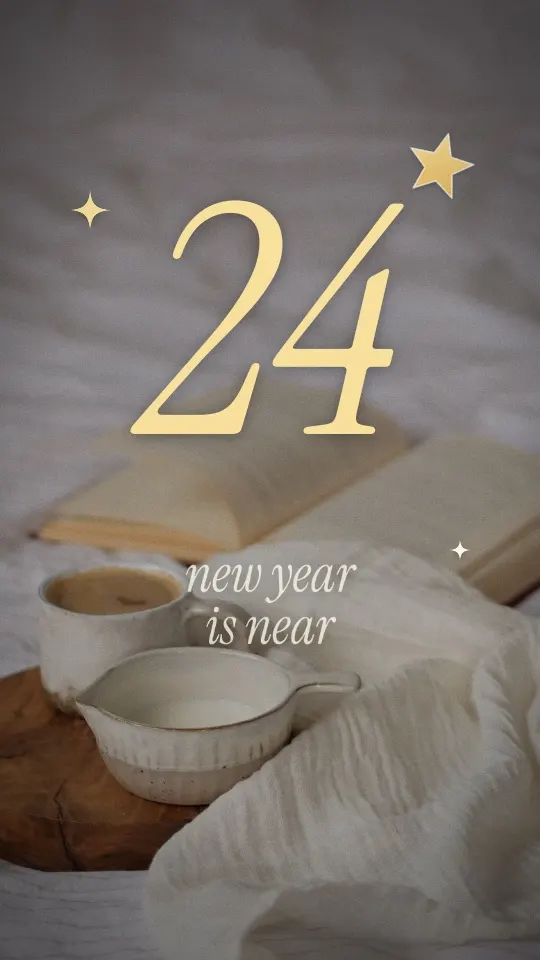
December calendar
Reel · 9 photos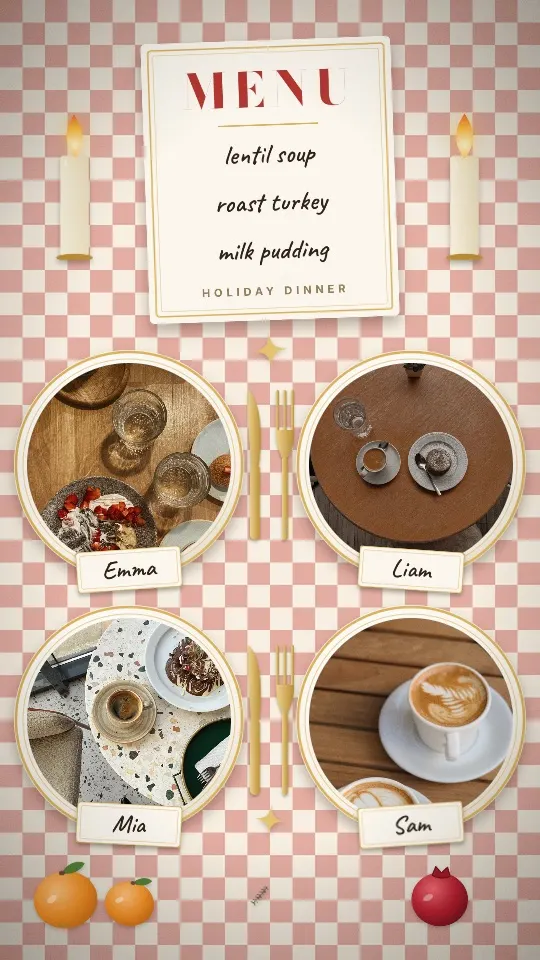
Holiday table
Reel · 5 photos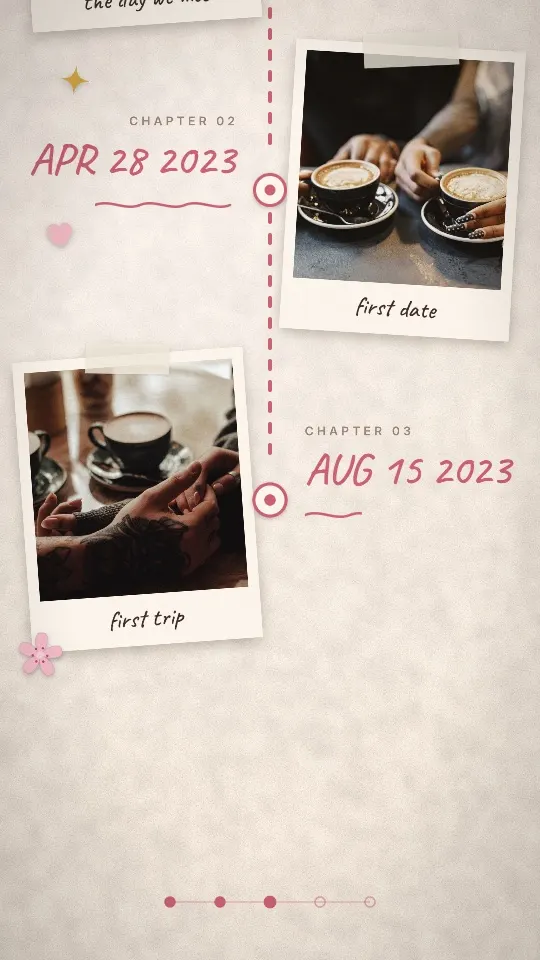
Our story
Reel · 6 photos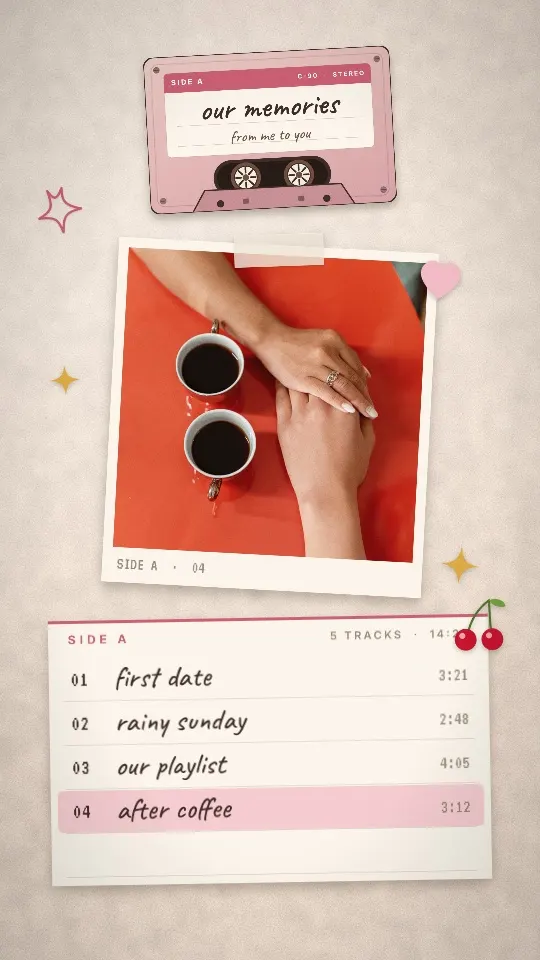
Mixtape
Reel · 6 photos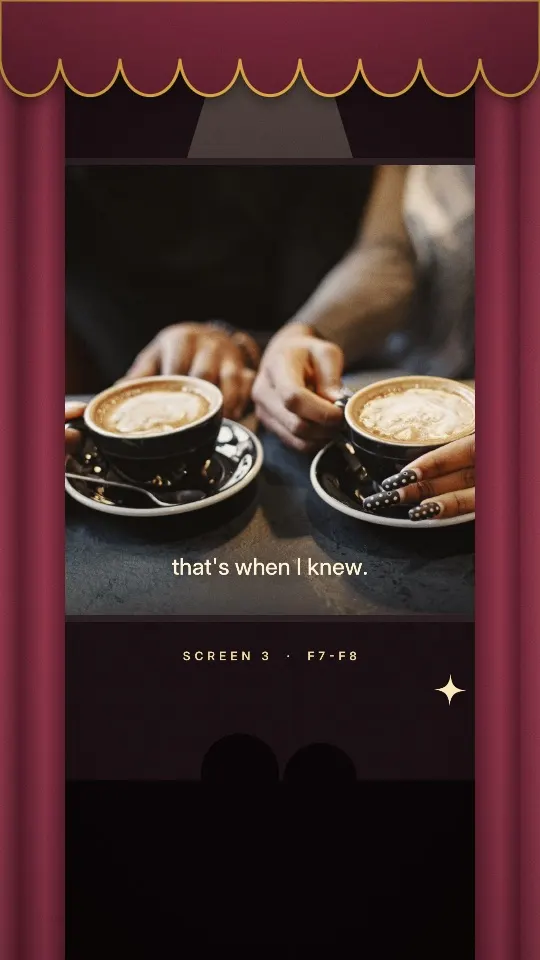
First date
Reel · 6 photos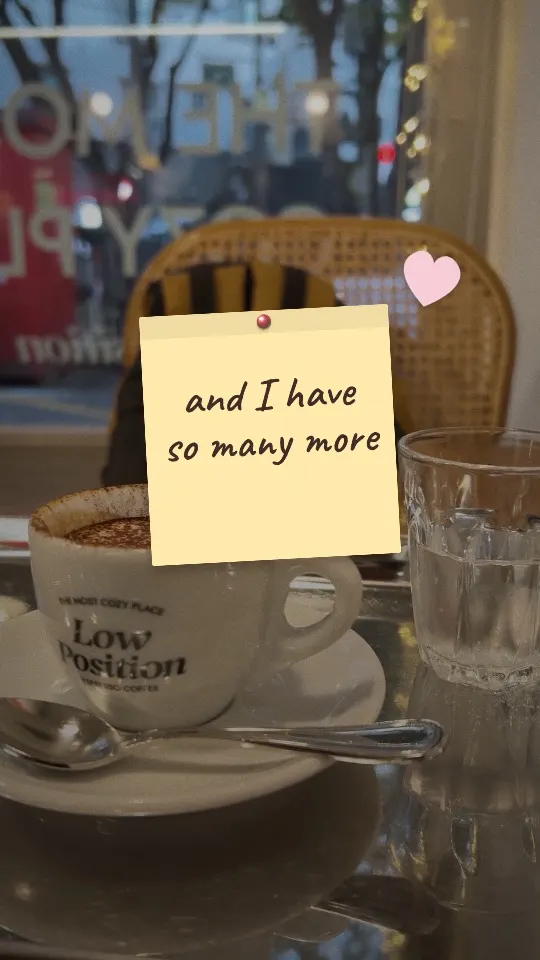
Because…
Reel · 6 photos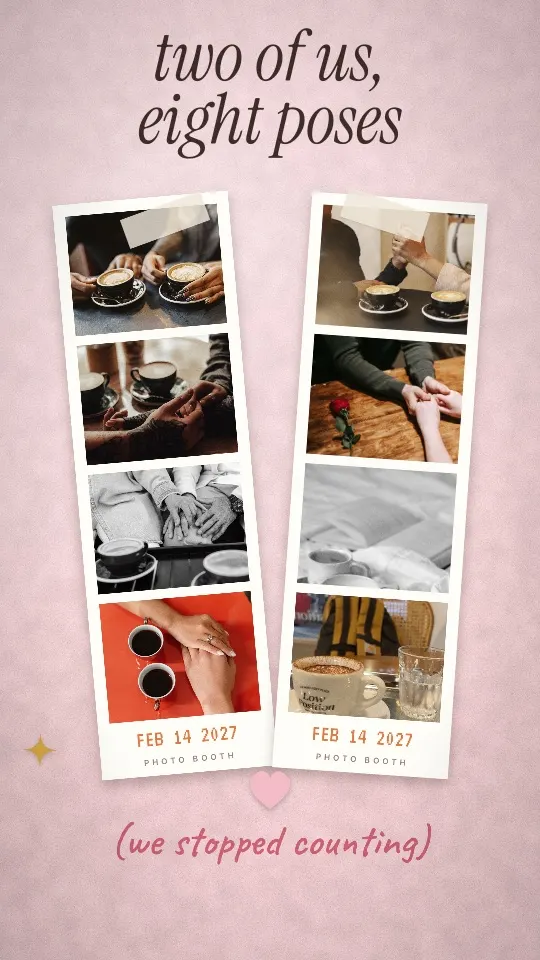
Photo booth
Reel · 8 photos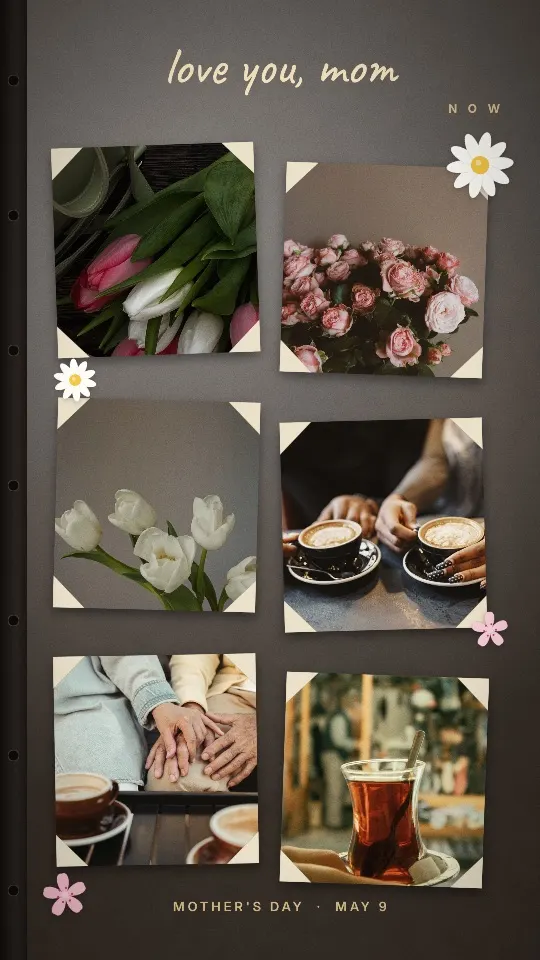
Mom
Reel · 6 photos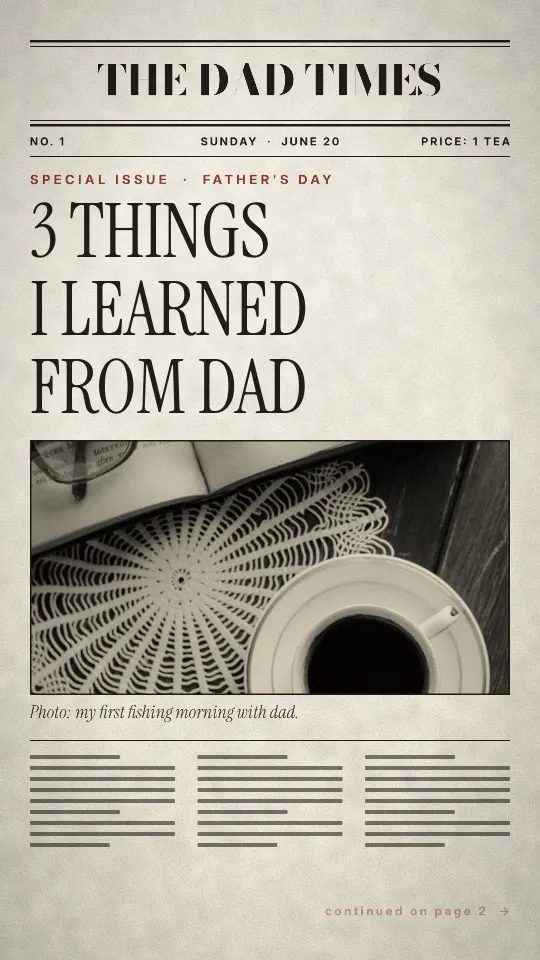
What dad taught me
Reel · 4 photos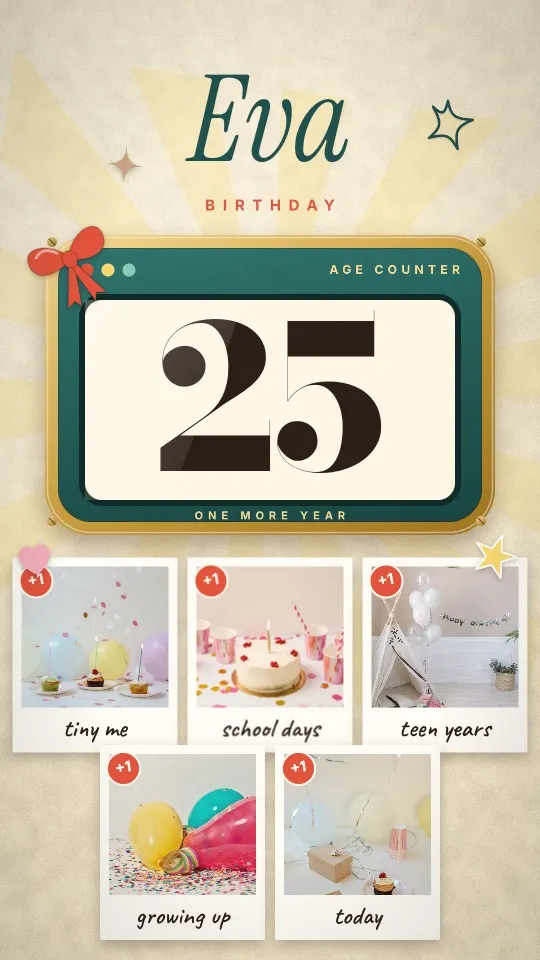
Age counter
Reel · 6 photos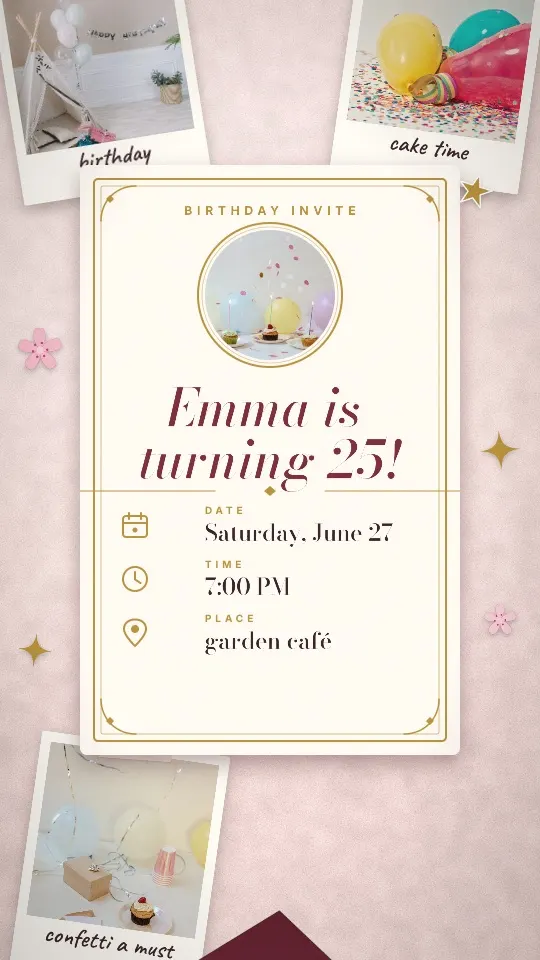
Invitation
Reel · 6 photos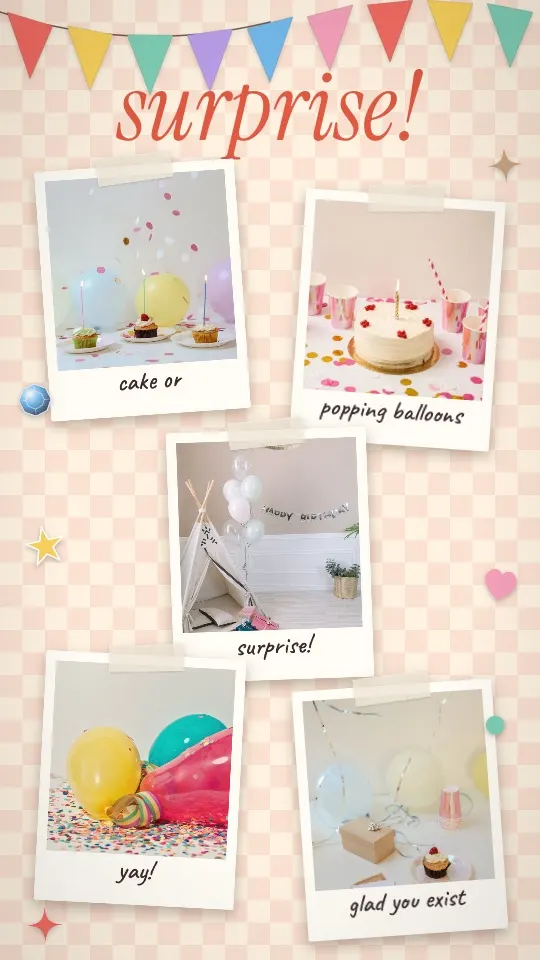
Surprise
Reel · 6 photos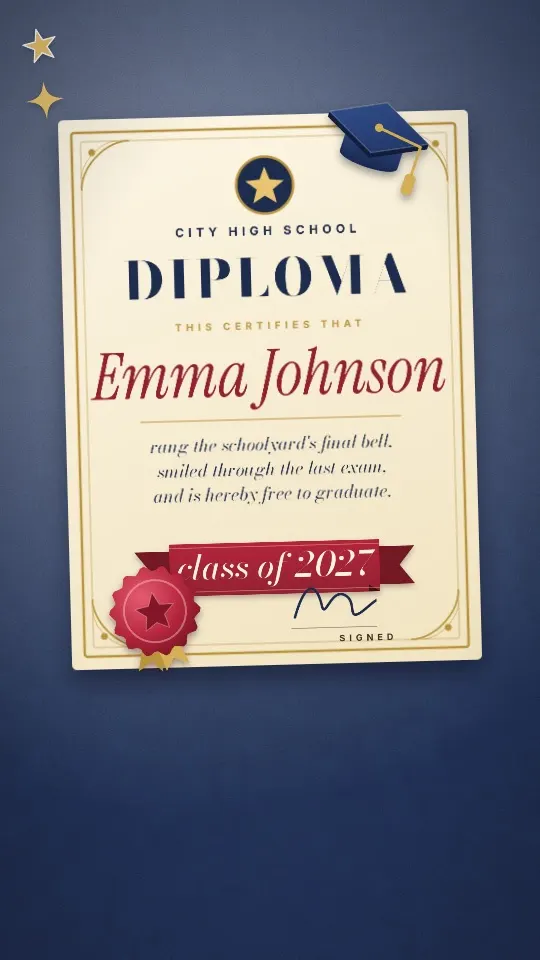
Graduated
Reel · 7 photos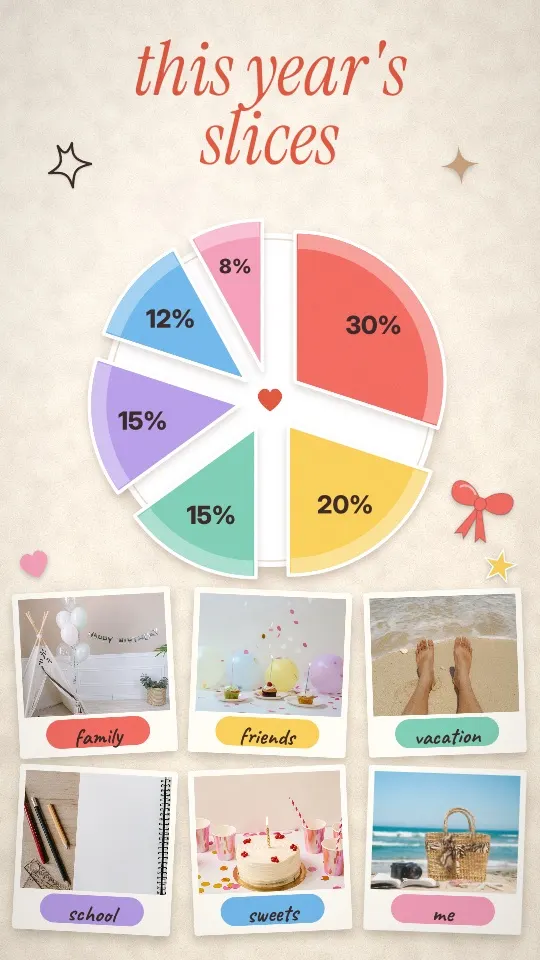
Cake slices
Reel · 7 photos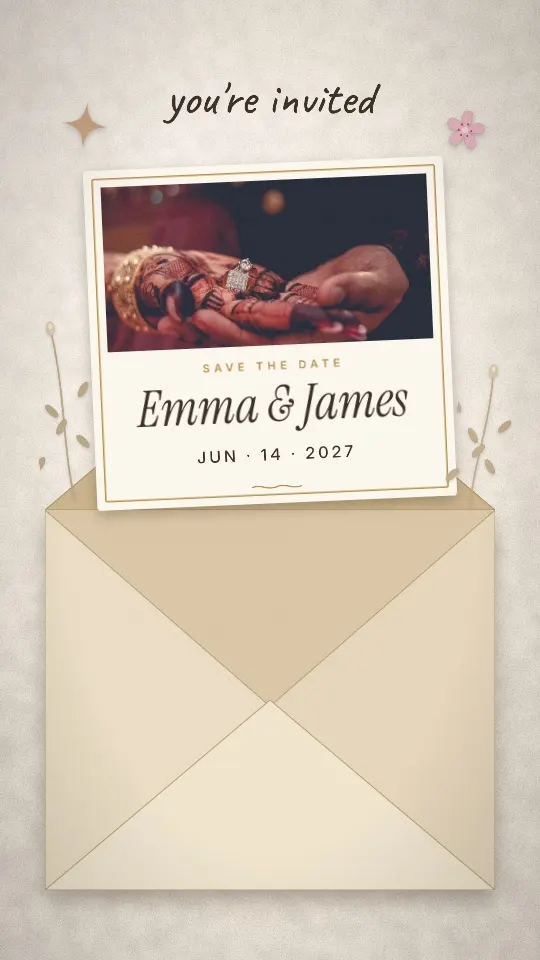
Save the date
Reel · 5 photos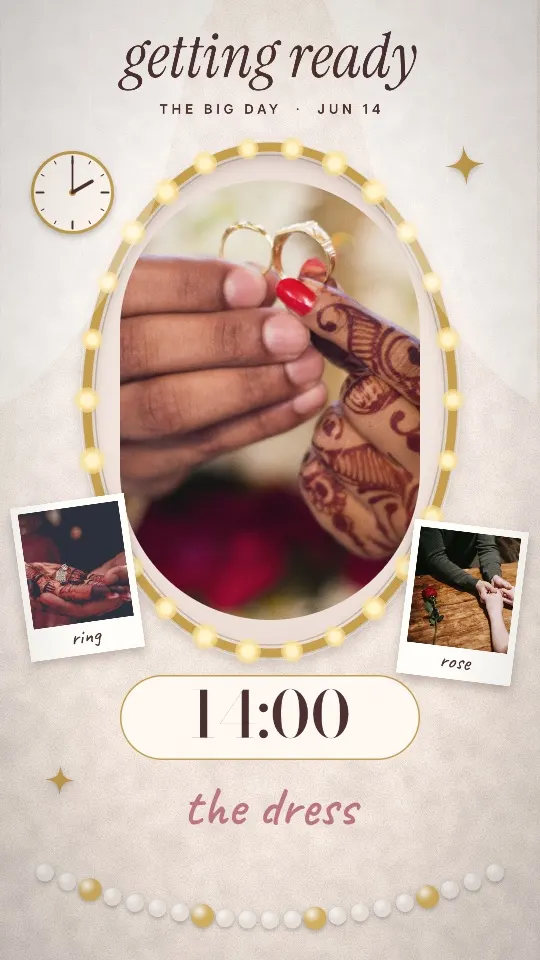
Bridal prep
Reel · 6 photos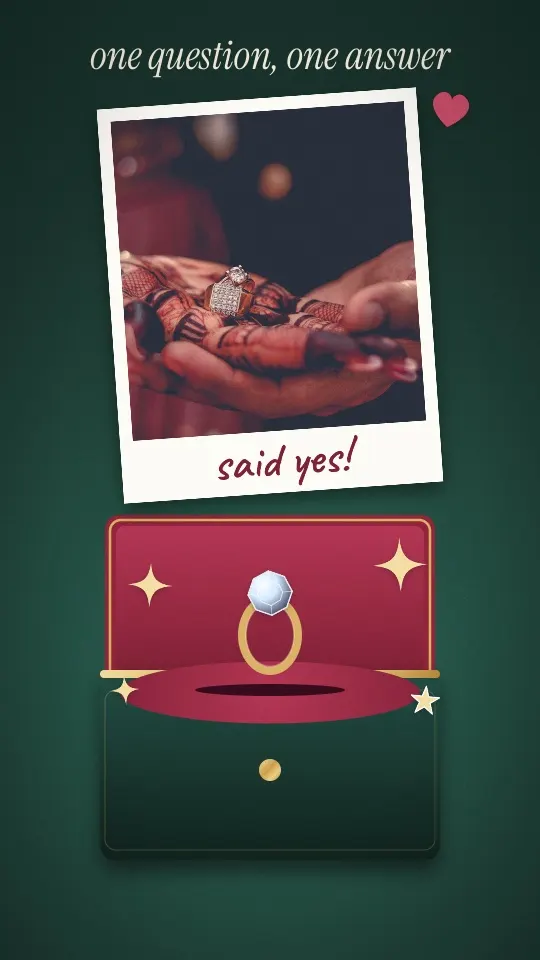
Engagement
Reel · 5 photos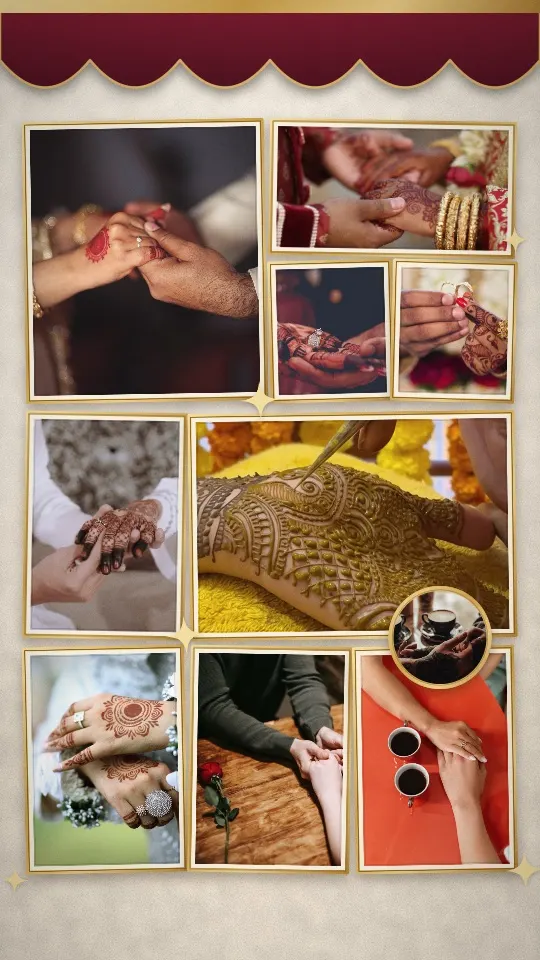
Wedding day
Reel · 10 photos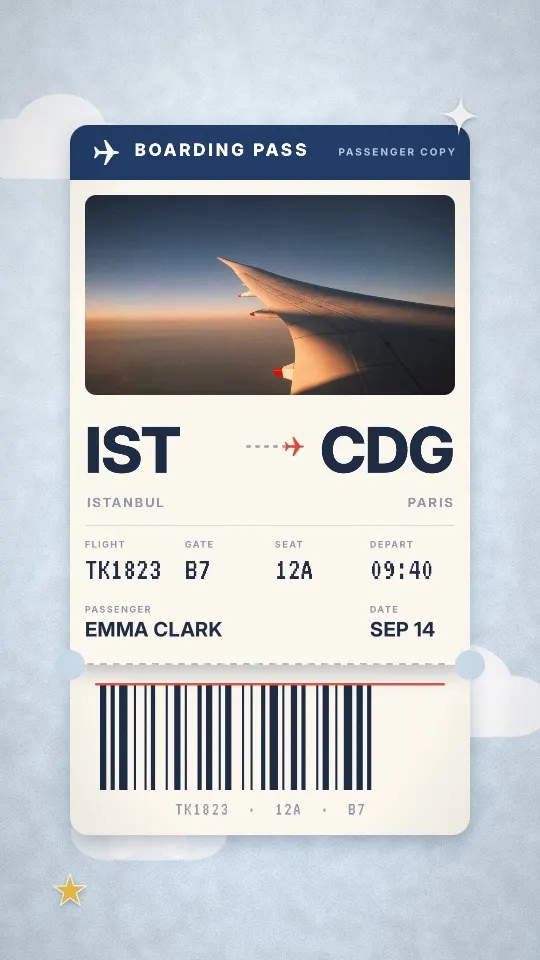
Boarding pass
Reel · 8 photos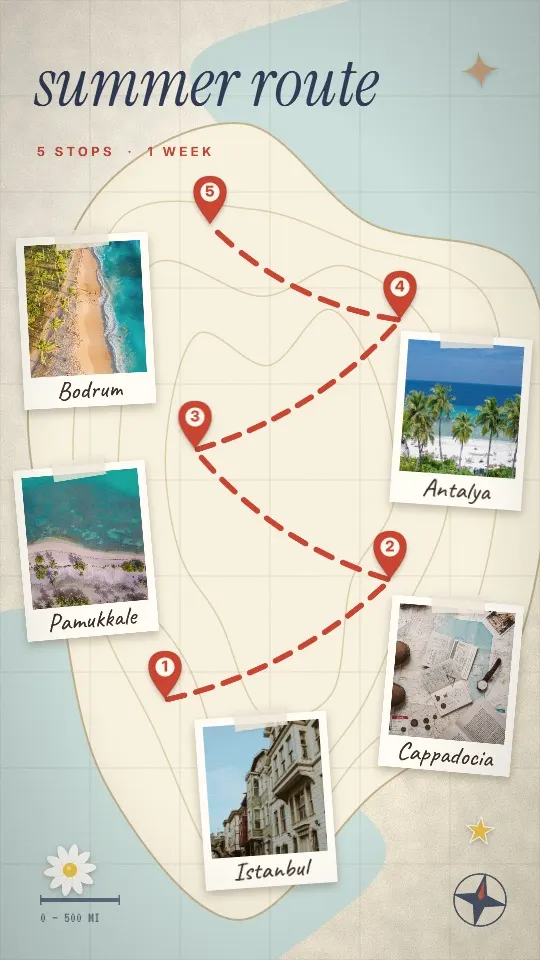
Summer route
Reel · 6 photos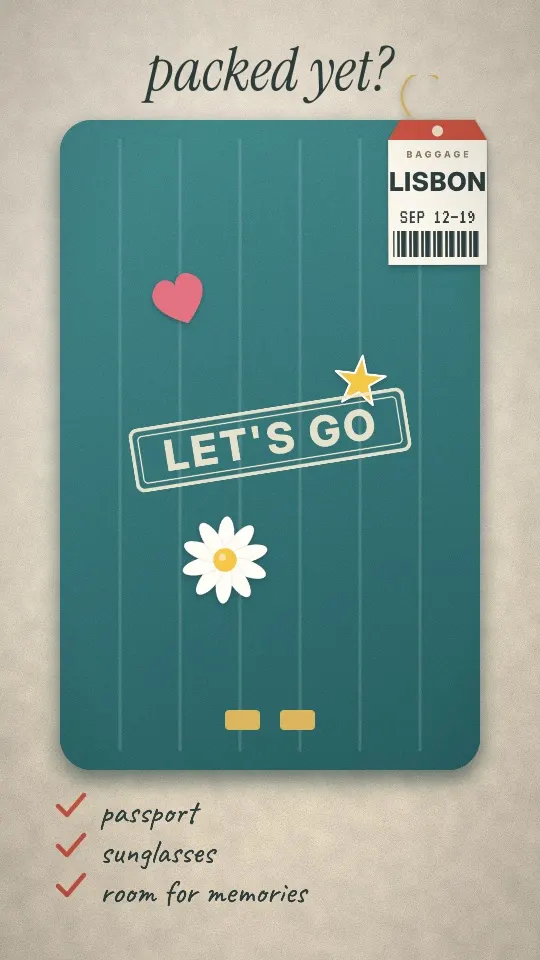
Packing list
Reel · 7 photos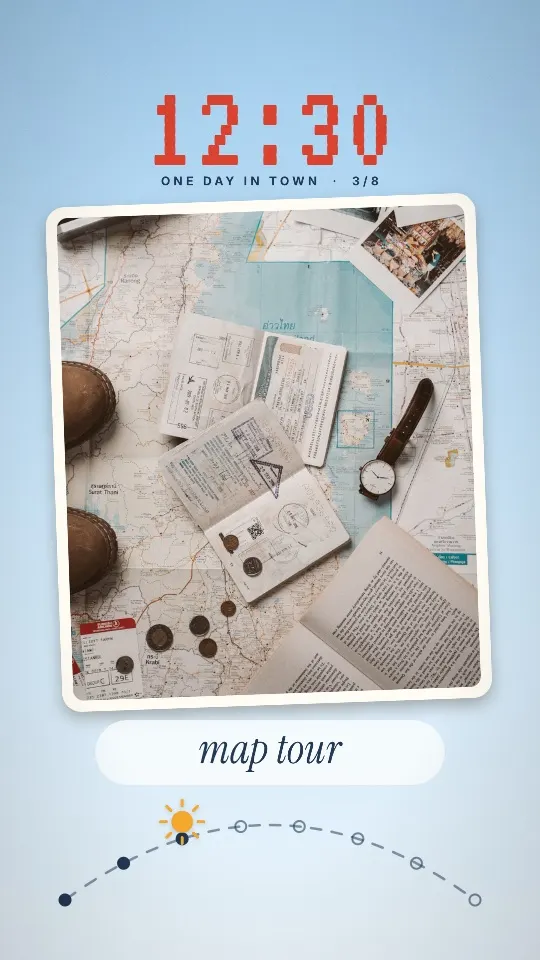
A day in the city
Reel · 9 photos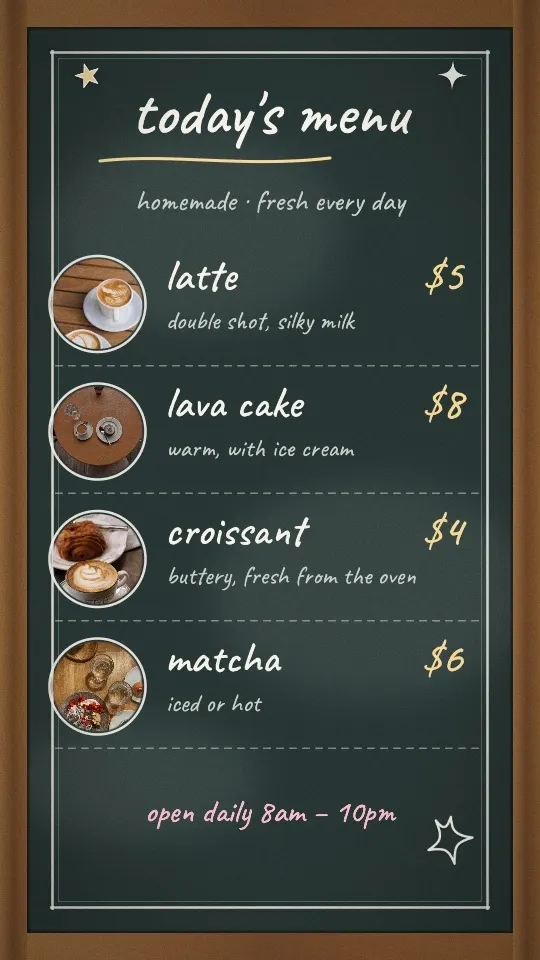
Menu board
Reel · 5 photos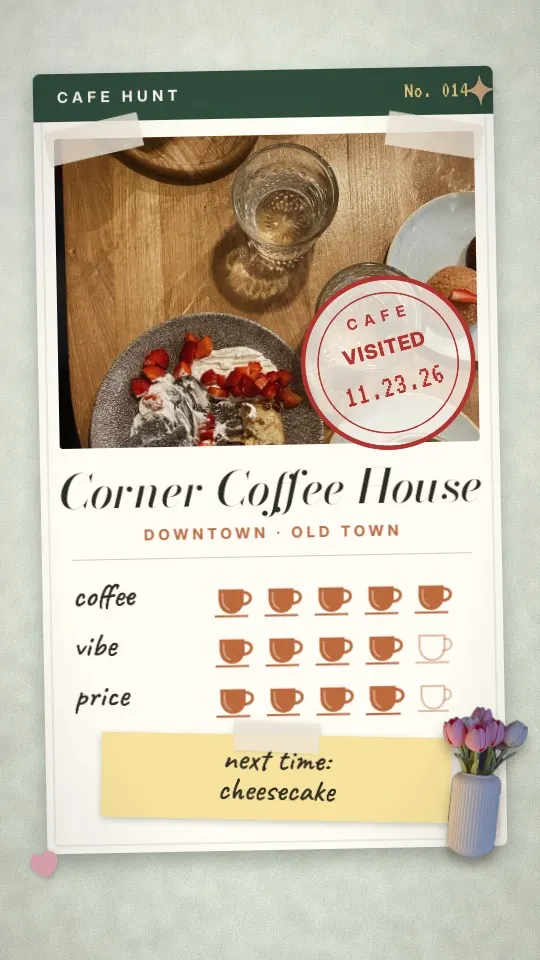
Cafe finds
Reel · 5 photos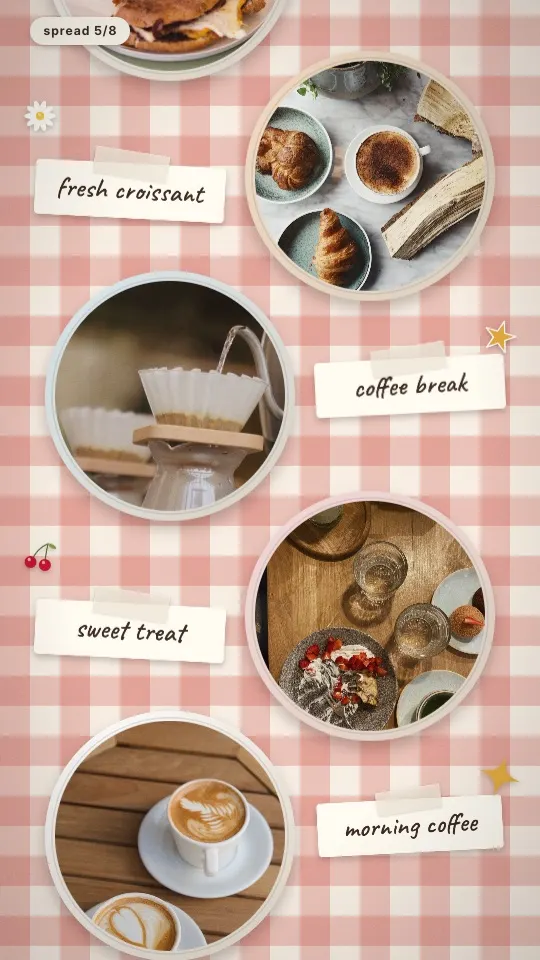
Breakfast spread
Reel · 8 photos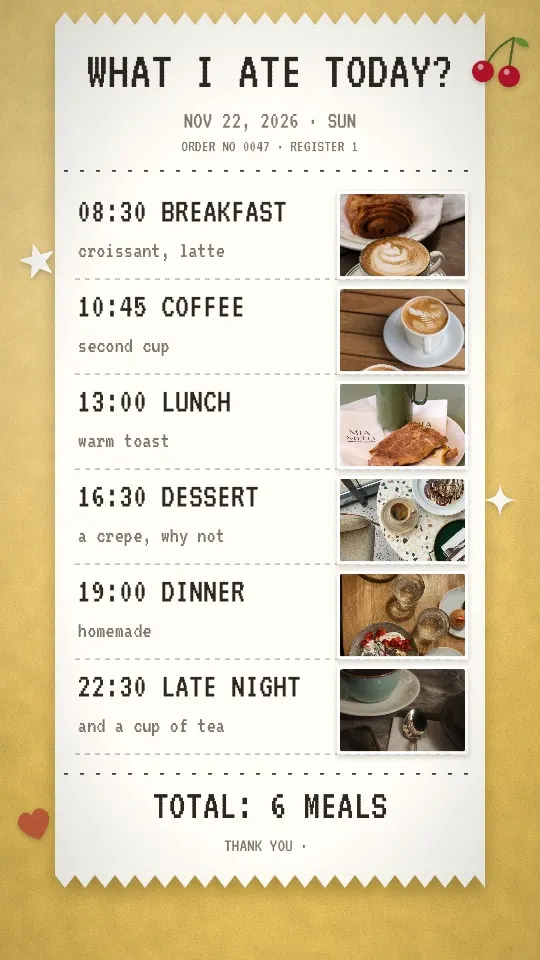
What I ate today
Reel · 7 photos
New product
Reel · 5 photos
Sale
Reel · 4 photos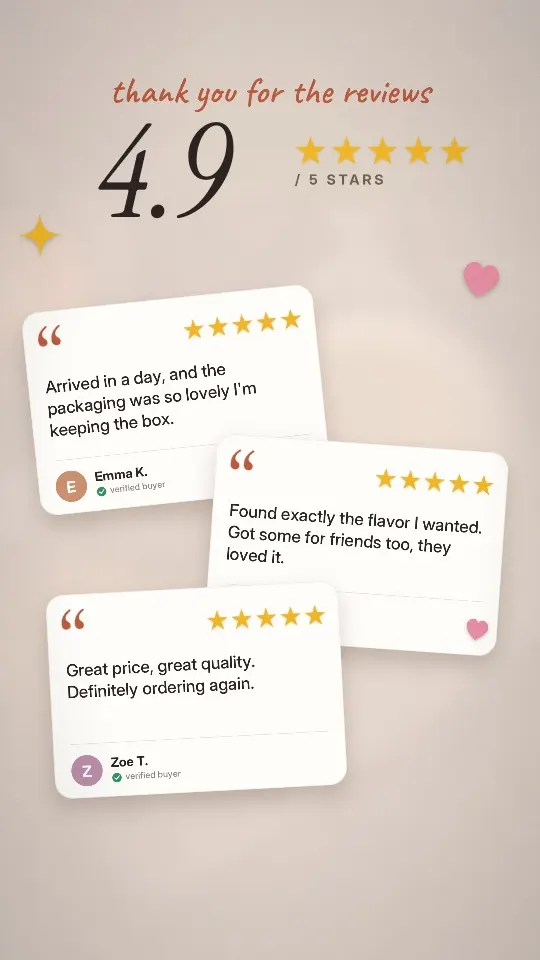
Customer review
Reel · 4 photos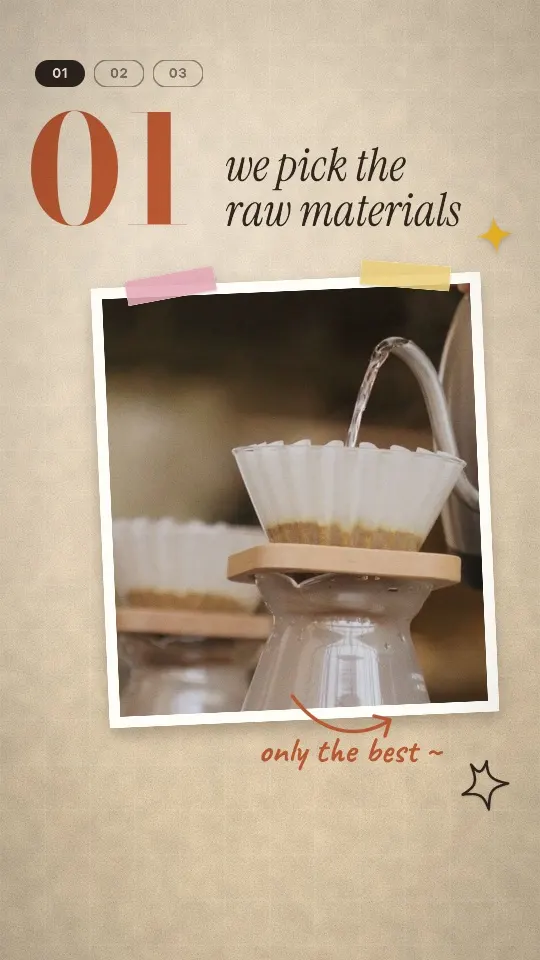
How it's made
Reel · 5 photos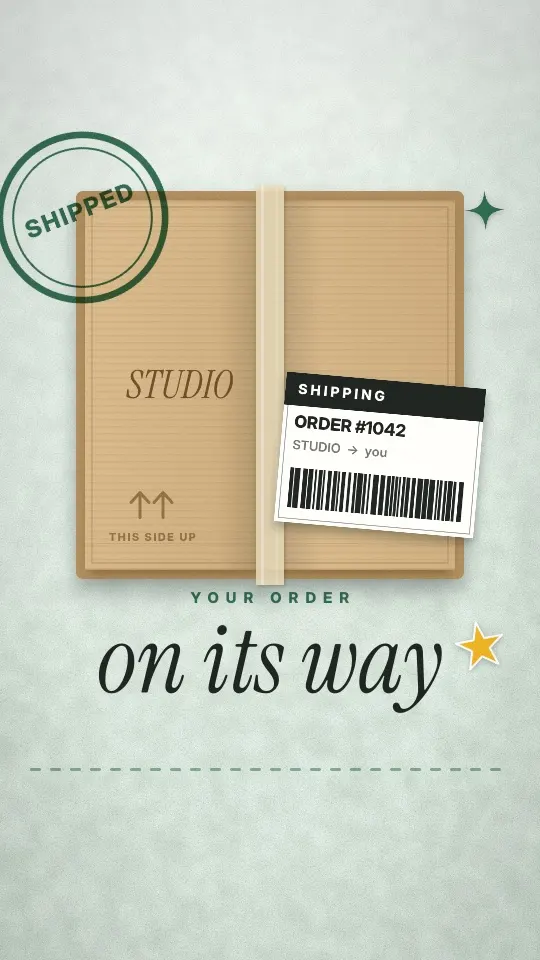
Order on its way
Reel · 3 photos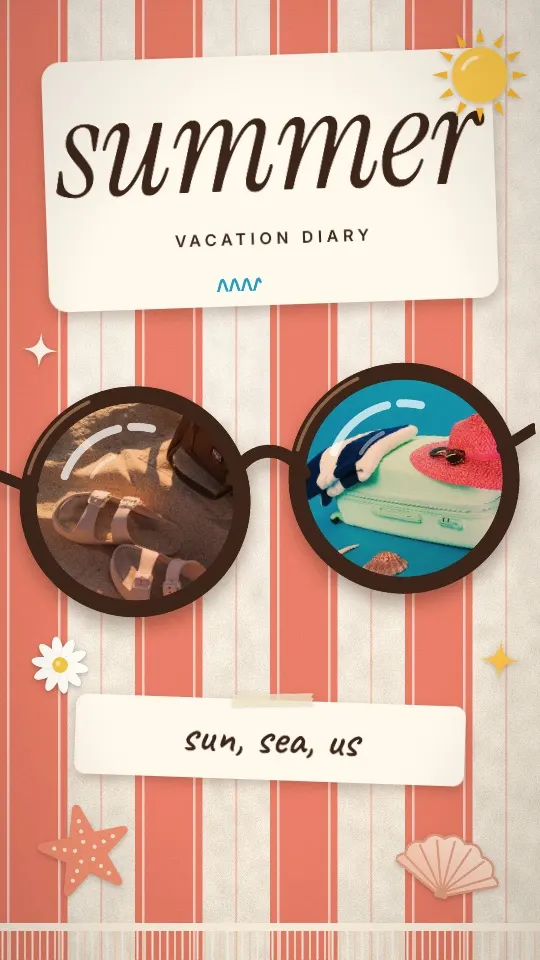
Summer shades
Reel · 7 photos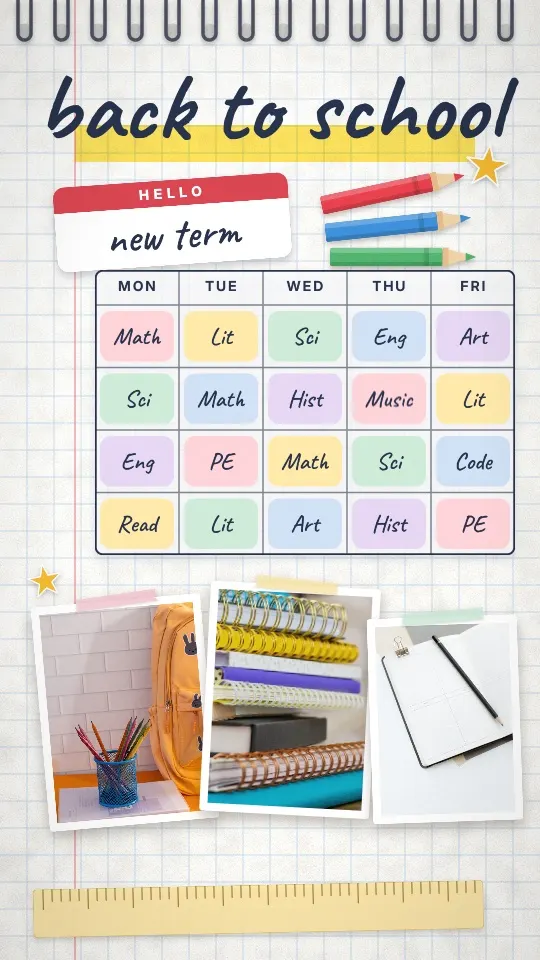
Back to school
Reel · 5 photos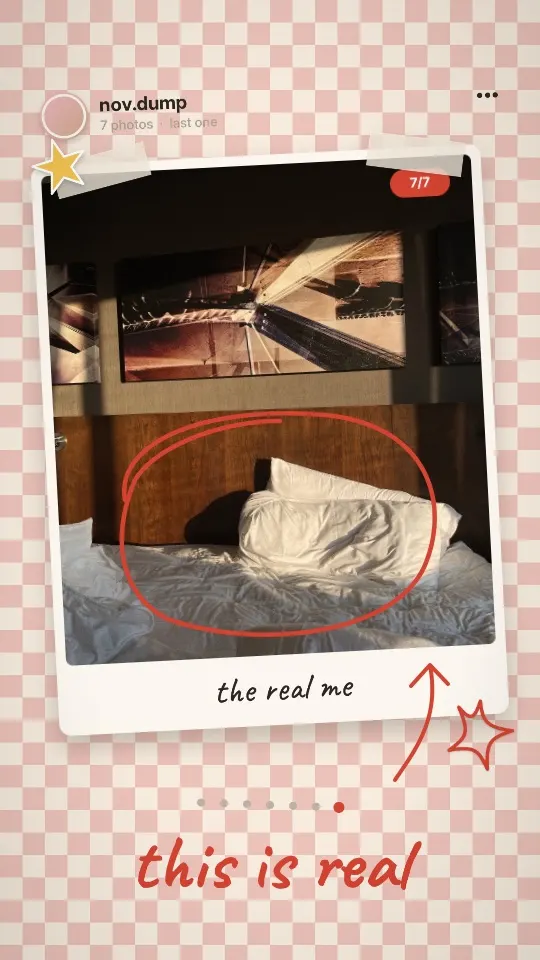
Last slide
Reel · 7 photos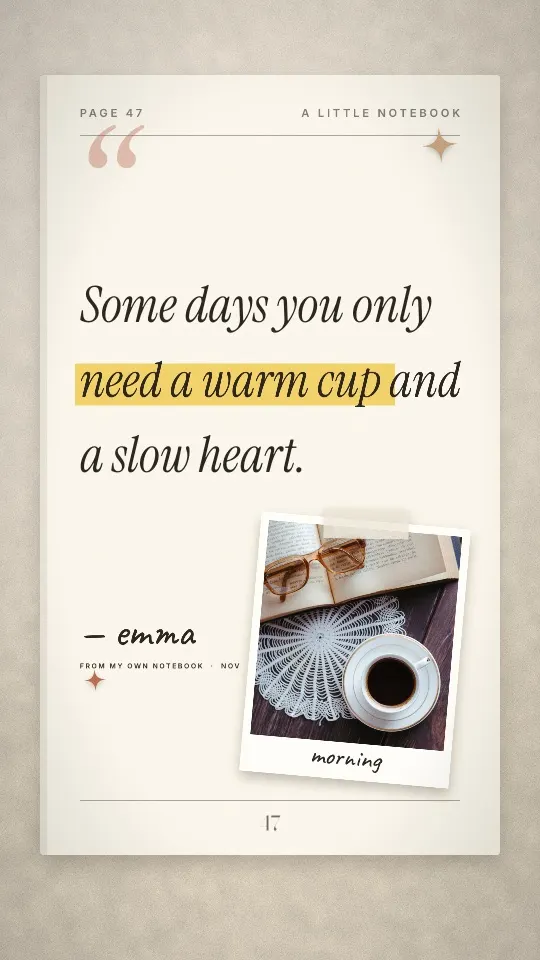
Quote card
Reel · 3 photos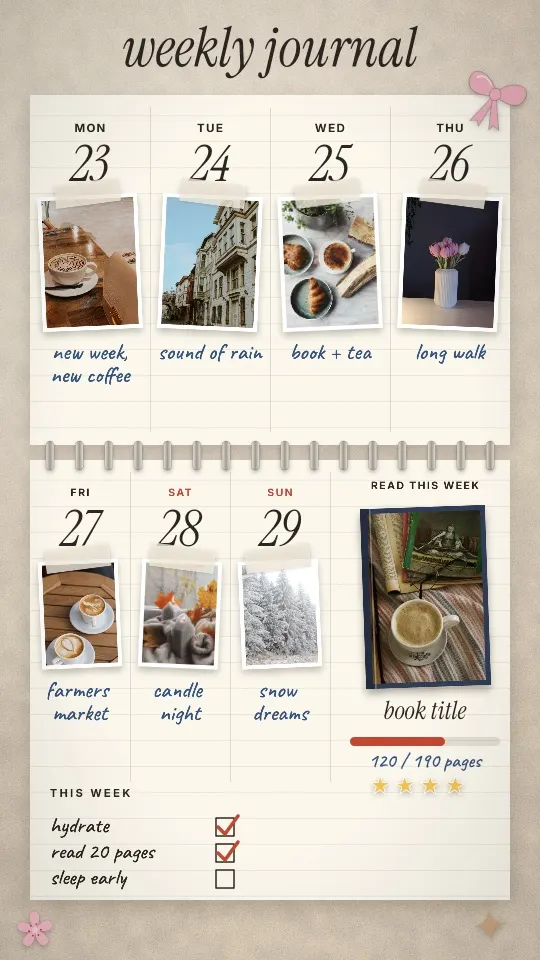
Weekly journal
Reel · 8 photos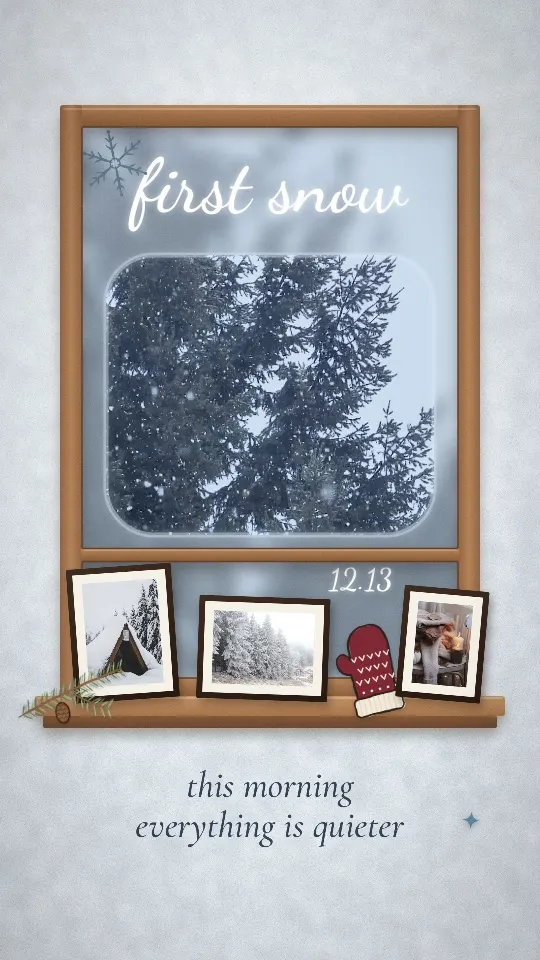
First snow
Reel · 5 photos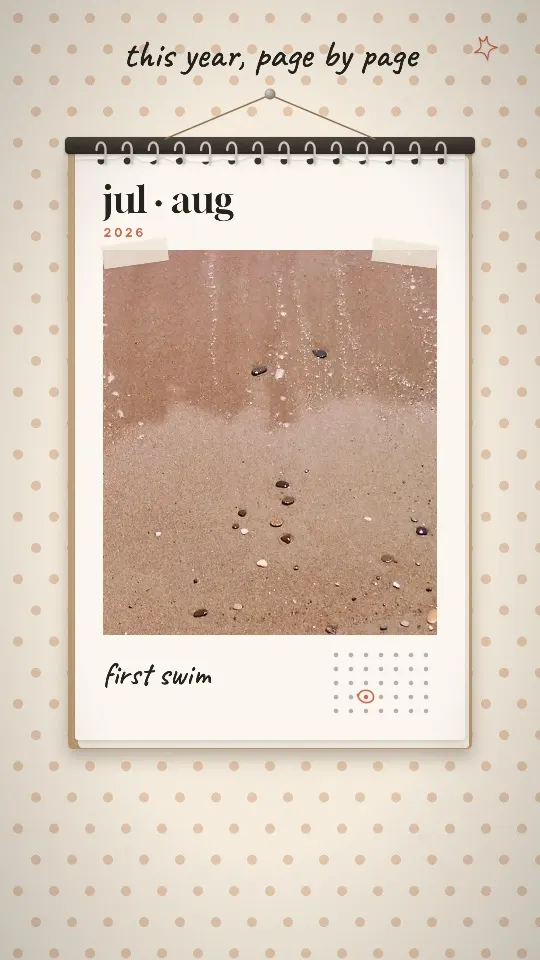
Year-end calendar
Reel · 10 photos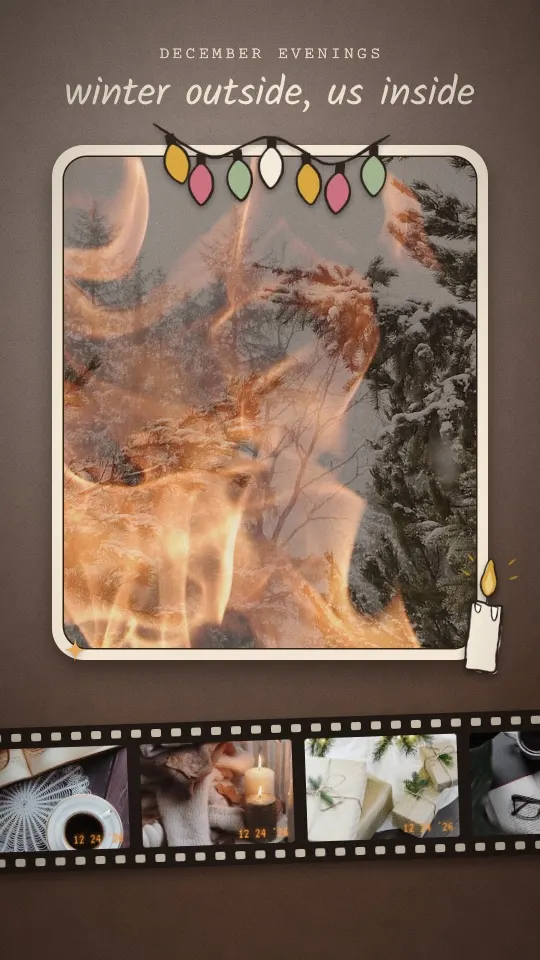
Winter evening
Reel · 6 photos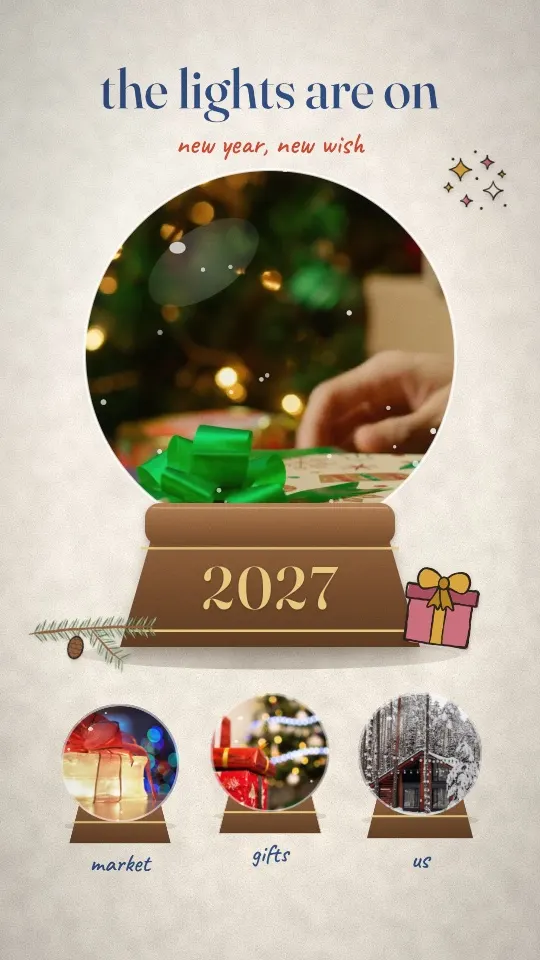
Snow globe
Reel · 5 photos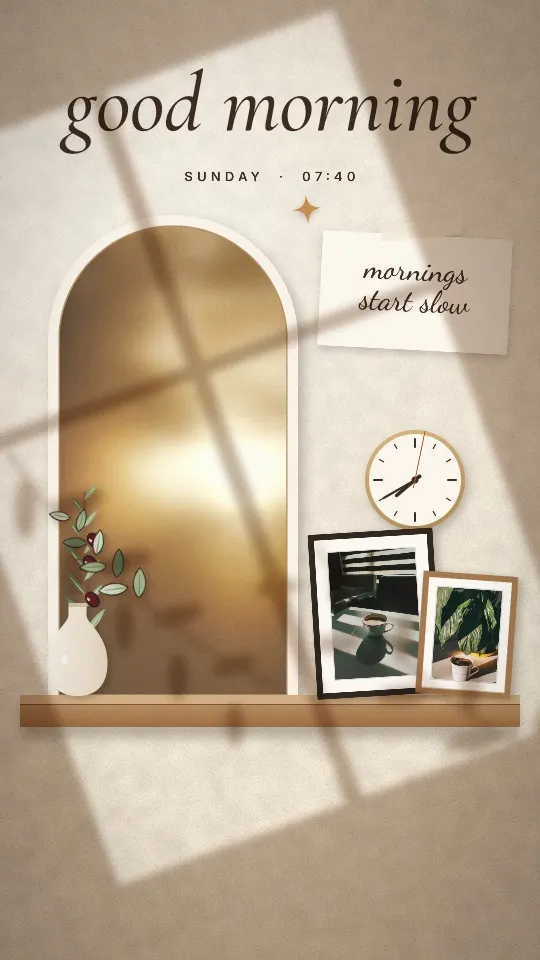
Sunny morning
Reel · 5 photos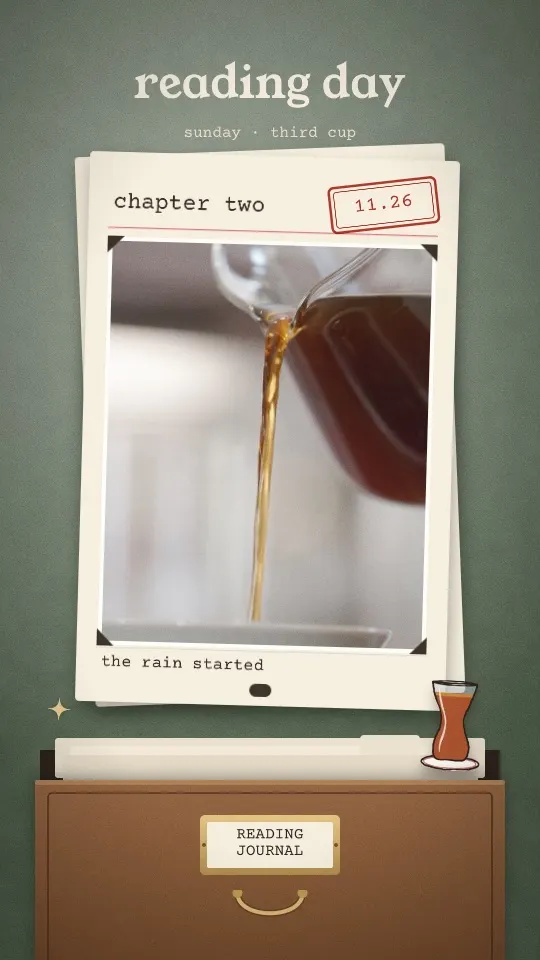
Chapter by chapter
Reel · 6 photos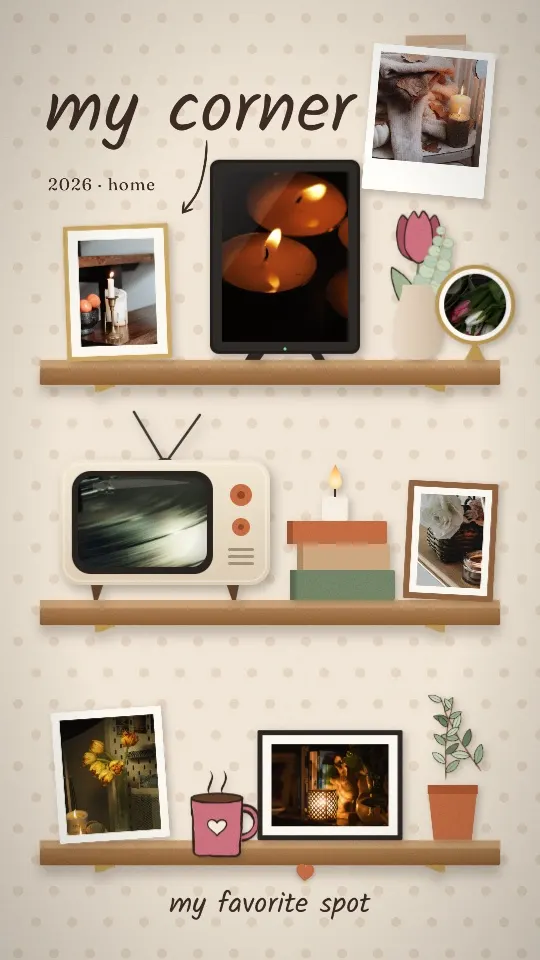
My corner
Reel · 8 photos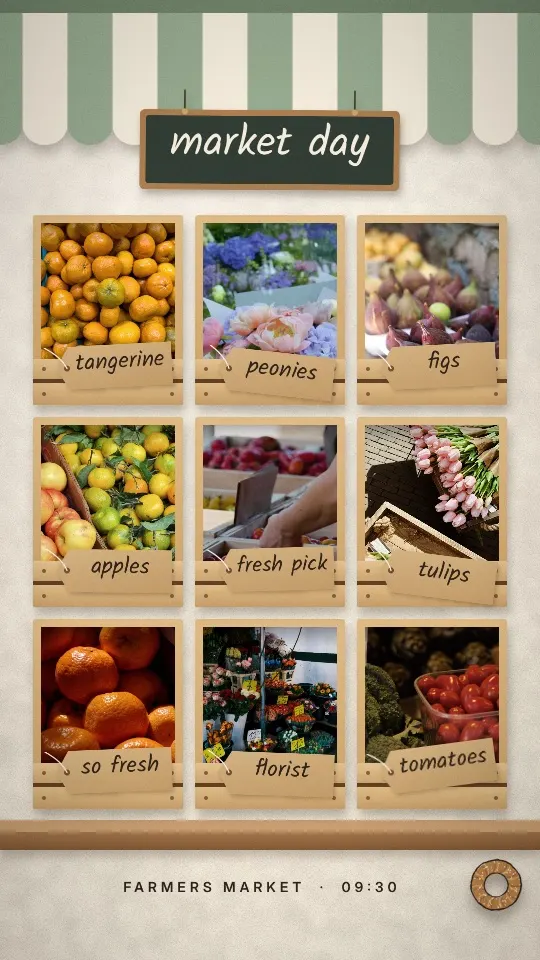
Market day
Reel · 9 photos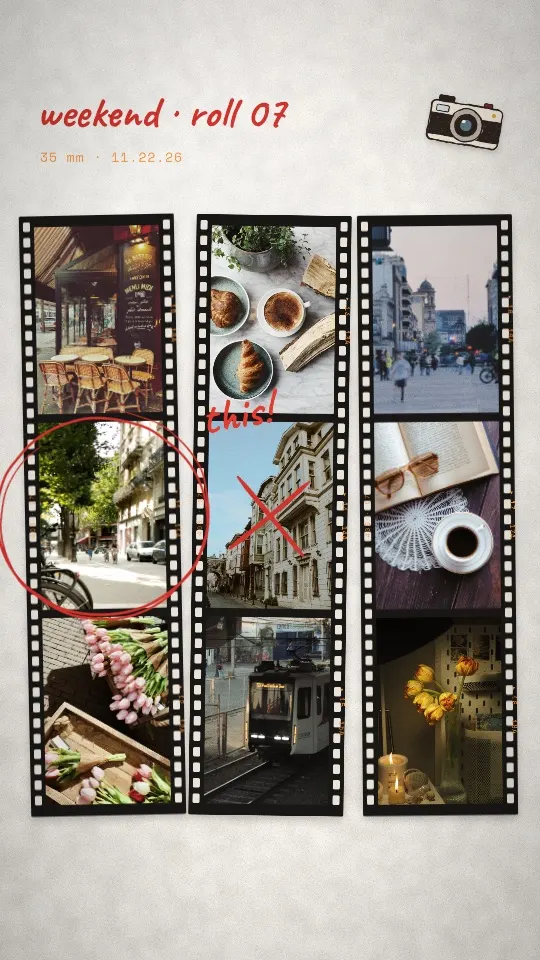
Contact sheet
Reel · 9 photos
Ferry
Reel · 5 photos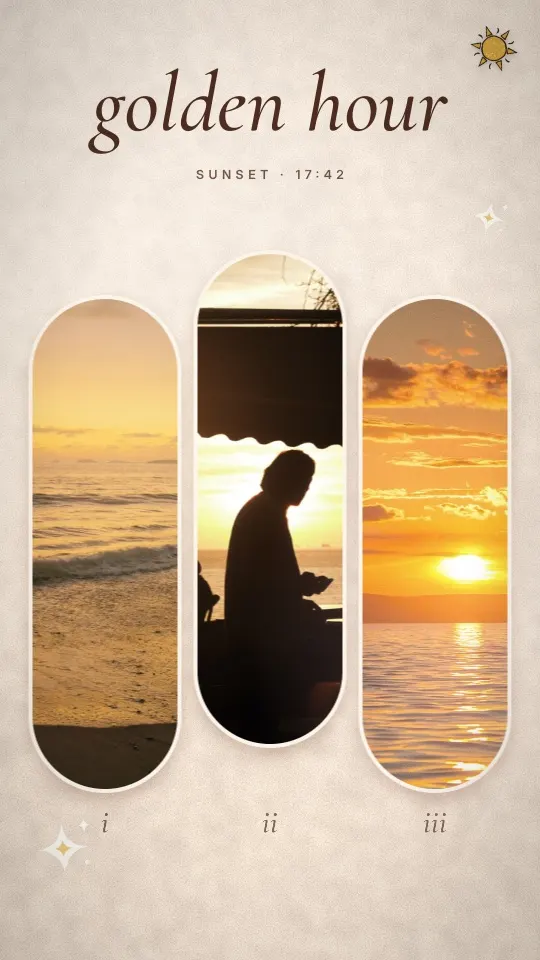
Golden hour
Reel · 6 photos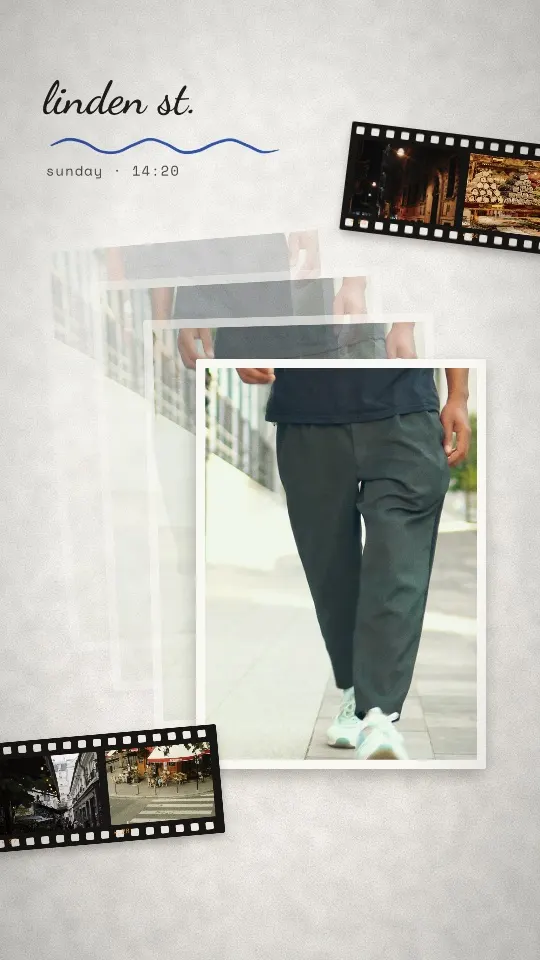
Step by step
Reel · 6 photos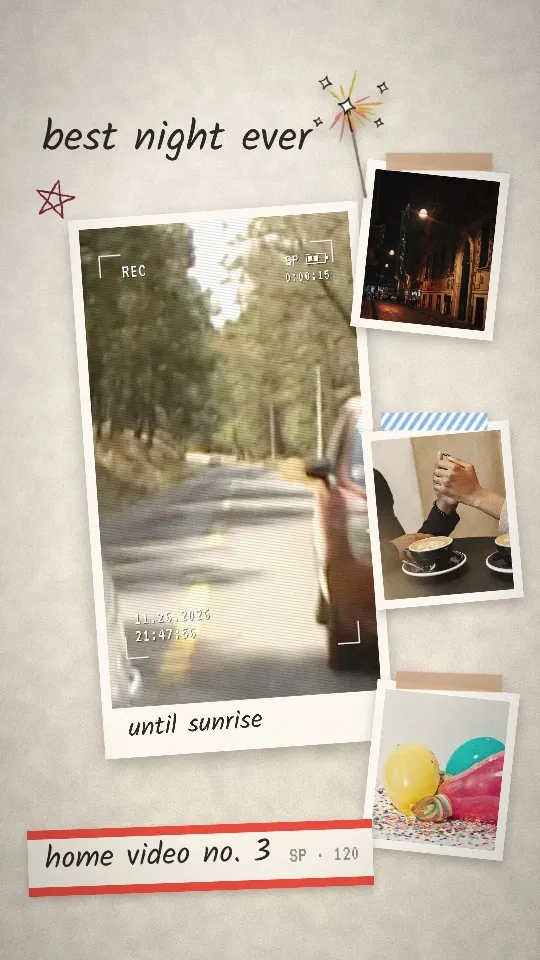
Home video
Reel · 6 photos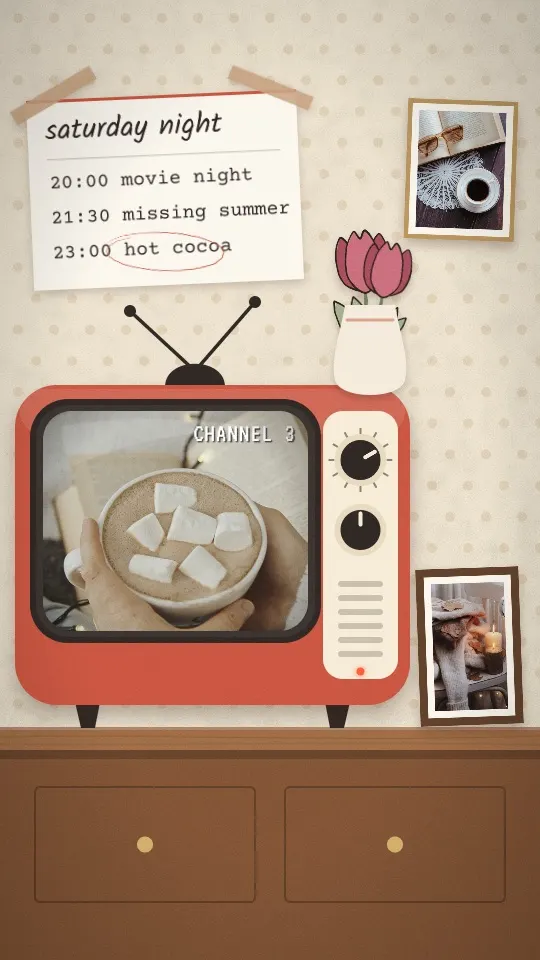
Channel surfing
Reel · 5 photos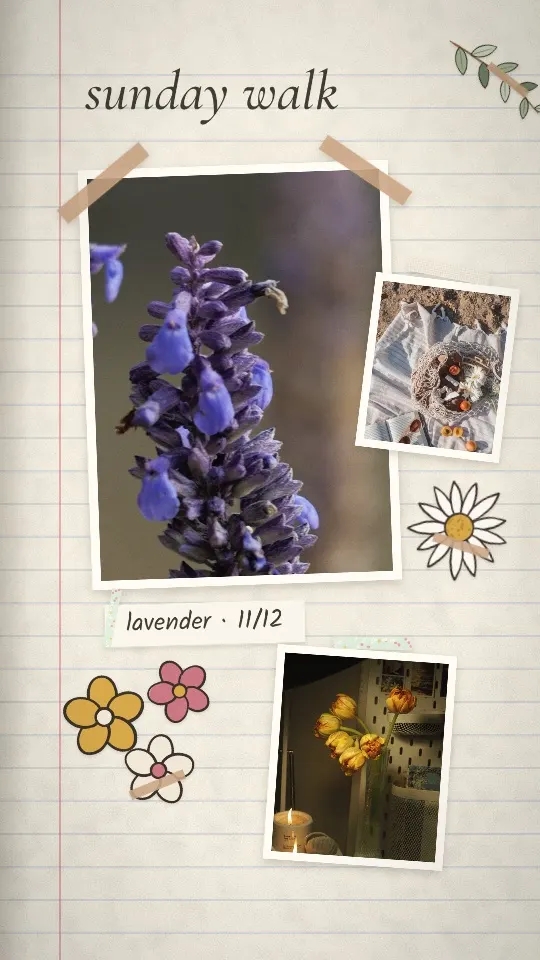
Pressed flower journal
Reel · 7 photos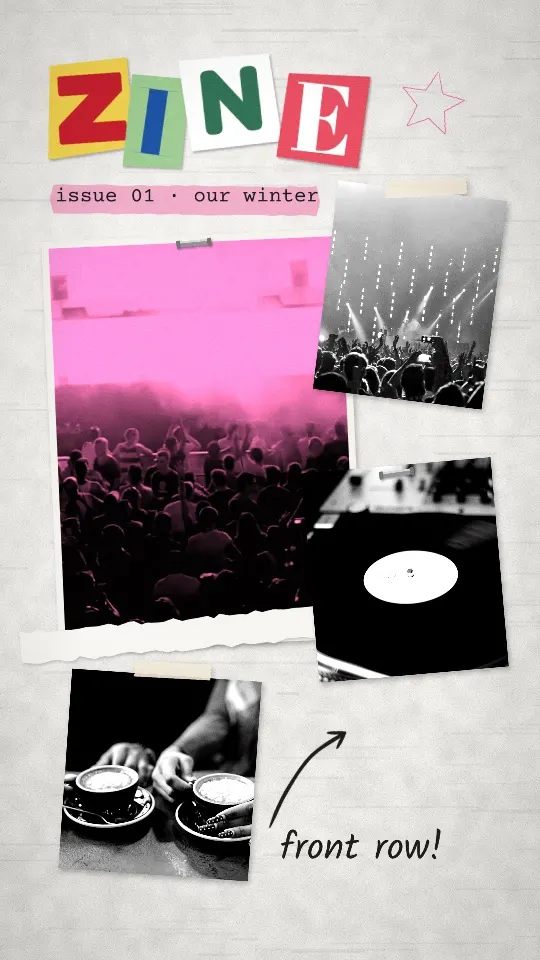
Zine
Reel · 8 photos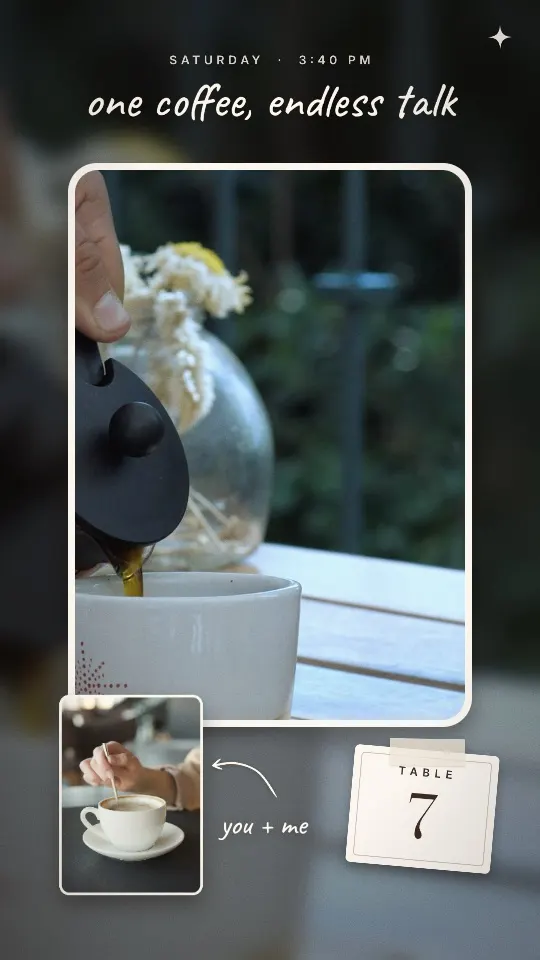
Two cups
Reel · 5 photos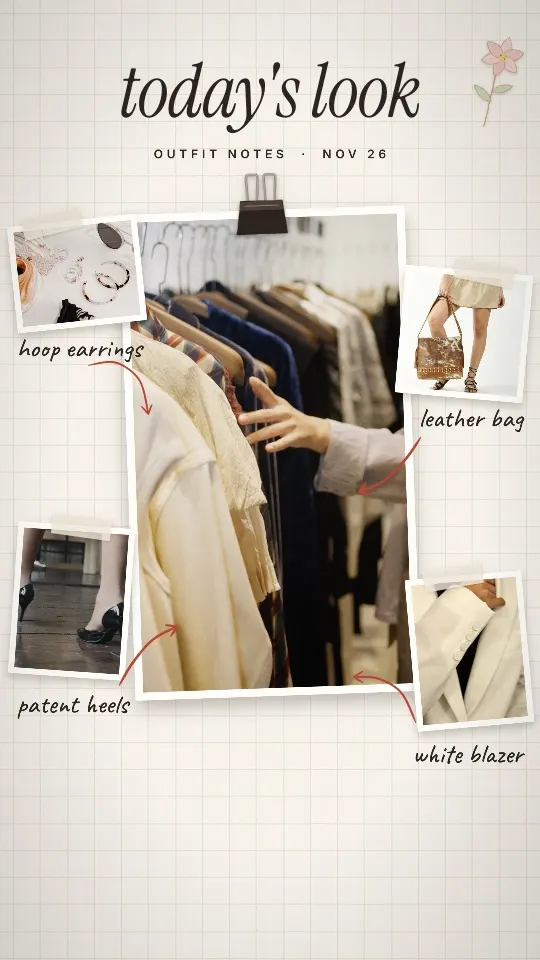
Outfit notes
Reel · 6 photos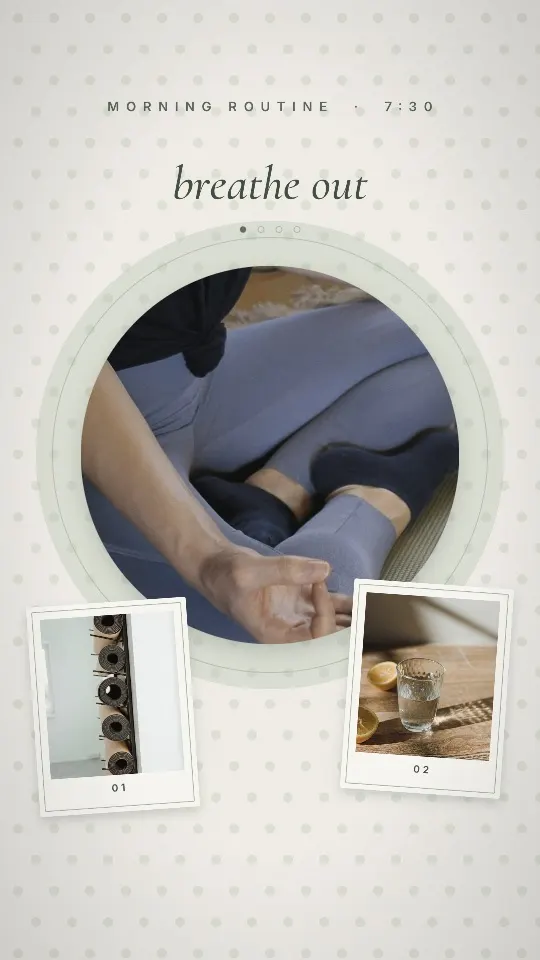
Breathe
Reel · 5 photos
Night lights
Reel · 6 photos
One sentence
Reel · 16 photos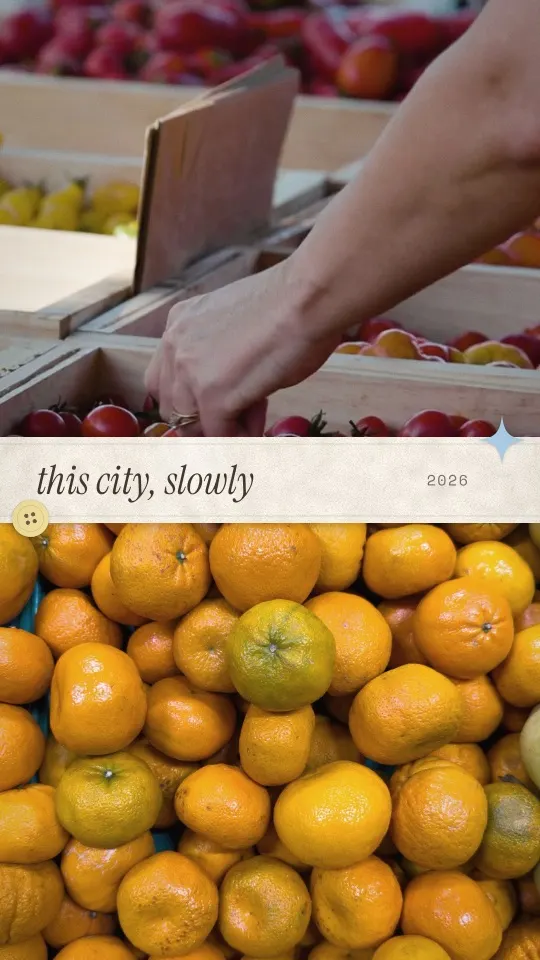
Staircase
Reel · 15 photos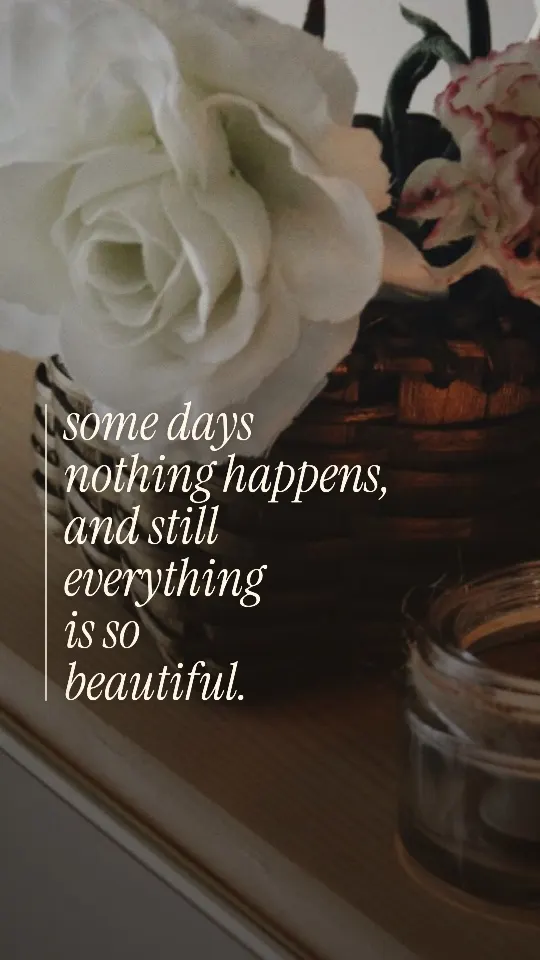
Some days
Reel · 8 photos
Twelve months
Reel · 14 photos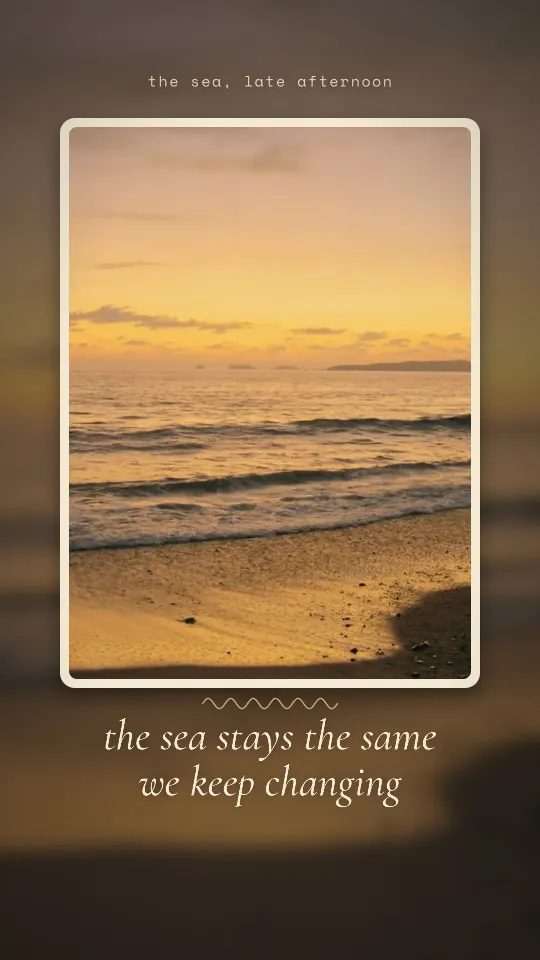
One video
Reel · 1 photo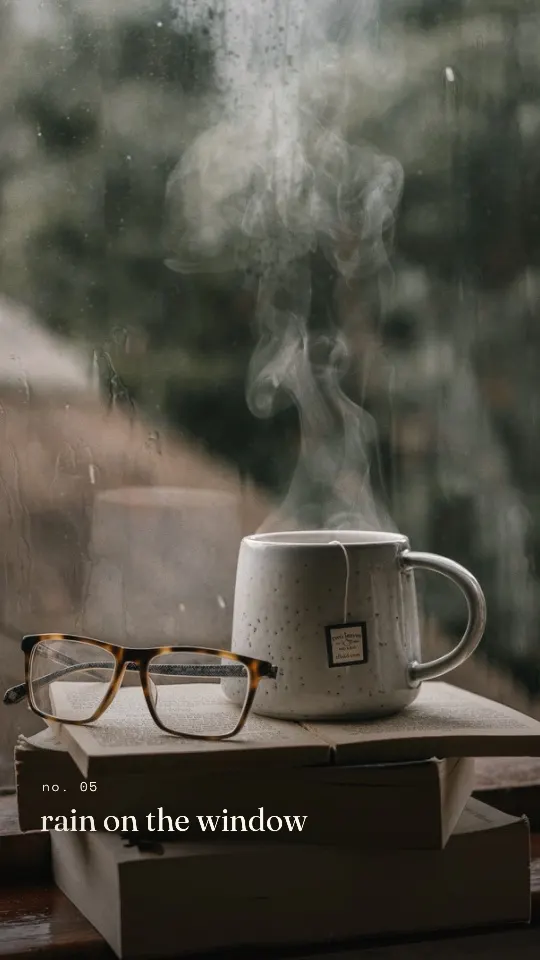
Little things
Reel · 10 photos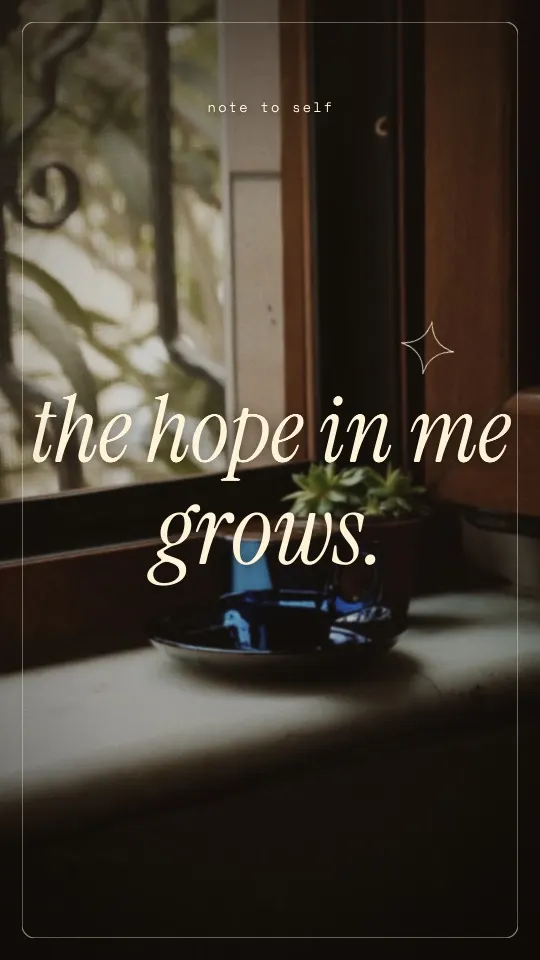
Growing sentence
Reel · 8 photos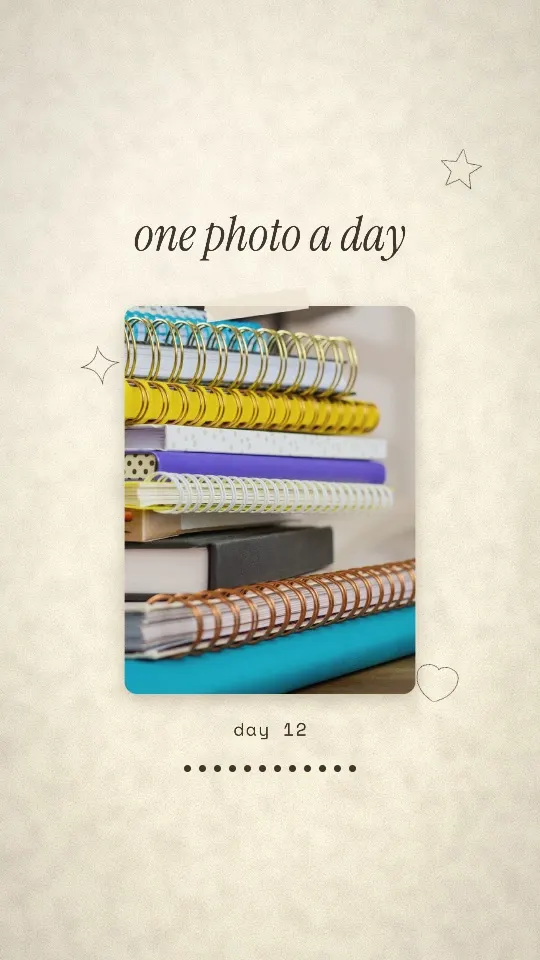
Small frame
Reel · 13 photos
Margin notes
Reel · 9 photos
Blinds
Reel · 9 photos
Soft launch
Reel · 4 photos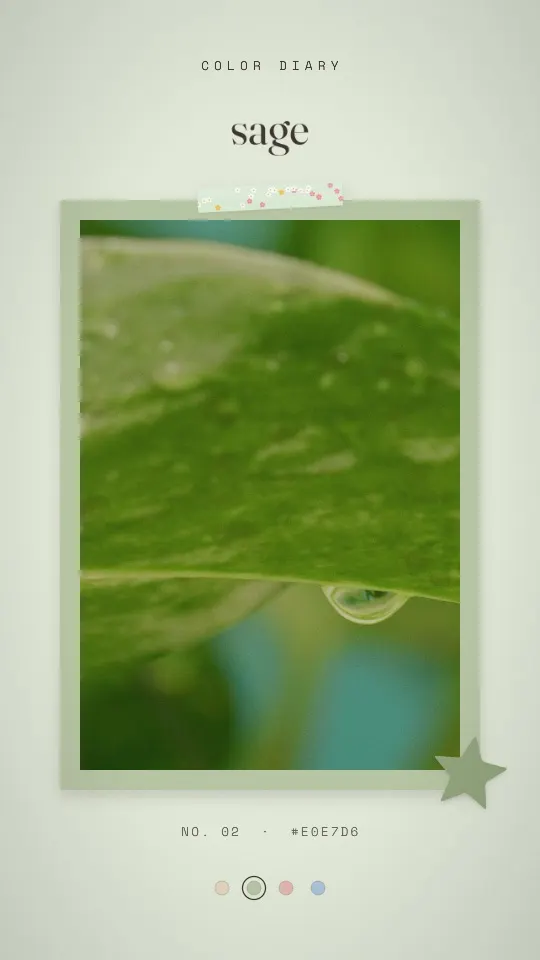
Color diary
Reel · 14 photos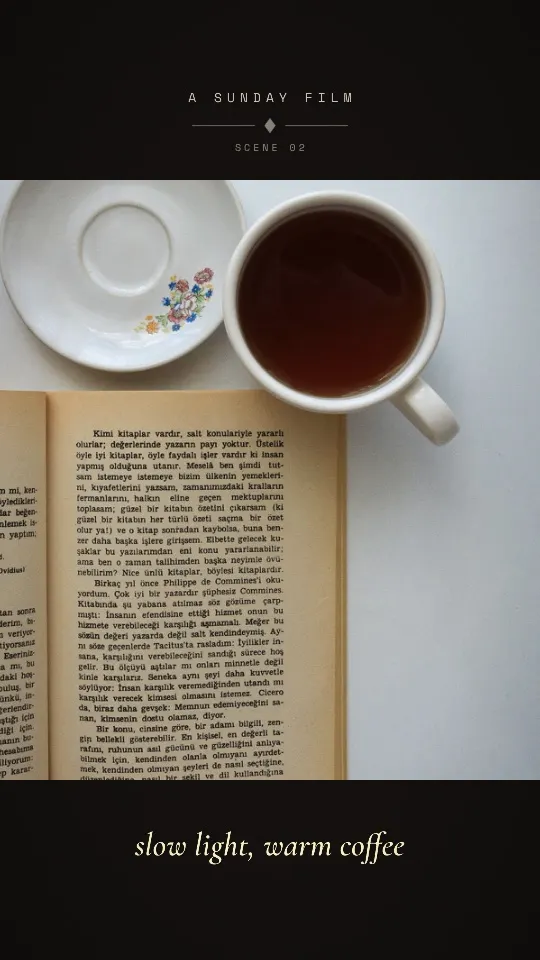
Subtitles
Reel · 6 photos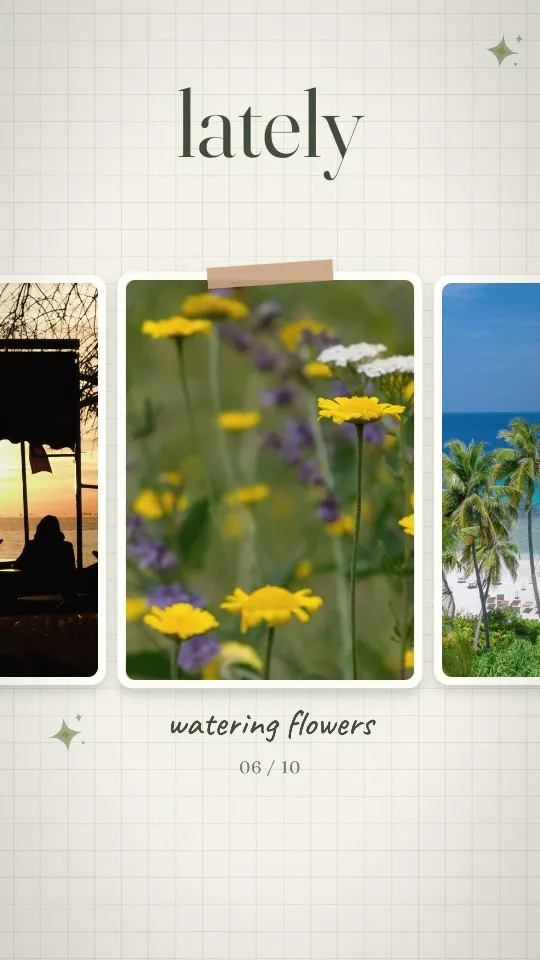
Sliding strip
Reel · 10 photos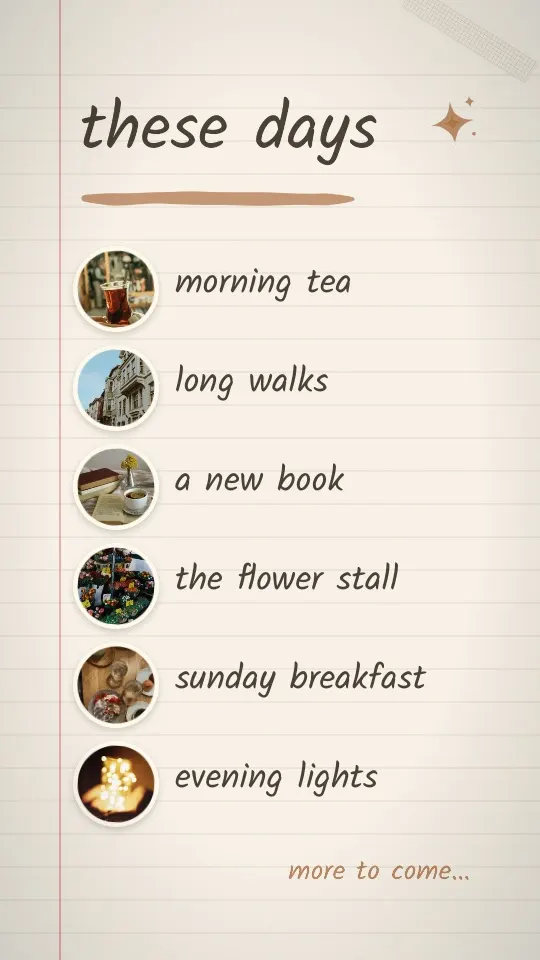
These days
Reel · 7 photos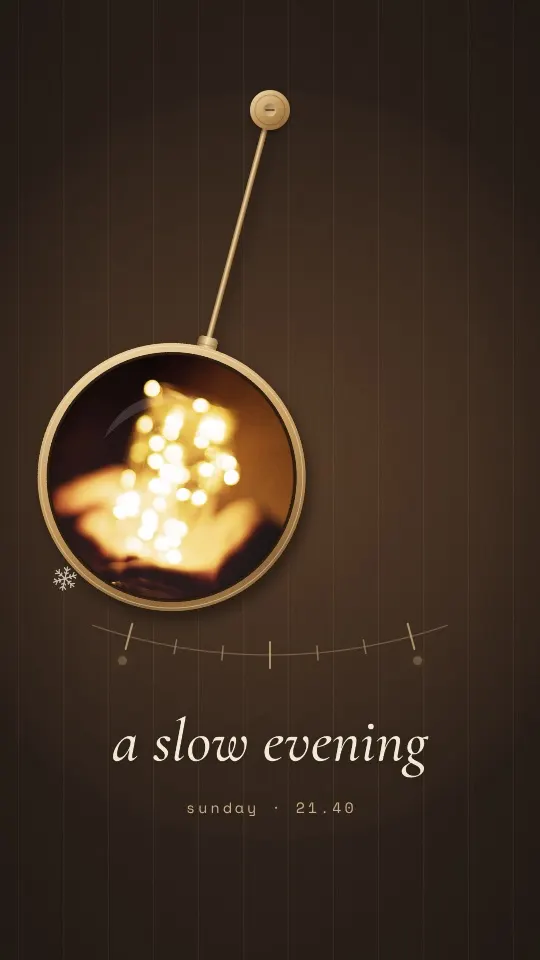
Tick tock
Reel · 8 photos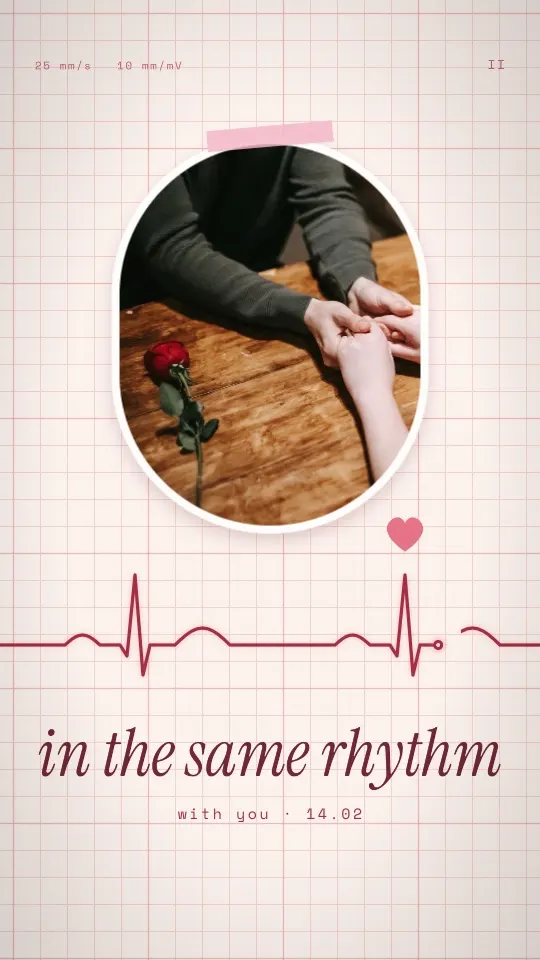
Heartbeat
Reel · 8 photos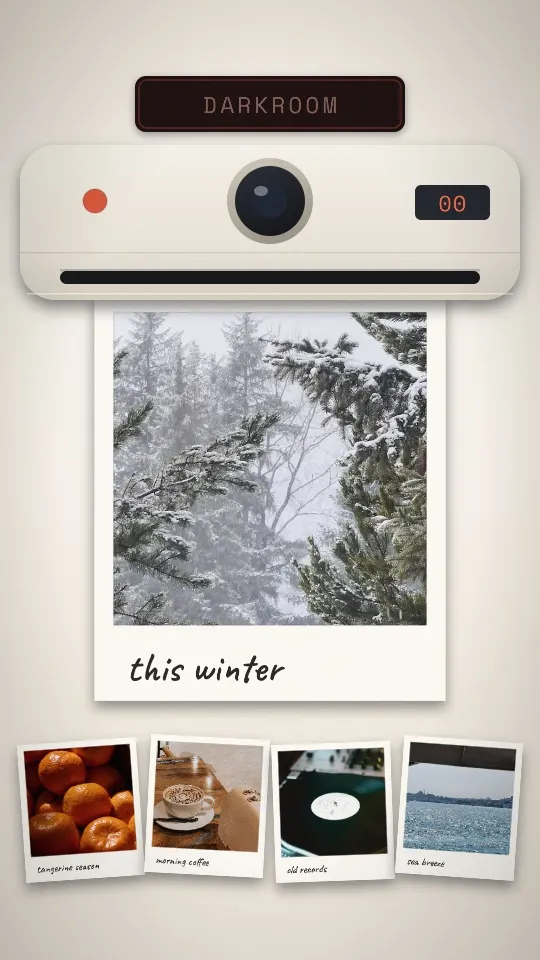
Darkroom polaroids
Reel · 5 photos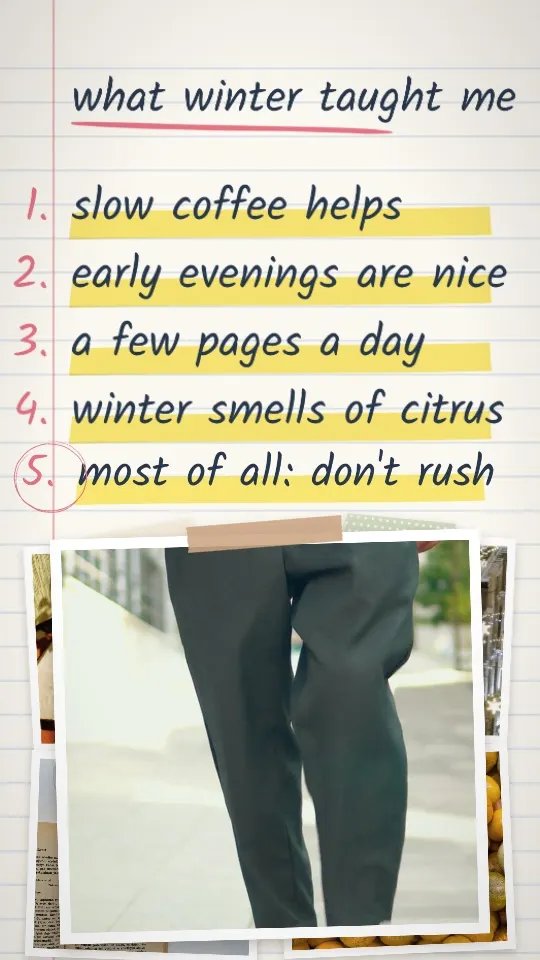
Highlighter notes
Reel · 5 photos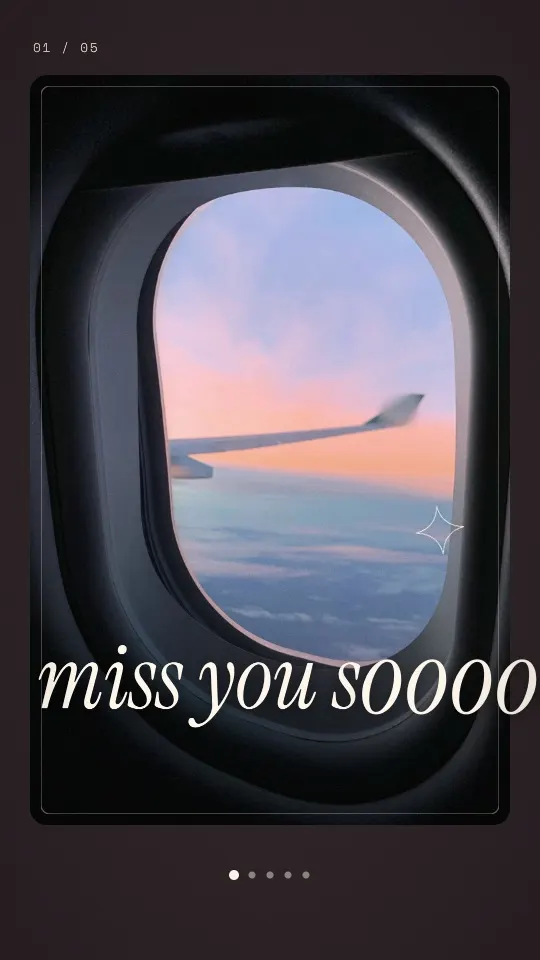
Long word
Reel · 5 photos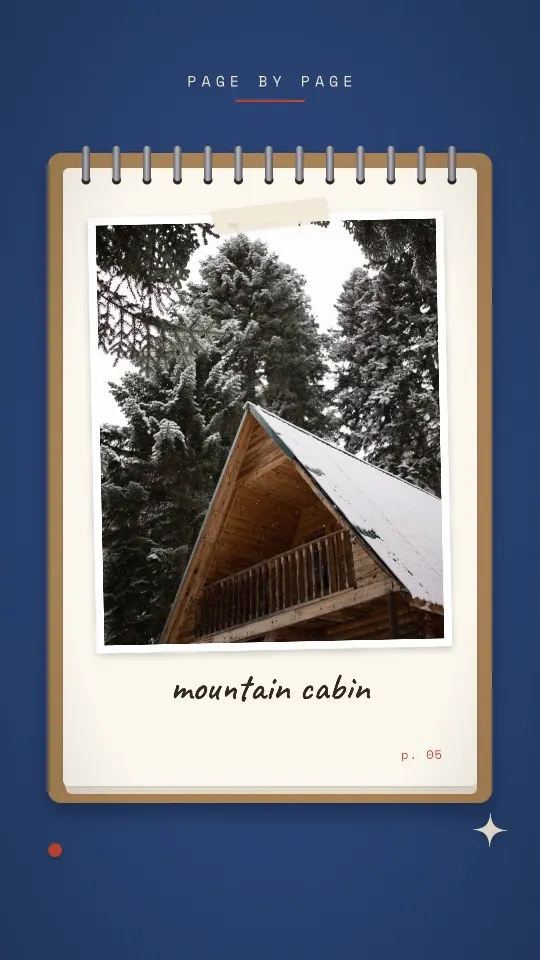
Page by page
Reel · 8 photos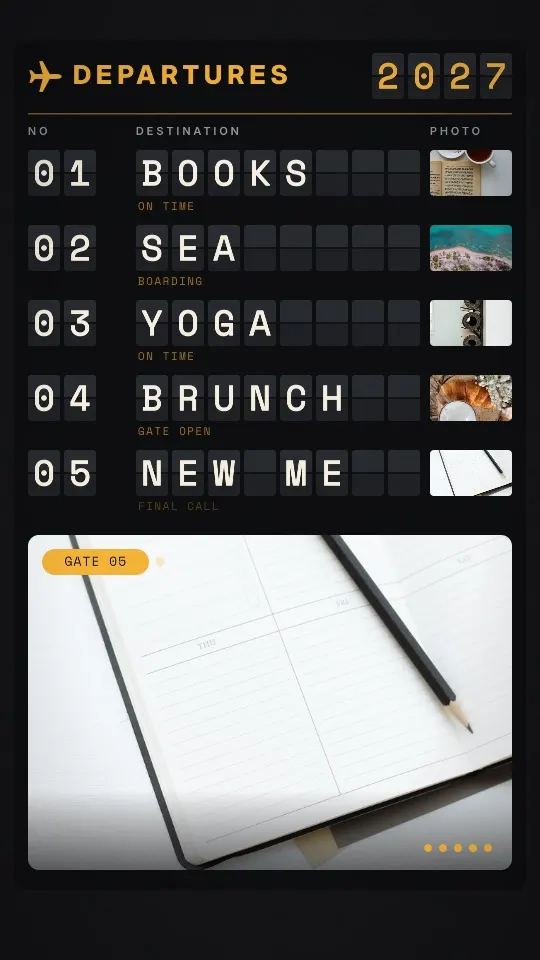
Departure board
Reel · 6 photos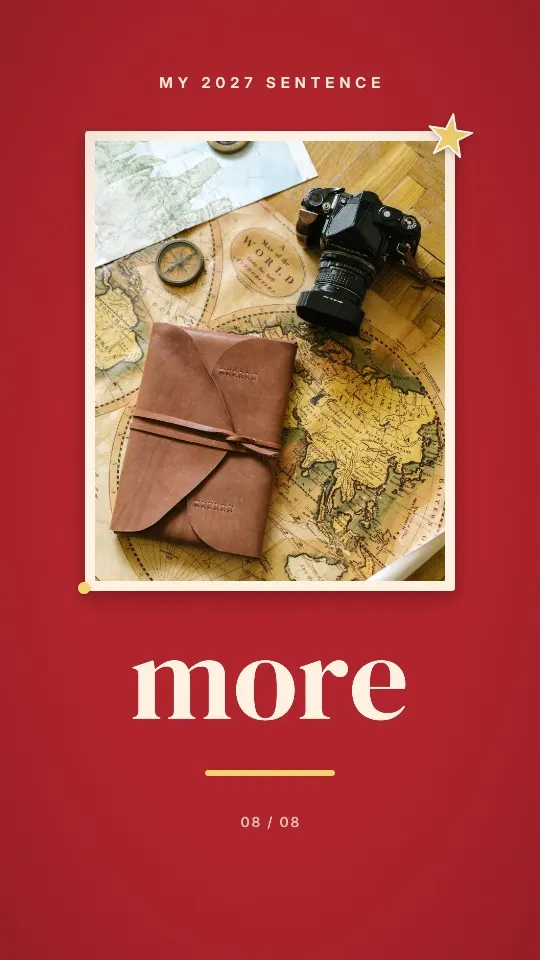
My 2027 sentence
Reel · 8 photos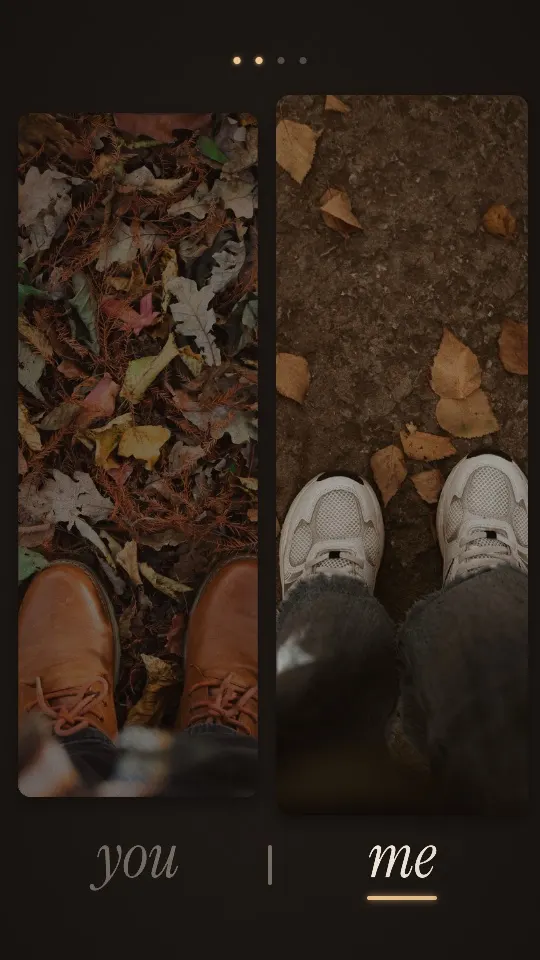
You | me
Reel · 9 photos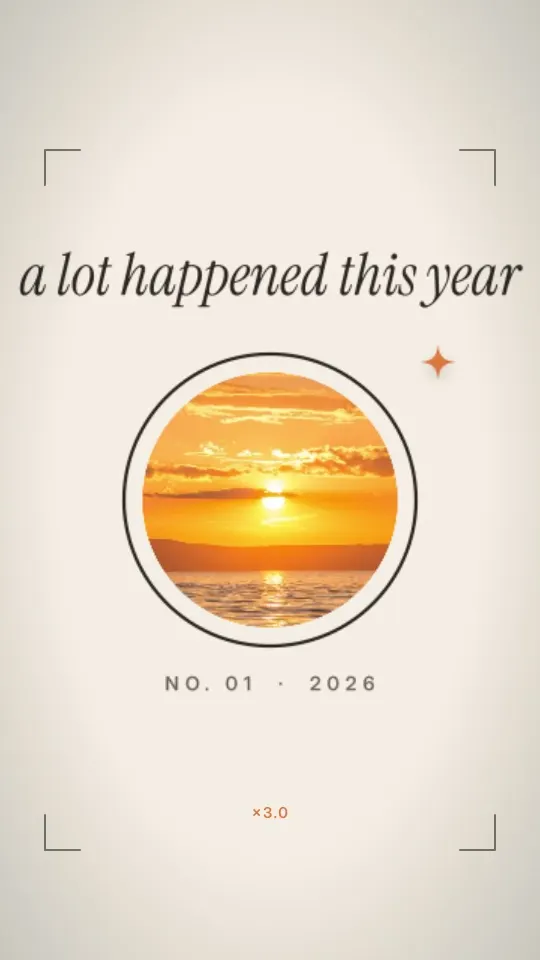
Small text
Reel · 5 photos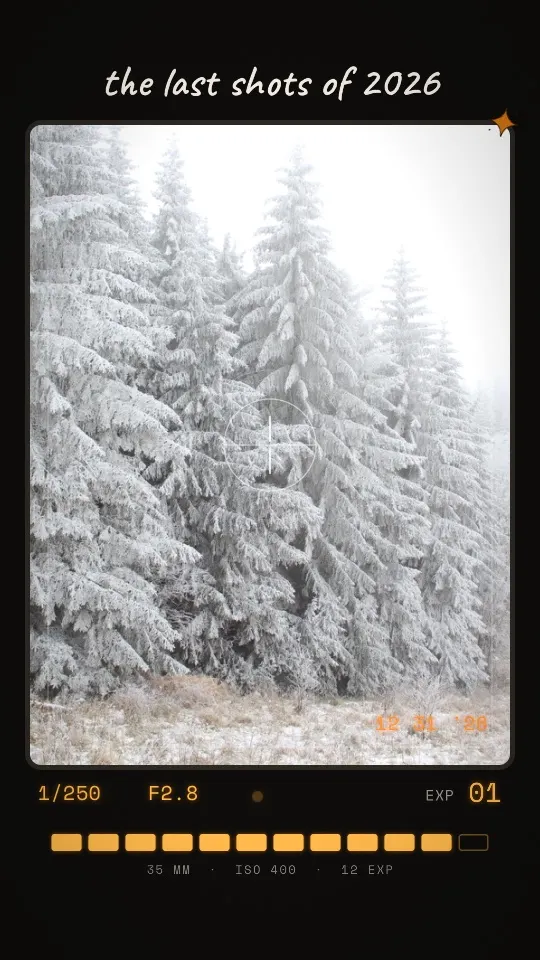
Last shots
Reel · 14 photos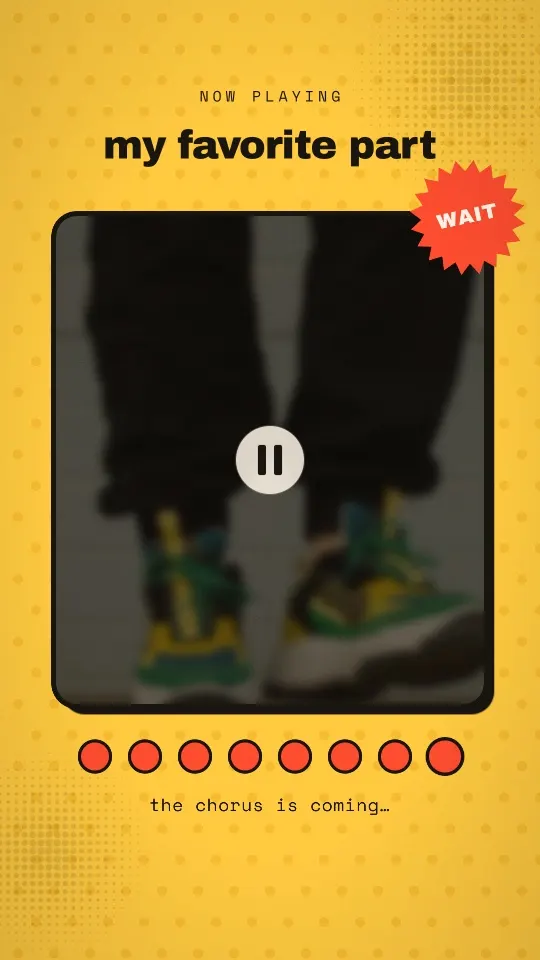
Chorus
Reel · 11 photos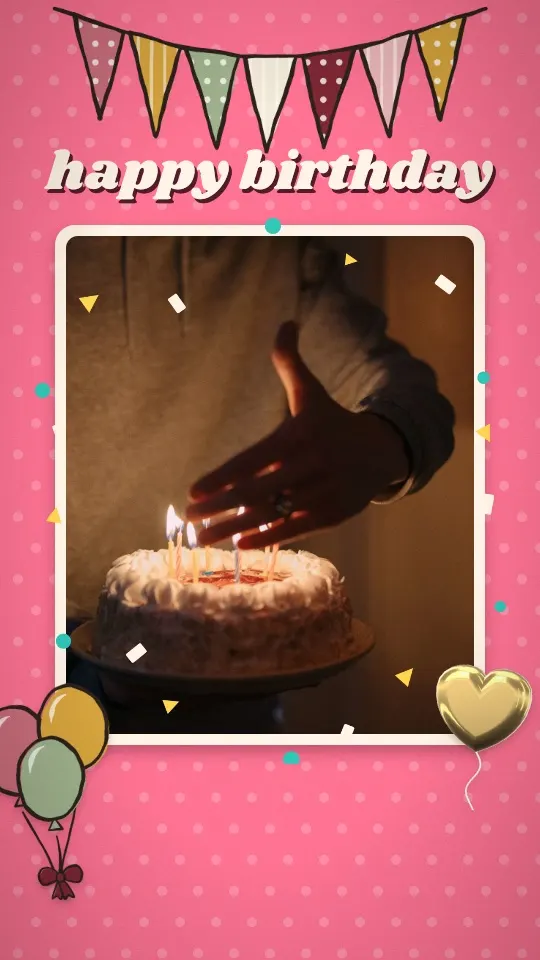
Lights out
Reel · 7 photos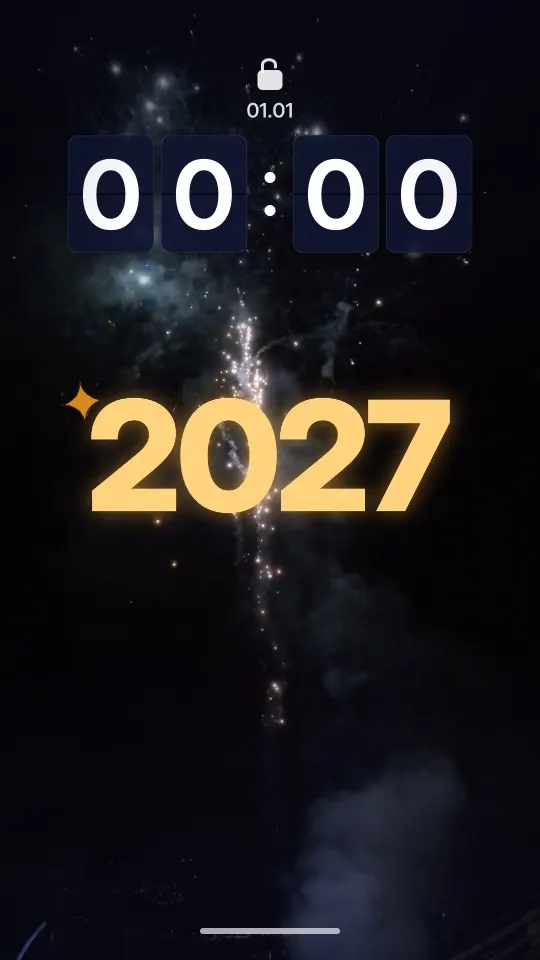
Midnight
Reel · 8 photos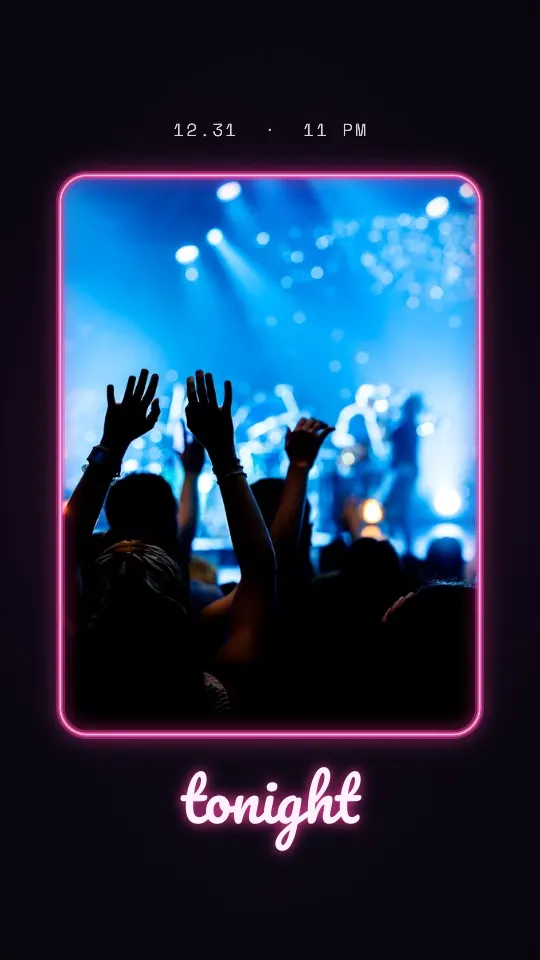
Strobe
Reel · 8 photos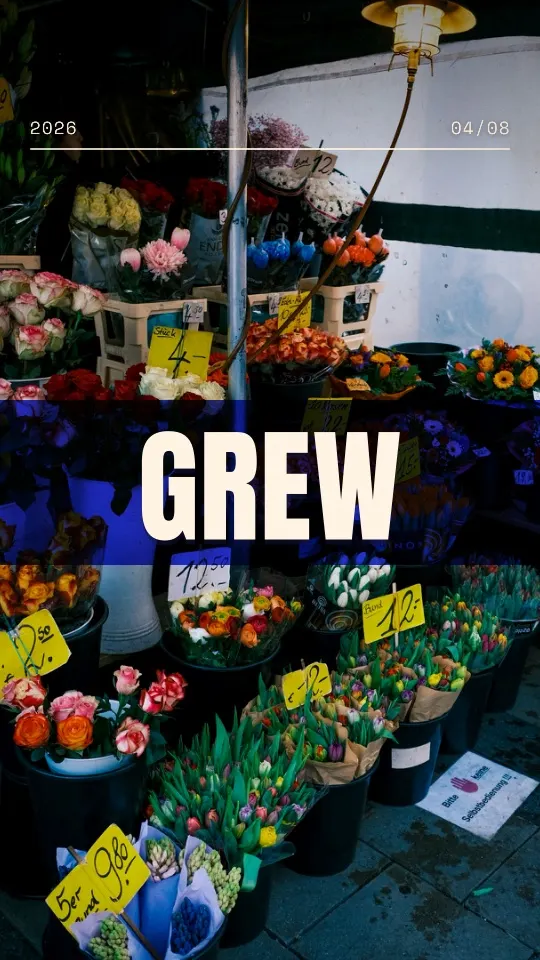
Eight words
Reel · 10 photos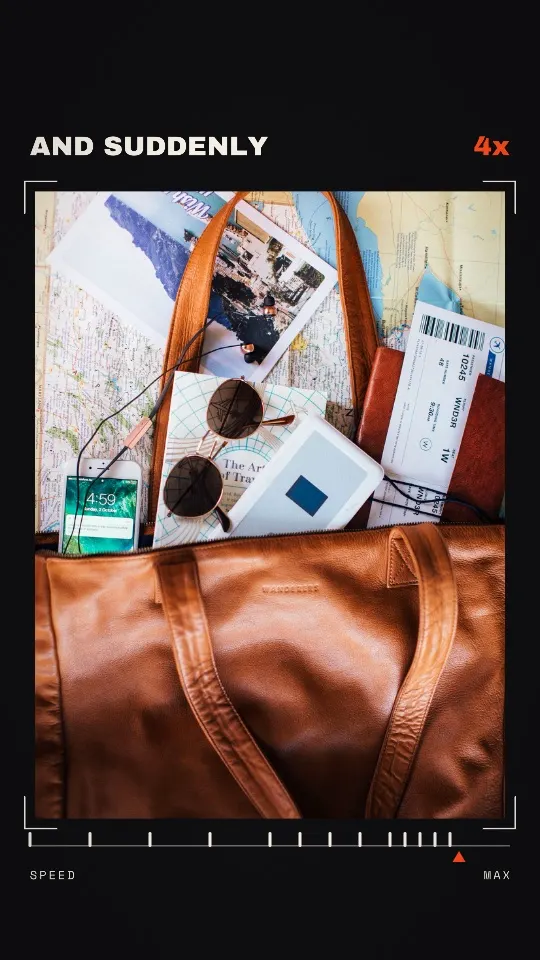
Speed
Reel · 10 photos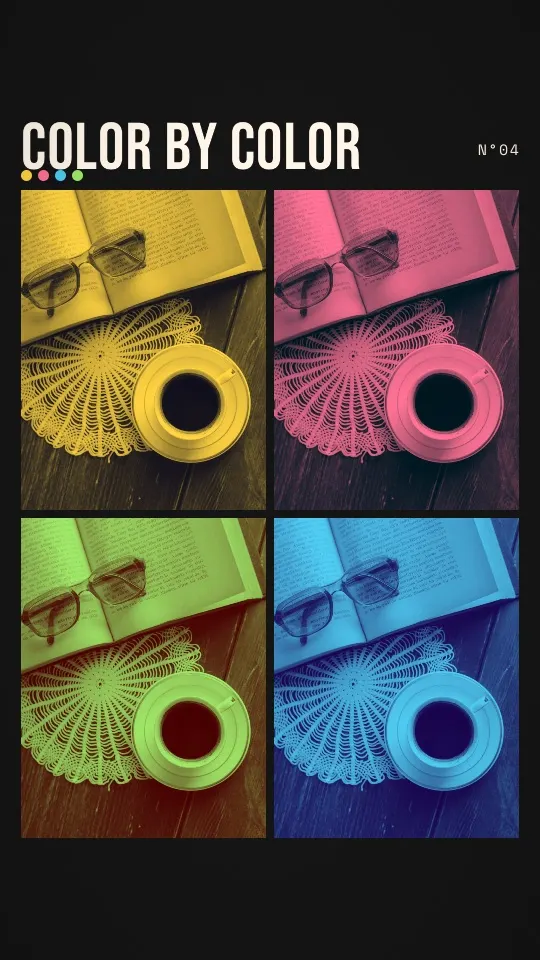
Color by color
Reel · 5 photos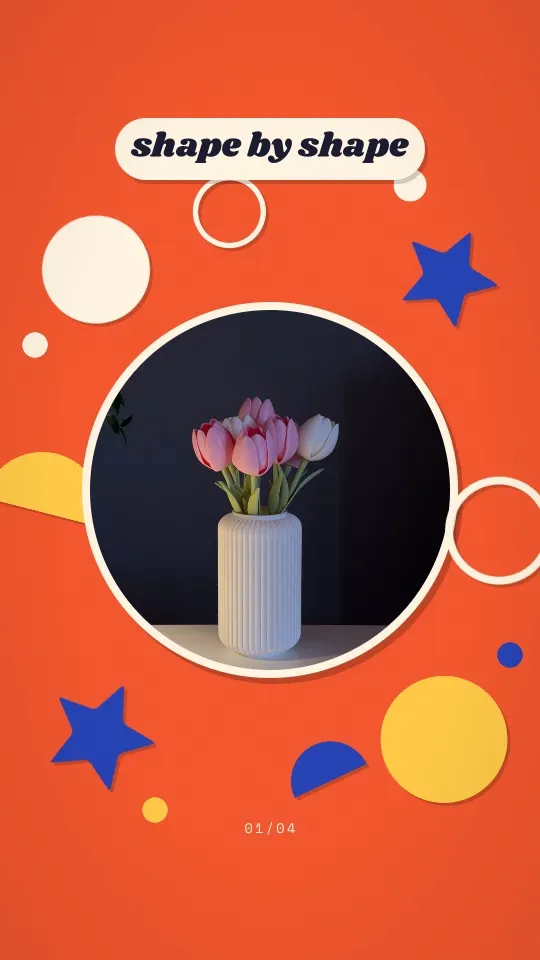
Shape by shape
Reel · 5 photos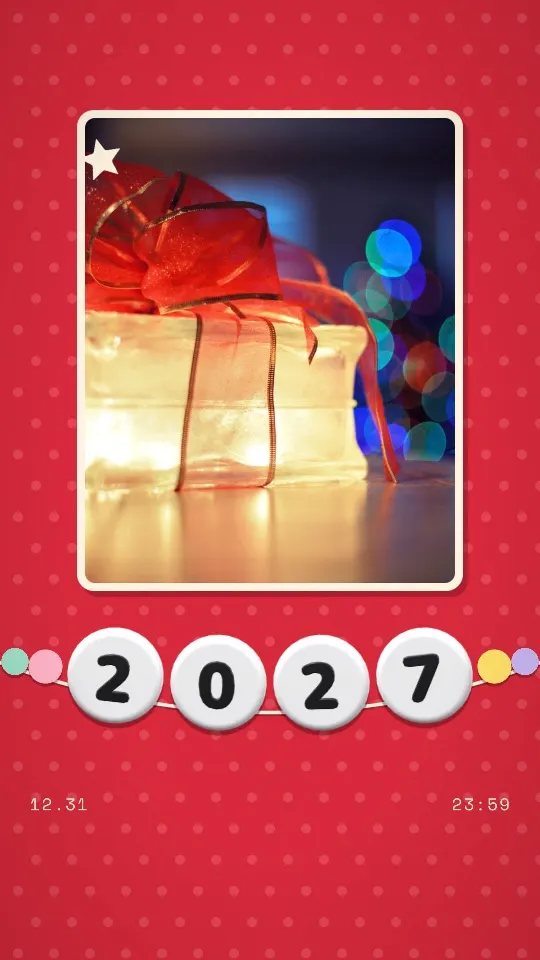
Letter by letter
Reel · 10 photos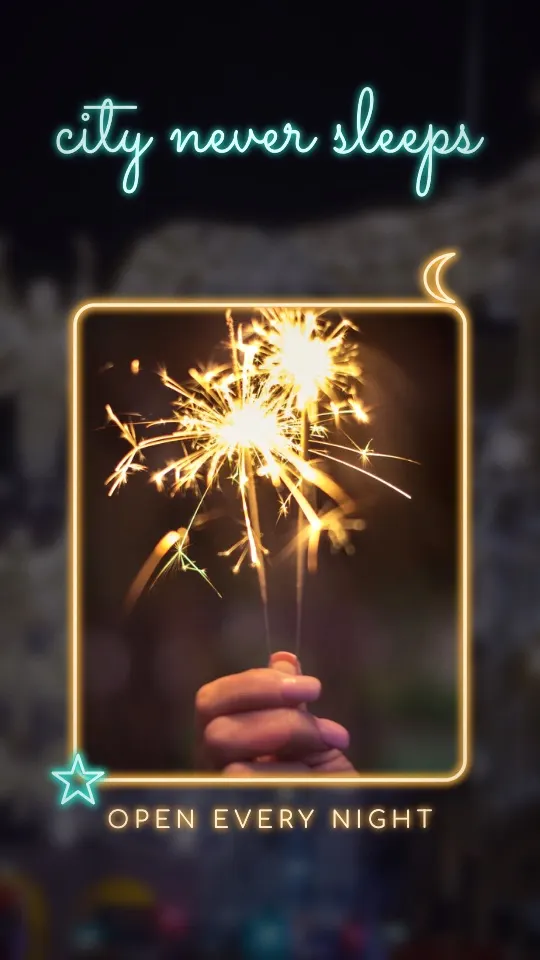
Neon sign
Reel · 10 photos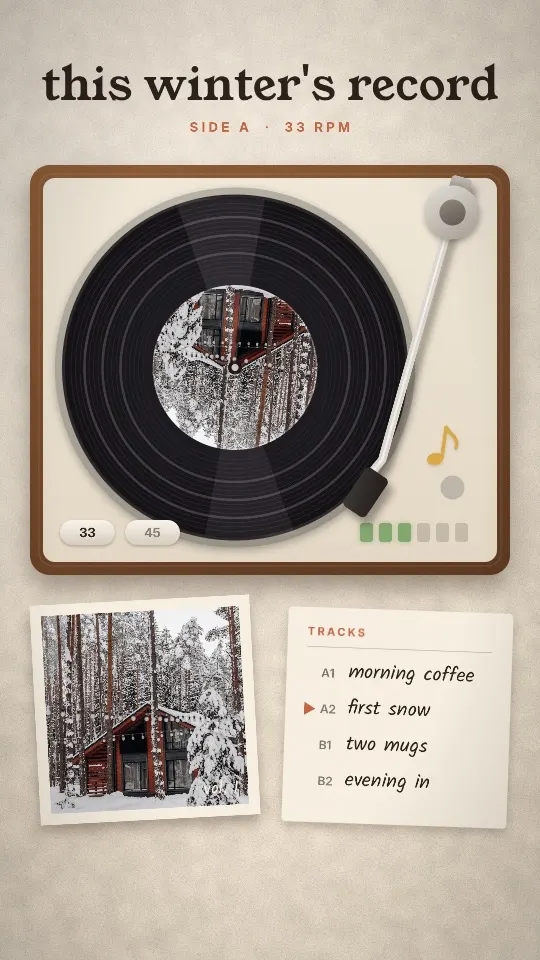
Vinyl
Reel · 6 photos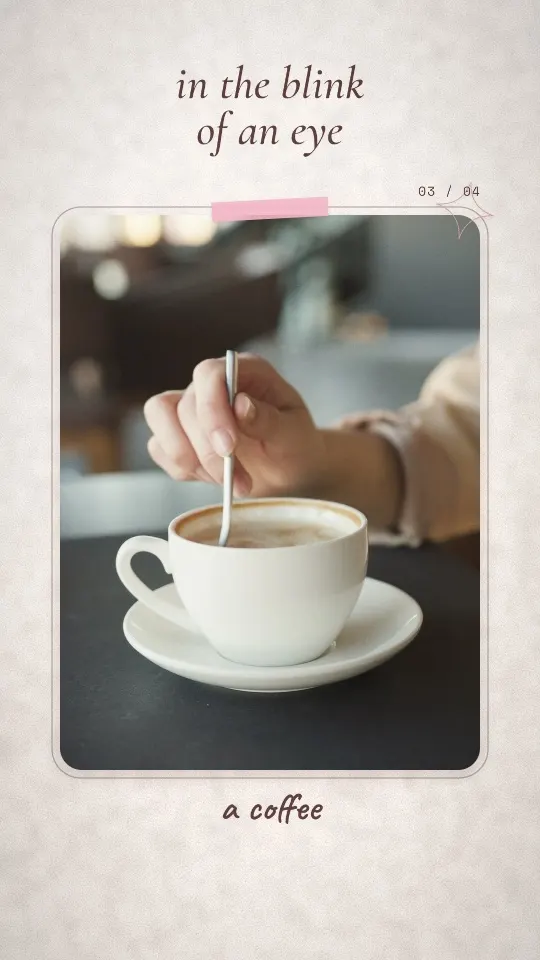
Blink
Reel · 5 photos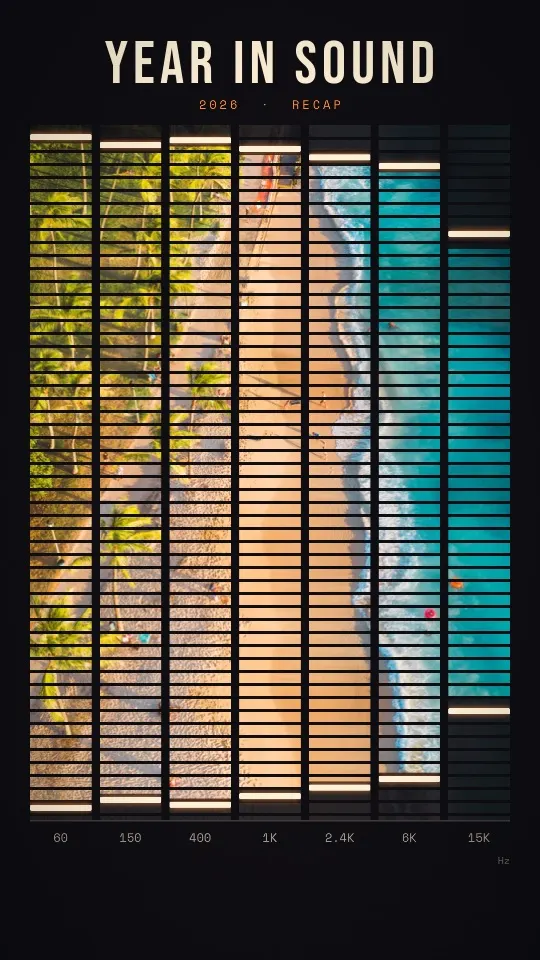
Equalizer
Reel · 10 photos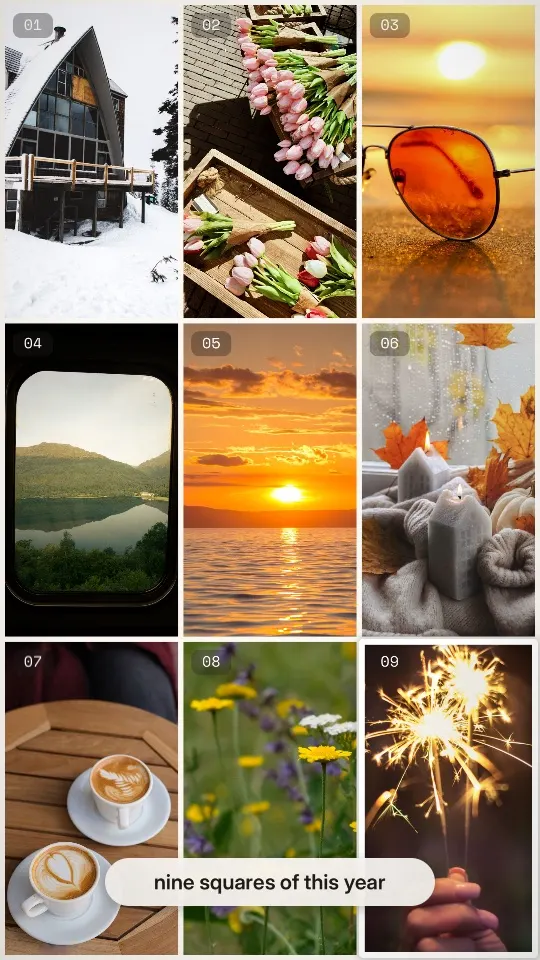
Nine squares
Reel · 9 photosWhat does ReelClub do?
ReelClub turns photos into short vertical videos with music, using templates. You do not edit a timeline: you choose a layout, add photos and videos, and the app handles pacing and cuts. It is an iPhone app for iOS 17 and later. There is no Android version, web editor or desktop app.
How does it work?
- Pick a template. There are 170+ in English, and you can preview each one full screen.
- Choose photos. Tap Use template and select from your library. The app shows what each slot is for.
- Fine-tune. Edit every text, set the focus point on each photo, add stickers (130) and frames (19), and arrange layers.
- Add music. Pick from tracks matched to each template or the built-in library, and choose the exact part of the song.
- Export. The video saves to Photos, ready to post.
What do I get when I export?
| Format | Output |
|---|---|
| Reels | 1080×1920 video, H.264 with AAC audio, music cut to the beat |
| Stories | 1080×1920 image |
| Carousels | 1080×1350 (4:5) JPEG slides, saved in order |
The beat-cut music is what separates it from a plain slideshow: photos land on the rhythm. It applies to the music in the app’s library; user-uploaded songs are not beat-matched.
Free or Pro?
| Free | Pro | |
|---|---|---|
| Templates | 10 fully free | All 170+ |
| Preview | All templates | All templates |
| Price | $0 | $4.99 weekly or $29.99 yearly |
| Trial | 3 days, new subscribers |
The free templates include Day by the clock, 5 things, Recipe card and Postcard. Subscriptions run through Apple, and you can cancel in iPhone Settings.
Who is it for?
- People who want a Reel from photos and do not want to learn an editor. Try a photo dump template.
- Anyone making a recap: year in review, birthday or travel.
- Small businesses posting products; see small business templates.
- Creators who want carousels as well as video; see the seamless carousel maker.
How is privacy handled?
There is no account. Photos and projects stay on your iPhone and are not uploaded, and the app has no ads and no tracking. Subscriptions use Apple and RevenueCat with an anonymous ID.
Where can I learn more?
Read how to make a Reel with photos on iPhone, and how to add music to photos on iPhone for four ways to do it. See pricing or the FAQ.
Questions, answered
How do I turn photos into a video with music on iPhone?
Open ReelClub, pick a template, tap Use template, choose your photos, then pick a song and export. The app cuts the photos to the beat and saves a 1080×1920 video to your Photos app. It takes a few minutes, and you can edit text, stickers and frames first.
How do I add music to a photo?
In ReelClub, music is part of the template: tracks matched to each template are listed first, and you can browse the built-in library and choose the exact part of the song. For a still photo, make a template with one photo; the video exports with the music.
Is it a slideshow app?
It is more designed than a slideshow. A slideshow shows photos one after another; ReelClub templates add layout, type, motion and cuts timed to the music. You can still use it for a simple slideshow with music on iPhone, by choosing a clean template.
Is it free?
Download is free, previewing is free, and 10 templates are fully free to use and export. The rest need ReelClub Pro: $4.99 weekly or $29.99 yearly, with a 3-day free trial for new subscribers. Prices vary by region. Cancel anytime in iPhone Settings.
Your photos, edited.
Download ReelClub on iPhone. Browse every template for free, use 10 of them without paying, and try Pro free for 3 days.




