- Home
- All templates
- Magazine cover
- Magazine cover
Editorial · Reel
Magazine Cover Reel Template
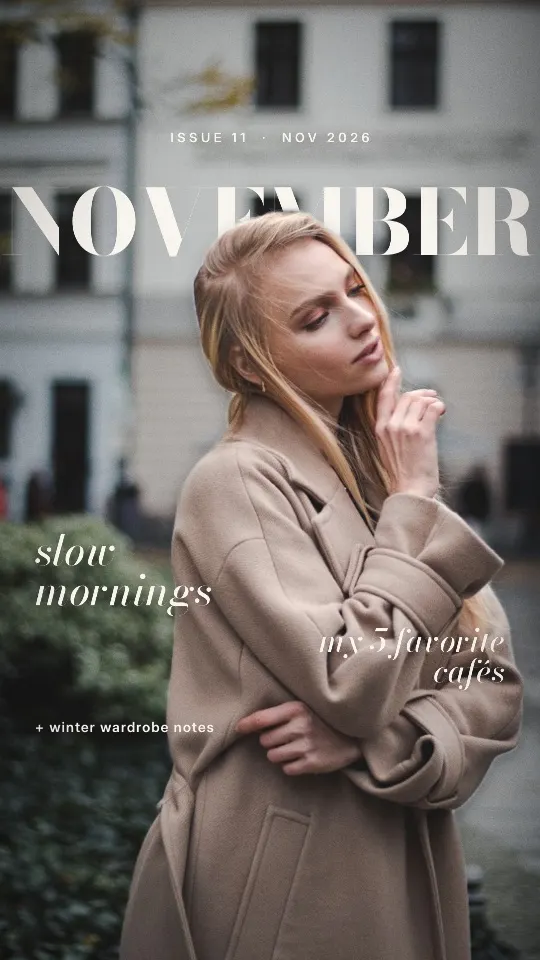
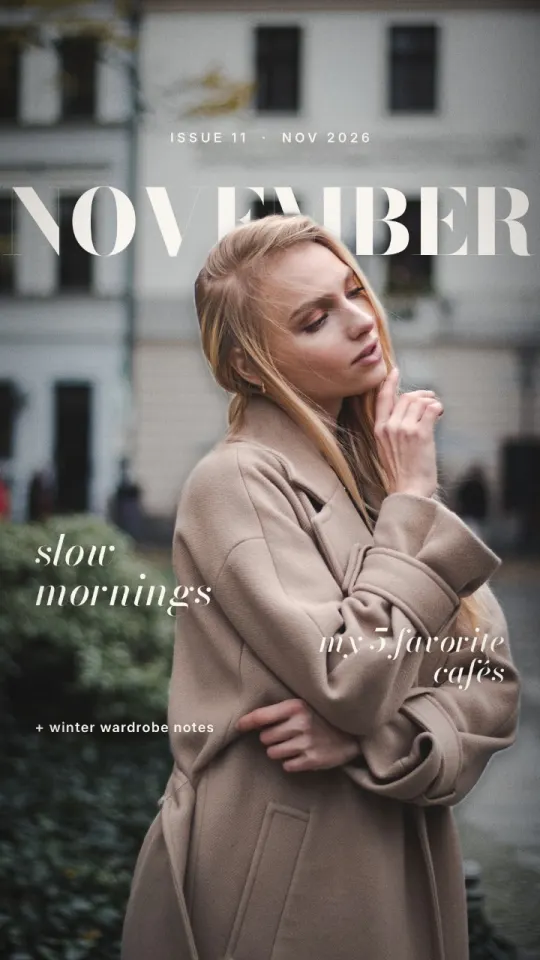
A magazine cover Reel that turns your portrait into the front page of a monthly issue. A huge serif "NOVEMBER" masthead runs behind you, because the app cuts the person out of a full-length photo automatically. Italic cover lines such as "slow mornings" and "my 5 favorite cafés" sit beside you, with a small issue line at the top. Five photos or videos play in about ten seconds with beat-synced music and end on a "next issue" teaser. Masthead, cover lines and issue date are all editable.
Included with ReelClub Pro: $4.99/week or $29.99/year, 3-day free trial.
Perfect for
- Personal monthly column or blog teaser
- Outfit and winter wardrobe highlights
- Portrait-led Sunday morning post
What you’ll need
- cover: full-length portrait (person is cut out automatically)
- street
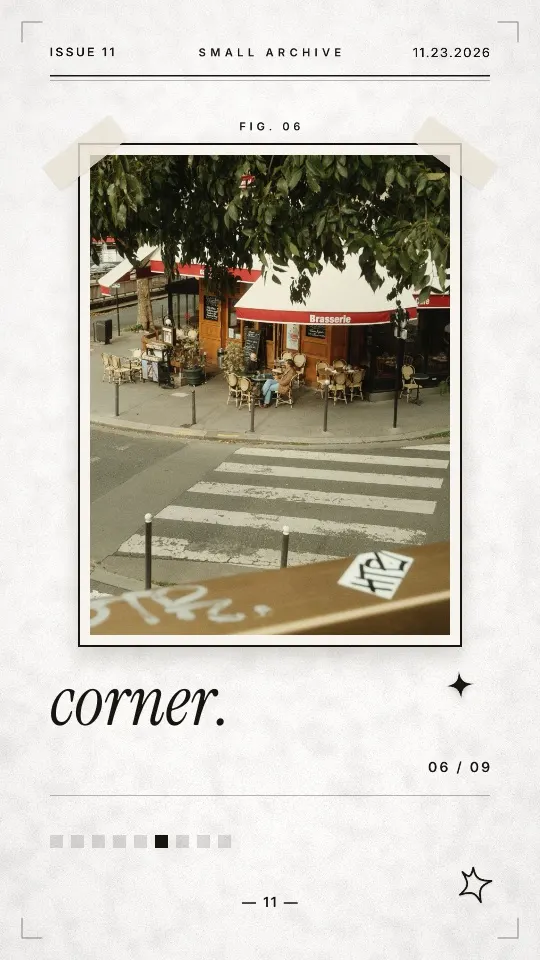
- black & white moment
- detail
- second cover portrait
Tip: Use a full-length shot with clear space around you for the cover slot, so the automatic cutout has clean edges, then fill the rest with street and detail frames.
Text you can change
- “NOVEMBER”
- “DECEMBER”
- “lights, cocoa, first snow”
- “slow mornings”
- “my 5 favorite cafés”
- “+ winter wardrobe notes”
- “ISSUE 11 · NOV 2026”
- “NEXT ISSUE”
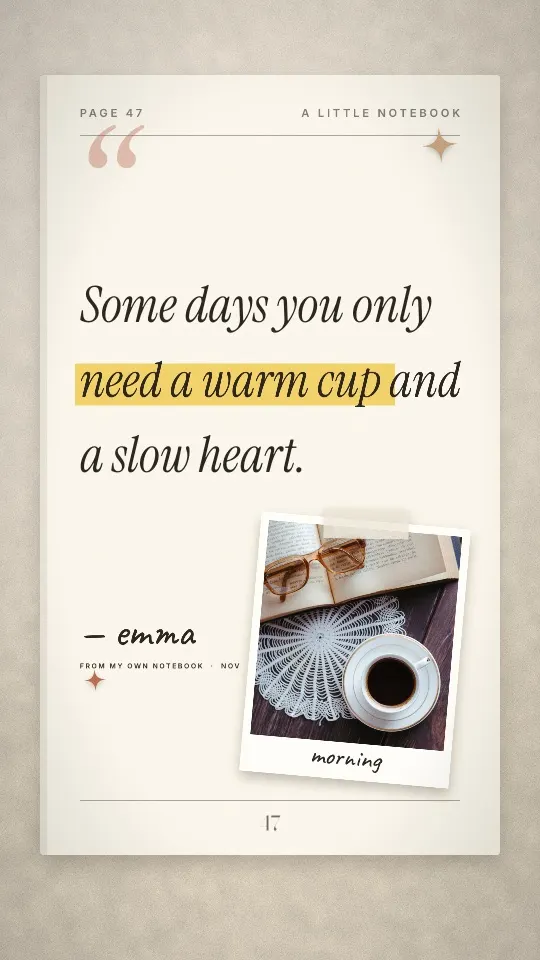
- “a little guide to sunday mornings”
Every line, font and style can be changed in the editor.
Caption ideas
- issue 11: slow mornings
- the cover story is my sunday
- next issue: lights, cocoa, first snow
How do you use this template?
- Download ReelClub from the App Store and open this template.
- Tap “Use template” and pick photos and videos from your library. The app shows what each slot is for.
- Change the text, music or framing if you like, then export. It saves to Photos, ready for Instagram or TikTok.
You might also like



Your photos, edited.
Download ReelClub on iPhone. Browse every template for free, use 10 of them without paying, and try Pro free for 3 days.




