- Home
- All templates
- Carousel templates
Carousels
Aesthetic Instagram Carousel Templates
ReelClub has 24 aesthetic Instagram carousel templates for iPhone. Every one is seamless: the design is built on one wide canvas and cut into 1080×1350 (4:5) slides, saved to Photos in left-to-right order. Pick a layout, add 3 to 12 photos, edit the text and post the slides in order.
24 templates · 3 free · Updated
Templates
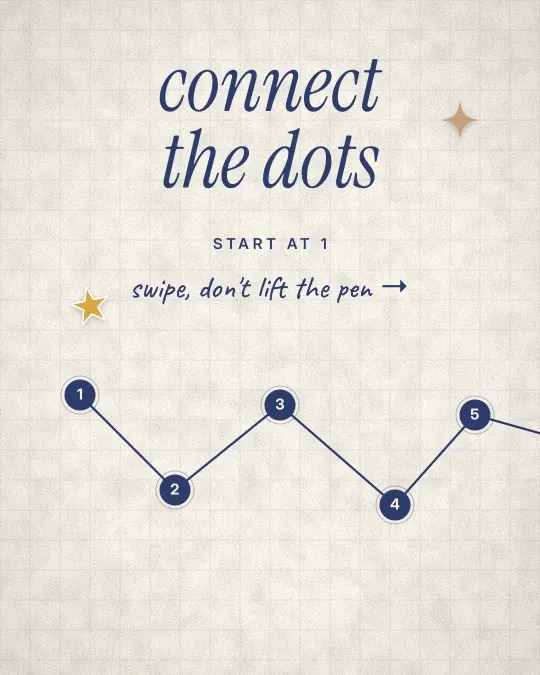
Connect the dots
Carousel · 5 slides
Unboxing
Carousel · 6 slides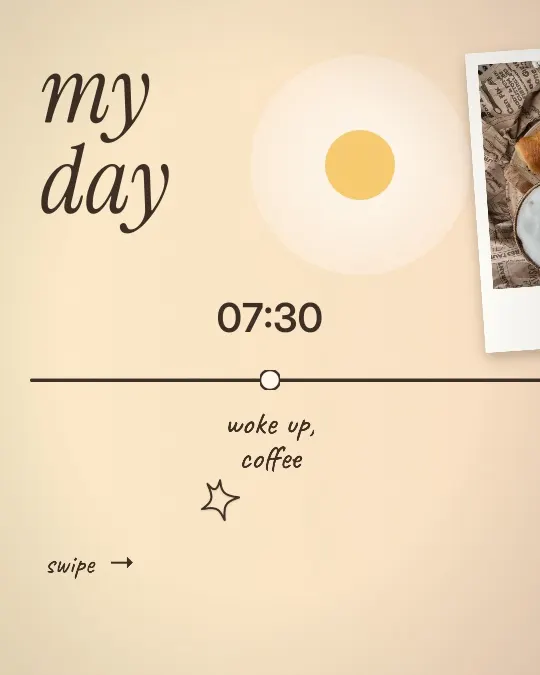
My day
Carousel · 6 slides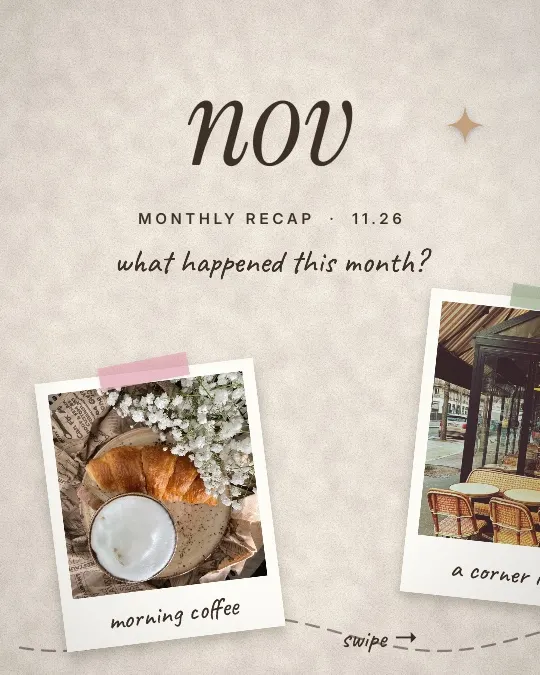
November recap
Carousel · 4 slides
December recap
Carousel · 5 slides
My 2026
Carousel · 7 slides
Panorama
Carousel · 4 slides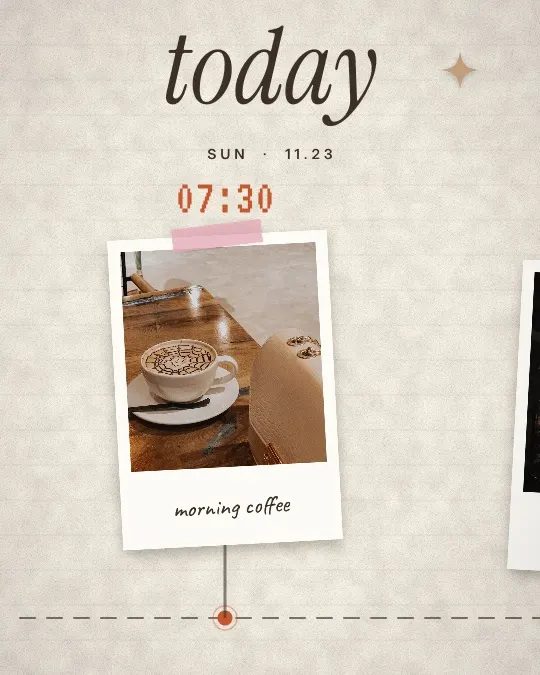
Today
Carousel · 6 slides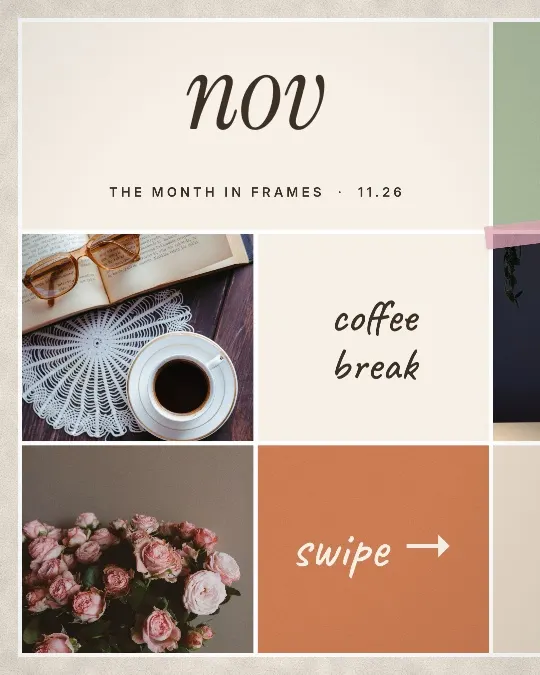
3×3 grid
Carousel · 4 slides
Mosaic
Carousel · 4 slides
Film grid
Carousel · 4 slides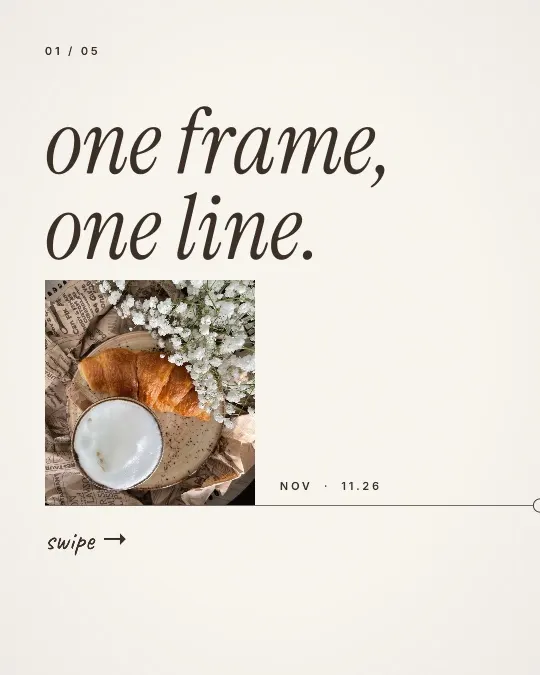
One frame, one line
Carousel · 5 slides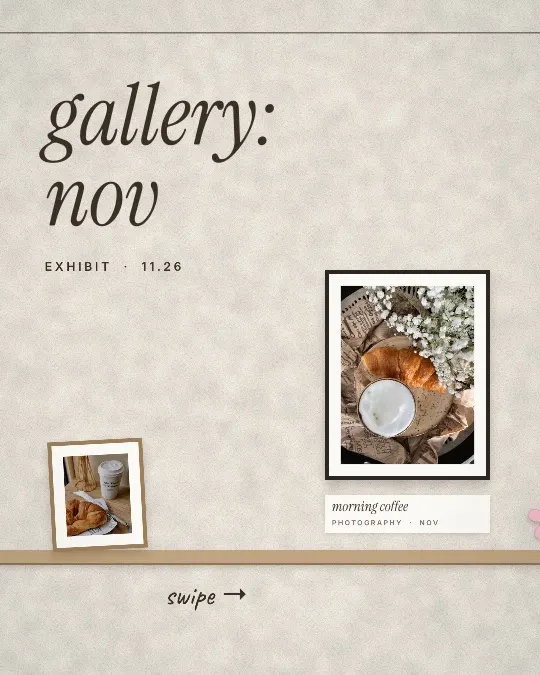
Gallery wall
Carousel · 5 slides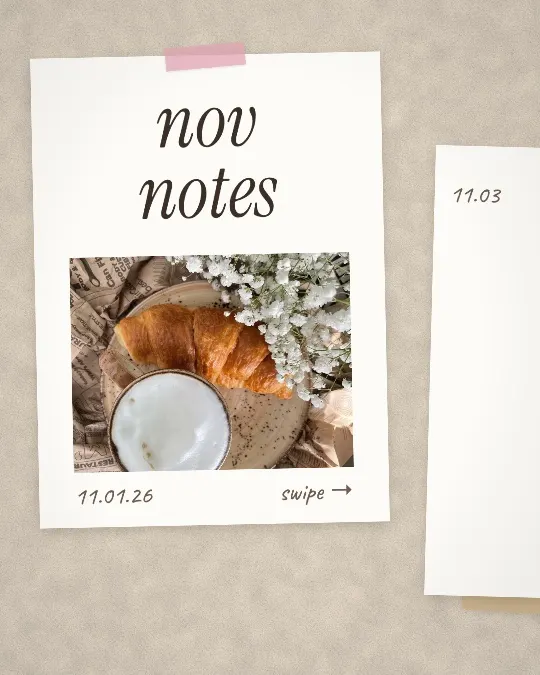
Paper and shadow
Carousel · 5 slides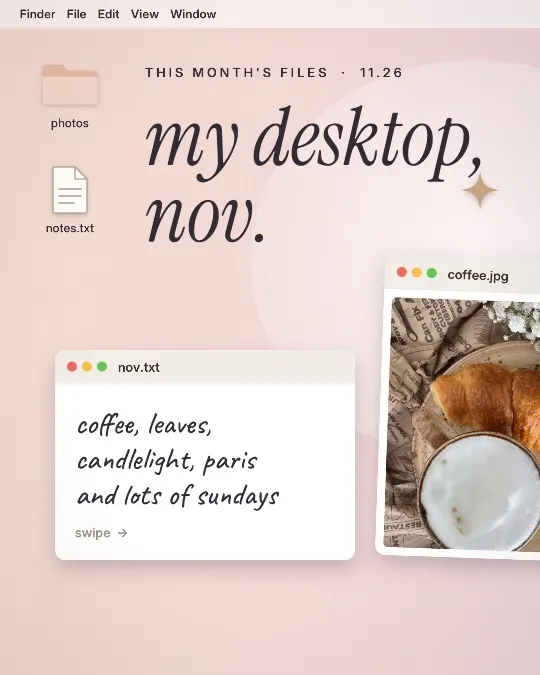
My desktop
Carousel · 5 slides
November chat
Carousel · 5 slides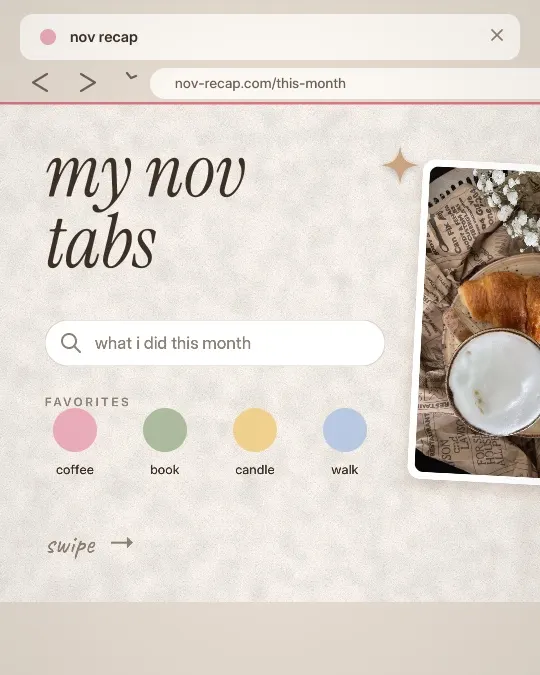
My tabs
Carousel · 5 slides
Sunday list
Carousel · 4 slides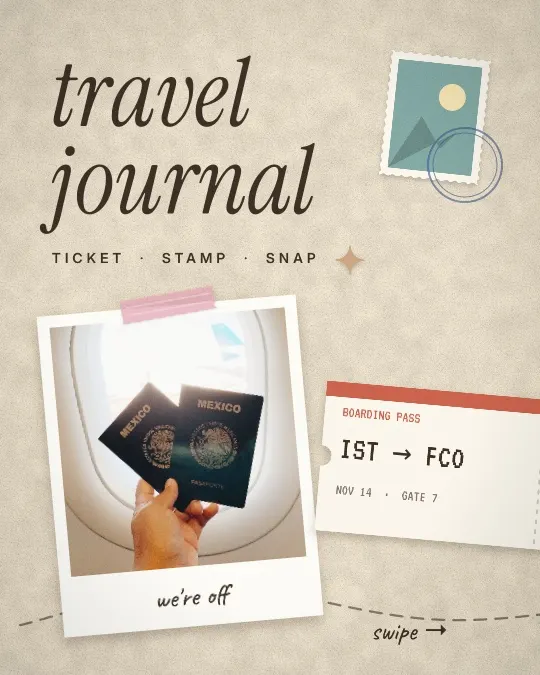
Travel journal
Carousel · 6 slides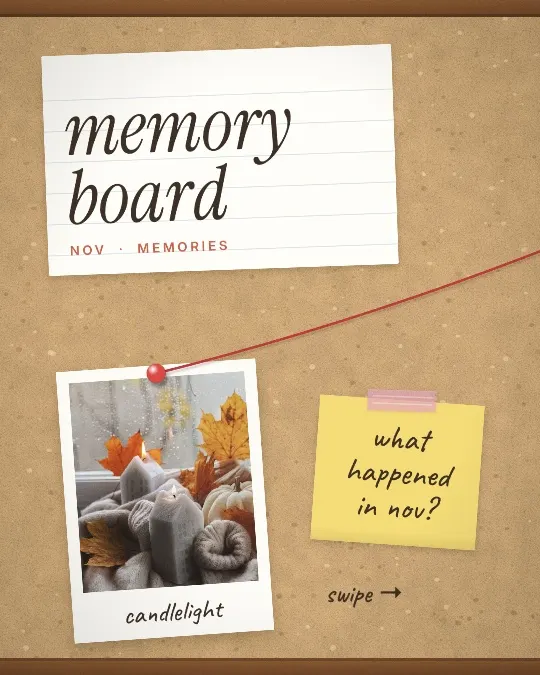
Cork board
Carousel · 5 slides
Paper cutout collage
Carousel · 5 slides
Love letter
Carousel · 5 slides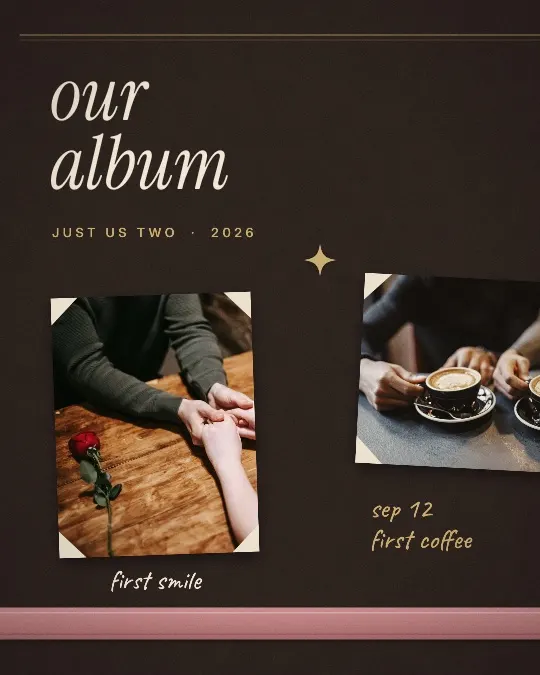
Our album
Carousel · 5 slides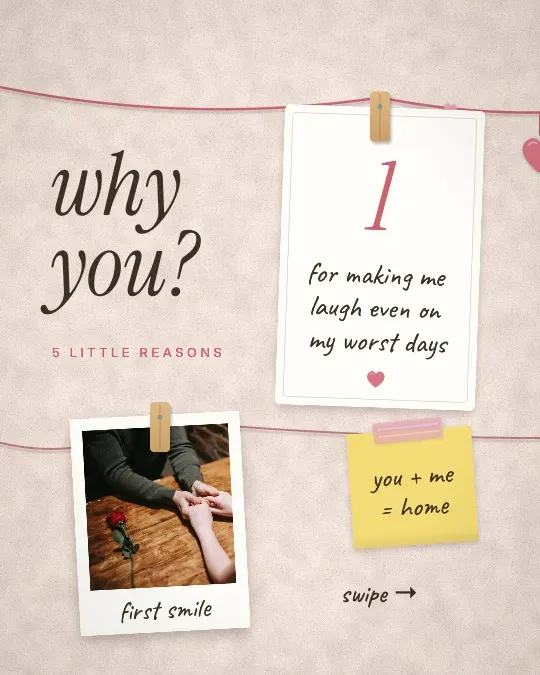
Why you
Carousel · 5 slidesWhy are ReelClub carousels seamless?
Most carousel templates are a set of separate squares. ReelClub designs each carousel as one wide canvas first, then cuts it into 1080×1350 slides. The result is a swipe where a polaroid, a torn paper edge or a line of type continues onto the next slide. People keep swiping to see how the image finishes, which is the point of a carousel. If you want the technique itself, the seamless carousel maker page explains it and how to make a seamless carousel covers posting.
Which carousel style fits what you want to post?
| You want | Try | Slides and photos |
|---|---|---|
| A tidy archive | Film grid | 4 slides, 10 photos |
| A month in review | December recap | 5 slides, 8 photos |
| A full year | My 2026 | 7 slides, 12 photos |
| One wide scene | Panorama | 4 slides, 3 photos |
| Something personal | Love letter | 5 slides, 4 photos |
| A scrapbook feel | Cork board | 5 slides, 6 photos |
There are also text-led layouts, such as One frame, one line, for when you have fewer photos and more to say.
How do I post a carousel from ReelClub?
- Pick a carousel template and preview it. Swipe through the slides in the preview.
- Tap Use template and add your photos.
- Change the text, fonts, stickers and frames, and set each photo’s focus point.
- Export. The slides save to Photos in order.
- In Instagram, create a new post, select the slides in order and publish.
Do I need to crop for 4:5?
No. The template is already 4:5, so nothing is cropped when you post. If you are working from other sources, the Instagram sizes cheat sheet lists every current ratio for posts, Reels and stories.
Can a carousel be a photo dump?
Absolutely. Layouts like 3×3 grid and Mosaic hold 10 photos across 4 slides, and are a neat alternative to a Reel. See the photo dump templates for Reel versions of the same idea.
What can I edit?
Every piece of text, with font and style choices, plus 130 stickers, 19 frames and layers. Drafts save automatically and you can undo and redo. Nothing is uploaded: your photos and projects stay on your iPhone, with no ads and no tracking. Browse the full catalog on all templates.
Questions, answered
What size are Instagram carousel templates in ReelClub?
Each slide exports as a 1080×1350 JPEG, which is the 4:5 portrait ratio Instagram favors for feed posts. Slides are saved to your Photos app in left-to-right order, so you can select them all and post in the same sequence without reordering.
What does seamless carousel mean?
A seamless carousel is one continuous image cut into slides, so shapes, photos and lines run across the swipe from one slide to the next. In ReelClub, all 24 carousels are designed this way on a single wide canvas, then sliced into equal 4:5 pieces.
How many slides does a carousel have?
ReelClub carousels range from 4 to 7 slides. Photo counts run from 3 photos in Connect the dots up to 12 in My 2026. The template page shows the slide count, and the app shows what each photo slot is for.
Which carousel templates are free?
Three carousels are free to use and export: My day, Unboxing and Connect the dots. The rest need ReelClub Pro, which has a 3-day free trial. Previewing every template is free, and there is no account to create.
Related guides
Your photos, edited.
Download ReelClub on iPhone. Browse every template for free, use 10 of them without paying, and try Pro free for 3 days.




