- Home
- All templates
- Valentine's Day
- Our album
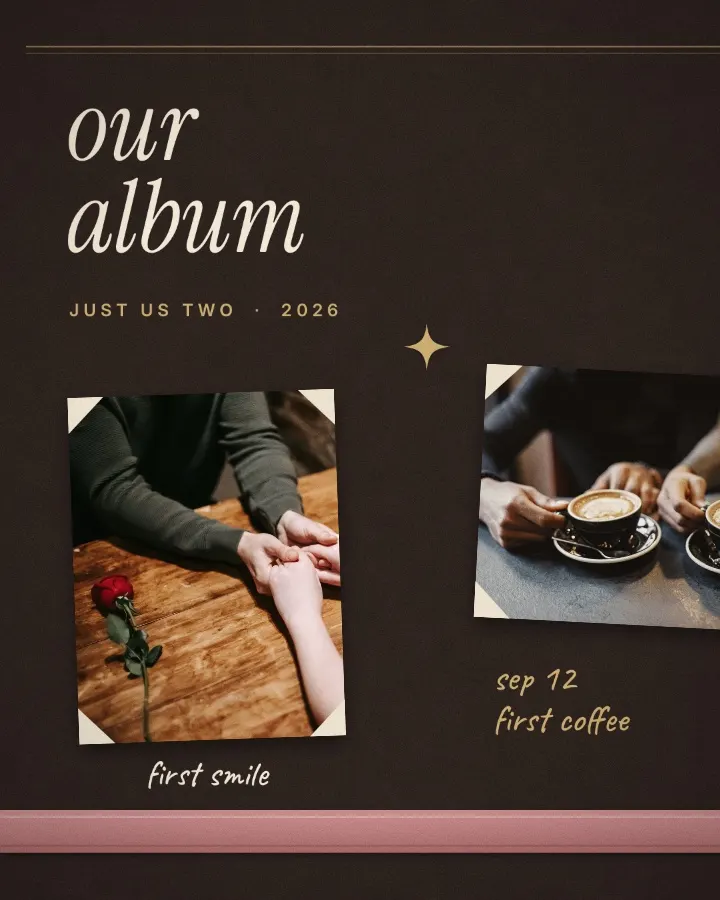
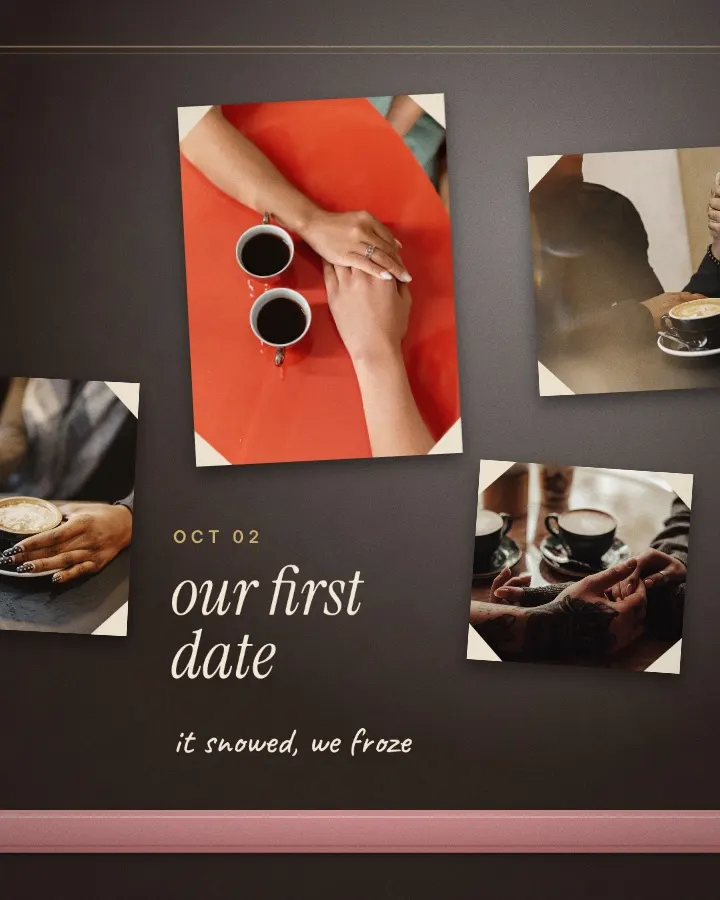
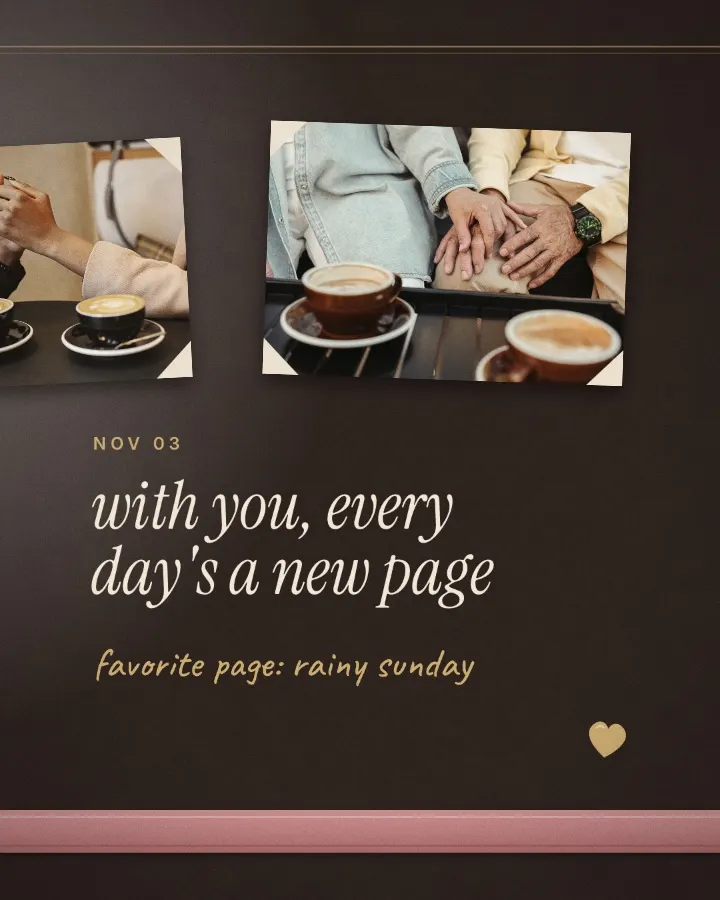

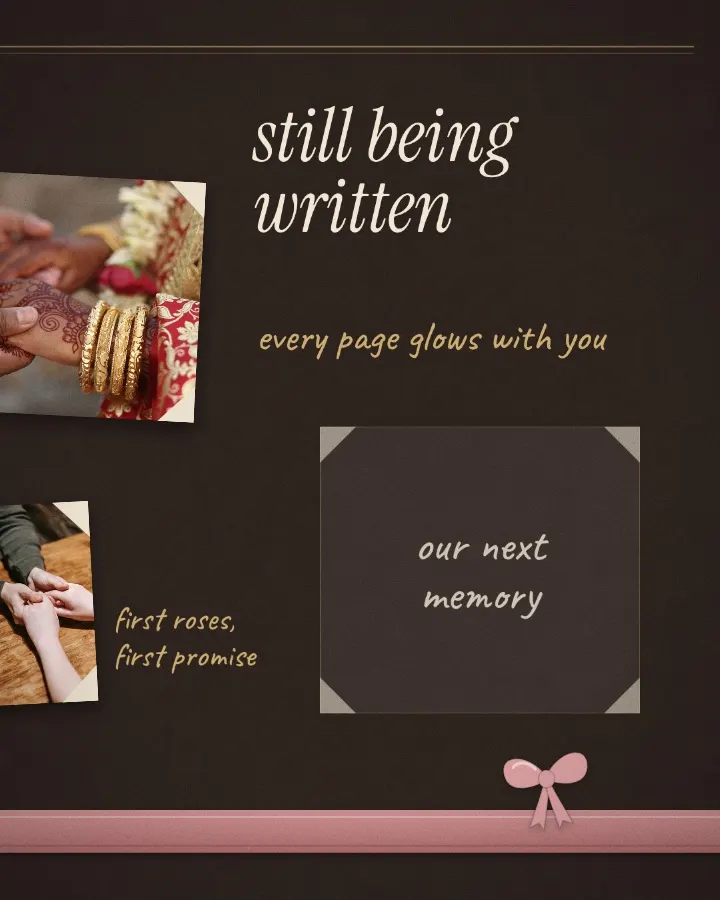
Slides are cut from one wide design, so the post flows seamlessly as you swipe.
Special days · Carousel
Our Album Carousel Template
A couple's photo album carousel on dark chocolate-brown pages. The cover has a cream serif title ("our album"), gold small caps reading "just us two, 2026", two polaroid-style prints with a pink ribbon strip at the bottom and handwritten captions like "first smile" and "sep 12, first coffee".
Nine photos run through five 4:5 slides, mixing portrait and landscape shots, such as hands, a table, an anniversary photo and a small detail. Dates, section labels, captions, the quote line and the closing text are editable, plus fonts and styles. Warm photos stand out against the dark pages.
Included with ReelClub Pro: $4.99/week or $29.99/year, 3-day free trial.
Perfect for
- Anniversary photo recap for two
- Valentine's Day couple carousel
- A year-together story in nine photos
What you’ll need
- a first shot (portrait)
- coffee or food (landscape)
- hand in hand (portrait)
- a moment together (landscape)
- a moment together
- hand in hand (landscape)
- anniversary shot (portrait)
- together (landscape)
- a small shot
Tip: The slot hints alternate portrait and landscape, so sort your photos by shape first. Put the "first" memory early and the anniversary shot in the portrait slot near the end.
Text you can change
- “JUST US TWO · 2026”
- “our album”
- “OCT 02”
- “our first date”
- “NOV 03”
- “anniversary”
- “still being written”
- “every page glows with you”
- “first smile”
- “it snowed, we froze”
Every line, font and style can be changed in the editor.
Caption ideas
- our album, still being written
- first coffee to anniversary, in nine pages
- every page glows with you
How do you use this template?
- Download ReelClub from the App Store and open this template.
- Tap “Use template” and pick photos and videos from your library. The app shows what each slot is for.
- Change the text, music or framing if you like, then export. It saves to Photos, ready for Instagram or TikTok.
You might also like

Your photos, edited.
Download ReelClub on iPhone. Browse every template for free, use 10 of them without paying, and try Pro free for 3 days.




