- Home
- All templates
- Collage
Collages
Photo Collage Templates for Instagram
ReelClub has photo collage templates for iPhone: moodboards, a 3×3 grid, scrapbook, a cork board and paper-cutout layouts, as Reels, seamless carousels and stories. Put 3 to 15 photos into one layout, add a song if it is a Reel, and export for Instagram. Ten templates are free.
26 templates · 3 free · Updated
Templates
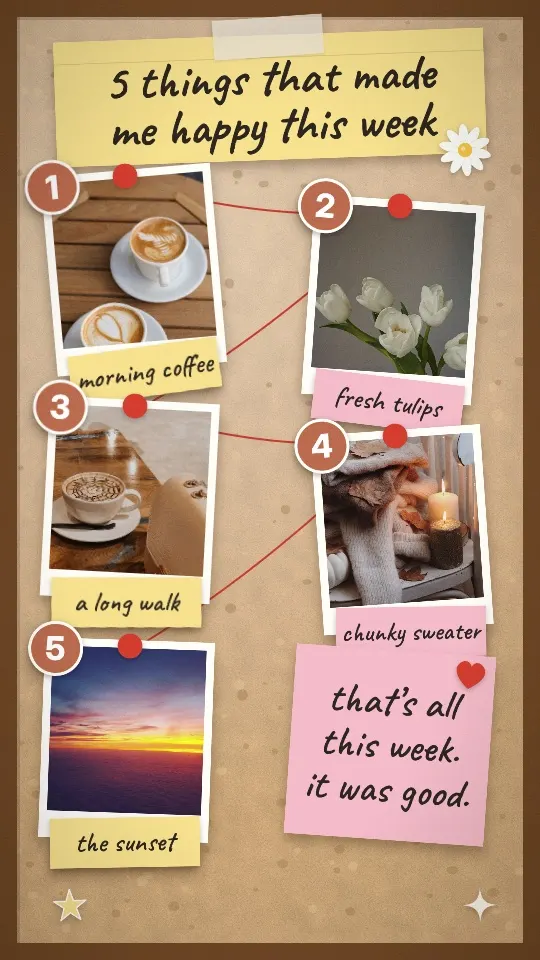
5 things
Reel · 5 photos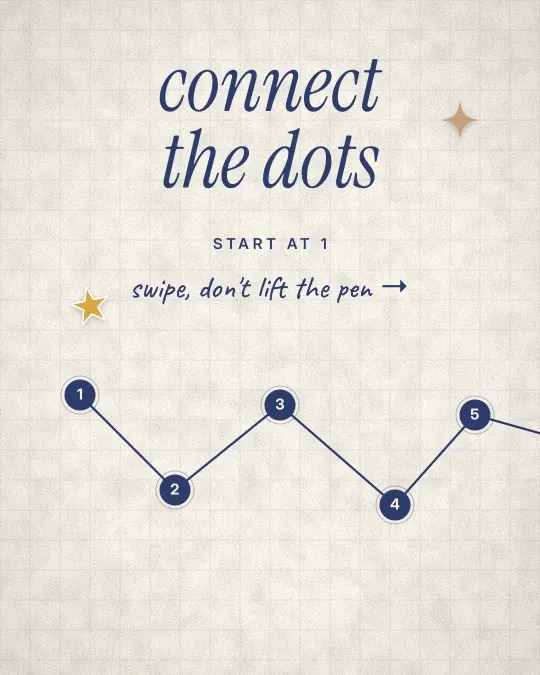
Connect the dots
Carousel · 5 slides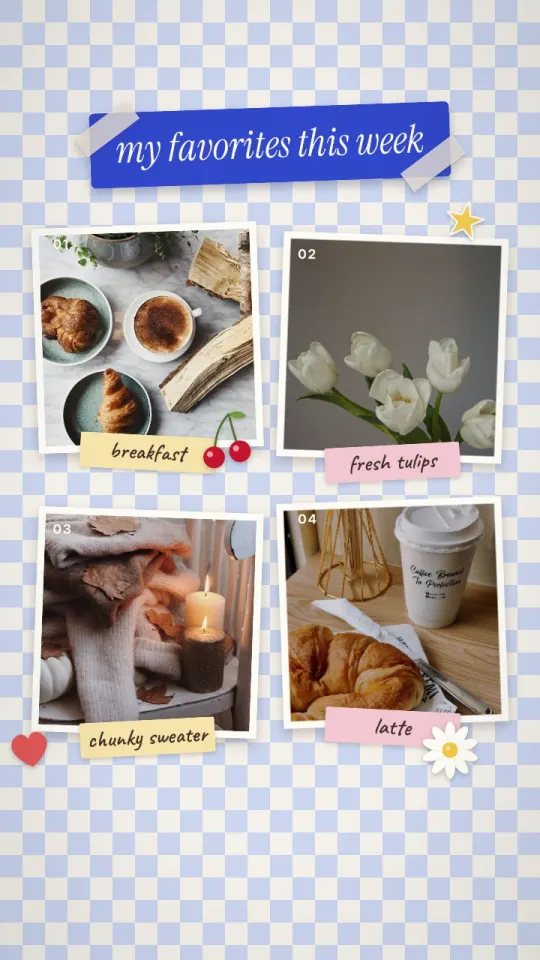
My favorites this week
Story · 4 photos
Coffee table
Reel · 8 photos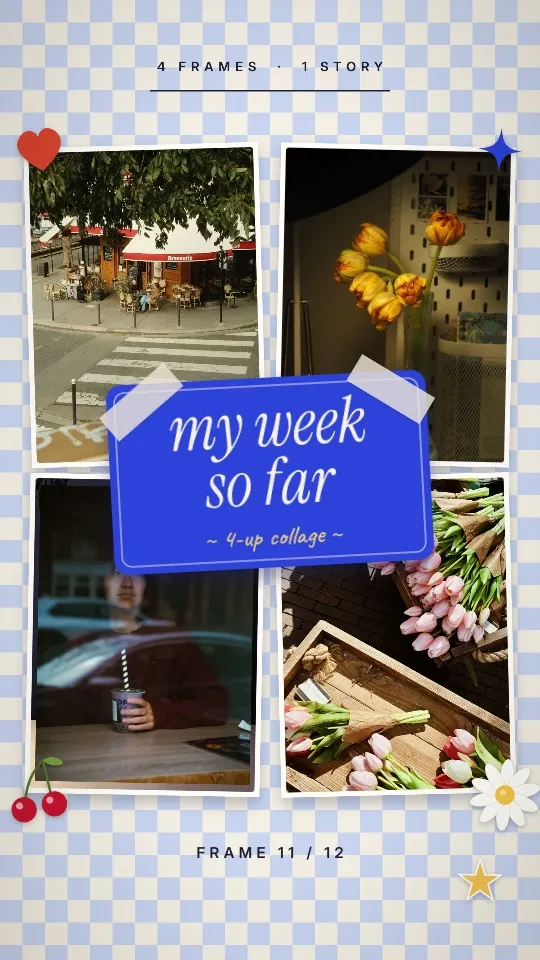
Four-up collage
Reel · 12 photos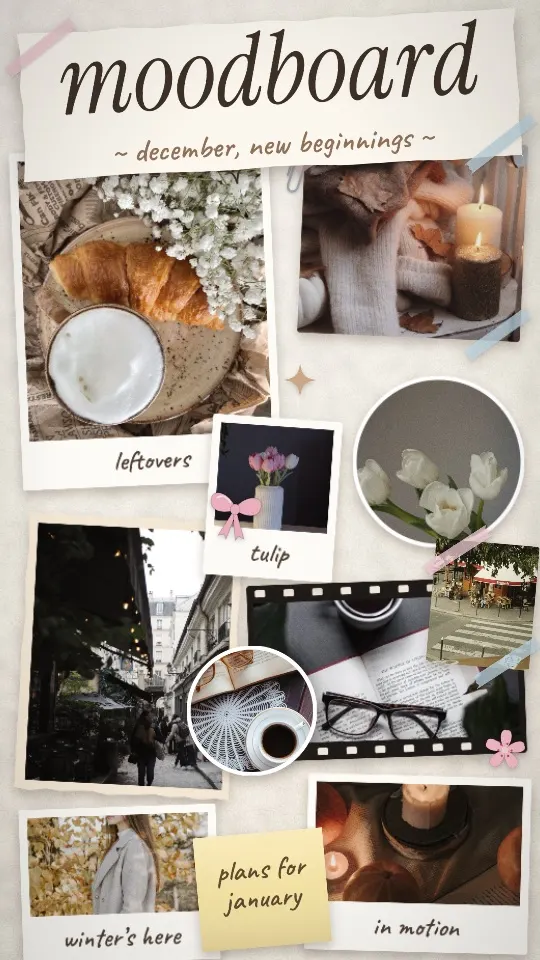
Moodboard
Reel · 10 photos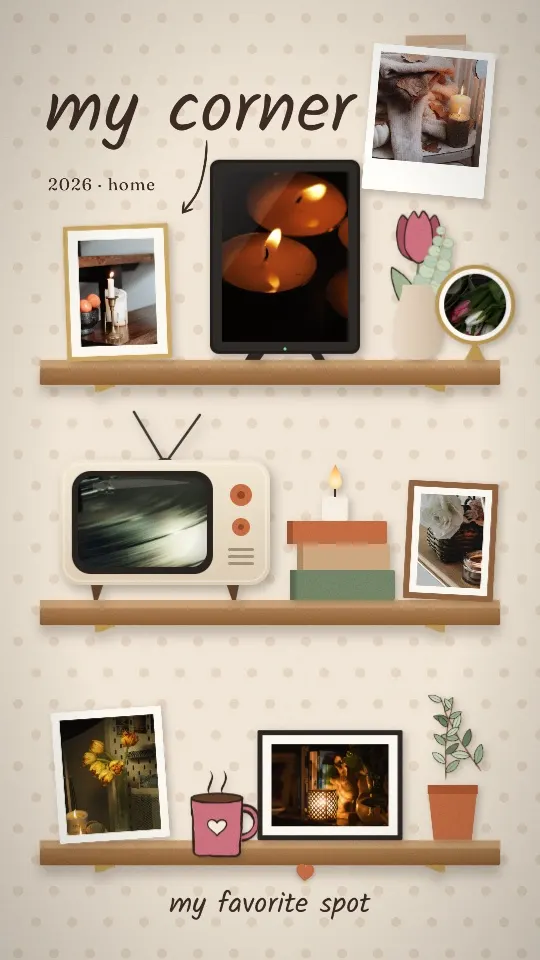
My corner
Reel · 8 photos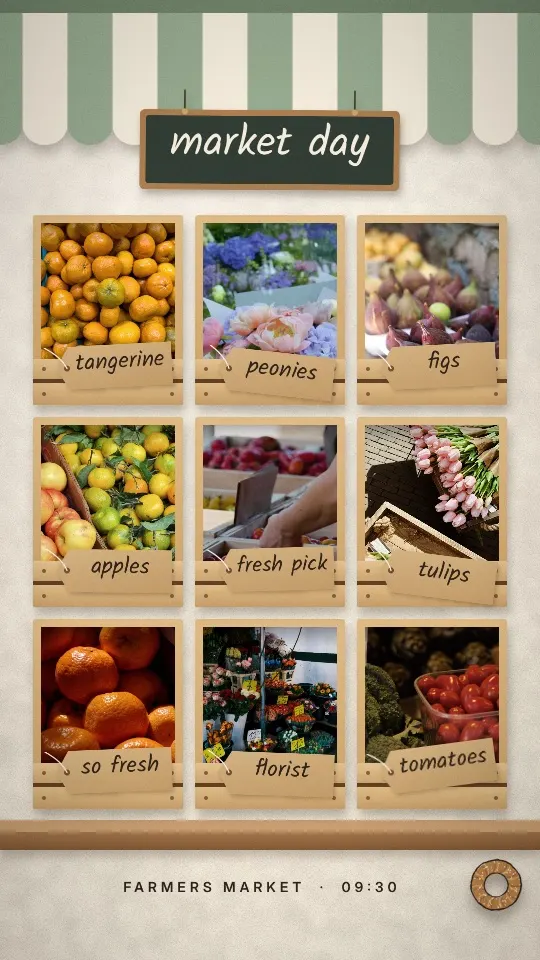
Market day
Reel · 9 photos
Pressed flower journal
Reel · 7 photos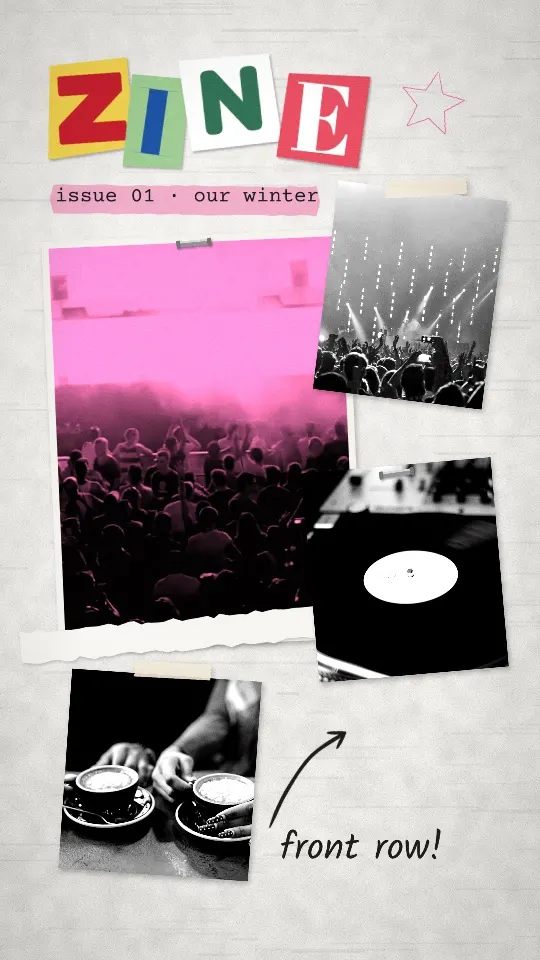
Zine
Reel · 8 photos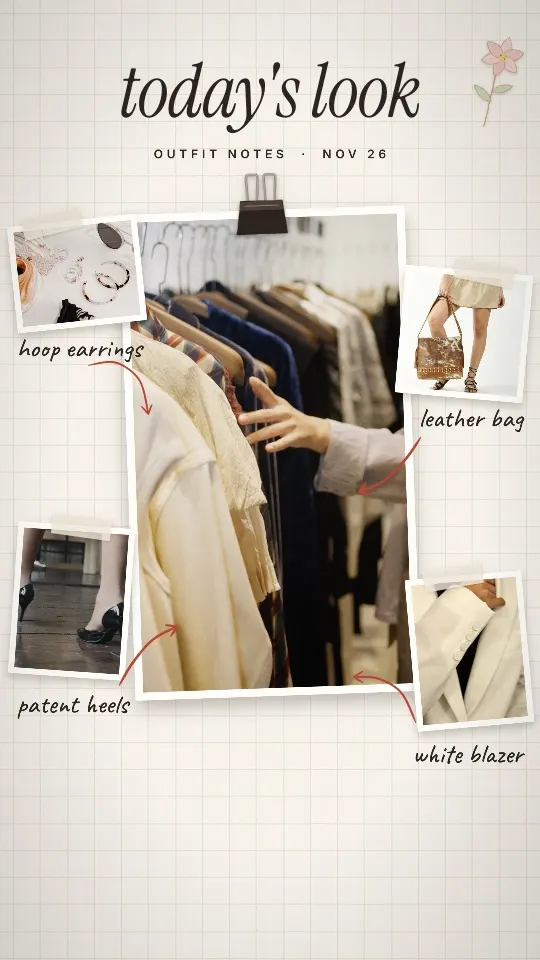
Outfit notes
Reel · 6 photos
Staircase
Reel · 15 photos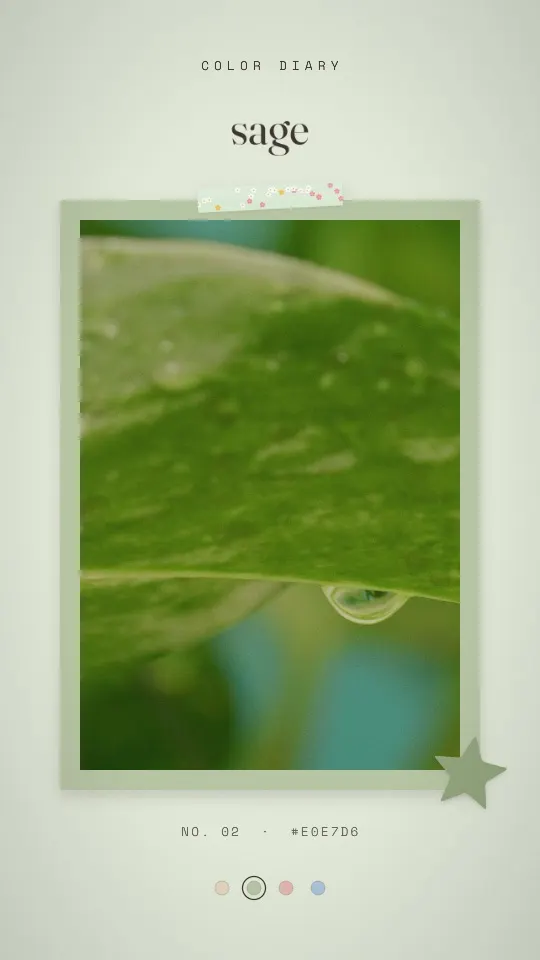
Color diary
Reel · 14 photos
You | me
Reel · 9 photos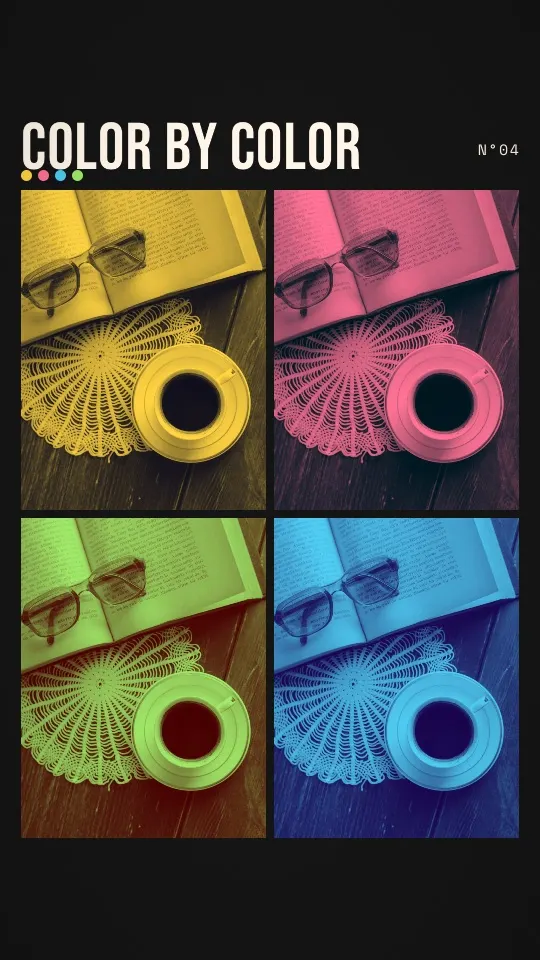
Color by color
Reel · 5 photos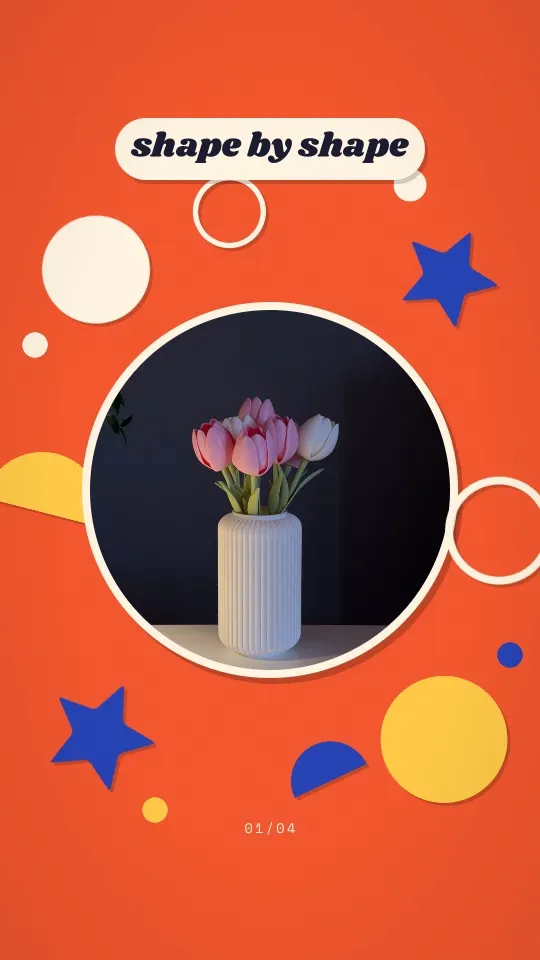
Shape by shape
Reel · 5 photos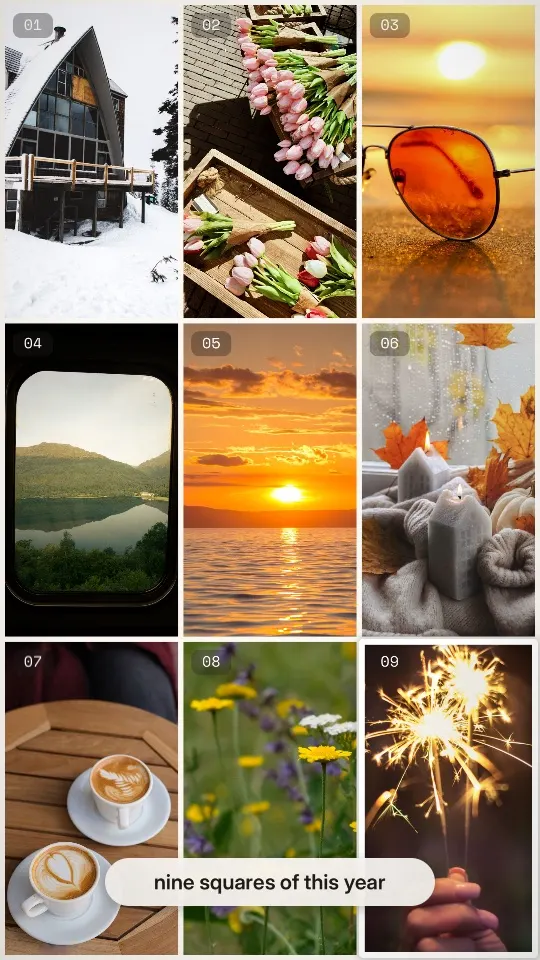
Nine squares
Reel · 9 photos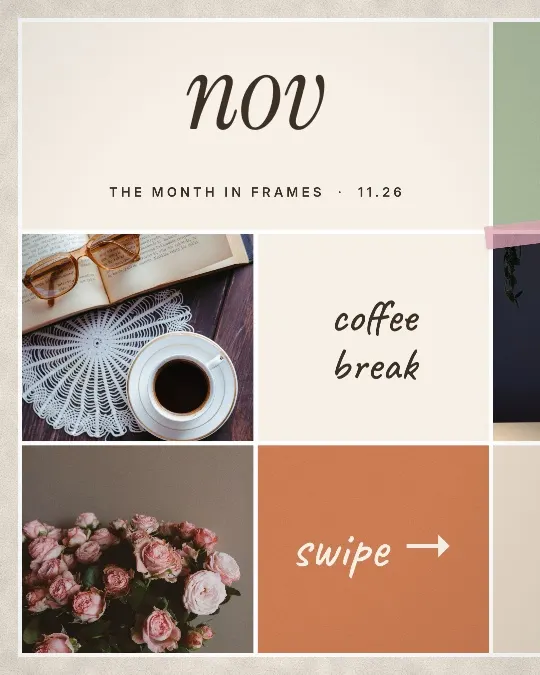
3×3 grid
Carousel · 4 slides
Mosaic
Carousel · 4 slides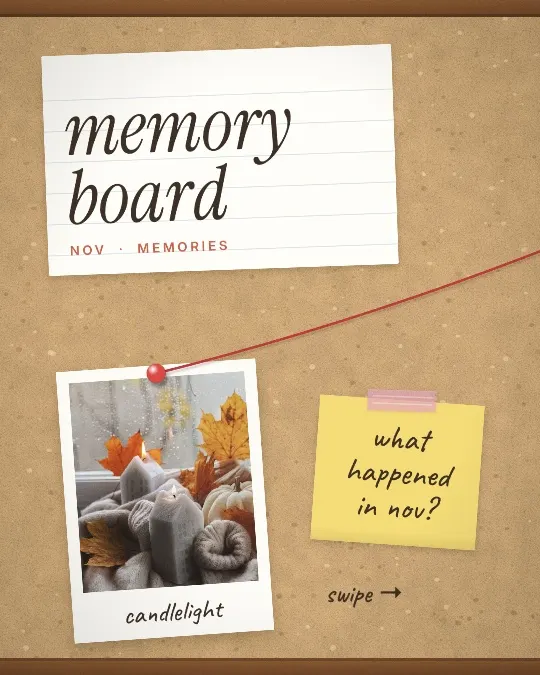
Cork board
Carousel · 5 slides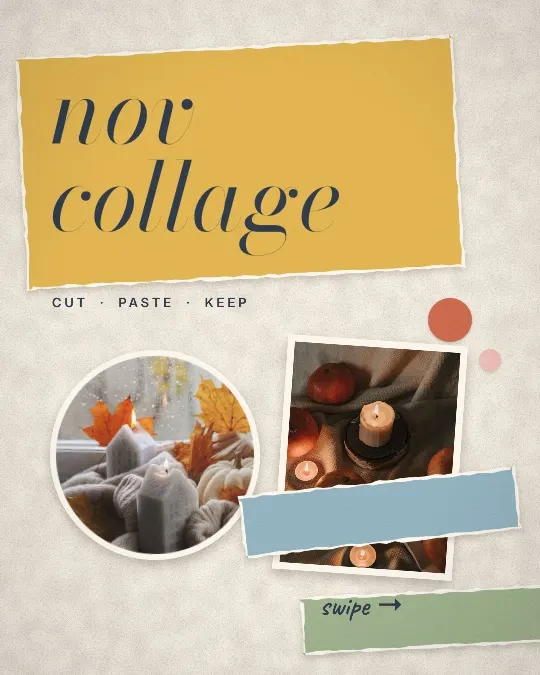
Paper cutout collage
Carousel · 5 slides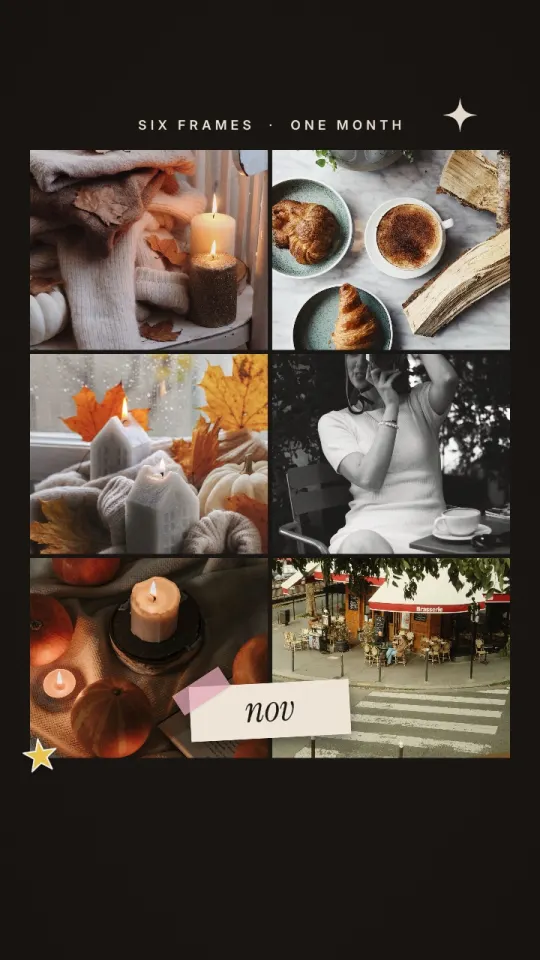
Six frames
Story · 6 photos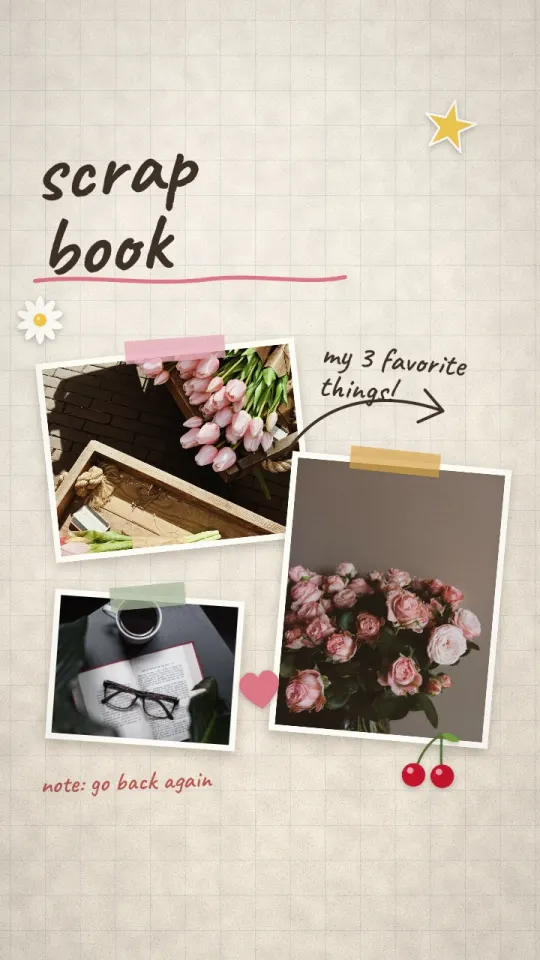
Scrapbook
Story · 3 photos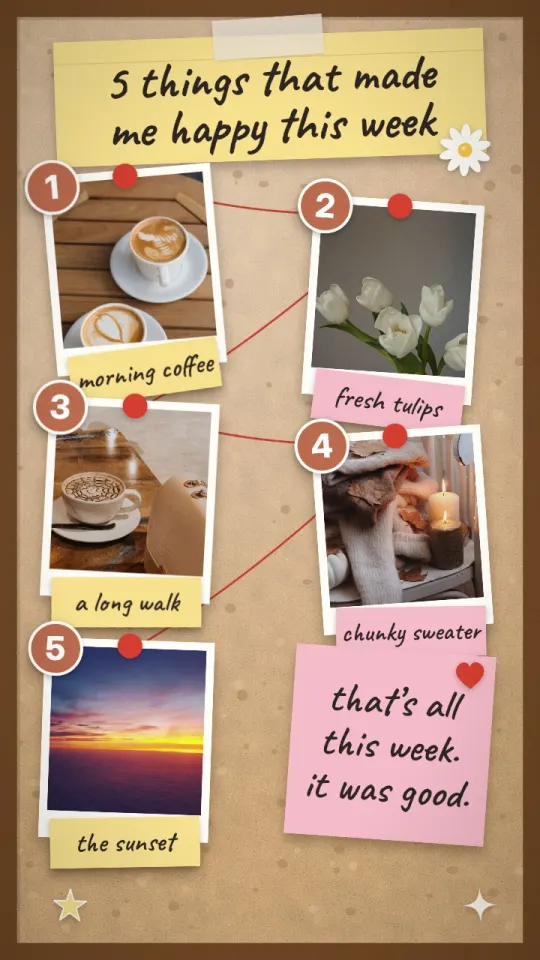
This week’s 5 things
Story · 5 photos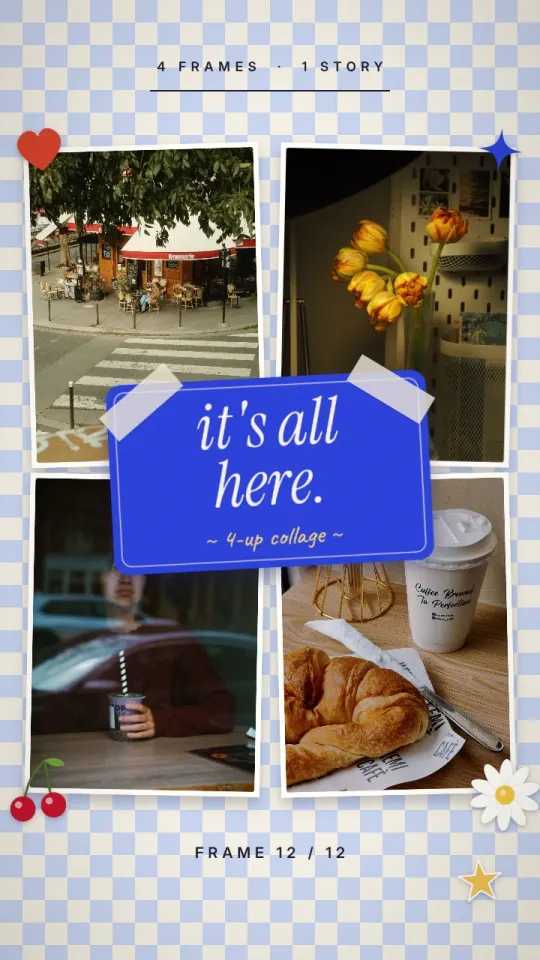
My week so far
Story · 12 photos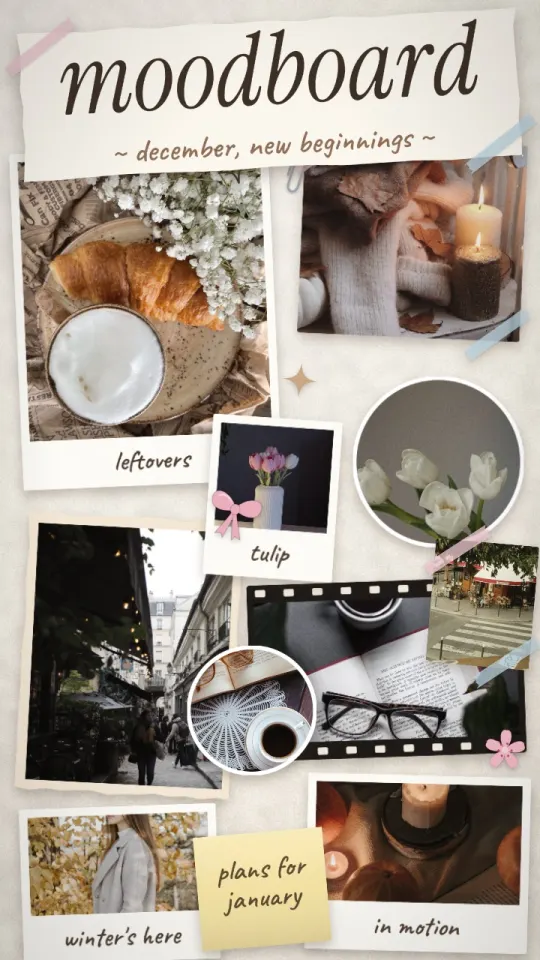
Moodboard
Story · 10 photosWhat kinds of collage can I make?
A collage can be a still, like a moodboard, or a moving one, where each photo lands on a beat. ReelClub has both, and the 26 templates in this collection group into a few clear looks.
| Look | Template | Details |
|---|---|---|
| Moodboard | Moodboard | Reel, 10 photos, 10 seconds |
| Grid | 3×3 grid | Carousel, 10 photos, 4 slides |
| Mosaic | Mosaic | Carousel, 10 photos, 4 slides |
| Scrapbook | Scrapbook | Story, 3 photos |
| Paper cutout | Paper cutout collage | Carousel, 7 photos, 5 slides |
| Cork board | Cork board | Carousel, 6 photos, 5 slides |
| Four panels | Four-up collage | Reel, 12 photos, 8.8 seconds |
How do I make a photo collage on my iPhone?
- Pick a layout by photo count: 3 photos for a panorama, 10 for a grid, 15 for the big Staircase Reel.
- Tap Use template and choose photos. Each slot is labeled.
- Set the focus point so faces are not cropped.
- Edit text, add stickers (there are 130) and frames (19).
- Export. Reels save as video, carousels as ordered 4:5 slides.
Collage, grid or moodboard: which one?
A collage is about density. A grid is about order. A moodboard is about taste. If your photos are all similar in color, a grid looks clean. If they are mixed, a moodboard or Color diary can hold them together. For a deliberately messy look, a photo dump template is looser.
How do I make a seamless grid?
Choose a carousel collage. ReelClub designs each carousel on one wide canvas and cuts it into 1080×1350 slides, so an element can cross from slide to slide. Read how a seamless carousel works and the guide to making one.
Are collages free?
Ten templates are free, including 5 things (5 photos, 13.1 seconds), Connect the dots and My favorites this week. The rest need ReelClub Pro at $4.99 weekly or $29.99 yearly, with a 3-day free trial. Your photos stay on your iPhone. See all templates.
Questions, answered
What is the best way to make a photo collage for Instagram?
Pick a layout that matches your photo count, add the photos, and let the template handle spacing. ReelClub has collage layouts from 3 to 15 photos as Reels, carousels and stories. Carousel collages are 4:5 and seamless, so the layout can run across the swipe.
How do I make a 3x3 grid?
Use the 3×3 grid carousel: it takes 10 photos across 4 slides in 1080×1350 format, and the slides save to Photos in order. Because the design is cut from one wide canvas, the grid reads as one piece when you swipe. The Nine squares Reel is the video version.
Can I make a moodboard in ReelClub?
Yes. Moodboard exists as a 10-photo Reel (10 seconds) and a 10-photo story. Fill it with the photos, colors and words that set the mood. A scrapbook look is available in Scrapbook (story) and Cork board and Paper cutout collage (carousels).
Do collages work as video?
Yes. Four-up collage fits 12 photos in 8.8 seconds, Coffee table fits 8, and Staircase fits 15. Photos appear to the beat of the music, so a collage becomes a short Reel instead of one still.
Your photos, edited.
Download ReelClub on iPhone. Browse every template for free, use 10 of them without paying, and try Pro free for 3 days.




