- Home
- All templates
- Small business
Small business
Small Business Reel Templates for Instagram
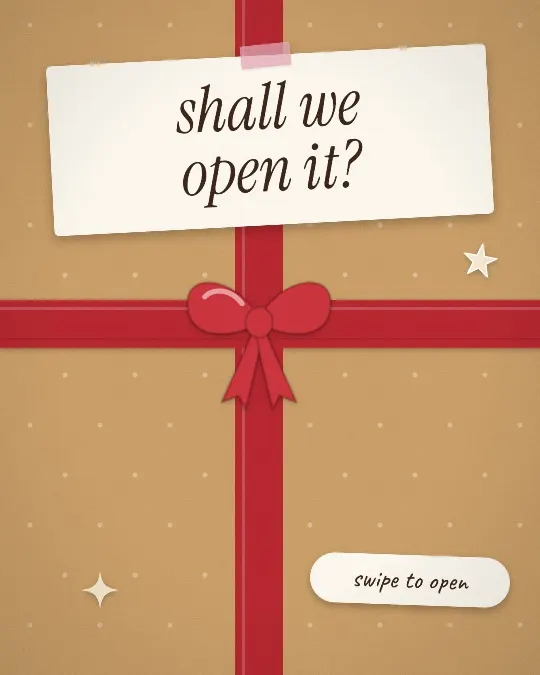
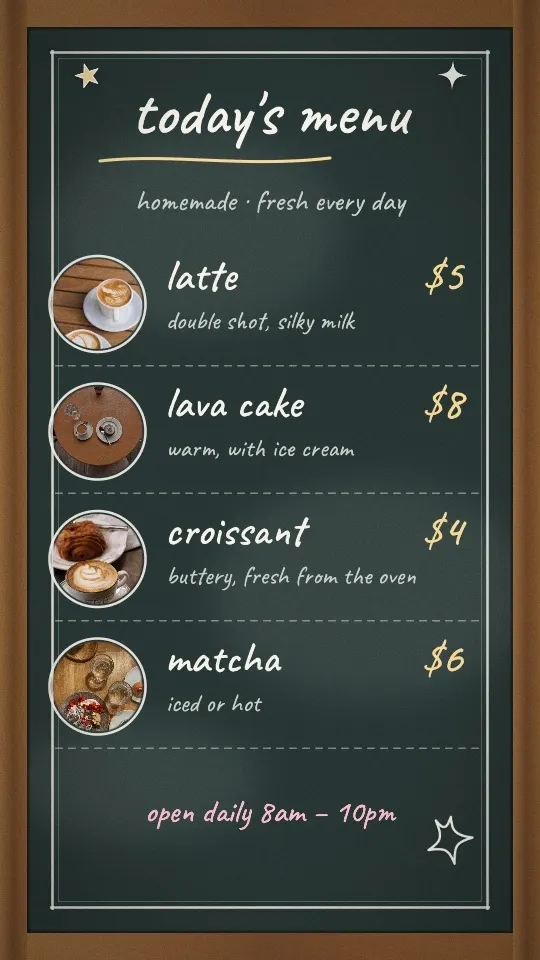
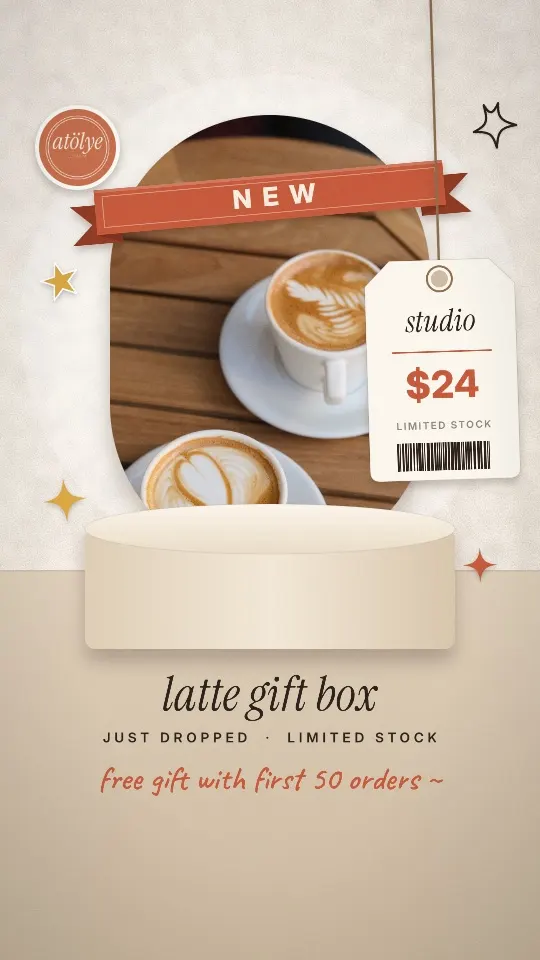
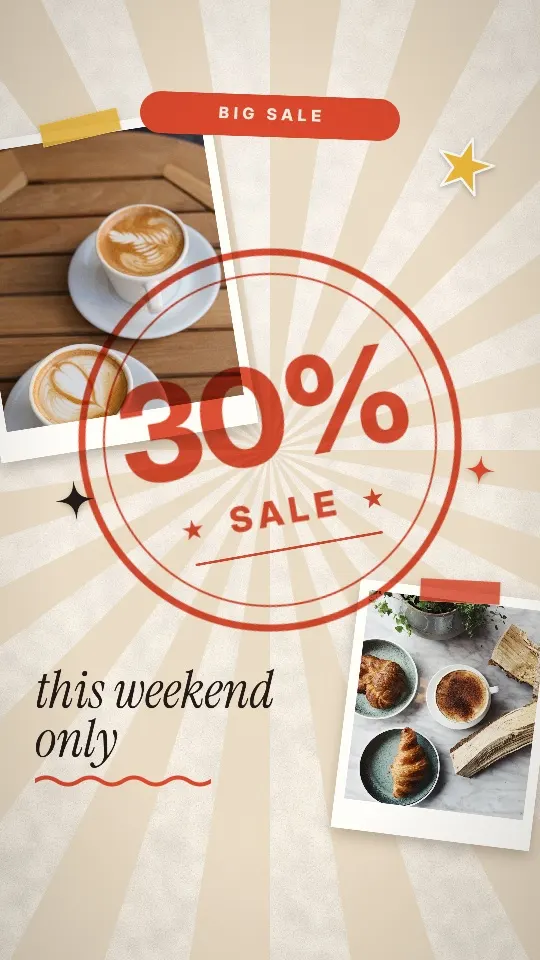
ReelClub has small business reel templates for iPhone: New product, Sale, Customer review, How it's made and Order on its way, plus an Unboxing carousel and a Menu board. Add 3 to 5 photos, pick a song cut to the beat and export a 1080×1920 Reel in 9 to 12 seconds.
7 templates · 1 free · Updated
Templates
Which template matches which business moment?
Small shops tend to repeat the same handful of posts. Templates help because the structure repeats too: you swap the photos and the price, and the pacing stays right.
| Moment | Template | Details |
|---|---|---|
| Launching a product | New product | 5 photos, 10.6 seconds |
| A sale or discount | Sale | 4 photos, 9.6 seconds |
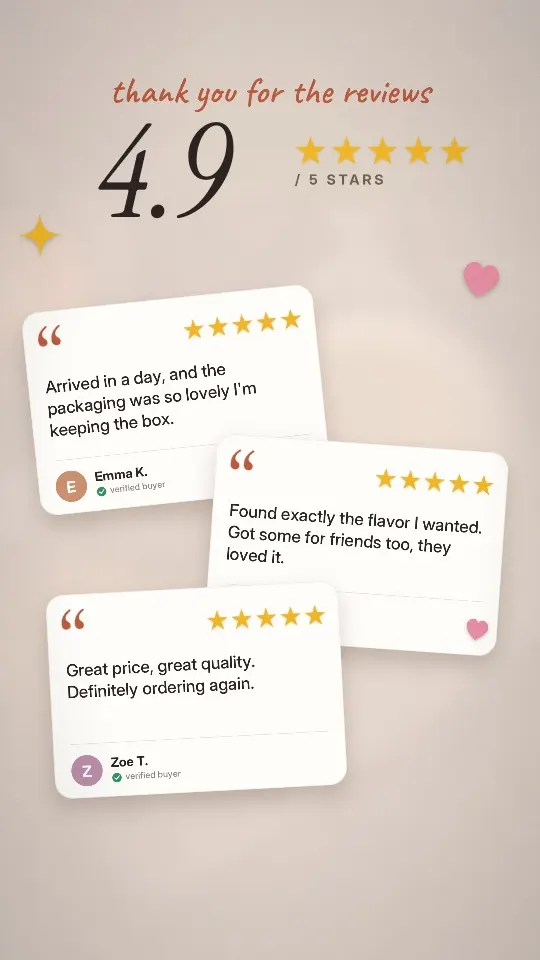
| A customer’s kind words | Customer review | 4 photos, 11.1 seconds |
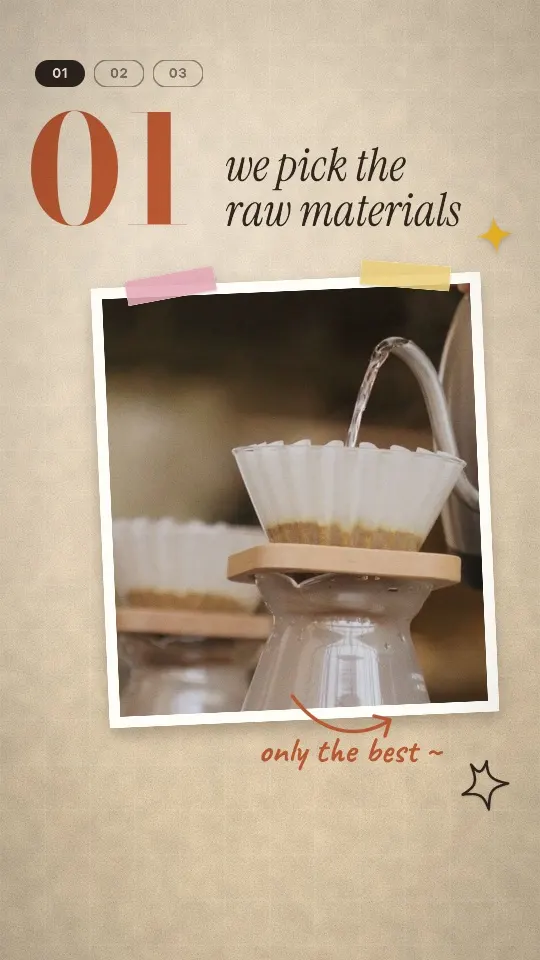
| Behind the scenes | How it’s made | 5 photos, 12 seconds |
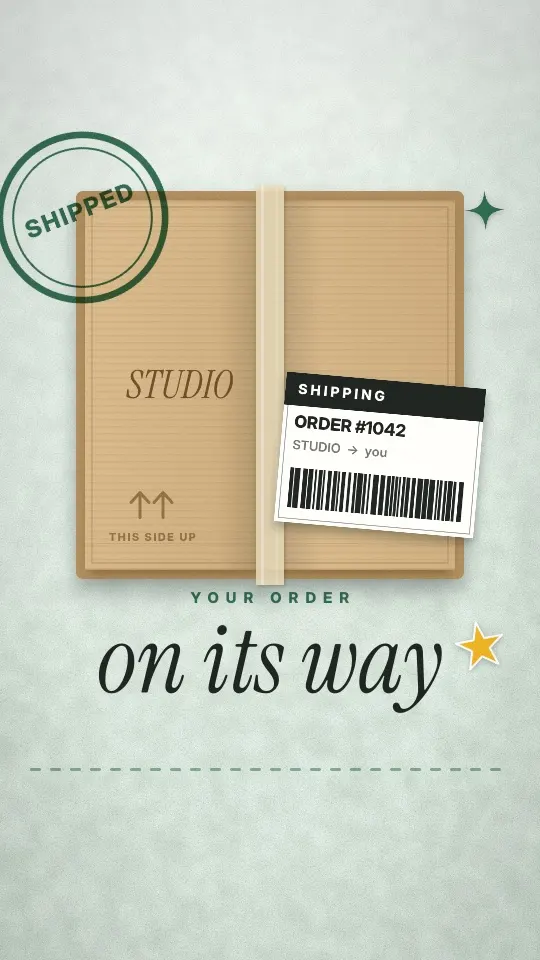
| An order shipped | Order on its way | 3 photos, 8.7 seconds |
| Packaging | Unboxing | Carousel, 5 photos, 6 slides, free |
| A cafe or food menu | Menu board | 5 photos, 12.5 seconds |
How do I make a product launch Reel?
- Shoot 5 product photos in daylight: the whole item, a detail, it in use, packaging, and one with a person or a hand.
- Open New product and tap Use template.
- Add the photos. Use the focus point so the product stays centered.
- Edit the text: name, price, launch date.
- Pick a song, export, and post from Photos. A caption and hashtag suggestions copy in one tap.
What makes small business Reels perform?
Short beats long. The templates run 9 to 12 seconds, so people see the whole thing and the loop restarts. Put the price or the call to action in the first two seconds, and do not hide the product behind text. Keep one brand font and one color across posts; every text in ReelClub can be restyled, so you can repeat the same look.
Customer reviews and trust
Customer review is built around a short customer quote and your photos. Ask permission before using a customer’s name or photo. Pair it with Order on its way to show real orders, which builds more trust than a polished ad.
Can I make a series for the whole week?
Yes. The several-Reels-at-once feature places your chosen photos in a few templates at once. For longer posts, a carousel can show a collection, and the cafe and food collection covers menus and recipes. If you also need still ideas, see aesthetic reel templates.
What does it cost?
Browse and preview for free. Ten templates are free; the rest need ReelClub Pro, which is $4.99 weekly or $29.99 yearly with a 3-day free trial, canceled anytime in iPhone Settings. Your product photos stay on your iPhone. Explore all templates.
Questions, answered
What Reels should a small business post?
Five kinds do most of the work: a product launch, a sale, a customer review, a behind-the-scenes look at how it is made, and an order-shipped moment. ReelClub has a template for each, plus an unboxing carousel. Each takes 3 to 5 photos and runs 9 to 12 seconds.
Can I use these for a shop with no video skills?
Yes. You only need product photos taken on your iPhone. Choose a template, add photos, edit the text and prices, pick a song and export. The cuts are already timed to the beat. There is no account and nothing is uploaded.
Is the music safe to use for a business?
ReelClub has its own built-in music library with tracks matched to each template. Music licensing for commercial accounts depends on the platform and the track, so check Instagram's current rules for business accounts before posting commercially.
Is there a free template for small business?
Unboxing, a 5-photo, 6-slide carousel, is free to use and export, and it suits packaging and order posts. The rest of the small business set needs ReelClub Pro ($4.99 weekly or $29.99 yearly, 3-day free trial).
Your photos, edited.
Download ReelClub on iPhone. Browse every template for free, use 10 of them without paying, and try Pro free for 3 days.




