- Home
- All templates
- Café & food
Cafe and food
Cafe Reel and Food Reel Templates
ReelClub has cafe reel and food reel templates for iPhone: a menu board, a recipe card, Breakfast spread, Cafe finds and Two cups. Add 5 to 9 photos, pick a song cut to the beat and export a 1080×1920 Reel. The Recipe card template is free to use and export.
26 templates · 1 free · Updated
Templates
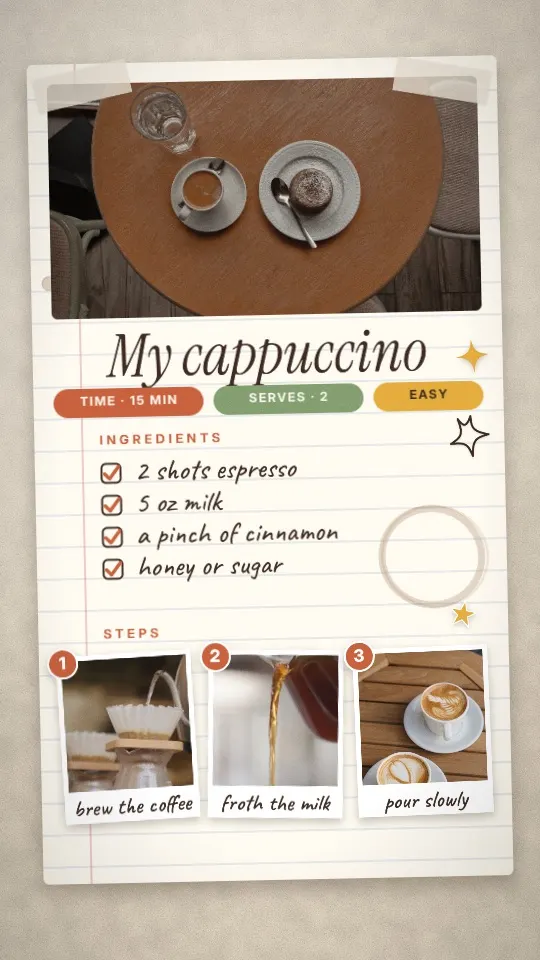
Recipe card
Reel · 6 photos
November photo dump
Reel · 8 photos
Coffee table
Reel · 8 photos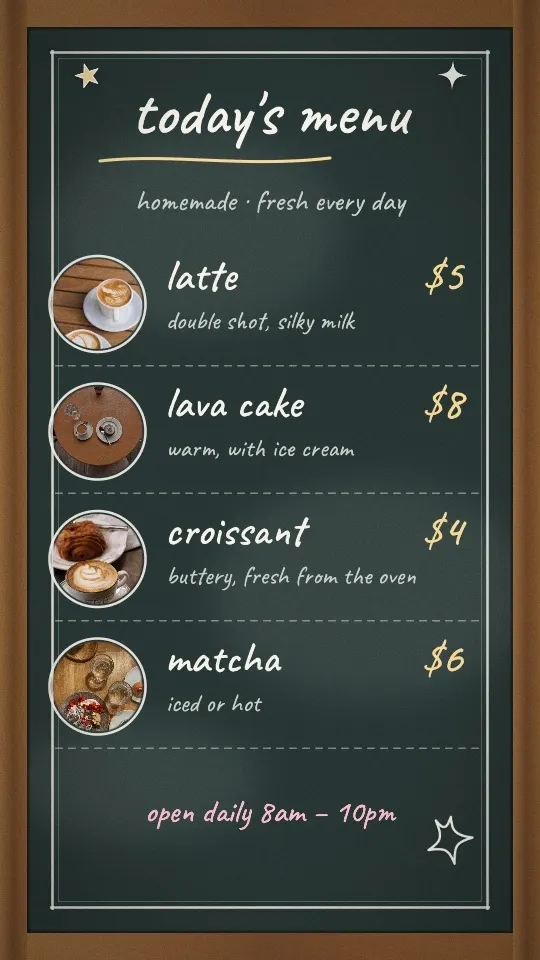
Menu board
Reel · 5 photos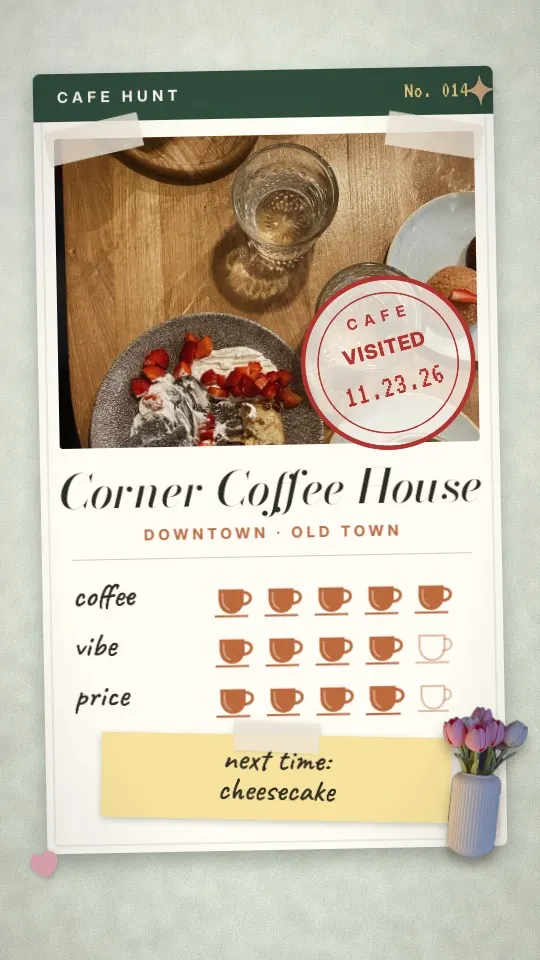
Cafe finds
Reel · 5 photos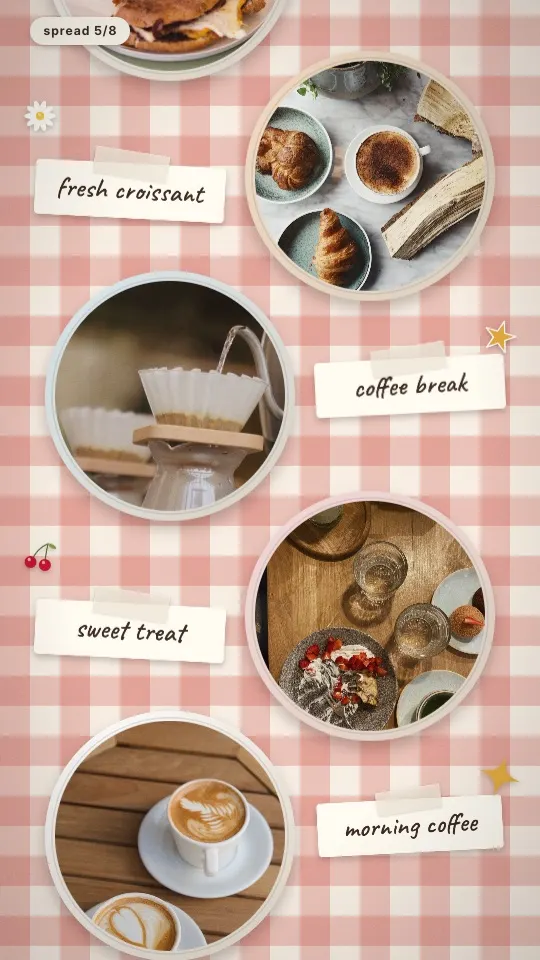
Breakfast spread
Reel · 8 photos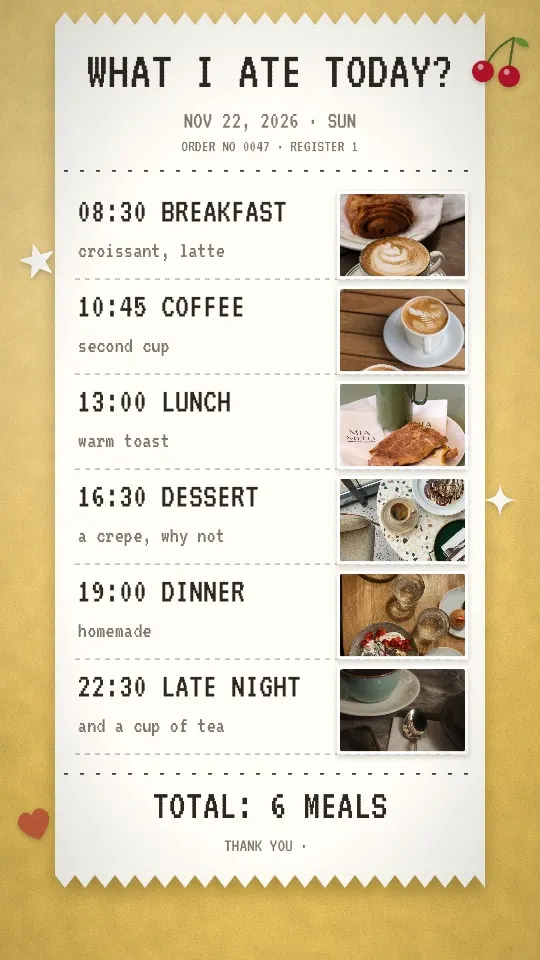
What I ate today
Reel · 7 photos
First snow
Reel · 5 photos
Winter evening
Reel · 6 photos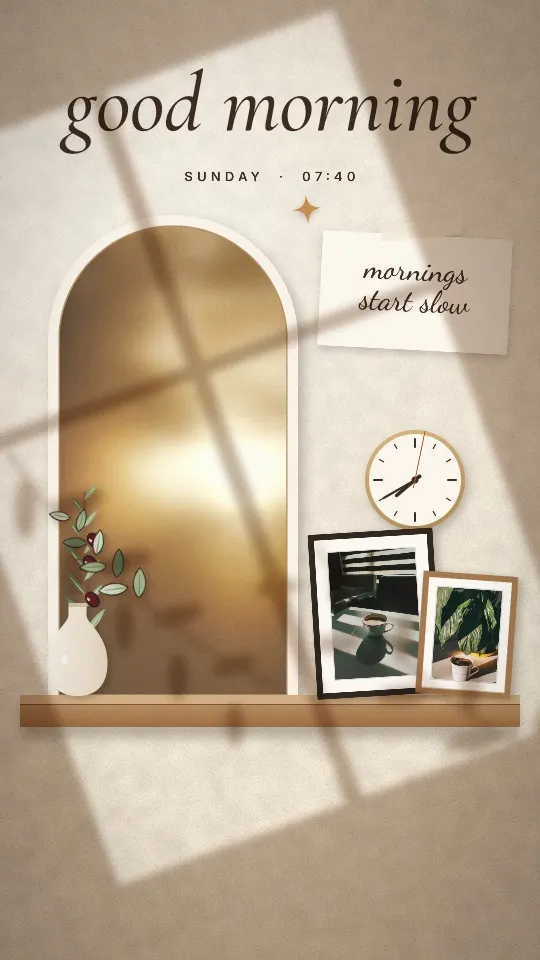
Sunny morning
Reel · 5 photos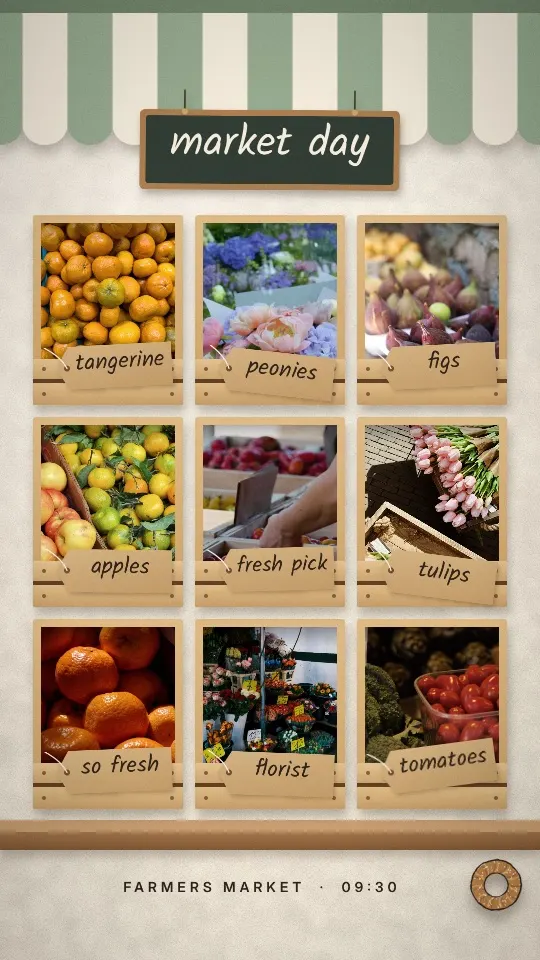
Market day
Reel · 9 photos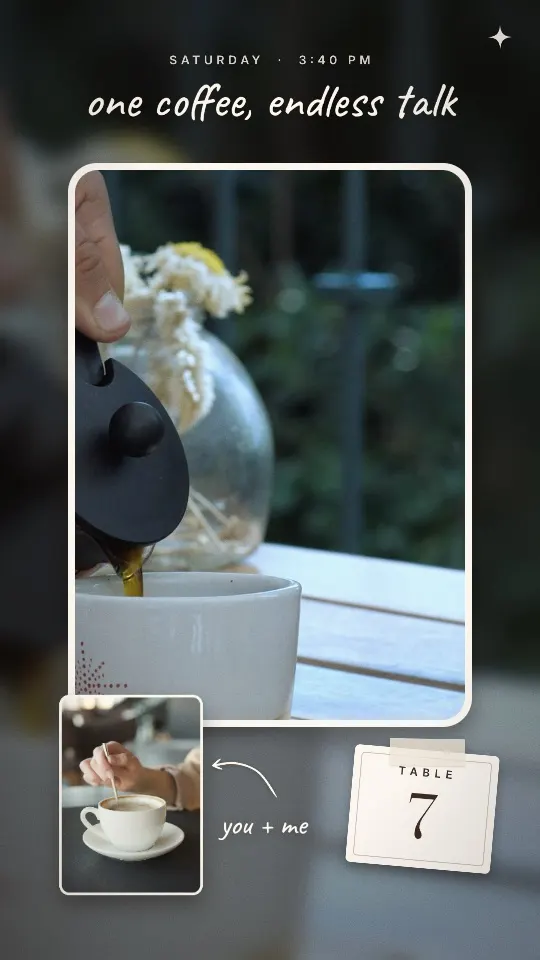
Two cups
Reel · 5 photos
Some days
Reel · 8 photos
Little things
Reel · 10 photos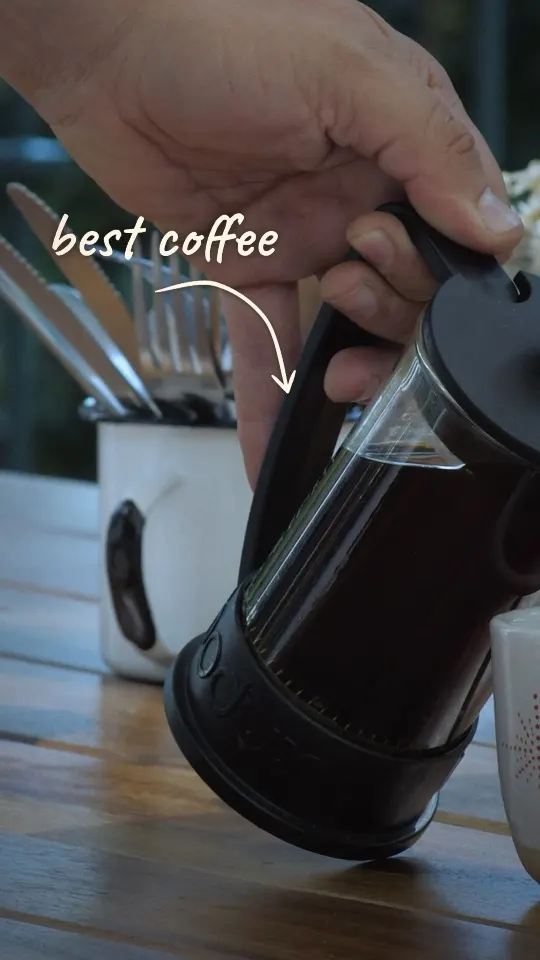
Margin notes
Reel · 9 photos
Sliding strip
Reel · 10 photos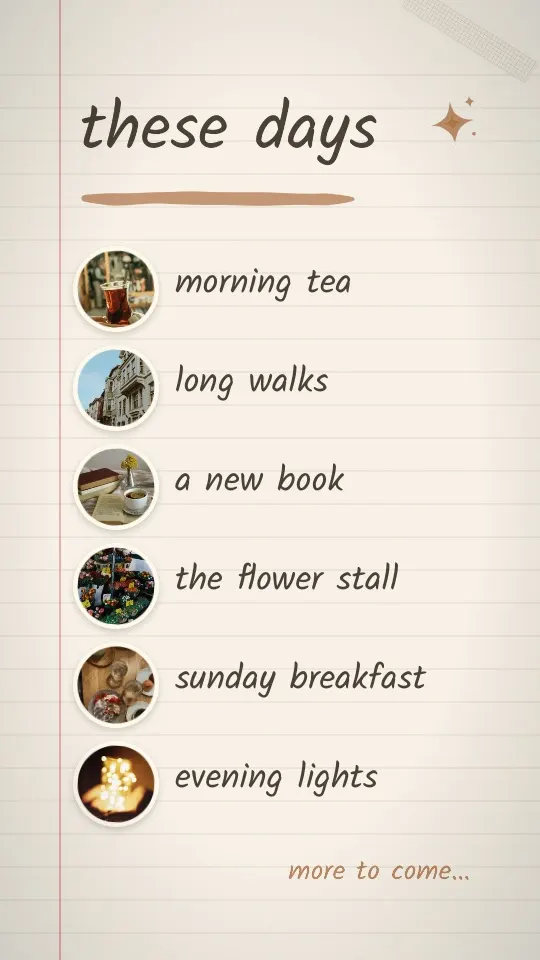
These days
Reel · 7 photos
You | me
Reel · 9 photos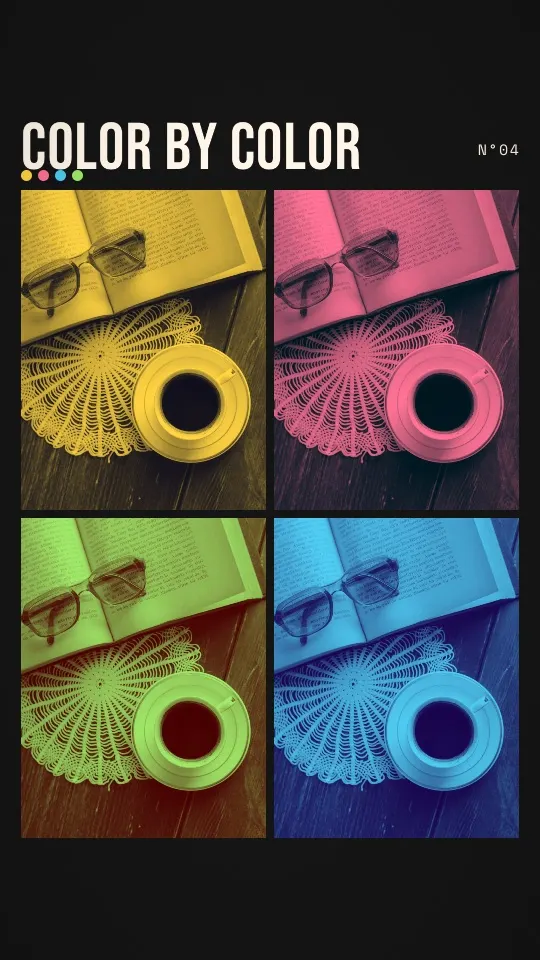
Color by color
Reel · 5 photos
Shape by shape
Reel · 5 photos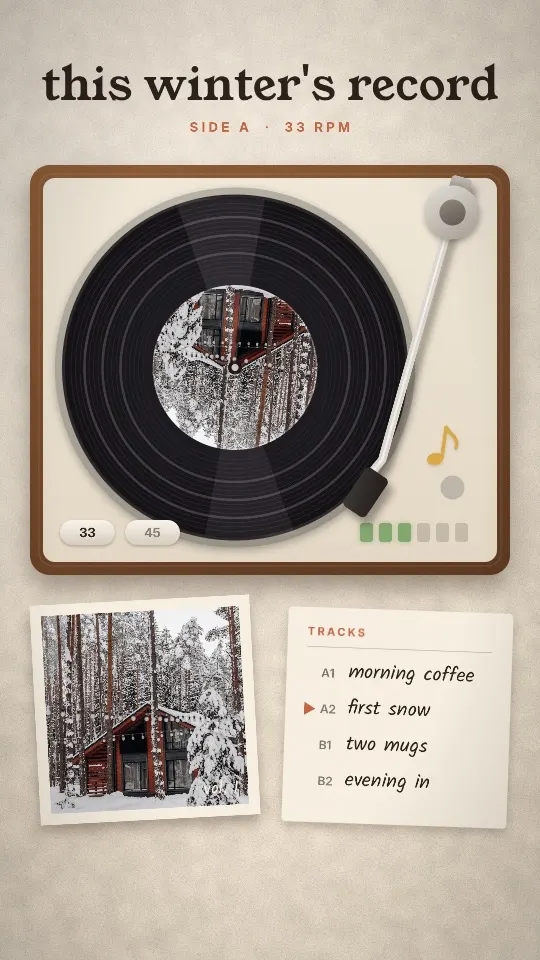
Vinyl
Reel · 6 photos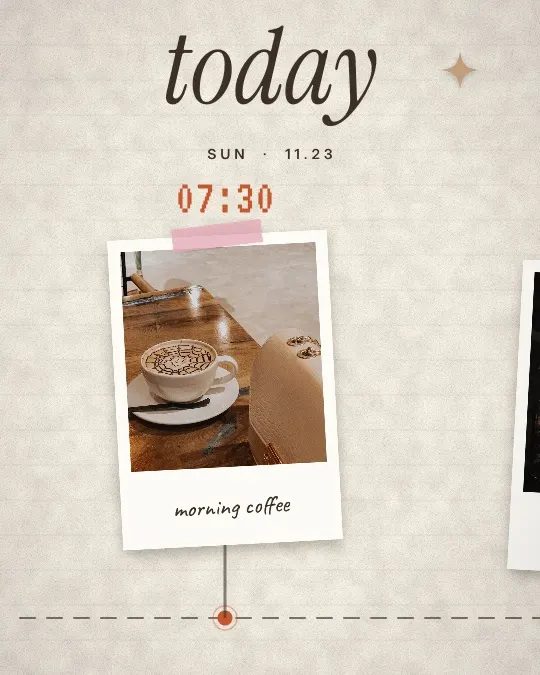
Today
Carousel · 6 slides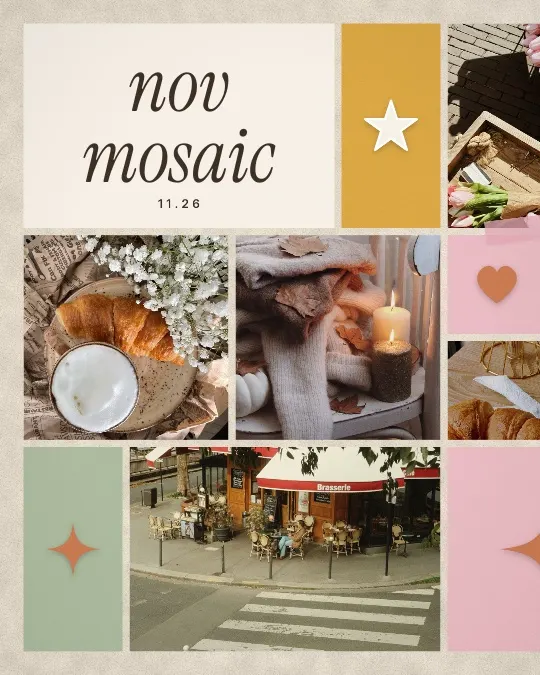
Mosaic
Carousel · 4 slides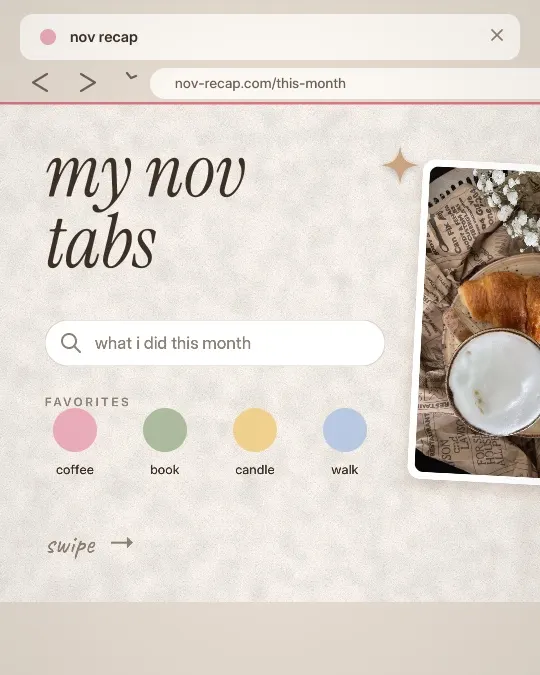
My tabs
Carousel · 5 slides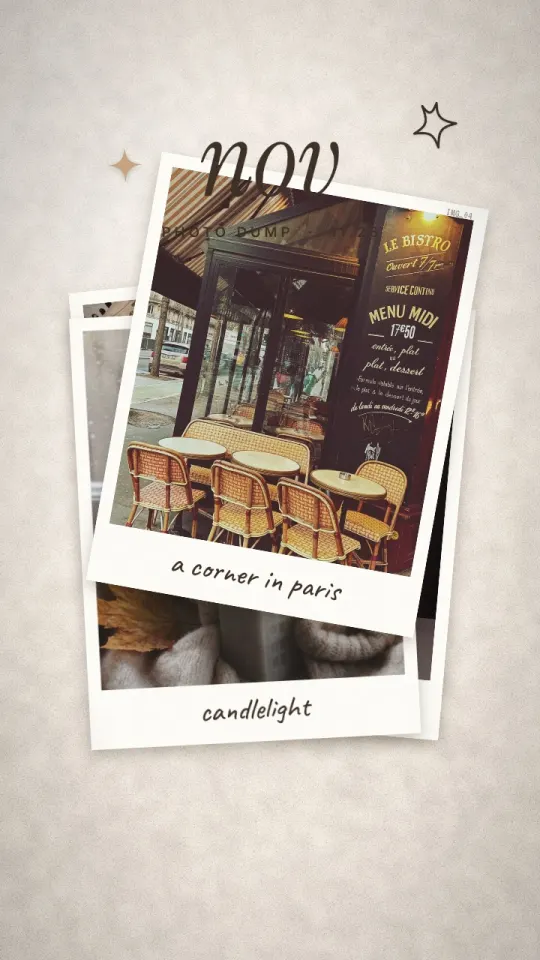
November dump
Story · 4 photos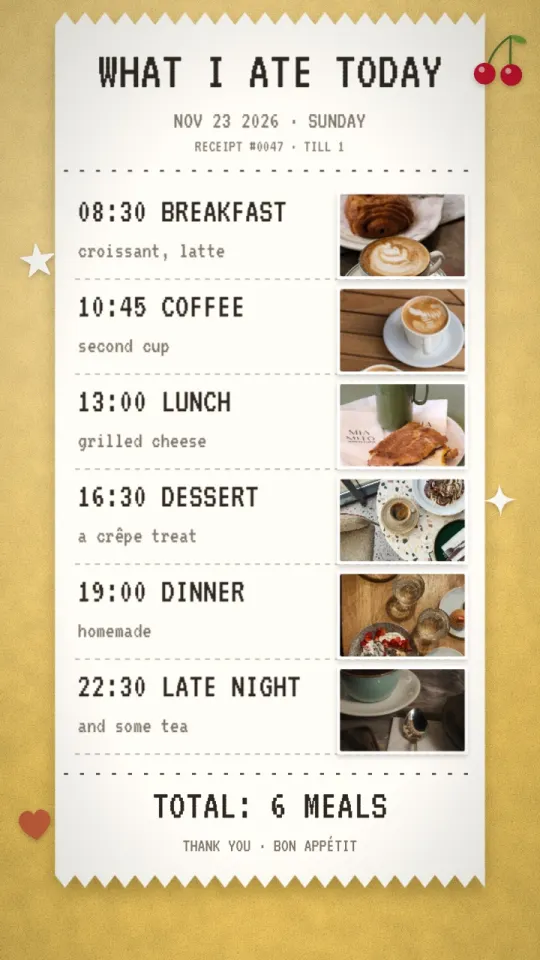
What I ate today
Story · 6 photosWhat food and cafe templates does ReelClub have?
Food is the easiest subject for a photo-led Reel, since a plate, a cup and a table already look good. The 26 templates here cover three jobs: a visit or a meal (what you ate), something you made (a recipe), and something you serve (a menu).
| Job | Template | Details |
|---|---|---|
| A recipe | Recipe card | 6 photos, 17.1 seconds, free |
| A menu | Menu board | 5 photos, 12.5 seconds |
| A cafe visit | Cafe finds | 5 photos, 13.1 seconds |
| A big breakfast | Breakfast spread | 8 photos, 13.2 seconds |
| Coffee with someone | Two cups | 5 photos, 14.4 seconds |
| Your day in meals | What I ate today | 7 photos, 13.1 seconds |
| A market trip | Market day | 9 photos, 13 seconds |
How do I make a cafe reel on iPhone?
- Photograph from above for plates and at eye level for drinks. Natural window light does the most.
- Open the collection, preview a template, then tap Use template.
- Choose photos and short clips. The app labels each slot.
- Edit the text: the name of the place, the dish, the price.
- Pick a song, export and post from Photos. A ready-made caption copies in one tap.
How do I make a recipe card Reel?
Recipe card is built for short instructions. Use one photo for each ingredient group, one for the key technique, and one for the finished dish. Keep each text line under eight words. Because it is free, it is a good way to try ReelClub. For recipes with many steps, post the same photos as the My tabs or Today carousel to let people swipe at their own pace.
Can I make a menu board?
Yes. Menu board uses a board layout for your photos and text. For a weekly special, use one template per week and change the text. If you are running a shop, also see the small business templates for new products, sales and reviews.
What about a food photo dump?
Use Coffee table or a photo dump layout. For a cozy look, try the aesthetic collection; Some days and Little things suit slow food days.
Cost and privacy
Browsing is free, and 10 templates are free, Recipe card among them. The rest need ReelClub Pro ($4.99 weekly or $29.99 yearly, 3-day free trial). No account is needed and photos stay on your iPhone. See all templates.
Questions, answered
How do I make a recipe reel with photos?
Use the free Recipe card template: add 6 photos (ingredients, steps, the finished dish), type the recipe lines, choose a song and export. The Reel runs 17.1 seconds, long enough for short steps. It saves to Photos as a 1080×1920 video.
Is there a menu board template for a cafe?
Yes. Menu board takes 5 photos in 12.5 seconds and uses a board layout for your photos and text. Replace the text with your own items. The template is for a visual menu Reel, not an online ordering system.
Which template works for a cafe visit or food photo dump?
Cafe finds (5 photos), Coffee table (8 photos), Breakfast spread (8 photos), Two cups (5 photos) and What I ate today (7 photos) fit visits and meals. For a looser mix, the photo dump templates hold 8 to 16 photos.
Can a cafe owner use these for the business?
Yes. A cafe can use Menu board, Cafe finds and Market day for daily posts. For launches, sales and reviews, the small business collection has dedicated templates. Everything is made on iPhone, and your photos are not uploaded.
Your photos, edited.
Download ReelClub on iPhone. Browse every template for free, use 10 of them without paying, and try Pro free for 3 days.




