- Home
- All templates
- New Year
New Year
New Year Reel Templates for 2027
ReelClub has New Year reel templates for iPhone: a countdown, resolutions, a Dear 2027 letter, midnight and New Year's Eve. Add 5 to 14 photos, choose a song cut to the beat and export a 1080×1920 Reel to post before midnight. Stories and a recap carousel are included.
26 templates · Updated
Templates
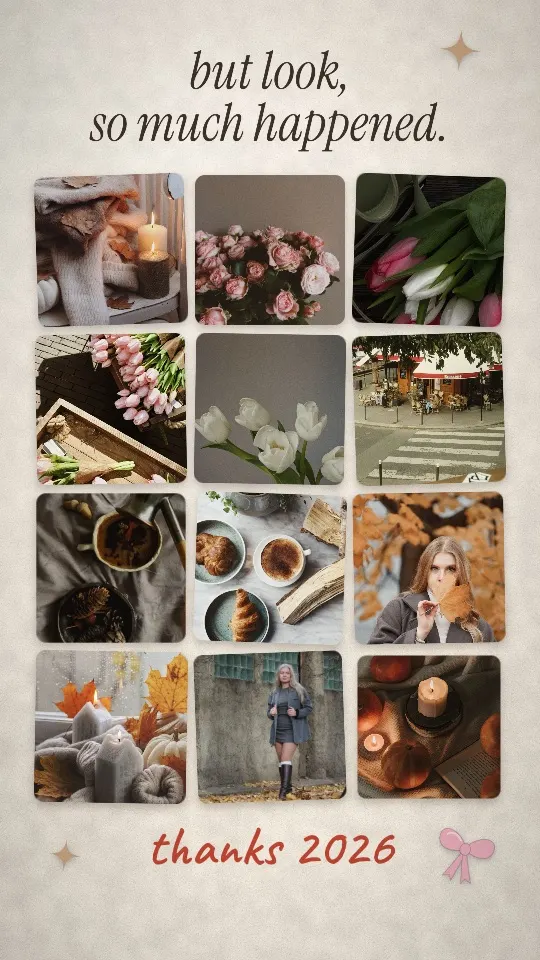
2026 recap
Reel · 12 photos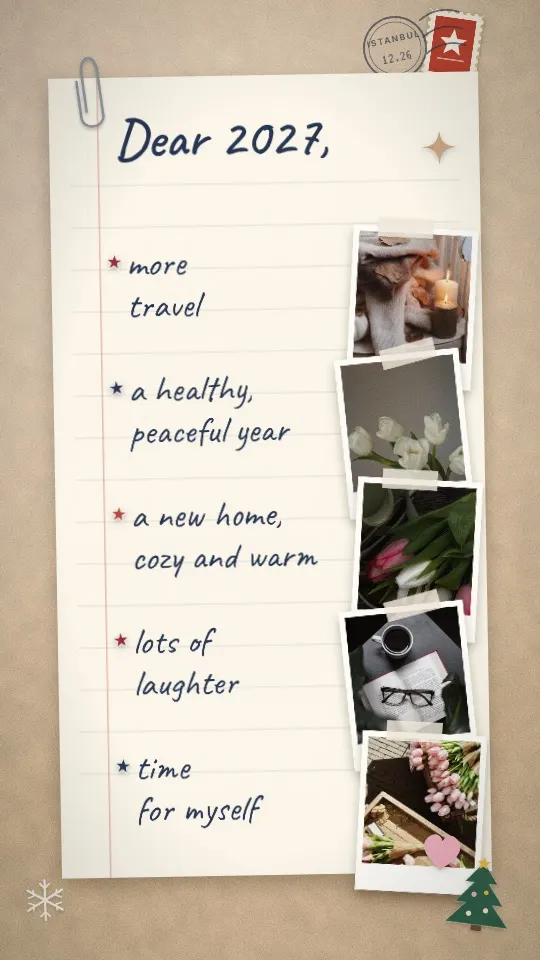
Dear 2027
Reel · 6 photos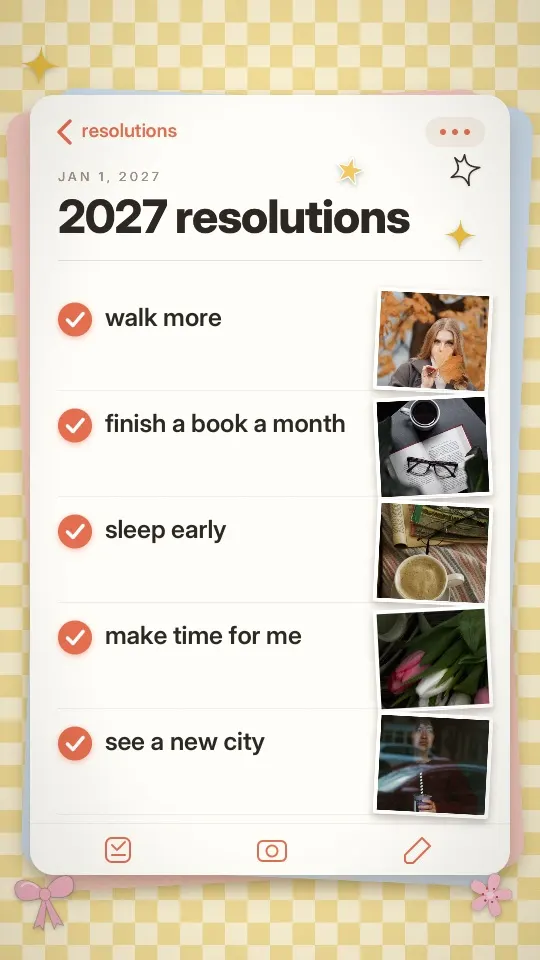
New year resolutions
Reel · 6 photos
New Year's Eve
Reel · 6 photos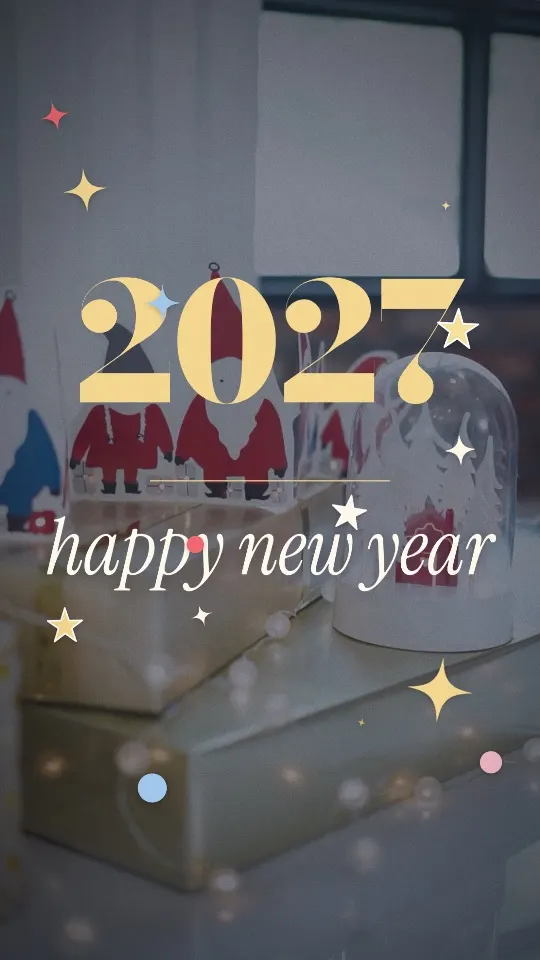
Countdown
Reel · 11 photos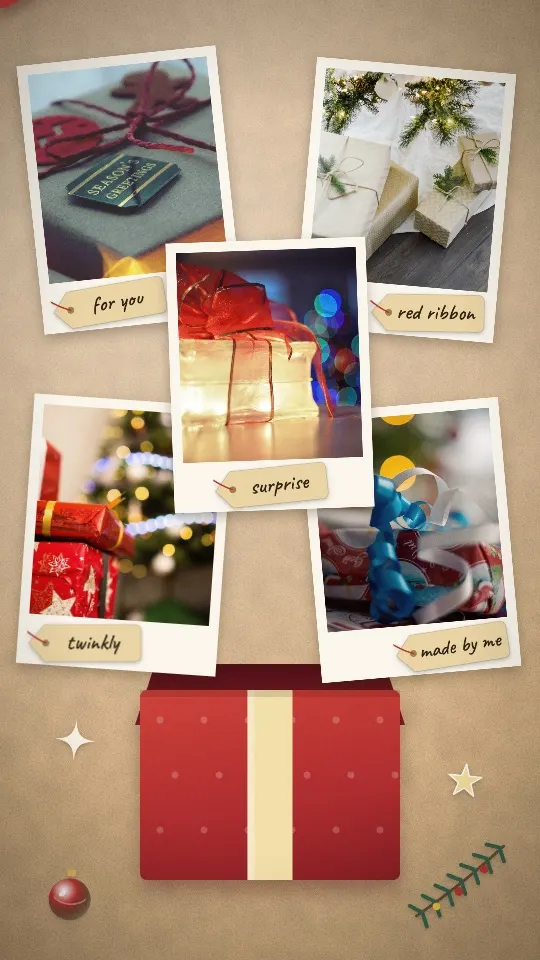
Gift box
Reel · 7 photos
December calendar
Reel · 9 photos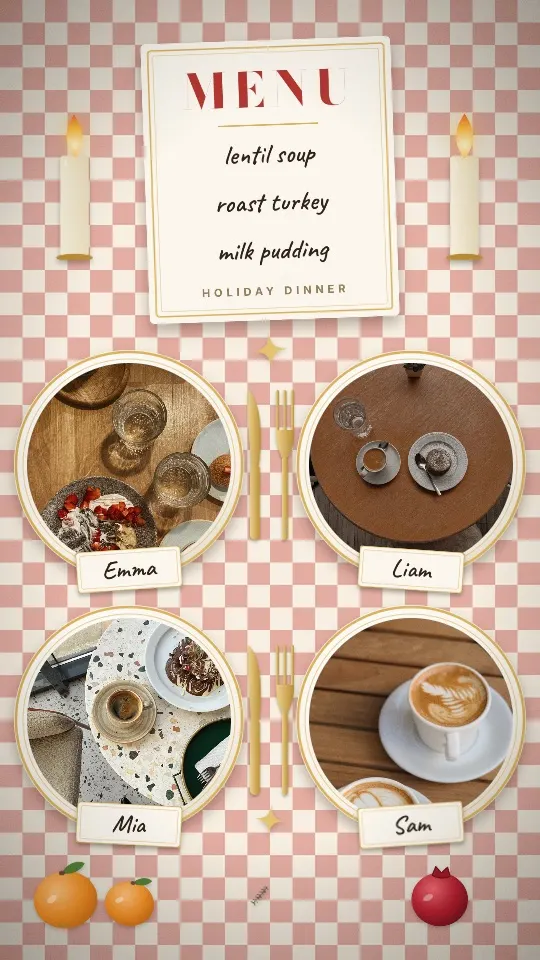
Holiday table
Reel · 5 photos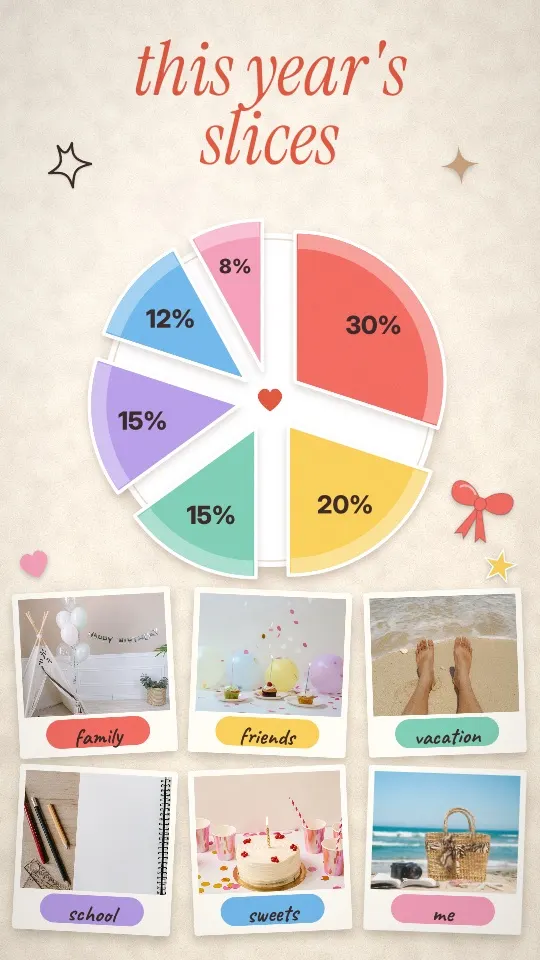
Cake slices
Reel · 7 photos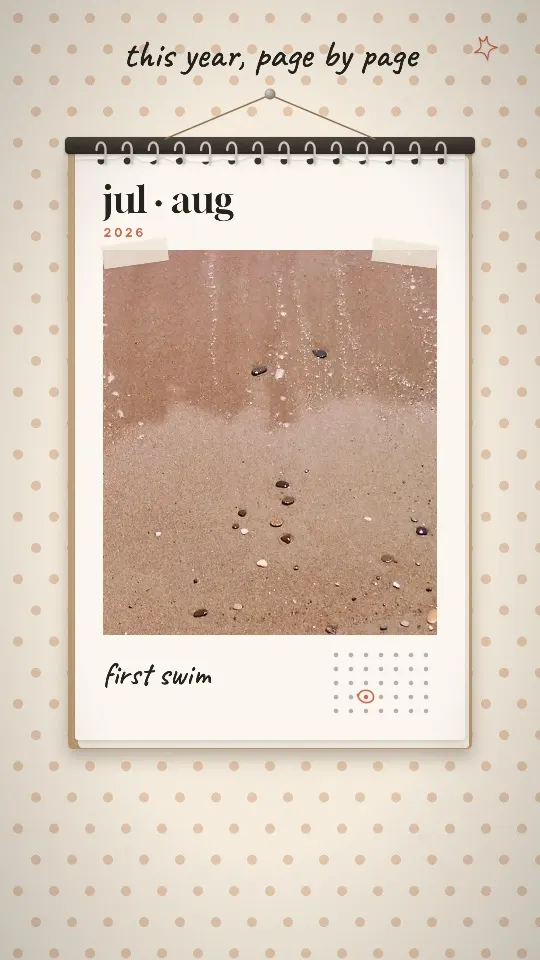
Year-end calendar
Reel · 10 photos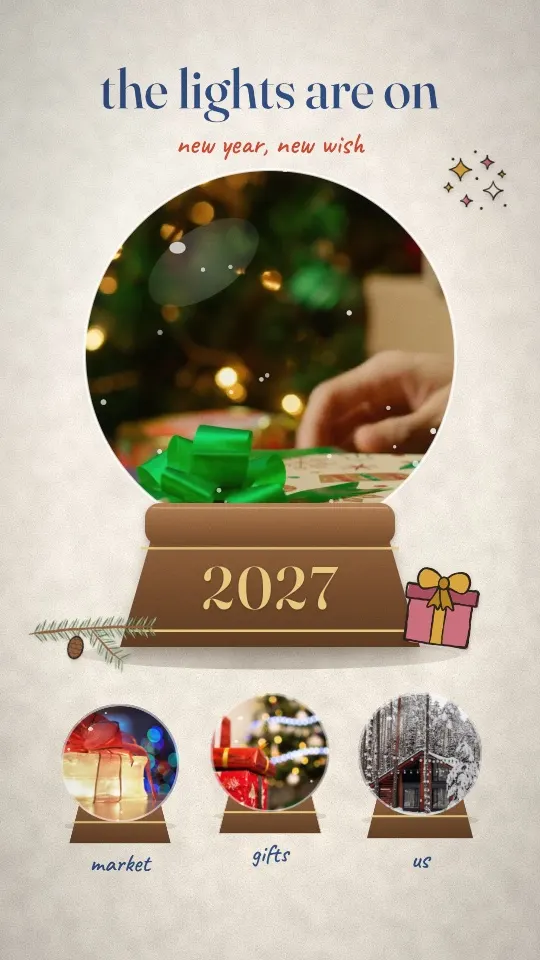
Snow globe
Reel · 5 photos
Night lights
Reel · 6 photos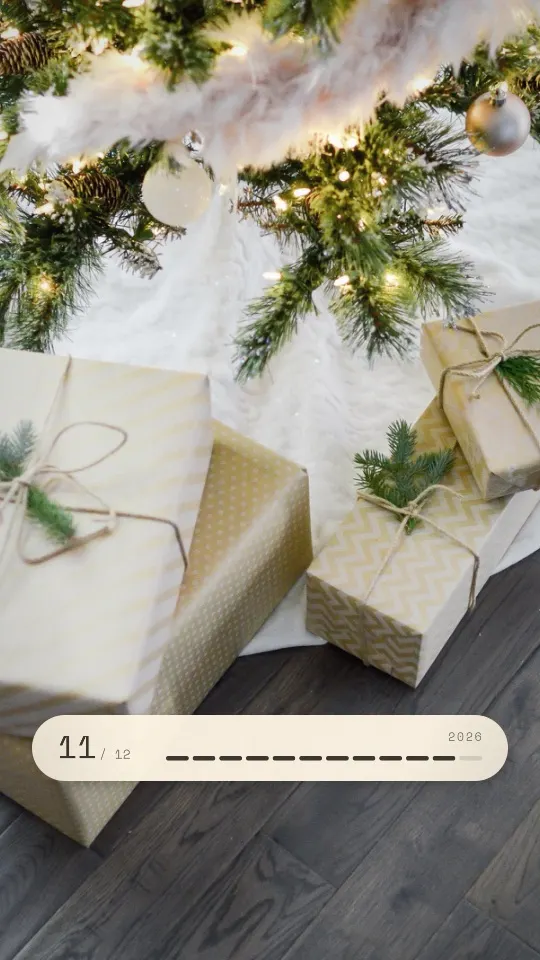
Twelve months
Reel · 14 photos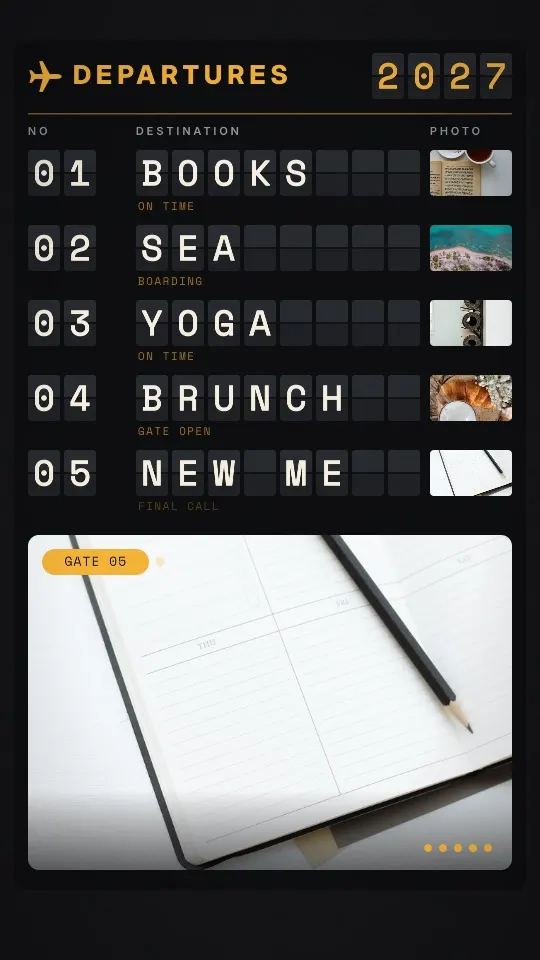
Departure board
Reel · 6 photos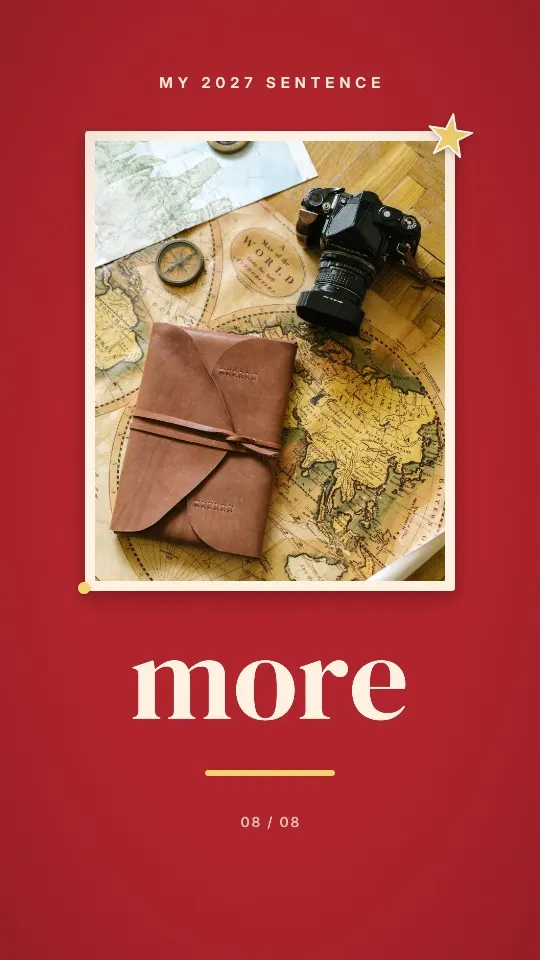
My 2027 sentence
Reel · 8 photos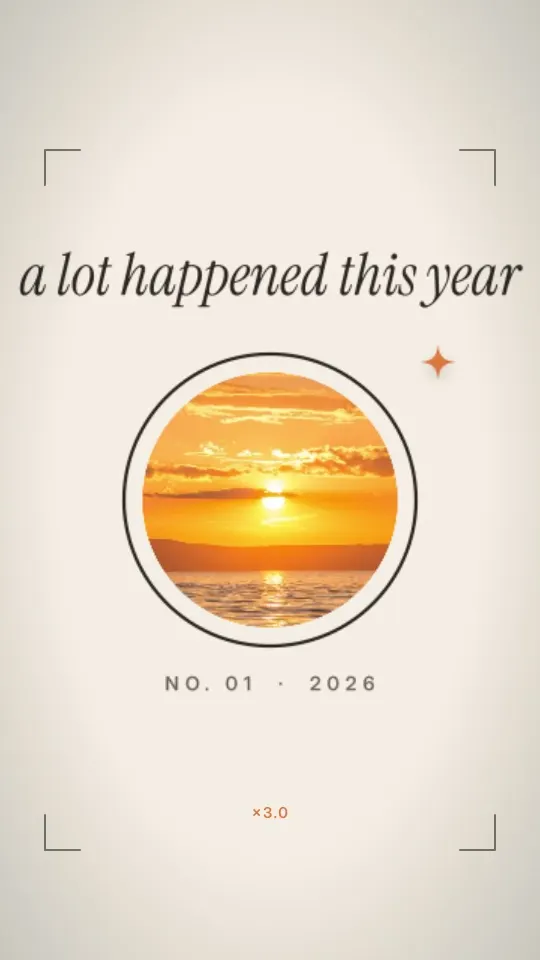
Small text
Reel · 5 photos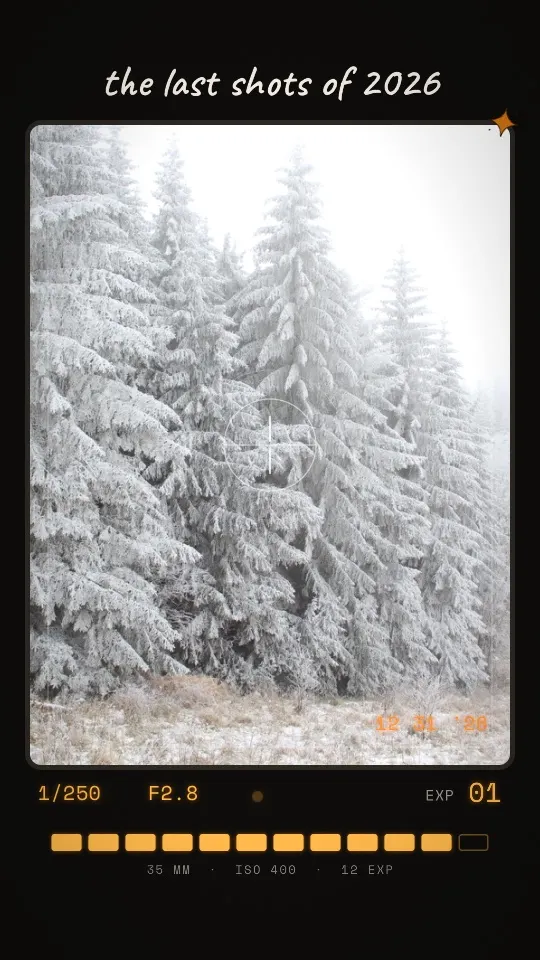
Last shots
Reel · 14 photos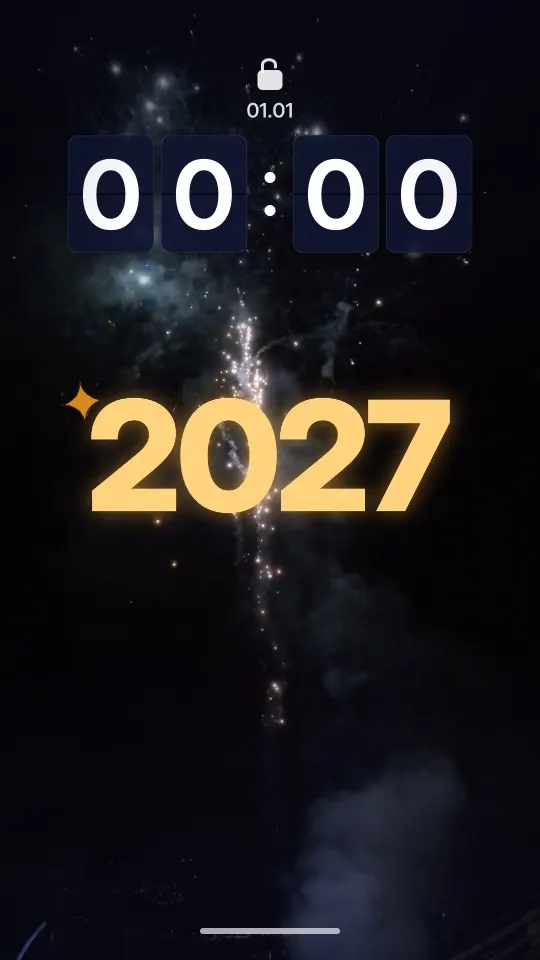
Midnight
Reel · 8 photos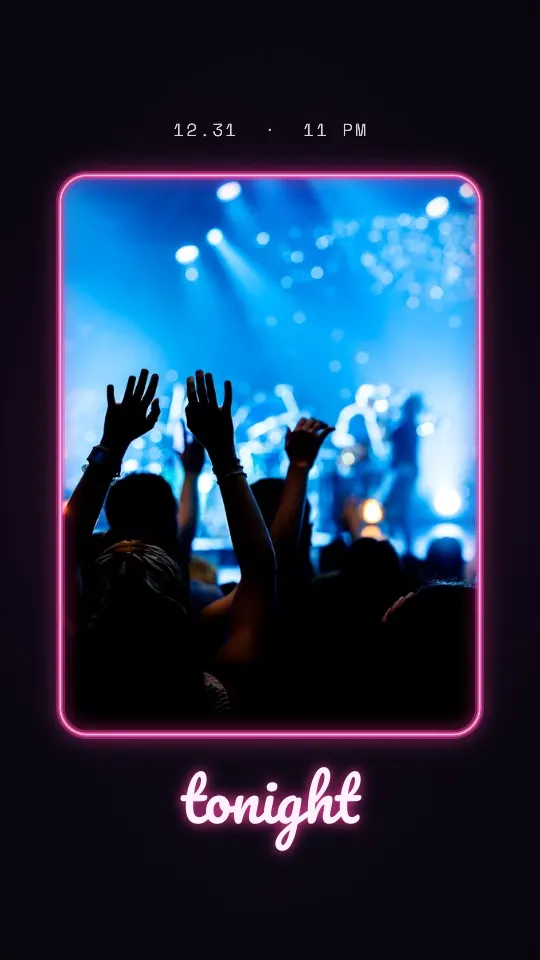
Strobe
Reel · 8 photos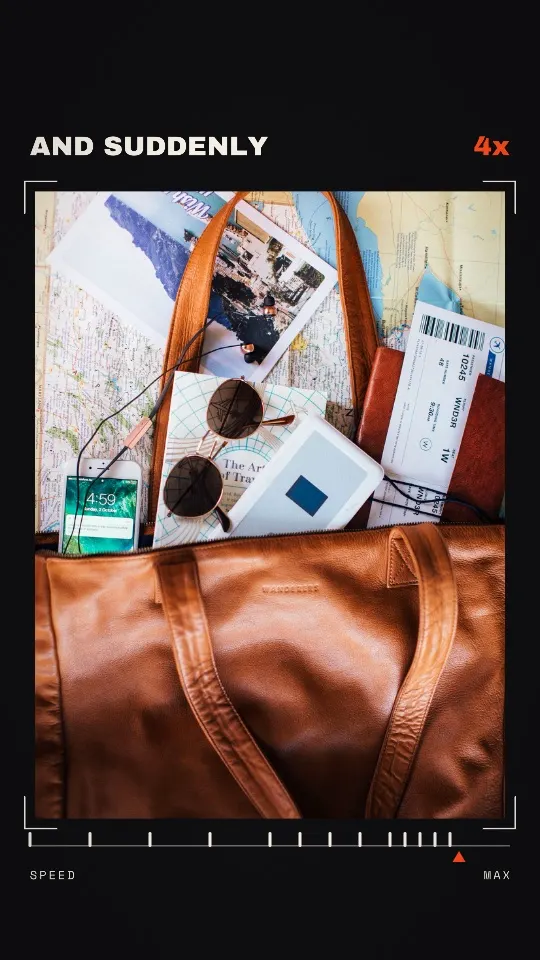
Speed
Reel · 10 photos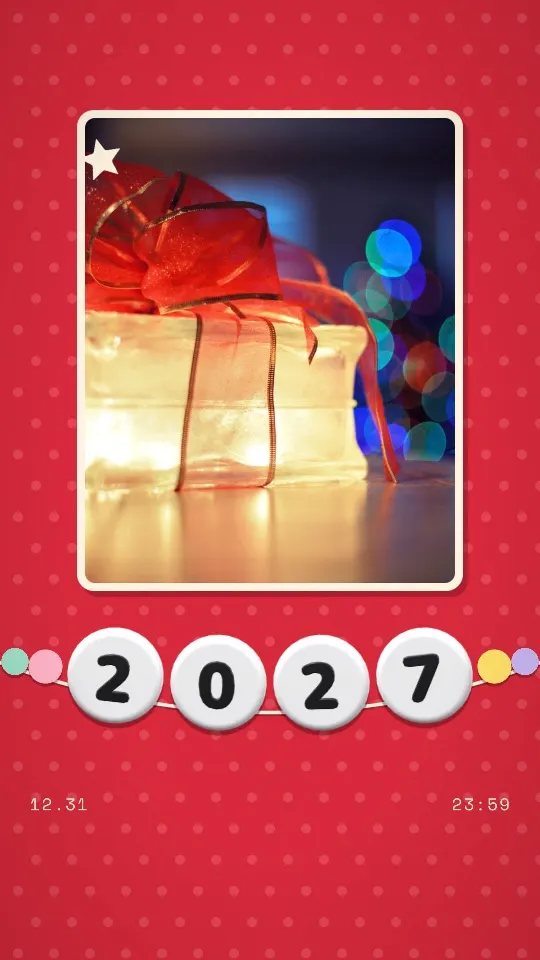
Letter by letter
Reel · 10 photos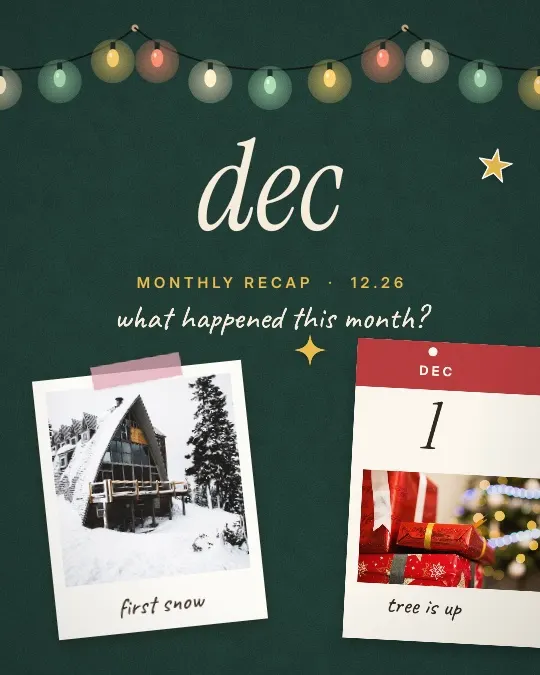
December recap
Carousel · 5 slides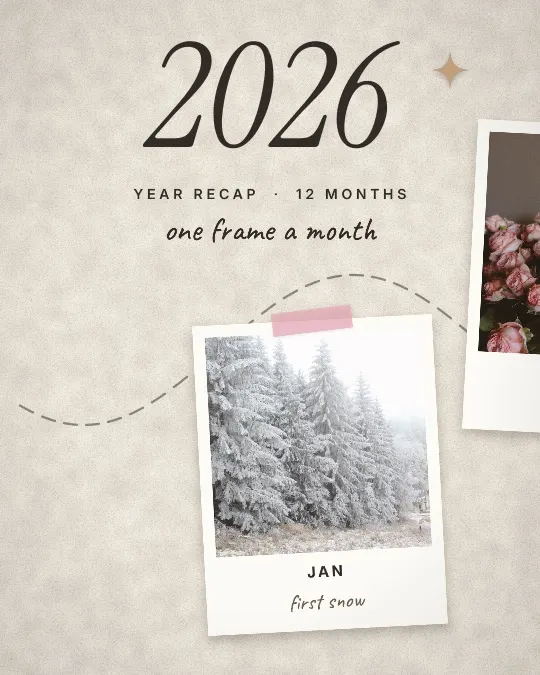
My 2026
Carousel · 7 slides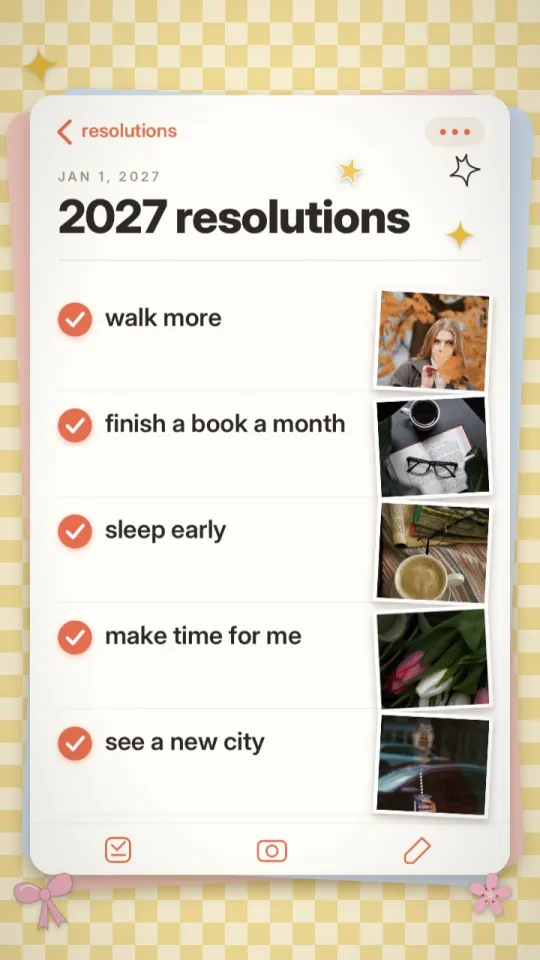
New year resolutions
Story · 5 photos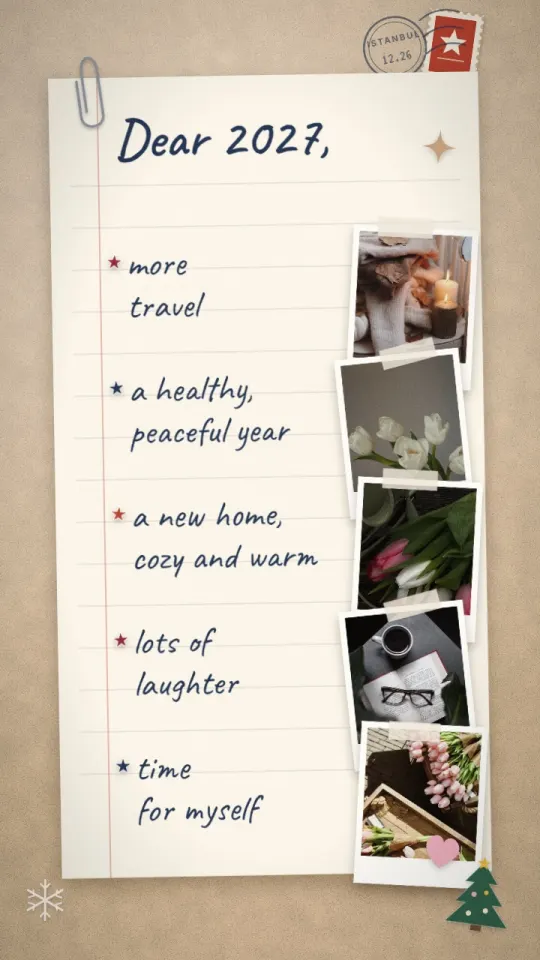
Dear 2027
Story · 5 photos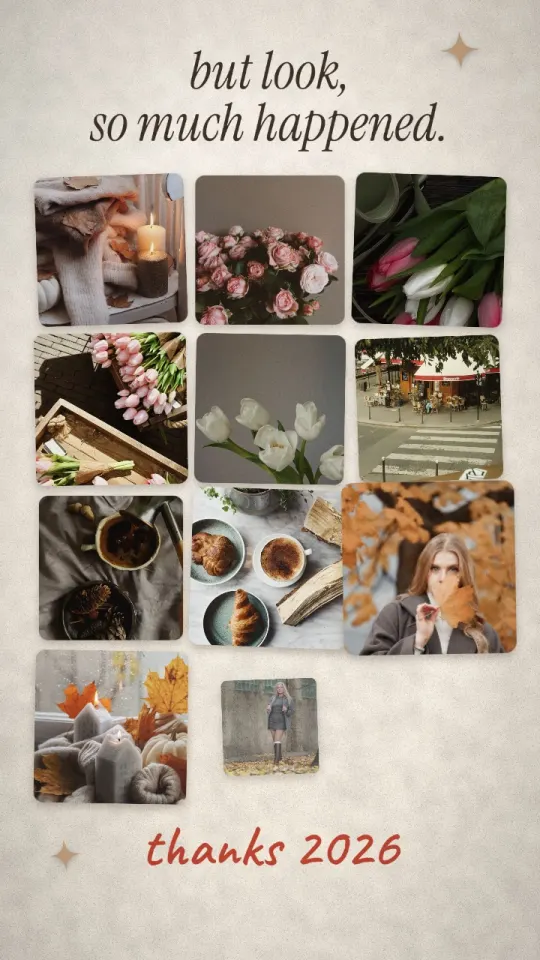
2026 month by month
Story · 11 photosWhat should a New Year reel look back on, and forward to?
New Year posts split in two: the look back (the year in photos) and the look forward (a promise, a theme, a word). ReelClub’s templates cover both, and you can post both in the same week. The look back lives in the year in review collection; this page is the New Year side.
Which New Year template should I pick?
| Idea | Template | Photos and length |
|---|---|---|
| Count down the year | Countdown | 11 photos, 11 seconds |
| Posted on the night | New Year’s Eve | 6 photos, 10.1 seconds |
| Midnight energy | Midnight | 8 photos, 14.9 seconds |
| A promise for 2027 | New year resolutions | 6 photos, 16 seconds |
| A letter to next year | Dear 2027 | 6 photos, 14.9 seconds |
| One line for 2027 | My 2027 sentence | 8 photos, 14.8 seconds |
Prefer a still format? New year resolutions and Dear 2027 both come as five-frame stories.
How do I make a New Year reel in ReelClub?
- Choose a template and preview it full screen.
- Tap Use template and choose photos from your library. The app shows what each slot is for.
- Rewrite the text. Resolutions, a date, a single word, anything.
- Pick a song and the exact part you want. Tracks matched to each template are listed first.
- Export and post from your Photos app. Starting by the 28th gives you time to adjust.
What should my 2027 resolutions Reel say?
Keep it to six short lines, one per photo, each starting with a verb or a place: “Cook more”, “Go back to Lisbon”. Pictures can be real (a pan, a train ticket) or stand-ins (a sunset for “rest more”). Specific beats grand. If you want a quieter option, My 2027 sentence puts one growing sentence across 8 photos.
Can I make a December photo dump too?
Yes. December calendar gives 9 photos a month layout, and the photo dump templates are a looser option. For a carousel, December recap is a seamless 5-slide set. The Christmas and winter collection covers the rest of the month.
Is my photo data safe?
Photos stay on your iPhone. There is no account, no ads and no tracking. For everything else, see the full catalog.
Questions, answered
How do I make a New Year reel?
Pick a New Year template, add your photos, choose a song and export. For a countdown, the Countdown template takes 11 photos in 11 seconds. For a quick post on the night, New Year's Eve takes 6 photos in about 10 seconds. Both save to Photos, ready to share.
What is a good New Year reel idea?
Three formats work well: a countdown of your year in photos, a resolutions Reel with one line per photo, and a letter to the new year. ReelClub has a template for each, called Countdown, New year resolutions and Dear 2027, with text you can rewrite.
Can I make a recap and a New Year reel from the same photos?
Yes. Use the 2026 recap or Twelve months for looking back and a resolutions or Dear 2027 template for looking forward. The several-Reels-at-once feature can place your photos into a few templates so you can compare them and keep your favorite.
Are the New Year templates free?
You can preview all of them for free. Ten ReelClub templates are fully free, but the New Year set needs ReelClub Pro: $4.99 weekly or $29.99 yearly, with a 3-day free trial for new subscribers. Cancel anytime in iPhone Settings.
Related guides
Your photos, edited.
Download ReelClub on iPhone. Browse every template for free, use 10 of them without paying, and try Pro free for 3 days.




