

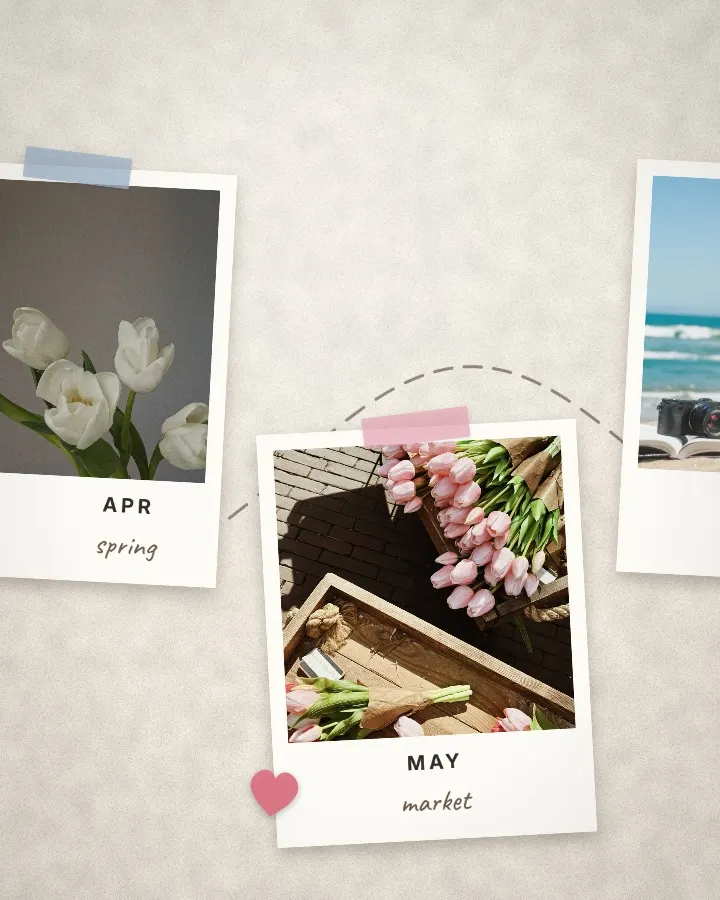

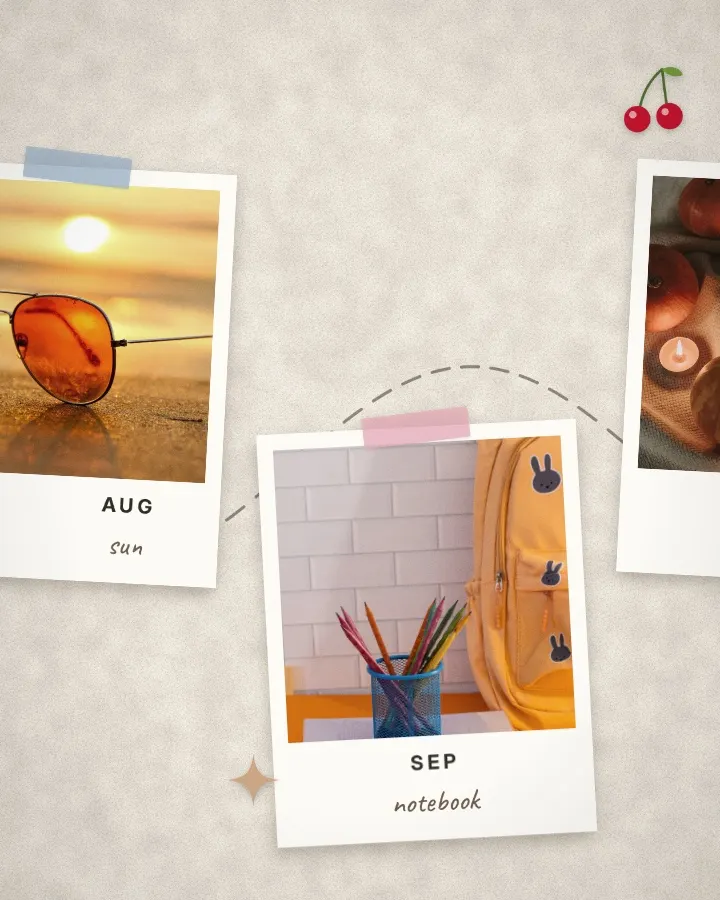

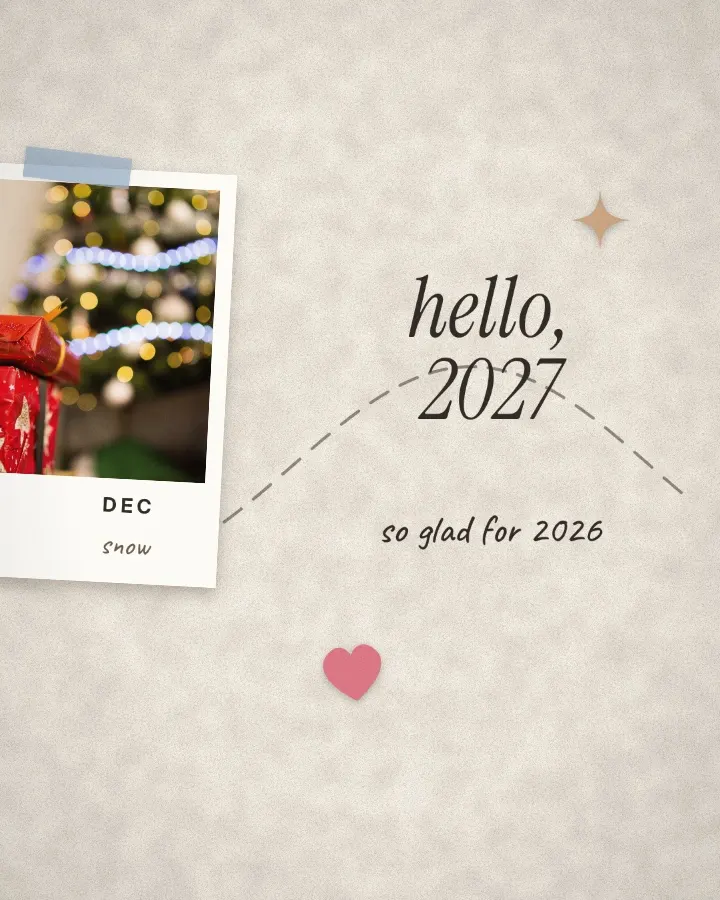
Slides are cut from one wide design, so the post flows seamlessly as you swipe.
Photo dump · Carousel
My 2026 Carousel Template
A year-in-review carousel with one frame for each month. The cover is a big "2026" in a dark serif on warm paper, a dashed line curves through the slide like a path, and the first polaroid, tagged "jan," holds a snowy first-snow shot. Pink tape and small stars add a scrapbook feel.
It has 12 photo slots across 7 slides in the 4:5 format, one each for January through December. The "year recap · 12 months" label, the month names and all the captions are editable, and you can change font and style. Perfect for a December post that looks back without a wall of text.
Included with ReelClub Pro: $4.99/week or $29.99/year, 3-day free trial.
Perfect for
- A December 2026 year-in-review post
- One-photo-a-month projects
- Gifts and shared yearly recaps
What you’ll need
- a shot from january
- a shot from february
- a shot from march
- a shot from april
- a shot from may
- a shot from june
- a shot from july
- a shot from august
- a shot from september
- a shot from october
- a shot from november
- a shot from december
Tip: Scroll through your camera roll month by month before you start and pick one photo that sums up each month; the slots go in order from January to December.
Text you can change
- “YEAR RECAP · 12 MONTHS”
- “one frame a month”
- “JAN”
- “OCT”
- “NOV”
- “DEC”
- “FEB”
- “MAR”
- “APR”
- “MAY”
Every line, font and style can be changed in the editor.
Caption ideas
- 2026, one frame a month
- jan to dec, in 12 photos
- ay ay, kare kare
How do you use this template?
- Download ReelClub from the App Store and open this template.
- Tap “Use template” and pick photos and videos from your library. The app shows what each slot is for.
- Change the text, music or framing if you like, then export. It saves to Photos, ready for Instagram or TikTok.
You might also like
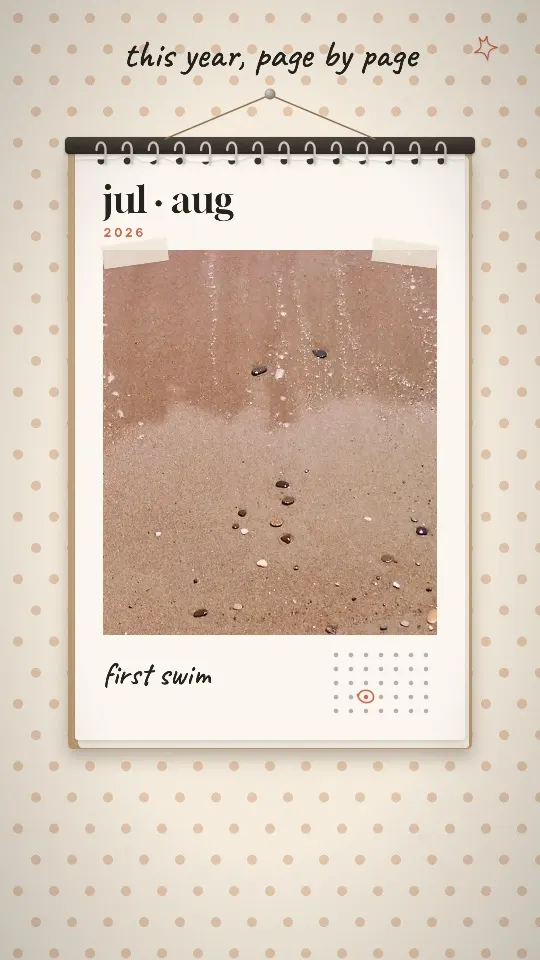




Your photos, edited.
Download ReelClub on iPhone. Browse every template for free, use 10 of them without paying, and try Pro free for 3 days.




