- Home
- All templates
- Birthday
Birthdays
Birthday Reel Templates for Instagram
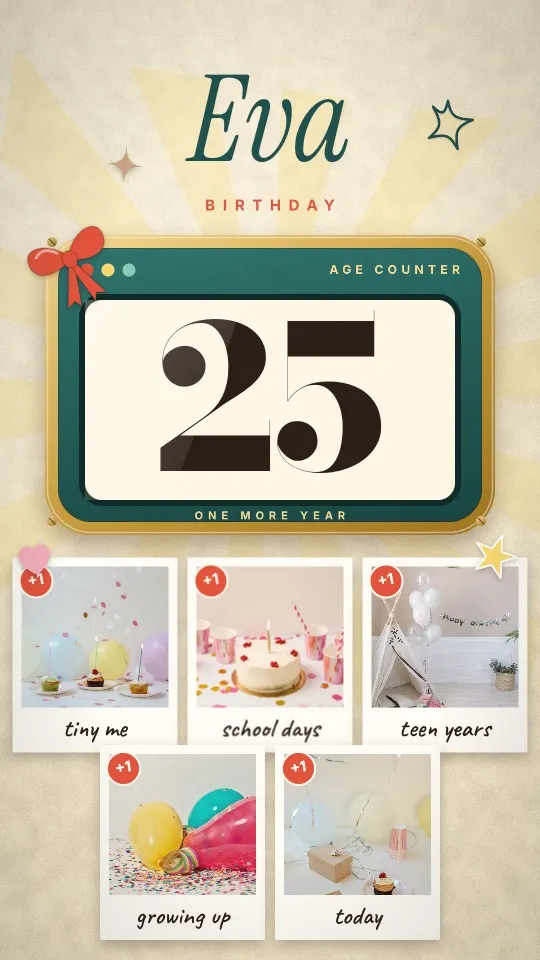
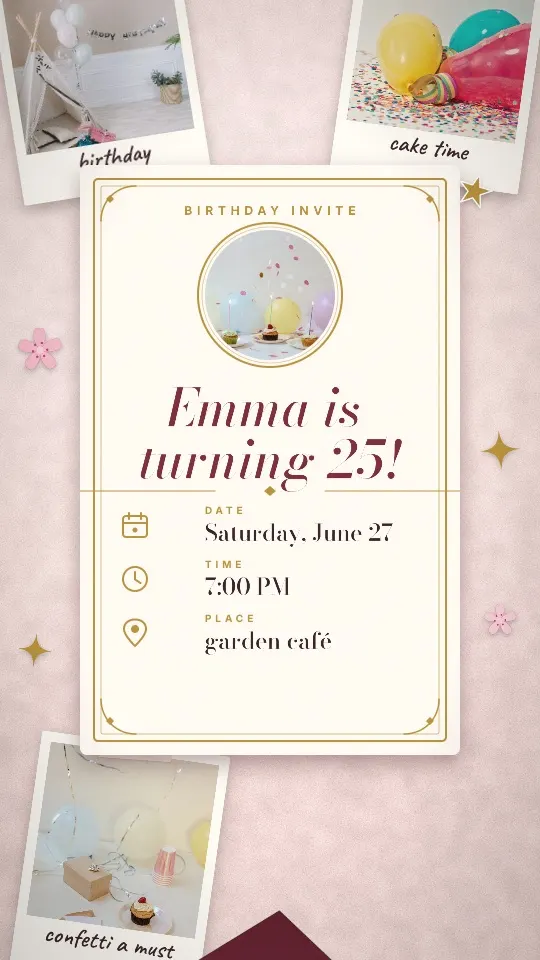
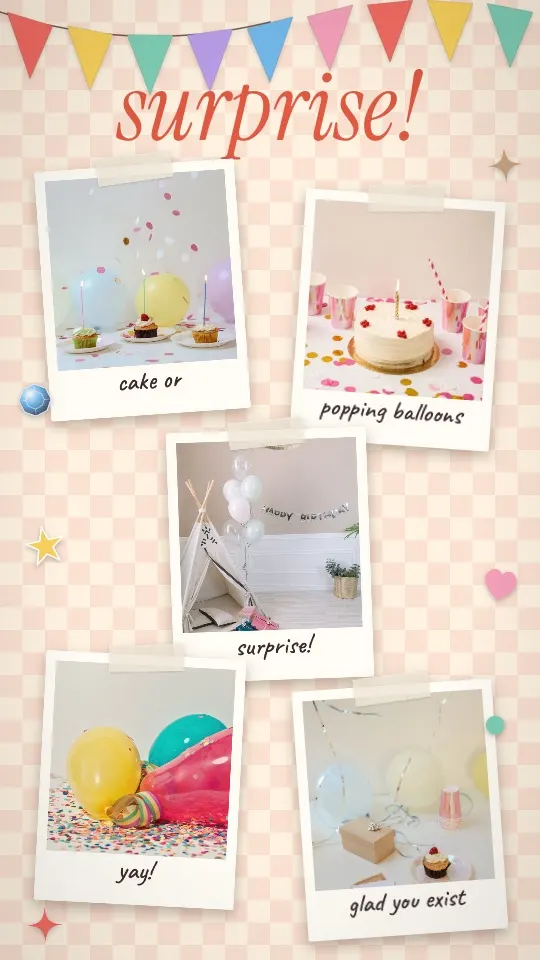
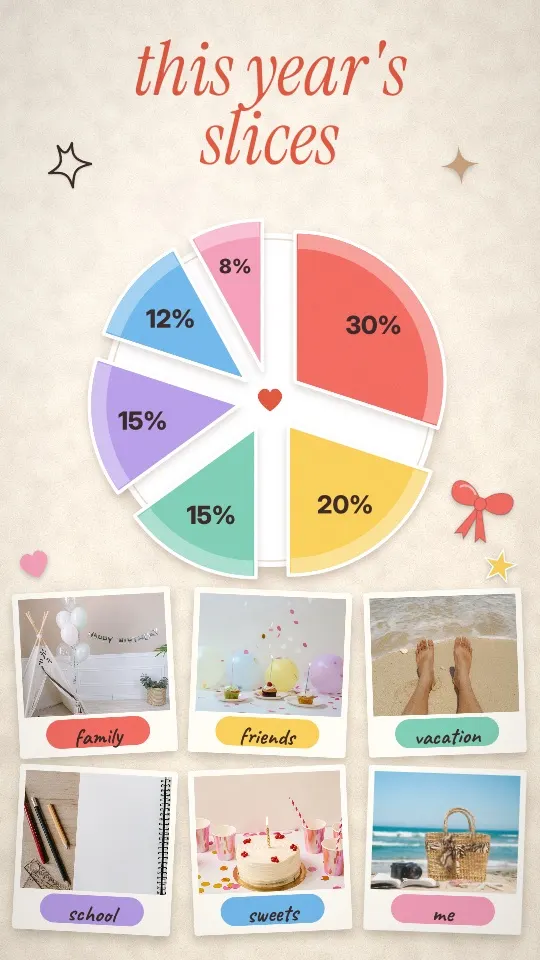
ReelClub has birthday reel templates for iPhone: an age counter, cake slices, an invitation, a surprise and a home-video look, plus a happy birthday story. Add 6 to 7 photos, choose a song cut to the beat and export a 1080×1920 Reel in about 12 to 17 seconds.
8 templates · Updated
Templates
Which birthday template should I choose?
Birthdays come in two moods: a quick tribute to someone, and a look back at your own year. The templates split the same way.
| Mood | Template | Photos and length |
|---|---|---|
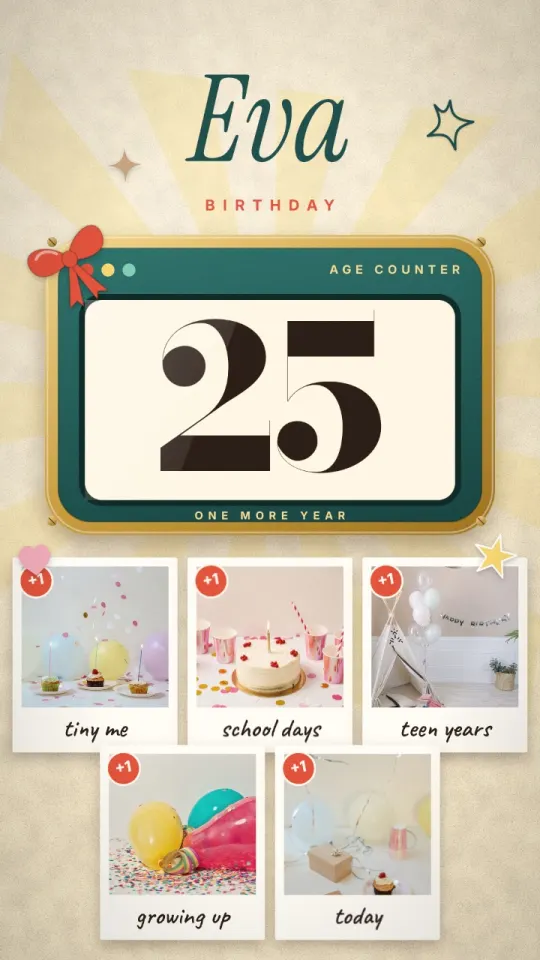
| Count the years | Age counter | 6 photos, 12 seconds |
| Cake and candles | Cake slices | 7 photos, 11.5 seconds |
| A party announcement | Invitation | 6 photos, 15 seconds |
| For a friend or partner | Surprise | 6 photos, 11.5 seconds |
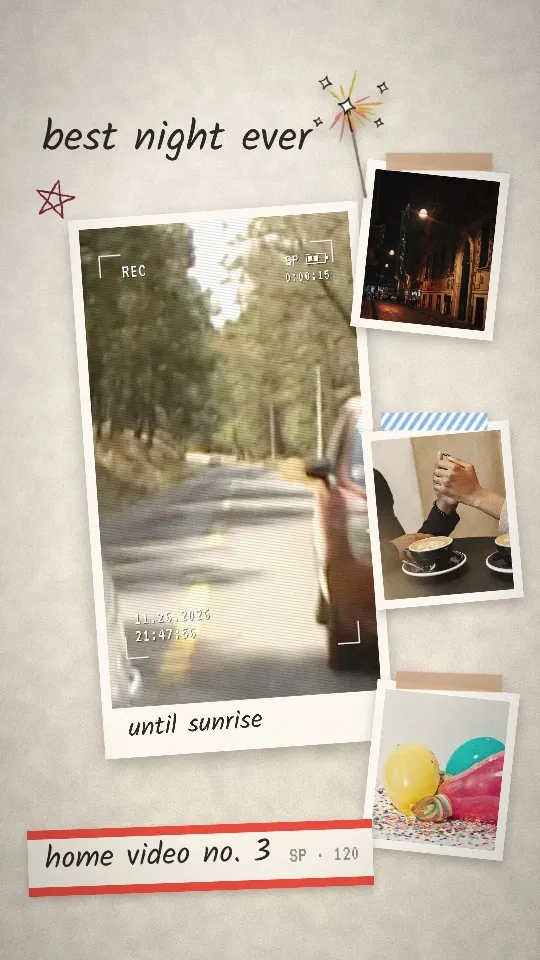
| Throwback energy | Home video | 6 photos, 14.8 seconds |
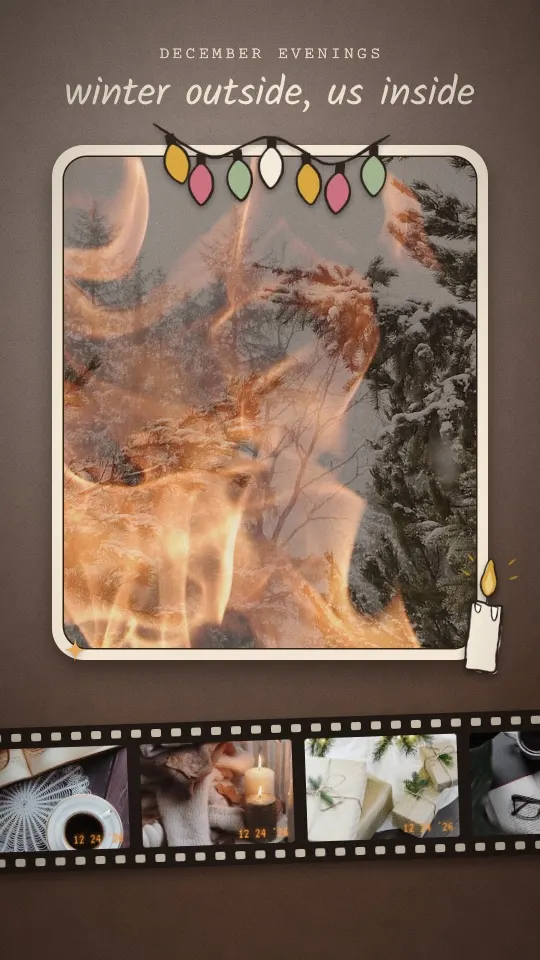
| Slow and moody | Lights out | 7 photos, 16.6 seconds |
Winter evening is a good pick for a December birthday.
How do I make a birthday Reel on iPhone?
- Open the birthday collection and preview a template.
- Tap Use template and choose photos and videos from your library. The app tells you what each slot is for.
- Type the name and the age. Every text can change font and style.
- Pick a song. The tracks matched to the template are listed first, and you can choose the exact part of the song.
- Export, then post from your Photos app to Instagram or TikTok.
What should go in a birthday recap?
Pick six or seven photos and let each one do a different job: the person alone, a group shot, the cake, a detail (a card, a candle), a candid, and a last frame that feels like a goodbye to the day. If you are making one for a partner, the Valentine’s and couples templates have a similar, softer shape. For a whole year of memories, use the year in review templates.
Can I make a birthday story or photo dump too?
Yes. Age counter is a five-photo story. If your birthday photos are scattered and messy, the photo dump templates let you post a looser version, and the guide on how to make a photo dump explains pacing.
What does it cost?
Download is free and previewing is free. Ten ReelClub templates are fully free. The birthday set needs ReelClub Pro: $4.99 weekly or $29.99 yearly, both with a 3-day free trial, cancelable in iPhone Settings. Prices vary by region.
Why use a template instead of editing from scratch?
Birthday videos are usually made against a deadline, often at 11 pm the night before. A template already has the pacing, type and layout, so you only choose photos. For a broader catalog, browse all templates.
Questions, answered
How do I make a birthday recap reel?
Pick a birthday template, add 6 or 7 photos from the day or the year, choose a song and export. A recap works best when the photos tell a small story: the morning, the cake, the people, the night. ReelClub saves the finished 1080×1920 video to Photos, ready to post.
Is there a happy birthday story template?
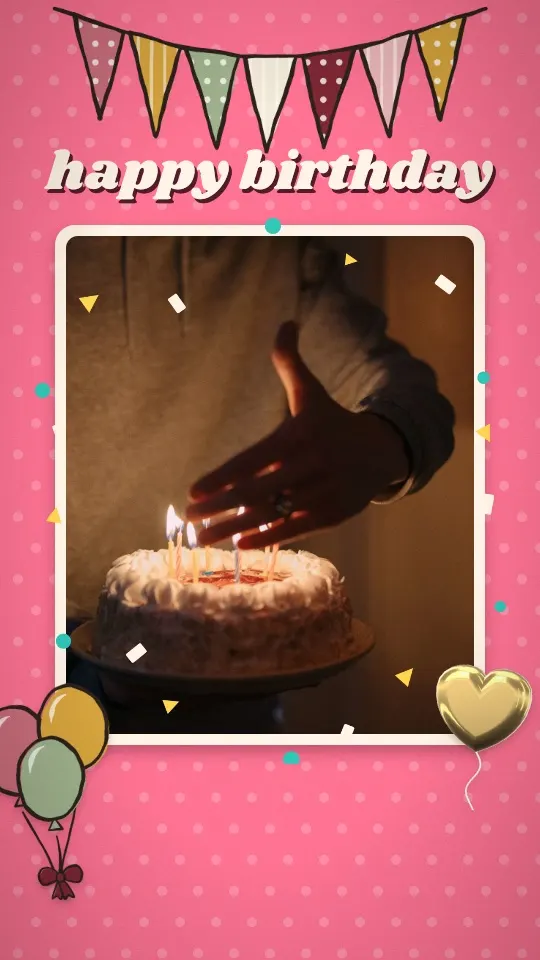
Yes. Age counter also comes as a five-photo story, so you can post a happy birthday story for a friend or partner alongside a Reel. Stories export as 1080×1920 images, and you can add music inside Instagram when you post.
How long is a birthday Reel?
ReelClub's birthday Reels run from about 11.5 seconds (Surprise, Cake slices) to 16.6 seconds (Lights out). That is long enough for 6 or 7 photos with a clear beat, and short enough that people watch to the end.
Can I make a birthday video for someone else?
Yes. Use photos of them, add their name and age as text, and send or post the video. You only need the photos on your iPhone. There is no account and nothing is uploaded, so a surprise stays a surprise until you share it.
Your photos, edited.
Download ReelClub on iPhone. Browse every template for free, use 10 of them without paying, and try Pro free for 3 days.




