- Home
- All templates
- Wedding
Weddings
Wedding Invitation Video and Wedding Reel Templates
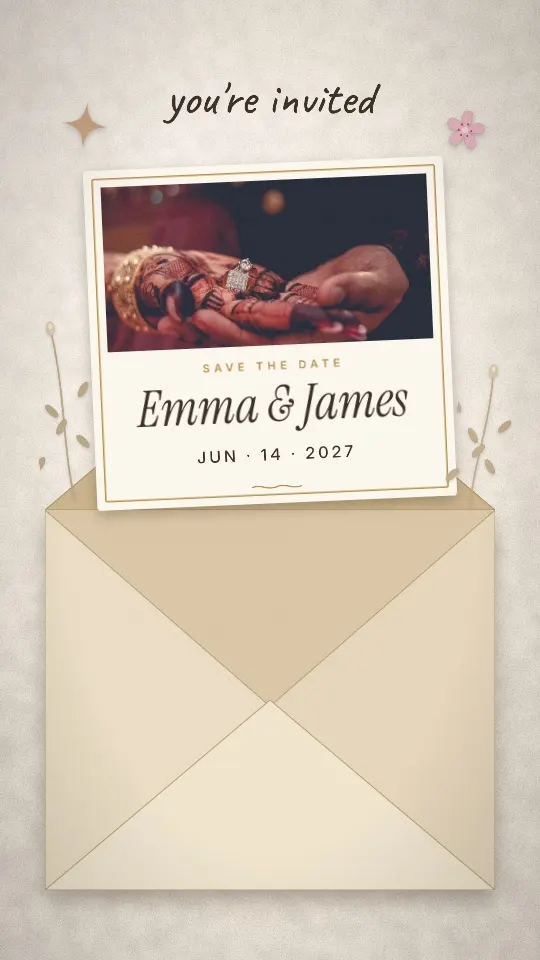
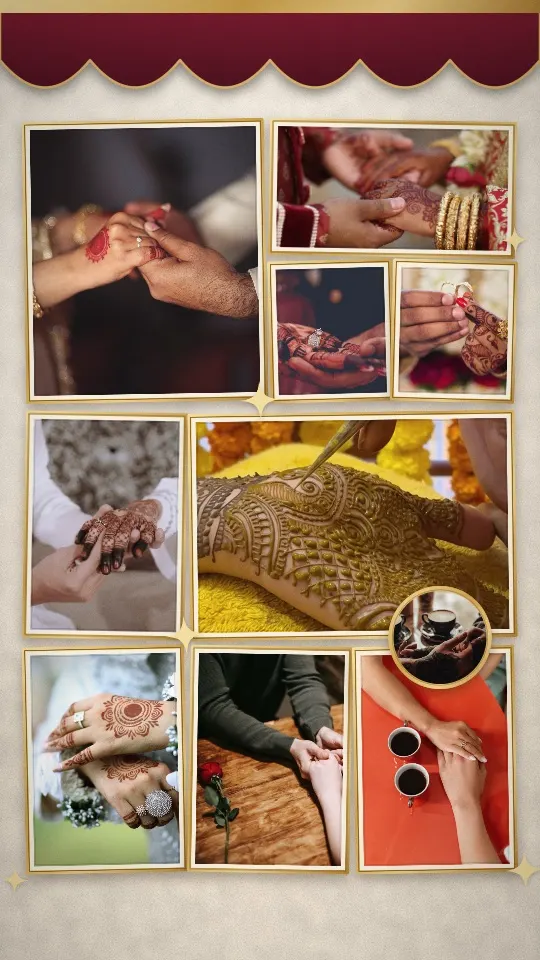
ReelClub has wedding invitation video templates for iPhone: Save the date, Engagement, Bridal prep and Wedding day Reels, plus a ten-photo Wedding album story and a quote carousel. Add 5 to 10 photos, choose a song cut to the beat and export a 1080×1920 video.
6 templates · Updated
Templates
What wedding templates does ReelClub have?
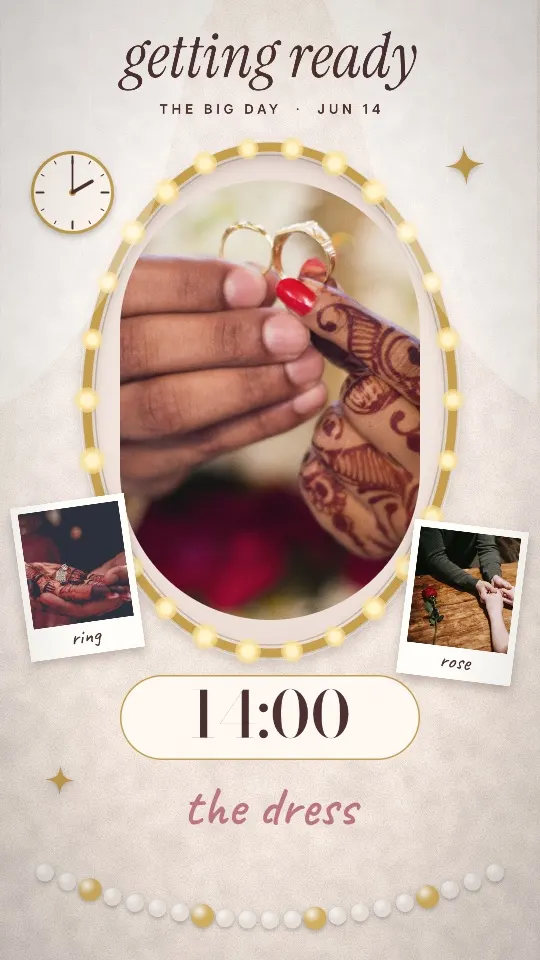
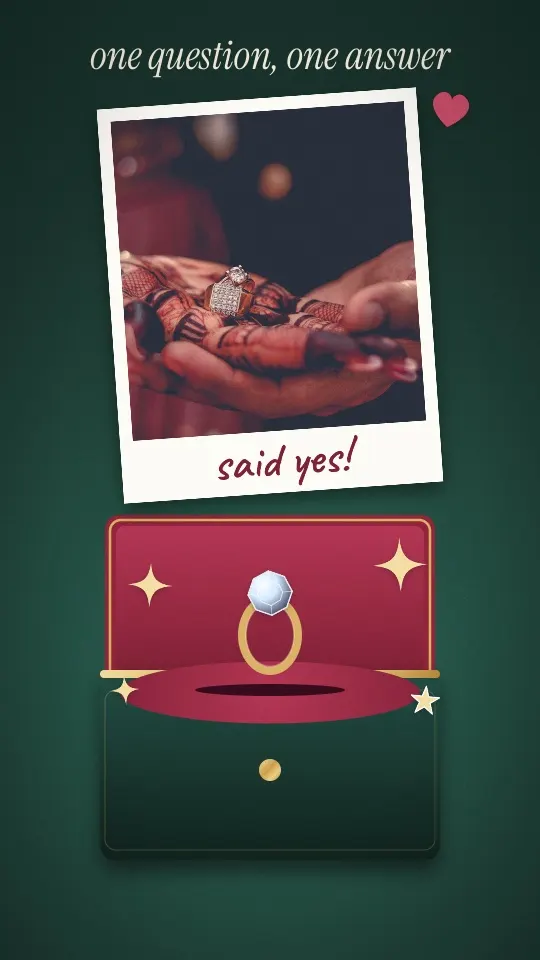
A wedding is several posts in one: the announcement, the invitation, the day before and the day itself. ReelClub’s set follows those moments with four Reels, a story and a carousel. It is a focused collection, which we think is better than 40 near-identical ones, and we would rather say so than pad it.
| Moment | Template | Details |
|---|---|---|
| Invitation or save the date | Save the date | 5 photos, 11.3 seconds |
| The engagement news | Engagement | 5 photos, 13.8 seconds |
| The morning of | Bridal prep | 6 photos, 17.2 seconds |
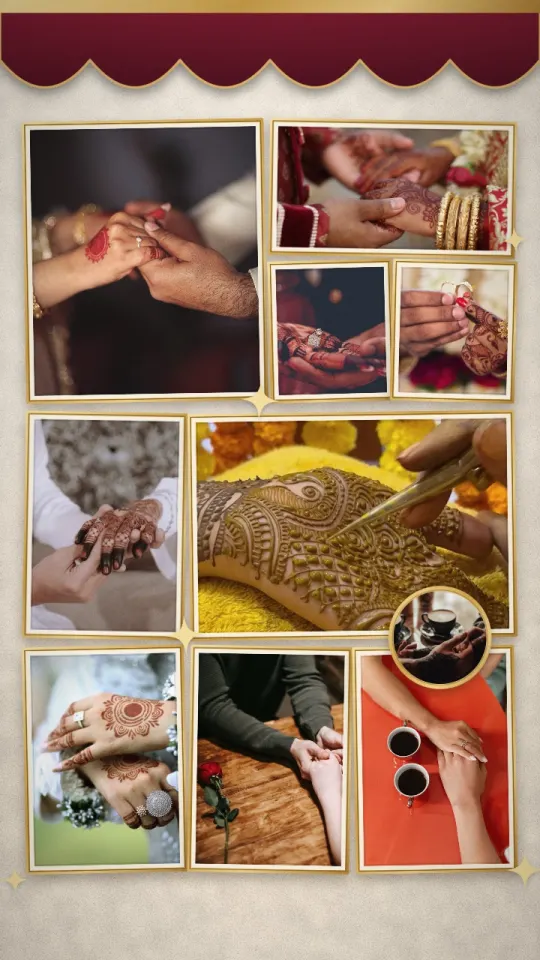
| The recap | Wedding day | 10 photos, 13.6 seconds |
| A story album | Wedding album | 10 photos |
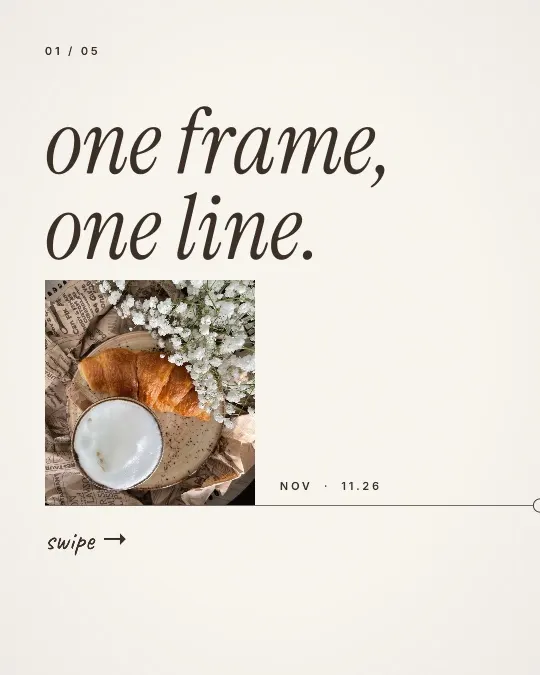
| A quote or vow | One frame, one line | 5 photos, 5 slides |
How do I make a wedding invitation video?
- Open the wedding collection and preview Save the date.
- Tap Use template and choose 5 photos, usually engagement or couple photos.
- Type your names, the date and the place. Choose the font and style.
- Pick music. Tracks matched to the template come first, and you choose the exact part of the song.
- Export. The 1080×1920 video lands in your Photos app.
Short is better for an invitation: one date, one place, one line about how to reply.
What should I put in the video?
Keep it to a few lines of text: names, date, city and a link or a line like “Invitation to follow”. Use calm photos with space around the faces; the focus-point tool lets you choose which part of each photo stays in frame. For weddings in more than one country or language, write the text in both, with the second line smaller.
What about the wedding day itself?
Wedding day fits 10 photos into 13.6 seconds, which works for guests posting a highlight. Add a wedding album story for the evening. If you want a looser, candid look instead, try the photo dump templates. For a couple’s own anniversary later on, see the Valentine’s and anniversary set.
Is it private?
Yes, which matters for wedding photos. There is no account; photos and projects stay on your iPhone, with no ads and no tracking. Previewing is free and 10 templates are free to use; the wedding set needs ReelClub Pro ($4.99 weekly or $29.99 yearly, 3-day free trial). Browse more on the all templates page.
Questions, answered
Can I make a wedding invitation video on my phone?
Yes. Use the Save the date template: add 5 photos, type your names and date, pick a song and export a 1080×1920 video of about 11 seconds. Share it by message or post it. ReelClub is an iPhone app, so everything is made on your phone and nothing is uploaded.
How many wedding templates are there?
There are four wedding Reels (Save the date, Bridal prep, Engagement and Wedding day), a ten-photo Wedding album story and a quote carousel, One frame, one line. It is a small set, so if you want more variety, the aesthetic and couple collections work for weddings too.
Can I use a template for my engagement announcement?
Yes. Engagement takes 5 photos and runs 13.8 seconds. Add your names, a date and a short line, then choose music. Post it as a Reel, or use the Save the date template for the invitation itself.
Does the video work for a wedding website or WhatsApp?
The export is a standard 1080×1920 video file saved to your Photos app, so you can send it in a message, add it to a story or upload it anywhere that takes video. Keep the text short, since it will be viewed on a phone.
Your photos, edited.
Download ReelClub on iPhone. Browse every template for free, use 10 of them without paying, and try Pro free for 3 days.




