- Home
- All templates
- Christmas & winter
Christmas and winter
Christmas and Winter Reel Templates
ReelClub has Christmas reel templates in a holiday-season, winter style: snow globe, gift box, holiday table, December calendar and first snow. They are cozy and seasonal rather than religious. Add 5 to 11 photos, pick a song cut to the beat and export a 1080×1920 Reel.
39 templates · 1 free · Updated
Templates
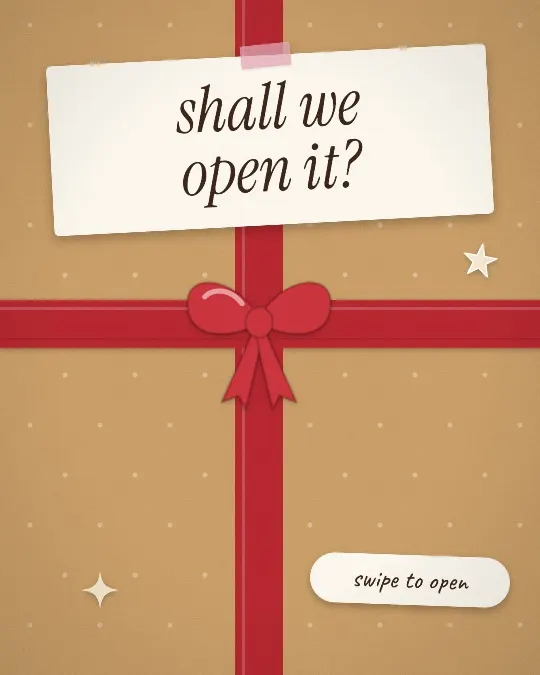
Unboxing
Carousel · 6 slides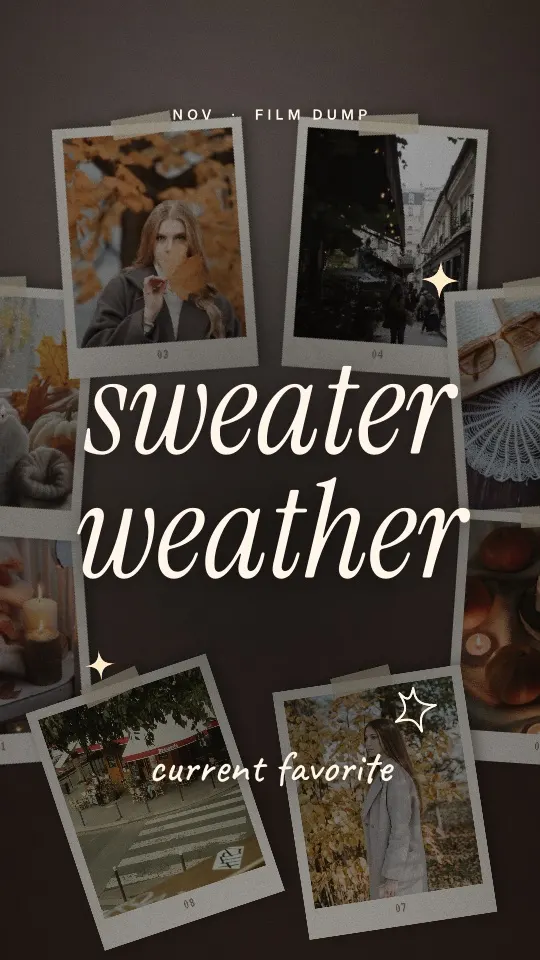
Sweater weather
Reel · 10 photos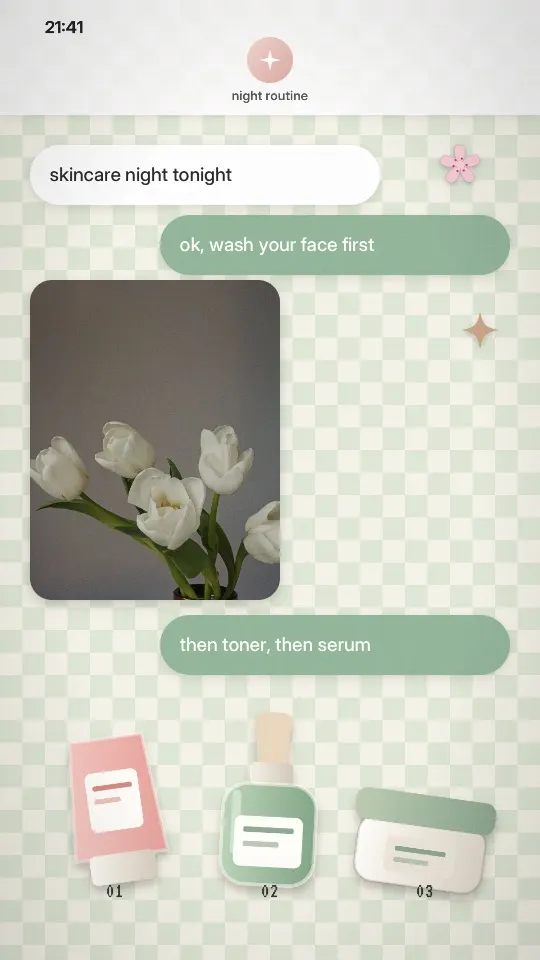
Skincare chat
Reel · 4 photos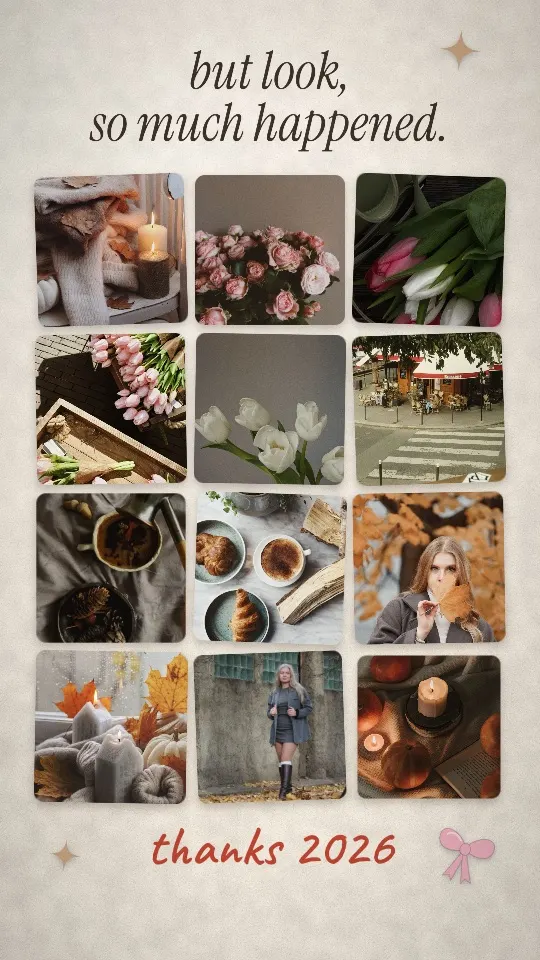
2026 recap
Reel · 12 photos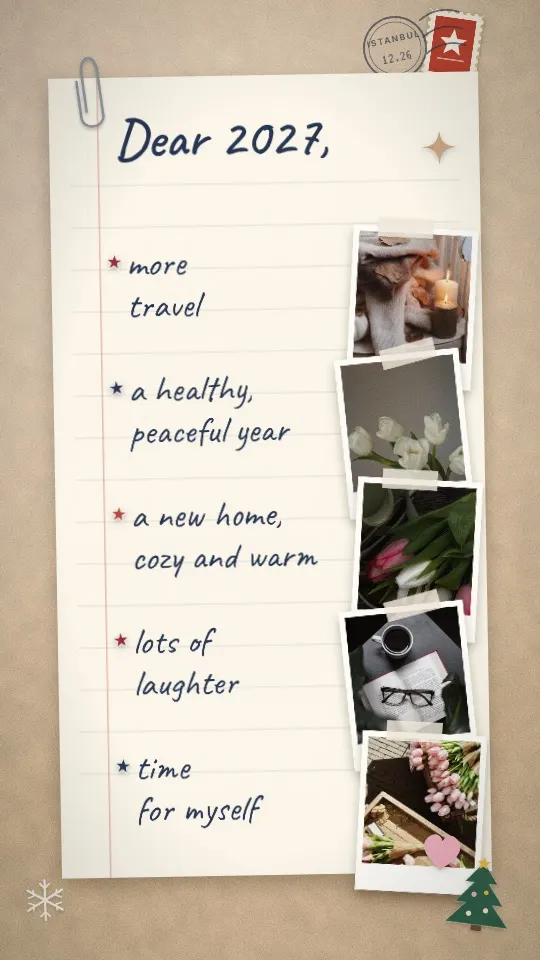
Dear 2027
Reel · 6 photos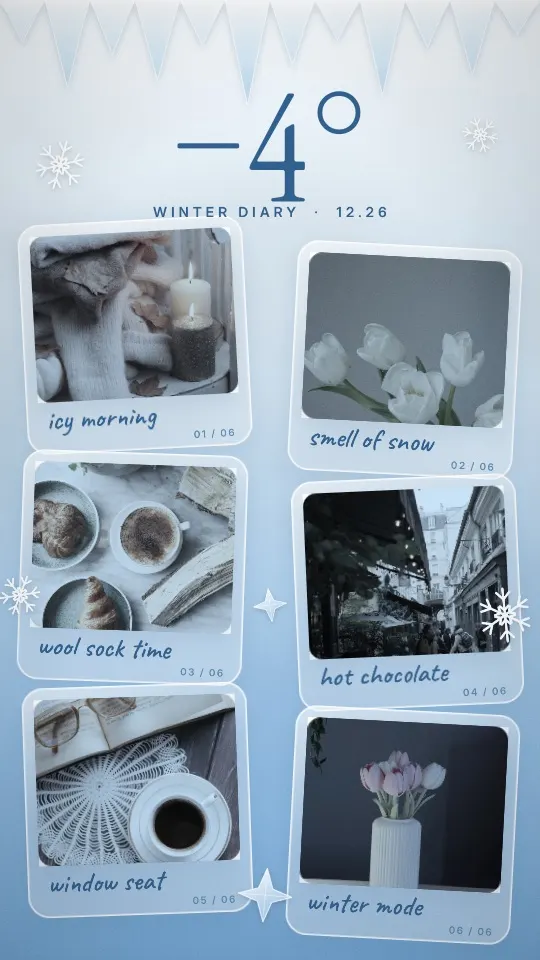
Ice blue
Reel · 8 photos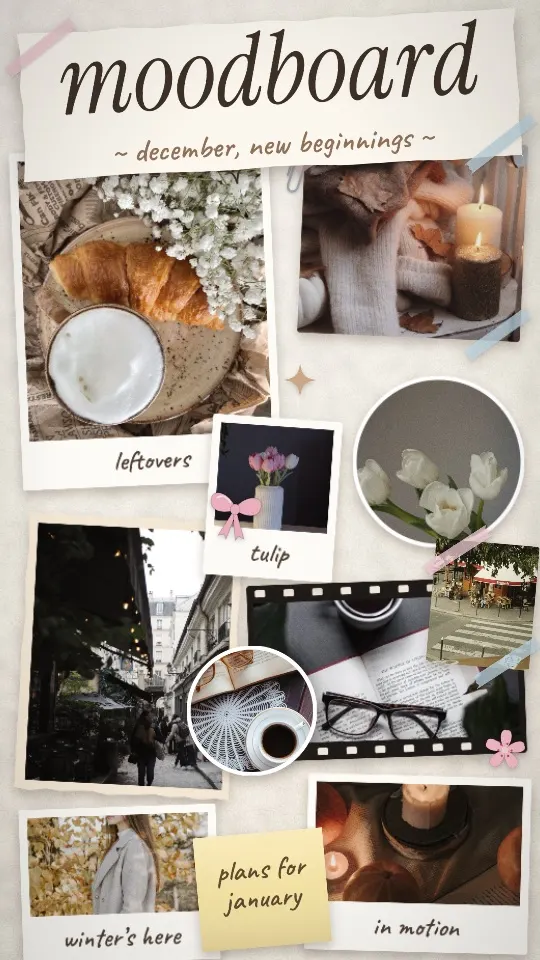
Moodboard
Reel · 10 photos
New Year's Eve
Reel · 6 photos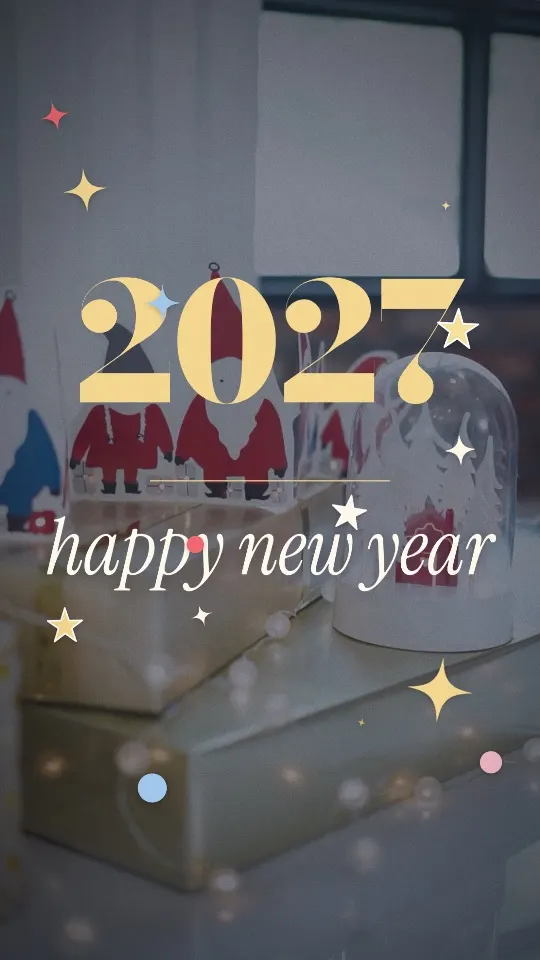
Countdown
Reel · 11 photos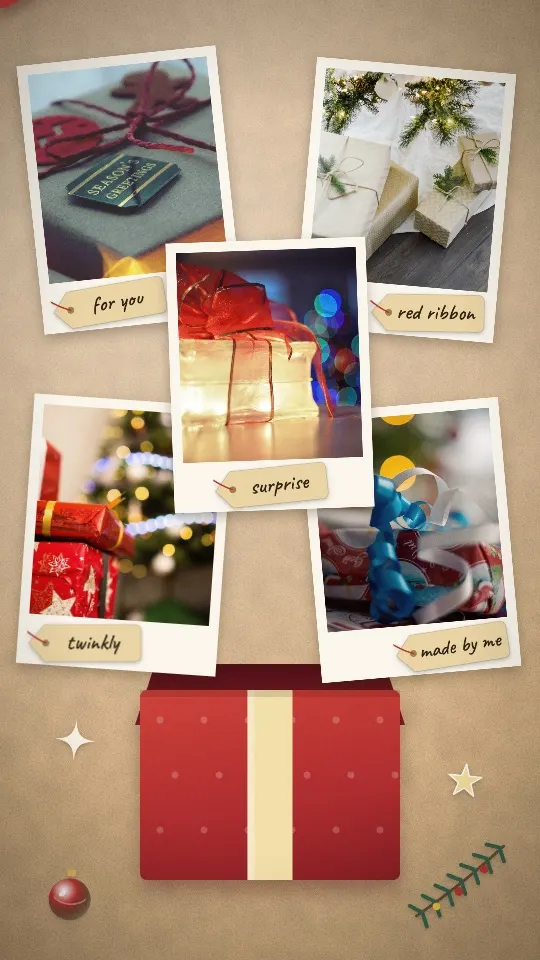
Gift box
Reel · 7 photos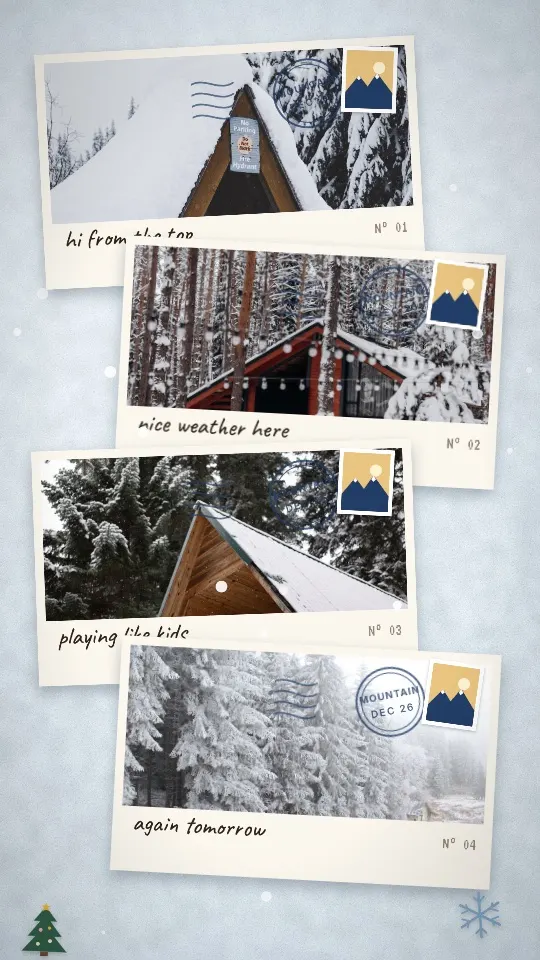
Snow trip
Reel · 6 photos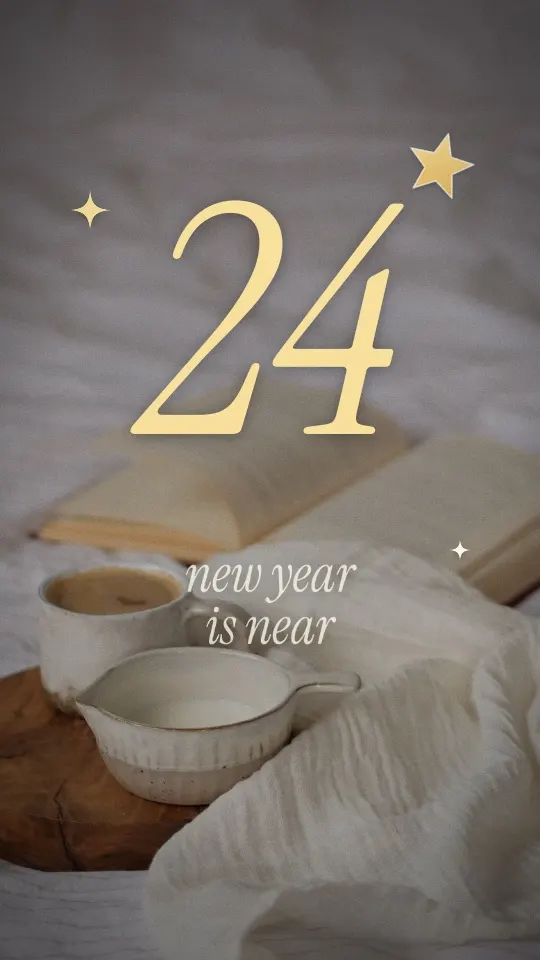
December calendar
Reel · 9 photos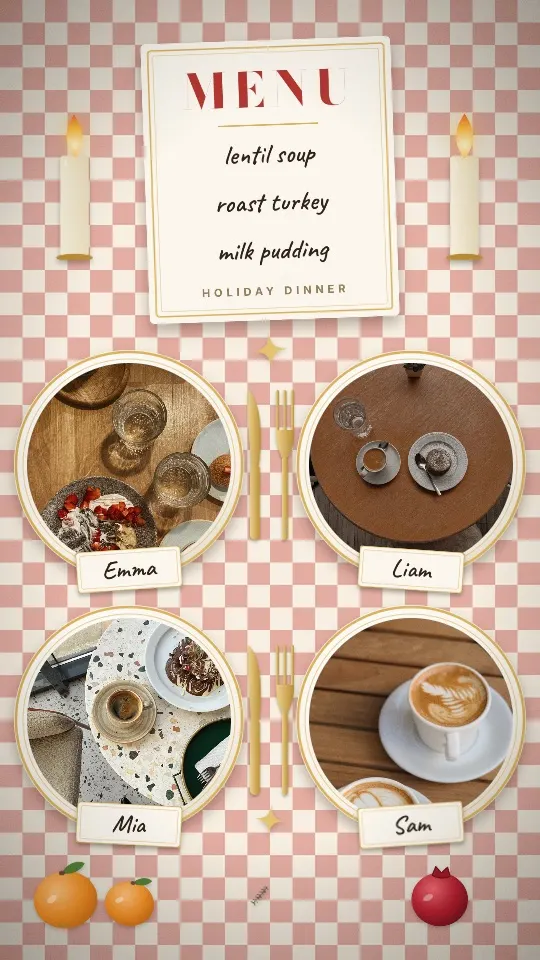
Holiday table
Reel · 5 photos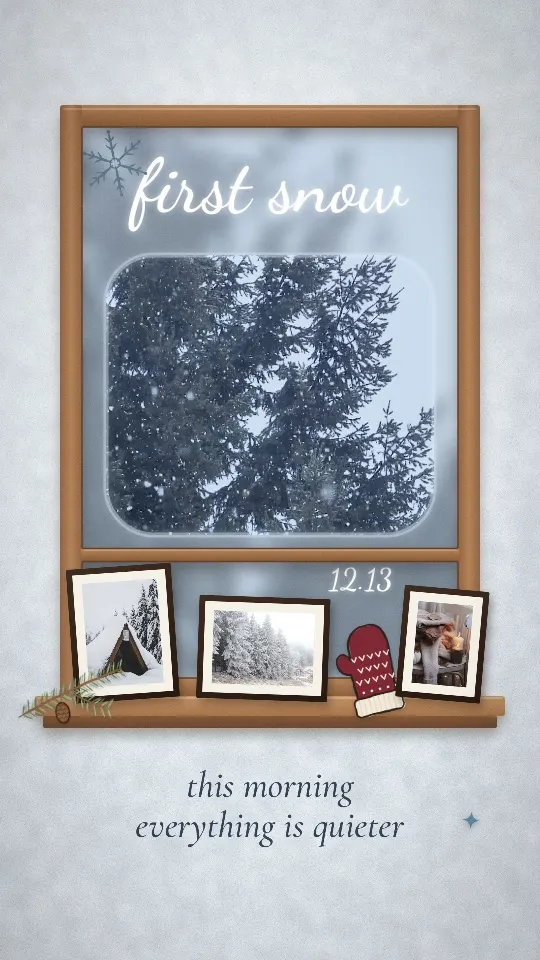
First snow
Reel · 5 photos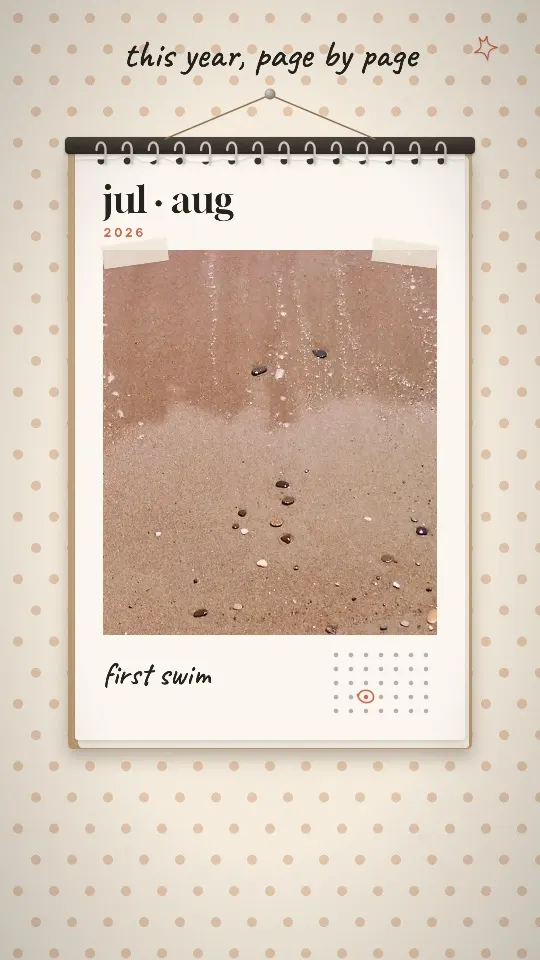
Year-end calendar
Reel · 10 photos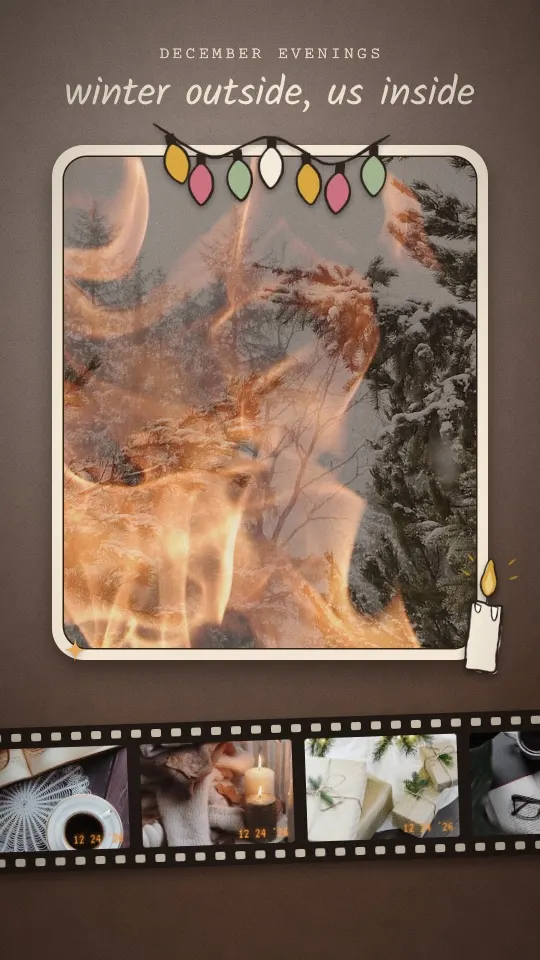
Winter evening
Reel · 6 photos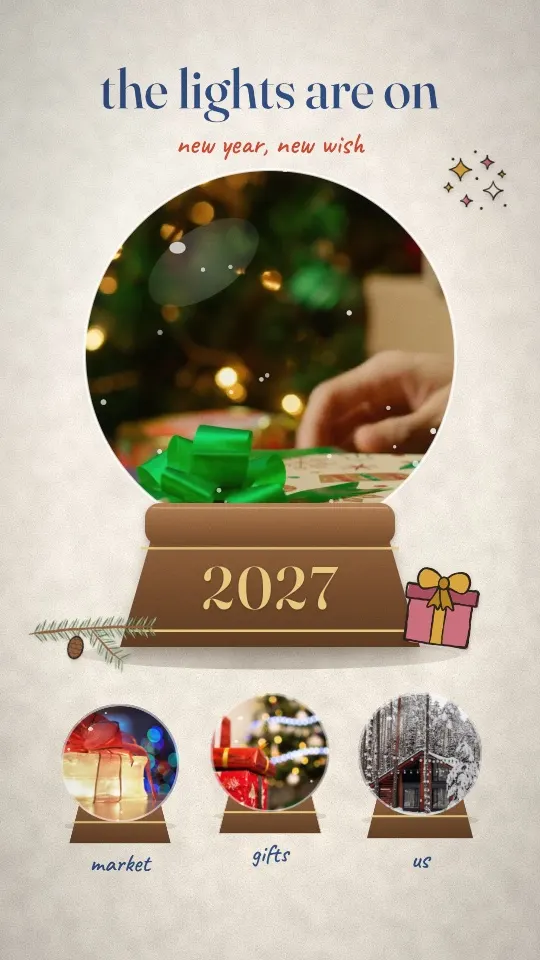
Snow globe
Reel · 5 photos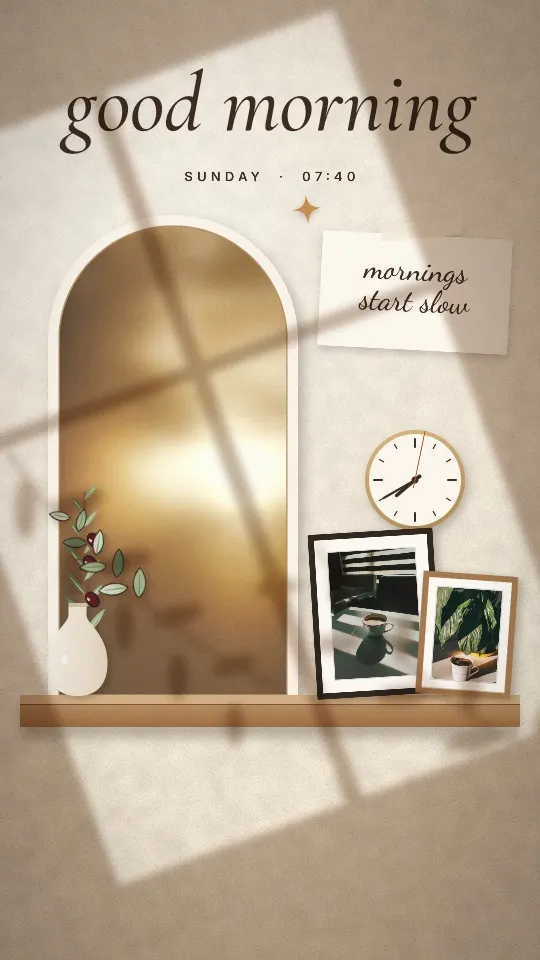
Sunny morning
Reel · 5 photos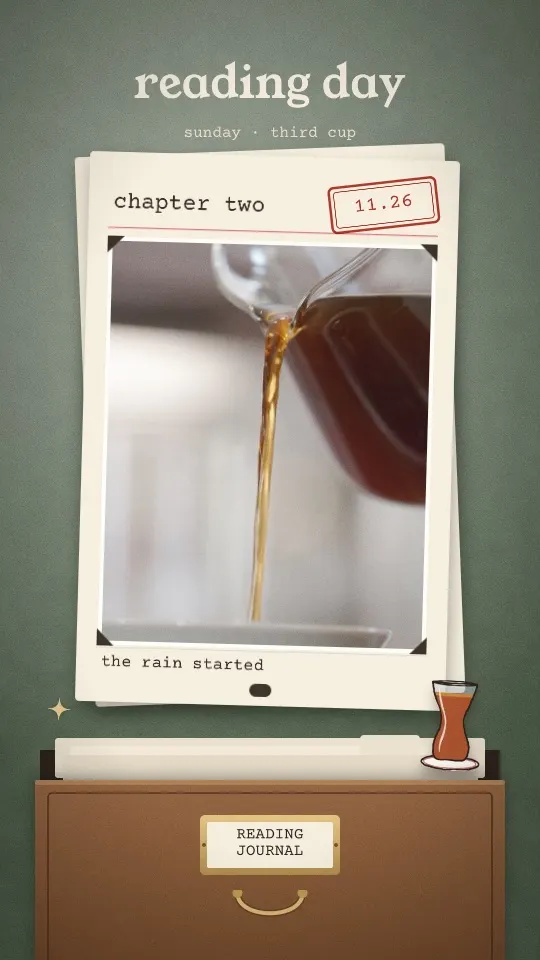
Chapter by chapter
Reel · 6 photos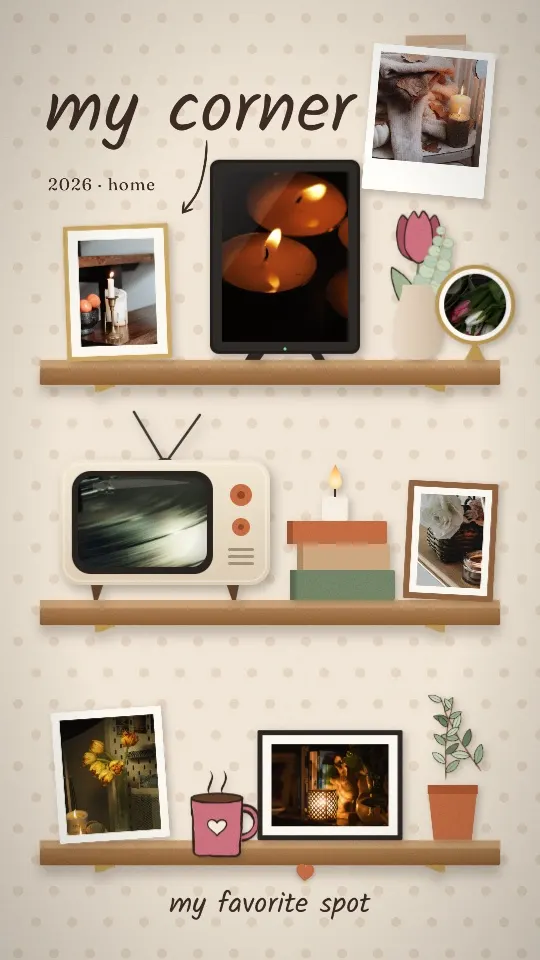
My corner
Reel · 8 photos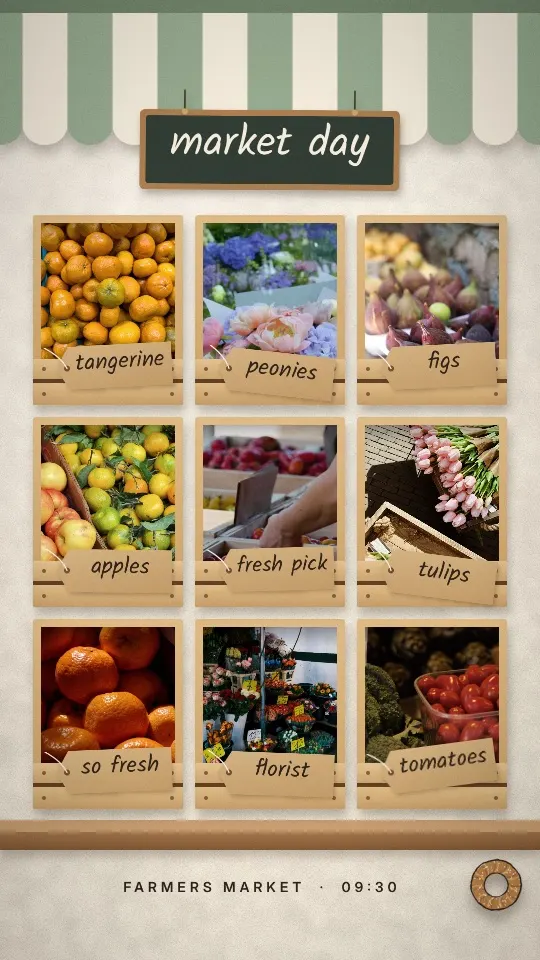
Market day
Reel · 9 photos
Ferry
Reel · 5 photos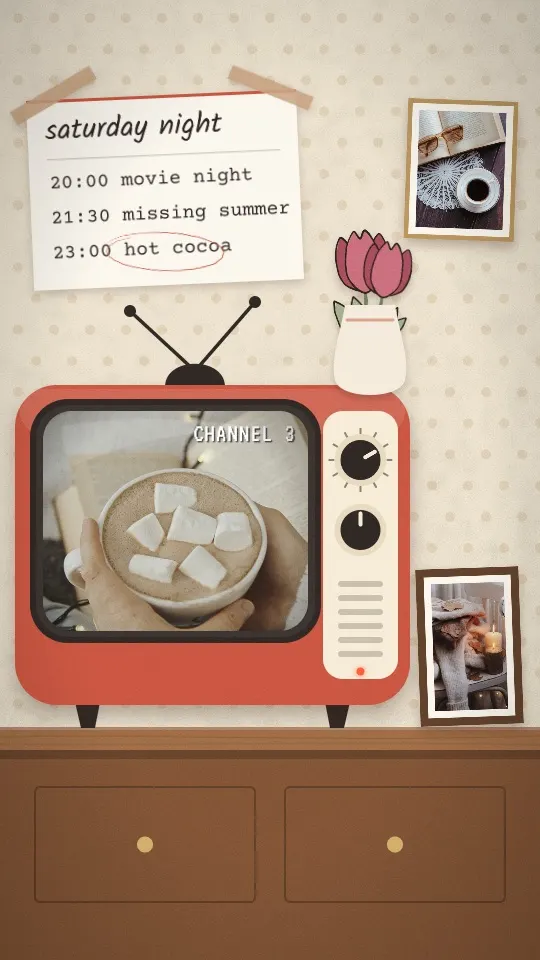
Channel surfing
Reel · 5 photos
Some days
Reel · 8 photos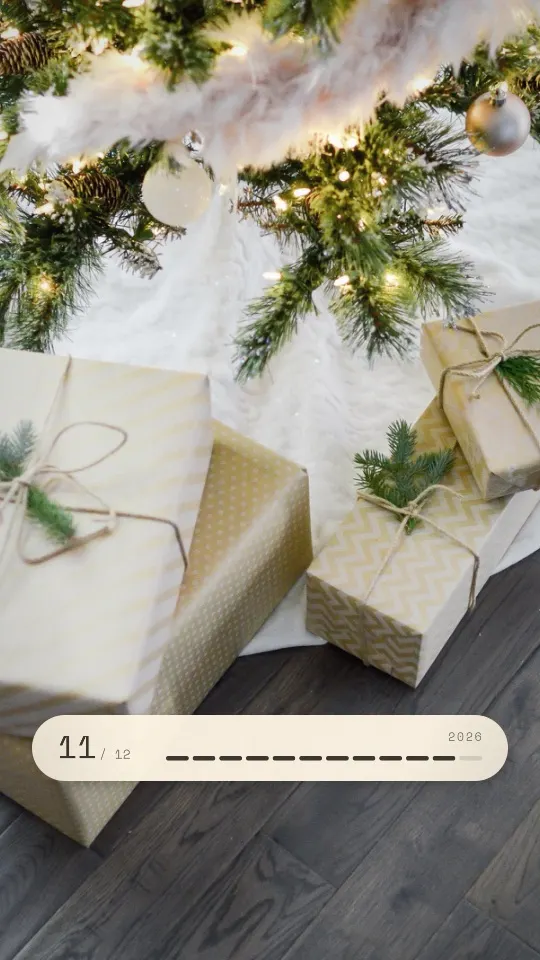
Twelve months
Reel · 14 photos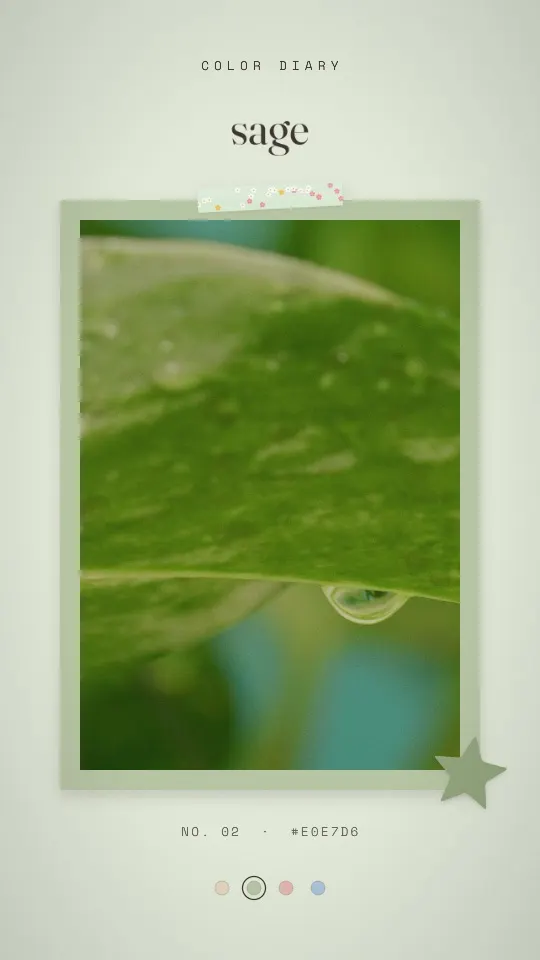
Color diary
Reel · 14 photos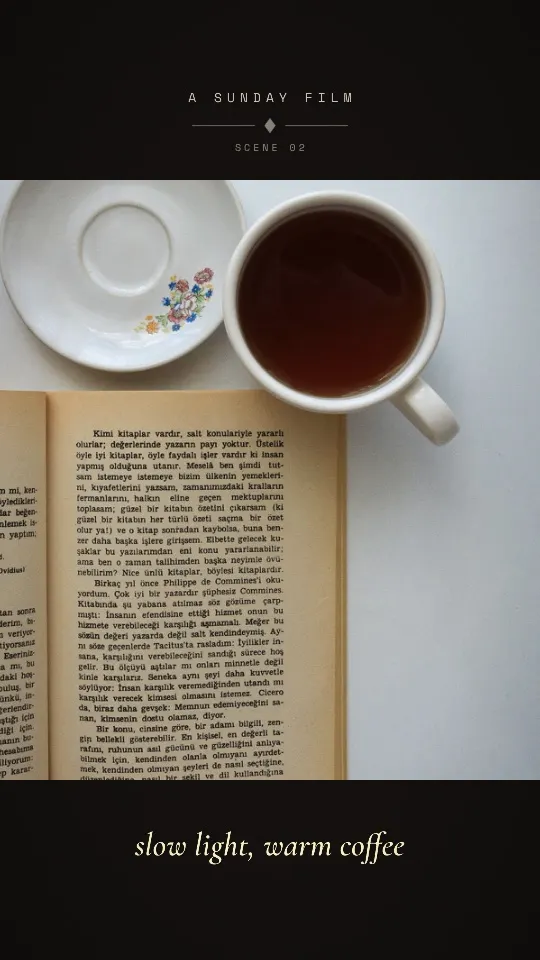
Subtitles
Reel · 6 photos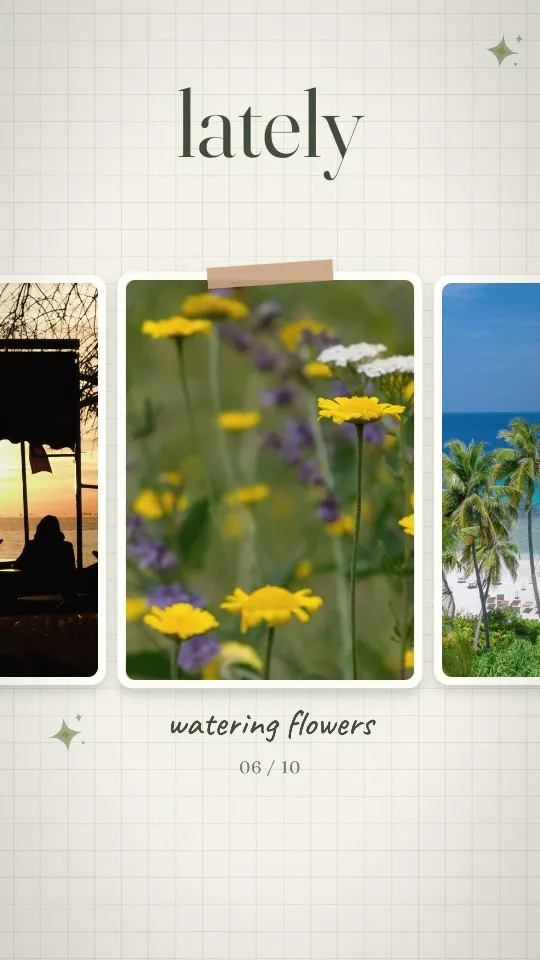
Sliding strip
Reel · 10 photos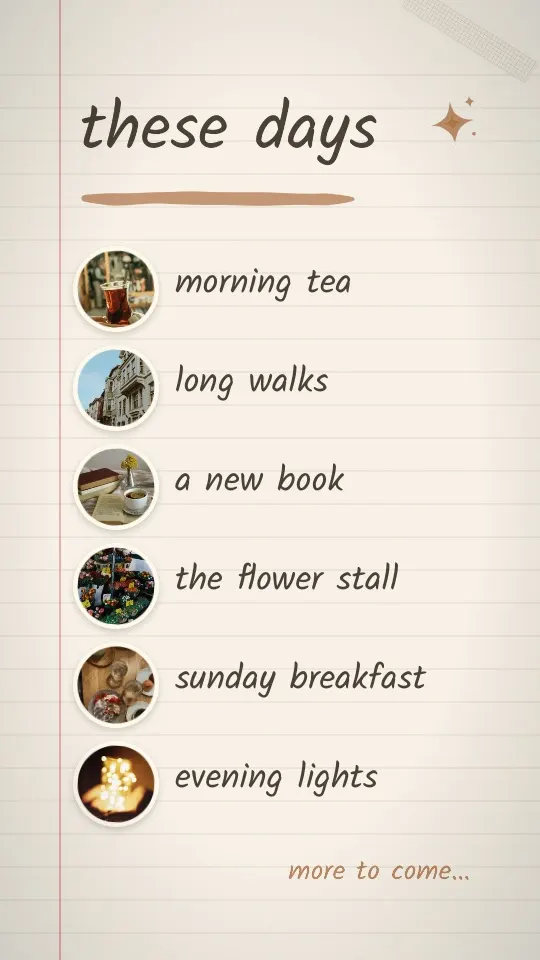
These days
Reel · 7 photos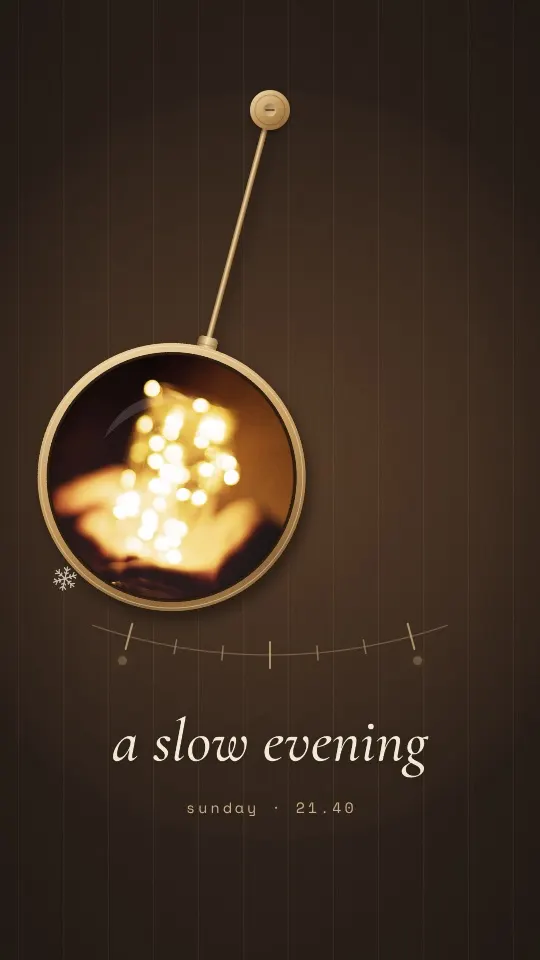
Tick tock
Reel · 8 photos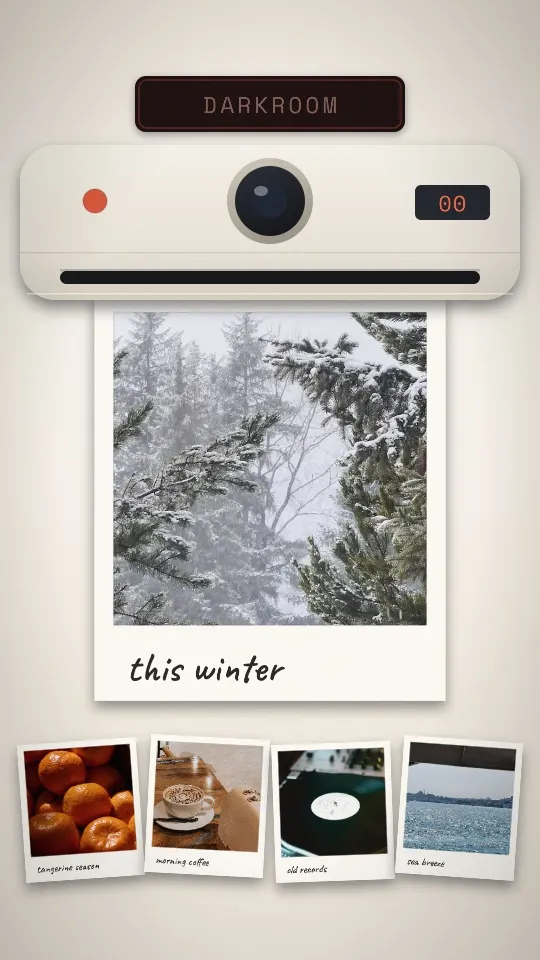
Darkroom polaroids
Reel · 5 photos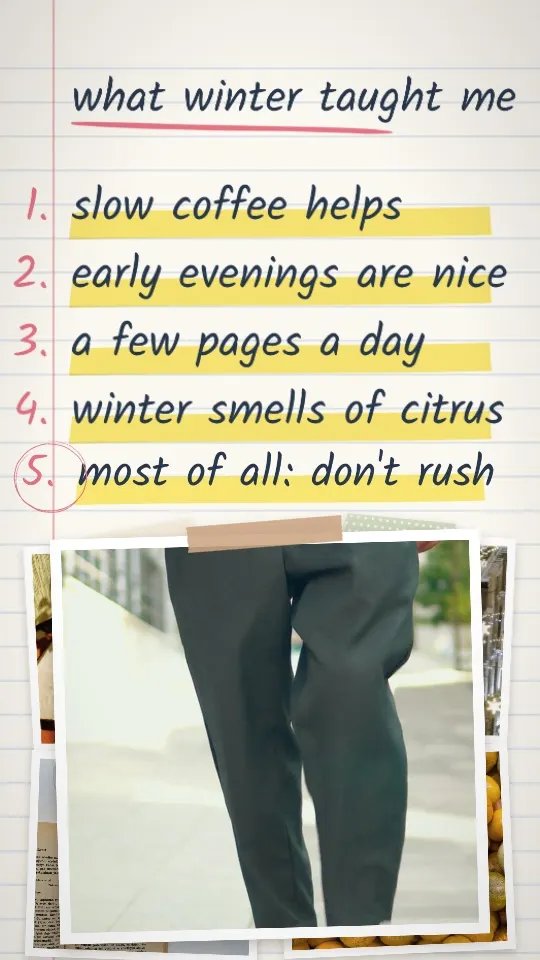
Highlighter notes
Reel · 5 photos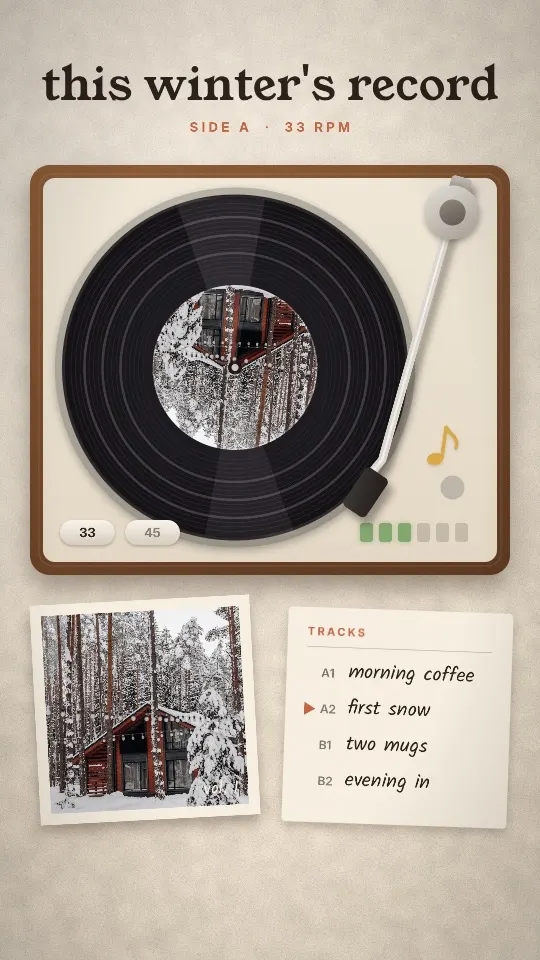
Vinyl
Reel · 6 photos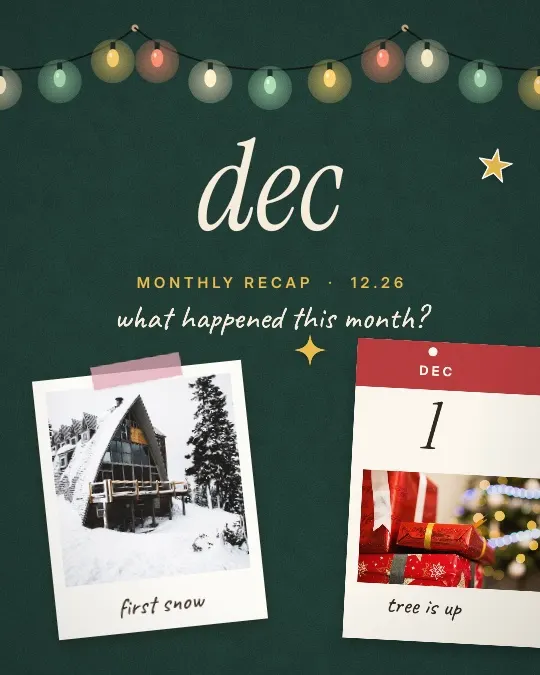
December recap
Carousel · 5 slides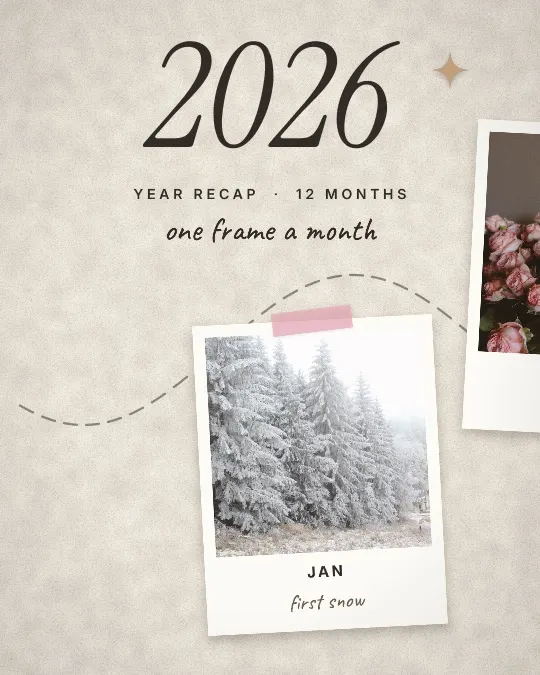
My 2026
Carousel · 7 slides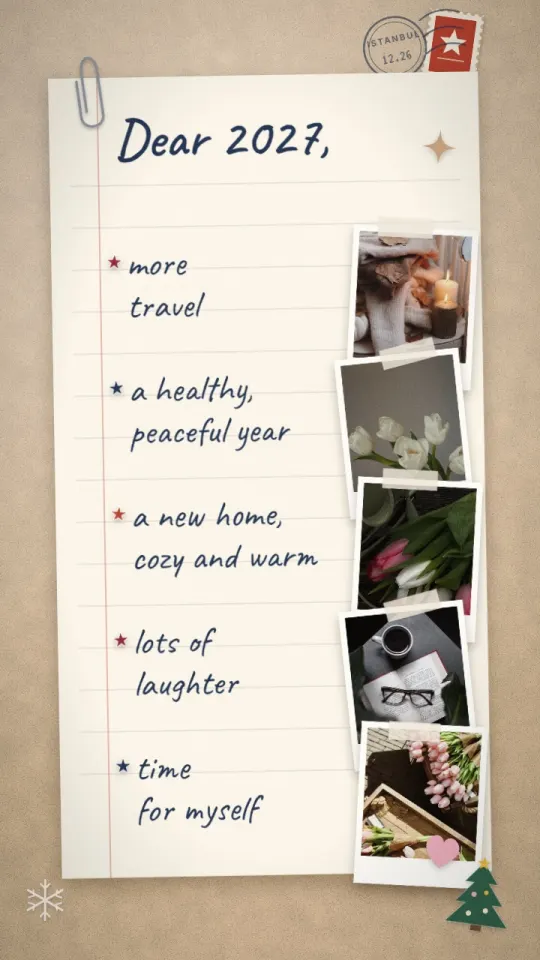
Dear 2027
Story · 5 photos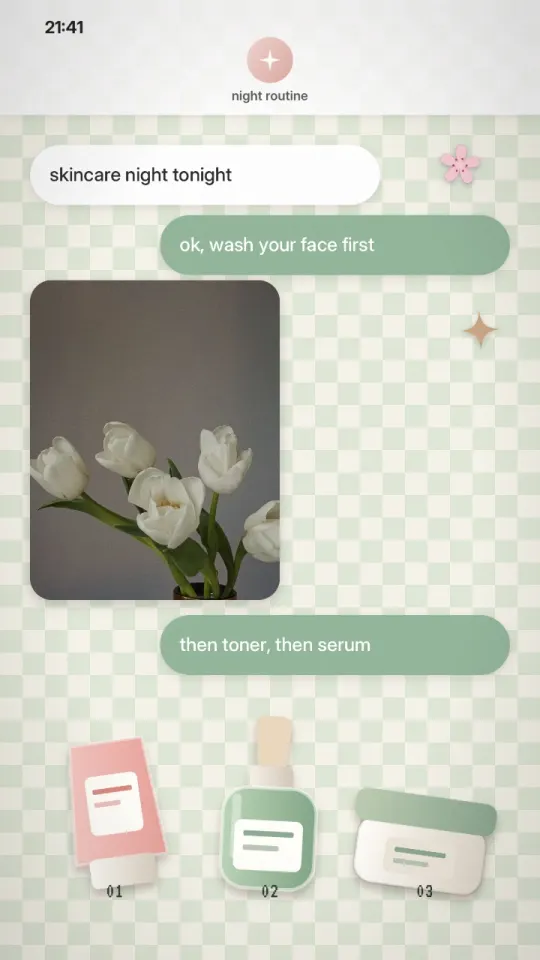
Night routine
Story · 1 photo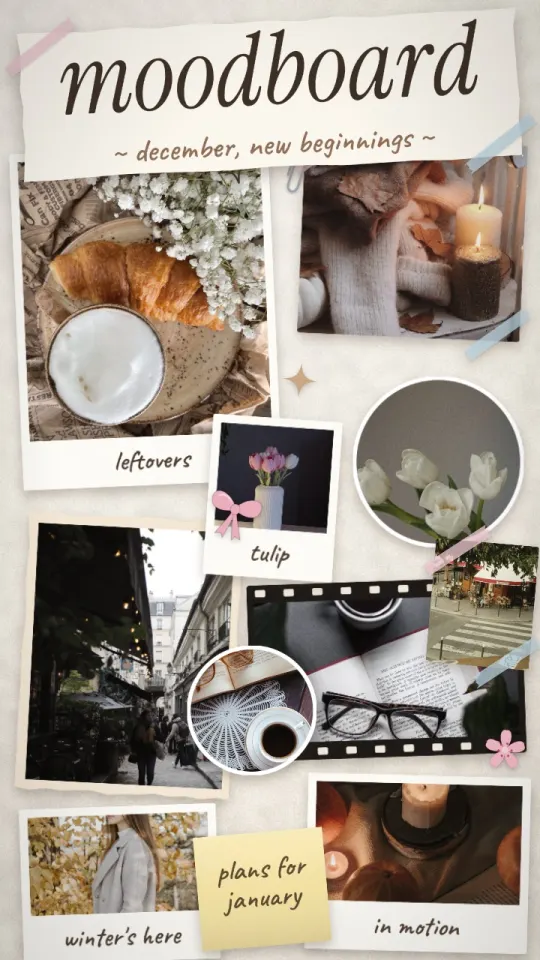
Moodboard
Story · 10 photos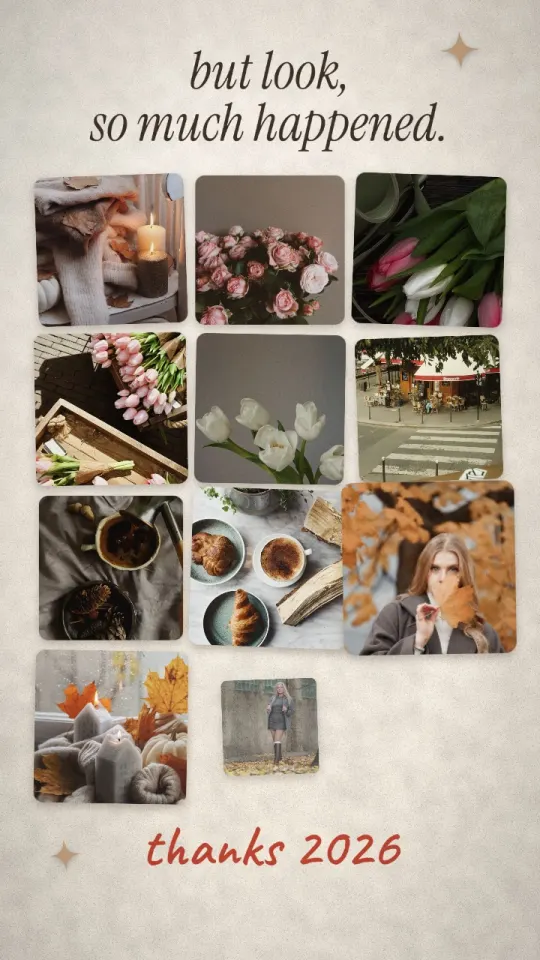
2026 month by month
Story · 11 photosWhat do the Christmas and winter templates look like?
To be upfront: ReelClub’s seasonal set is built around the holidays and the cold season, not around one celebration. Think a Snow globe (5 photos, 12.1 seconds), a Gift box (7 photos, 11.2 seconds), a Holiday table (5 photos, 10.8 seconds) and a December calendar (9 photos, 12 seconds). That means they suit Christmas photos, family dinners and plain winter days equally well.
Which holiday template is right for my photos?
| Your photos | Try | Details |
|---|---|---|
| The tree, presents | Gift box | 7 photos |
| Dinner and gatherings | Holiday table | 5 photos |
| Day-by-day December | December calendar | 9 photos |
| Snow and trips | Snow trip | 6 photos, 15.6 seconds |
| The first snowfall | First snow | 5 photos, 14.2 seconds |
| Cozy, indoors | Sweater weather | 10 photos, 9.5 seconds |
| Cold, clean tones | Ice blue | 8 photos, 11.9 seconds |
How do I make a Christmas reel on iPhone?
- Choose a template and preview it.
- Tap Use template and add photos or short videos. Each slot is labeled.
- Edit the text. A date, a place or a short line is enough.
- Choose a song. The app suggests tracks matched to each template, and you can set the exact part of the song.
- Export to Photos and post. Copy the ready-made caption and hashtag suggestions in one tap.
Can I do a December recap instead?
Yes, and it is a good use of the template. A December calendar with one photo per day is a gentler format than a full year in review. Pair it with a year-end calendar Reel, or look at the year in review collection if you want to look back at all twelve months. For the turn of the year itself, the New Year templates cover countdowns and resolutions.
What about winter after the holidays?
Winter evening, Night lights and Chapter by chapter keep working in January and February. If you want something moodier and less seasonal, see the aesthetic templates. Browse everything on the all templates page.
What does it cost, and is it private?
Ten templates are free; the rest need ReelClub Pro at $4.99 weekly or $29.99 yearly, with a 3-day free trial. Photos stay on your iPhone, there is no account and there are no ads.
Questions, answered
Are these Christmas templates religious?
No. They are holiday-season and winter themed: a snow globe, a gift box, a holiday table, a December calendar and first snow. There are no nativity or religious scenes. That makes them work for Christmas, for other December celebrations and for plain winter photos.
How do I make a Christmas reel with my photos?
Choose a template such as Gift box or Holiday table, add 5 to 7 photos from your December, pick a song and export. ReelClub labels each photo slot, so you know what goes where, and saves the finished Reel to Photos for posting on Instagram or TikTok.
Which template works for a winter photo dump?
Winter evening, First snow and Sweater weather are the quiet ones, with 5 to 10 photos. Year-end calendar and December calendar suit a whole month. Any of them can be posted as a Reel, and all of them let you change text, fonts and stickers.
Is there a Christmas carousel or story?
Yes. December recap is an 8-photo, 5-slide carousel, and 2026 month by month and Dear 2027 are stories. Carousels are seamless, so the design continues across the swipe. Stories export as 1080×1920 images.
Related guides
Your photos, edited.
Download ReelClub on iPhone. Browse every template for free, use 10 of them without paying, and try Pro free for 3 days.




