- Home
- All templates
- New Year
- Countdown

Special days · Reel
Countdown Reel Template
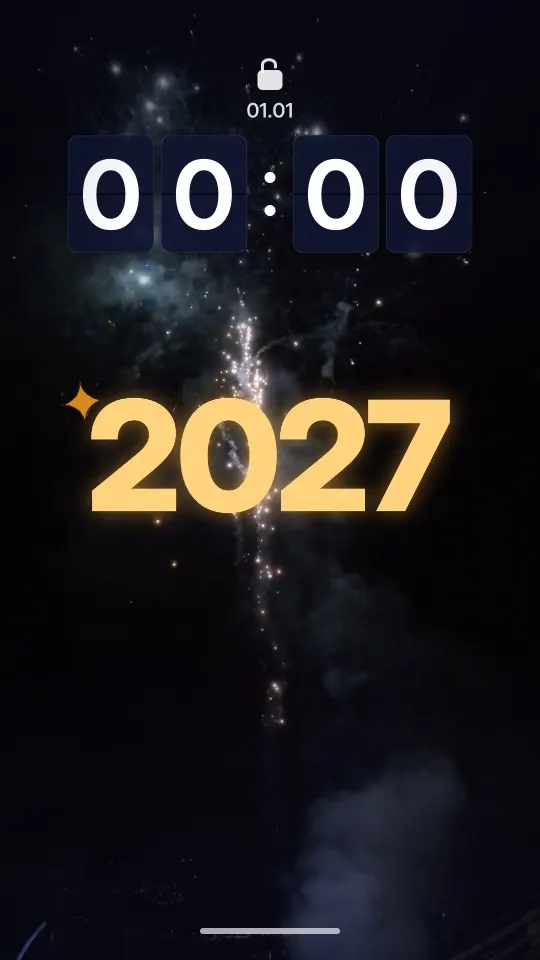
A Countdown Reel that ticks down from frame ten to one before a closing video. The cover is a gold serif "2027" with a script "happy new year" over a softly blurred photo, with small stars glowing around it. Eleven photos or videos follow the order of a countdown: first shot of winter, gifts, lights, a cabin, a tree, and your favorite shot of the year at number one. About eleven seconds, cut to the beat. The year, title and the caption for each frame are editable.
Included with ReelClub Pro: $4.99/week or $29.99/year, 3-day free trial.
Perfect for
- Countdown to midnight, one photo per number
- Last-ten-frames recap of December
- Gold New Year greeting video
What you’ll need
- frame 10: first shot of winter
- frame 9: gift or package
- frame 8: lights
- frame 7: cabin / snow
- frame 6: a sparkly moment
- frame 5: forest / walk
- frame 4: a cozy corner
- frame 3: ornament / tree
- frame 2: snowy view
- frame 1: your favorite shot of the year
- video: closing (lights, celebration)
Tip: Treat the order as a story: start with early winter shots, build through lights and gifts, and give frame one to your best photo of the year.
Text you can change
- “happy new year”
- “the last ten frames”
- “one last breath”
- “first snow”
- “lights on”
- “cabin dreams”
- “quiet morning”
- “something warm”
- “gifts wrapped”
- “white forest”
Every line, font and style can be changed in the editor.
Caption ideas
- the last ten frames of the year
- 10 to 1, then 2027
- happy new year
How do you use this template?
- Download ReelClub from the App Store and open this template.
- Tap “Use template” and pick photos and videos from your library. The app shows what each slot is for.
- Change the text, music or framing if you like, then export. It saves to Photos, ready for Instagram or TikTok.
You might also like






Your photos, edited.
Download ReelClub on iPhone. Browse every template for free, use 10 of them without paying, and try Pro free for 3 days.




