- Home
- All templates
- Story templates
Stories
Aesthetic Instagram Story Templates
ReelClub has 33 aesthetic Instagram story templates for iPhone, from a monthly calendar to about me and note of the day. Add your photos, edit the text and export a 1080×1920 image to post. Three story templates are free, and there is no account.
29 templates · 3 free · Updated
Templates
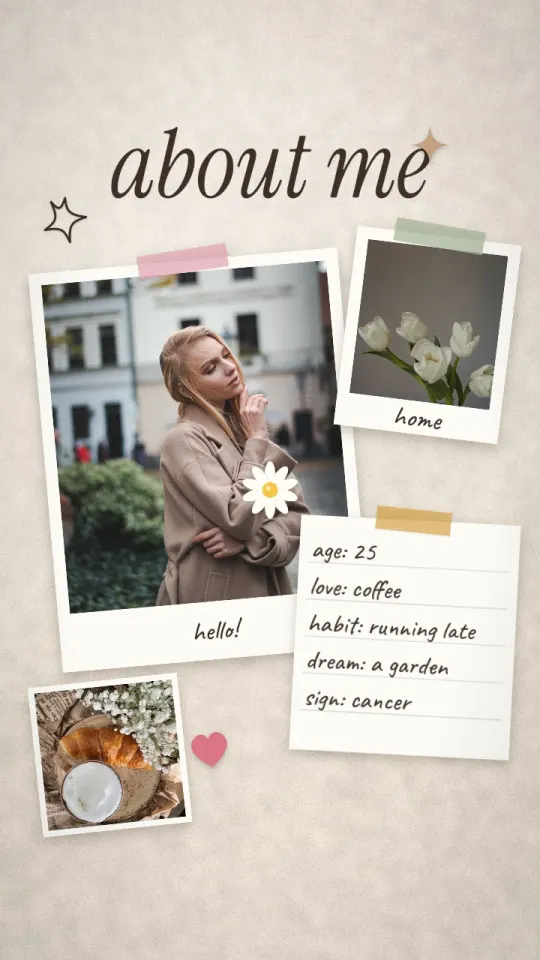
About me
Story · 3 photos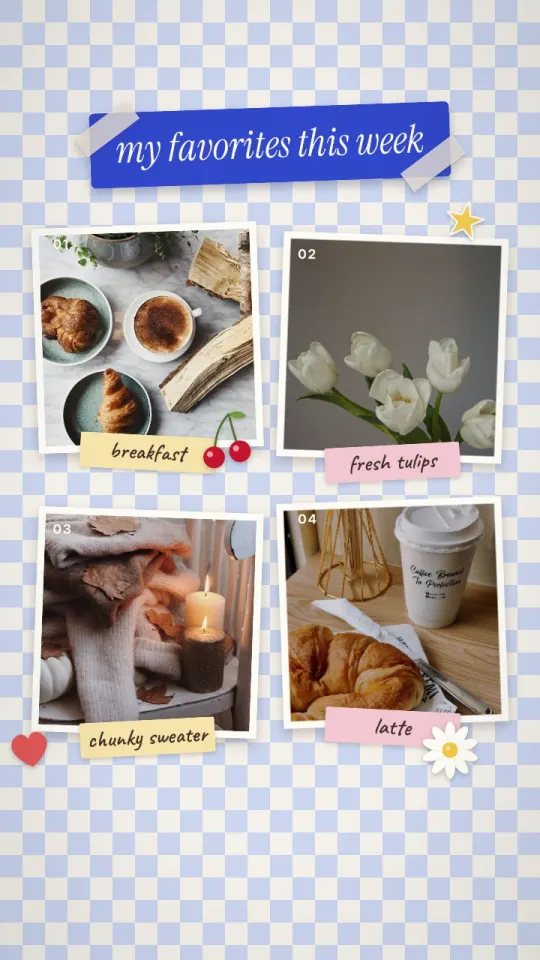
My favorites this week
Story · 4 photos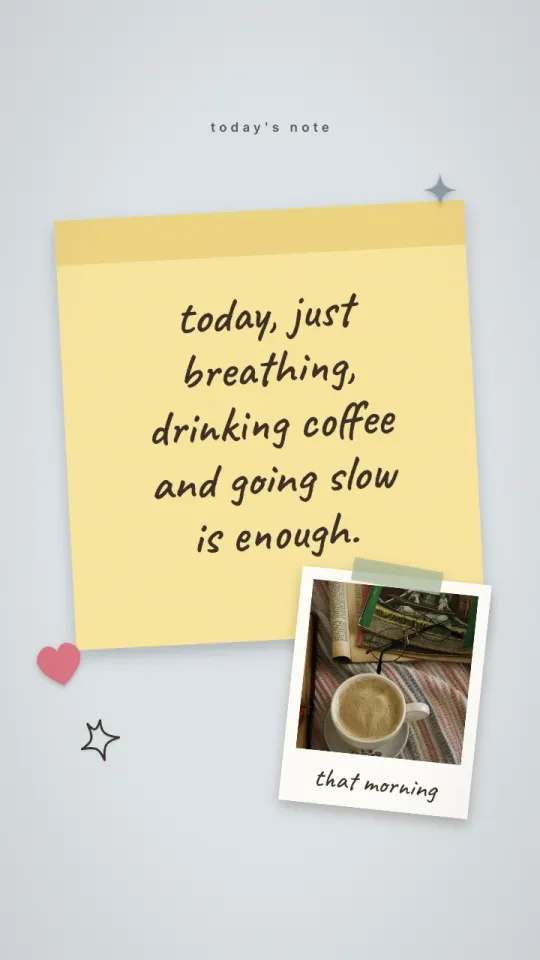
Note of the day
Story · 1 photo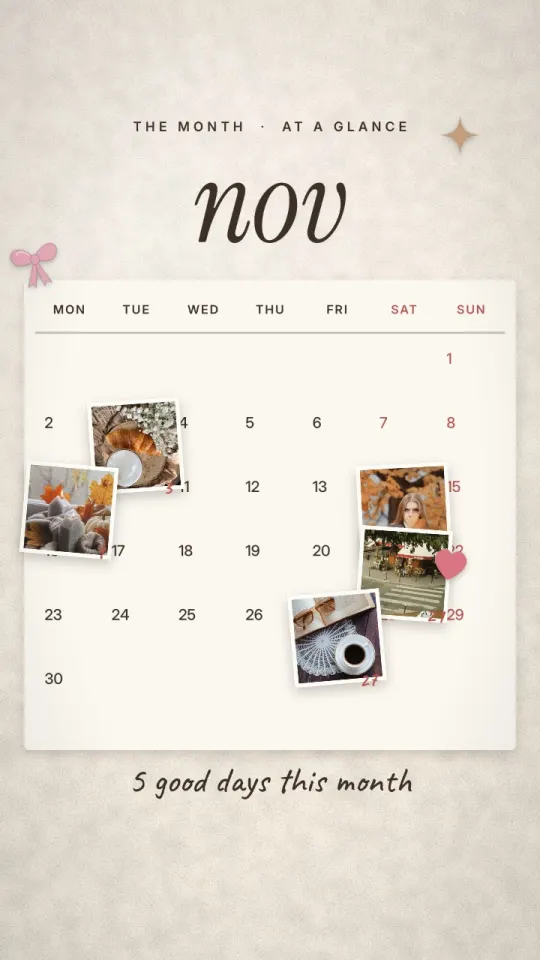
Month calendar
Story · 5 photos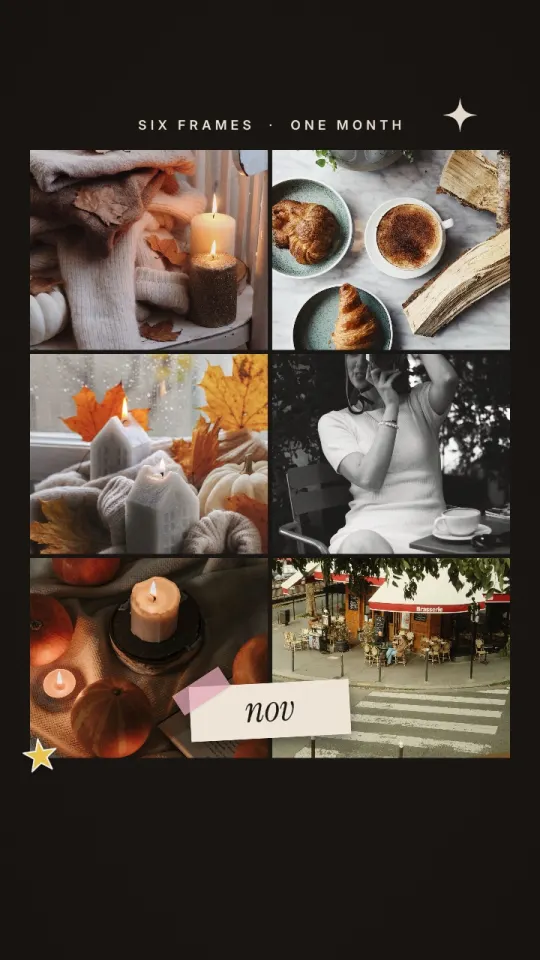
Six frames
Story · 6 photos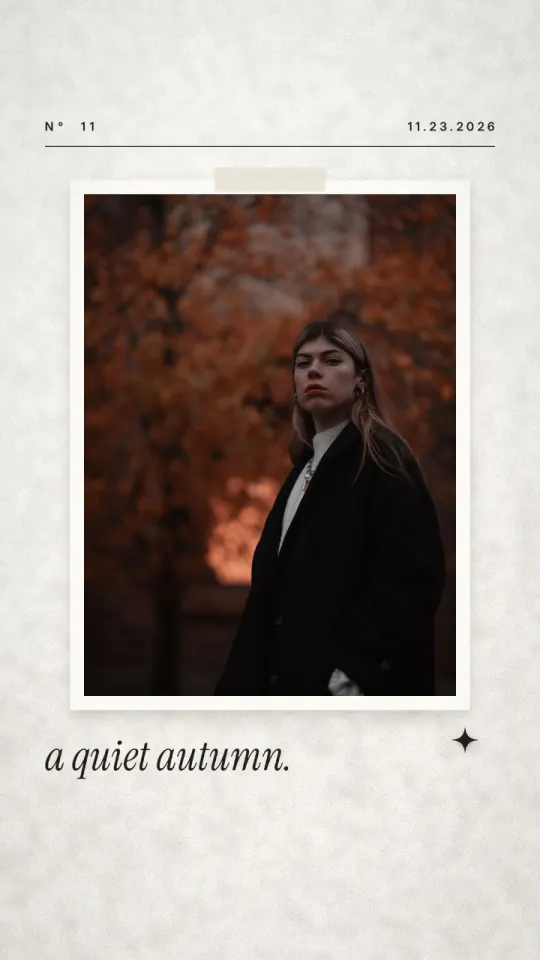
Single frame
Story · 1 photo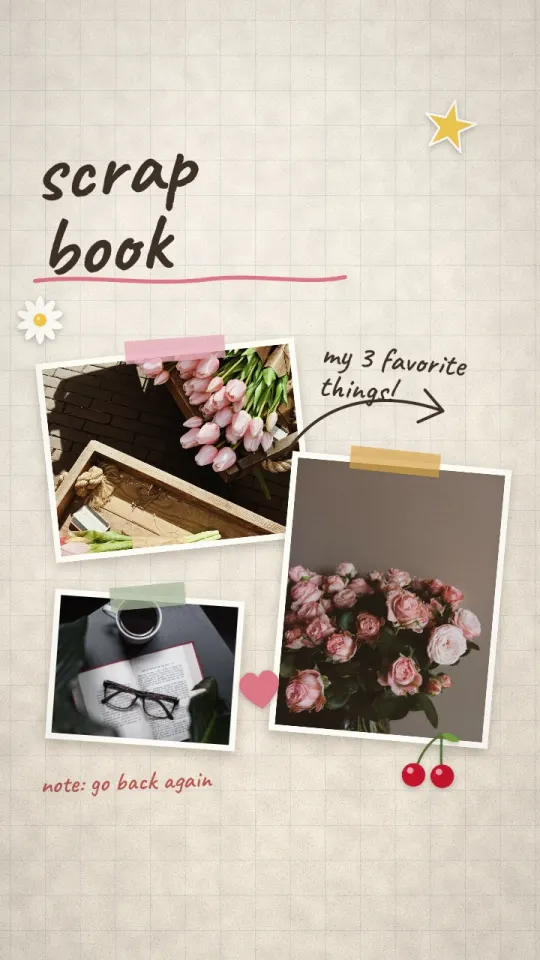
Scrapbook
Story · 3 photos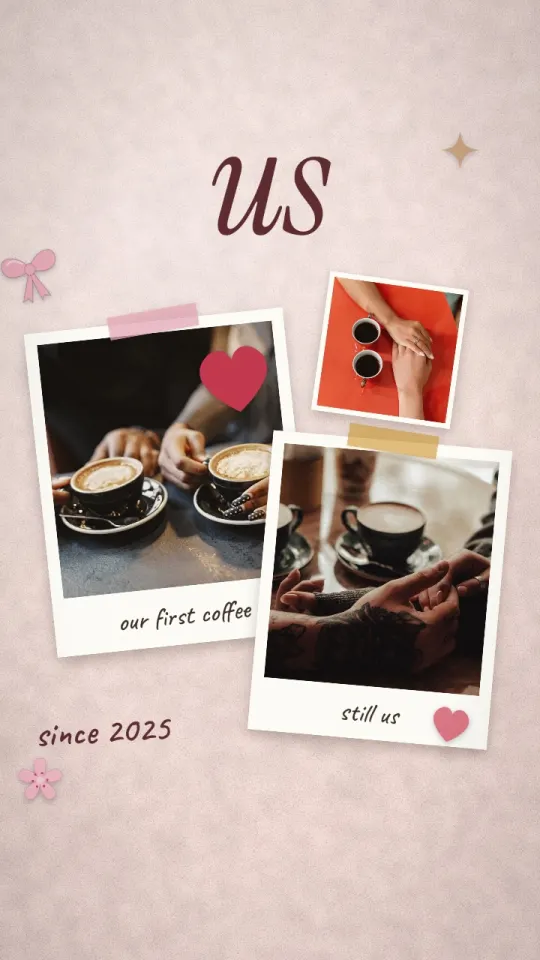
Us
Story · 3 photos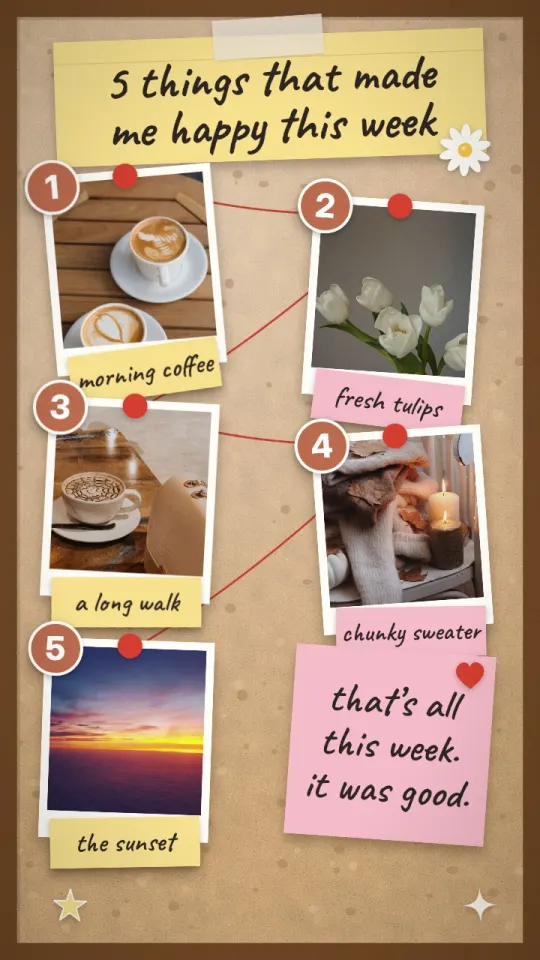
This week’s 5 things
Story · 5 photos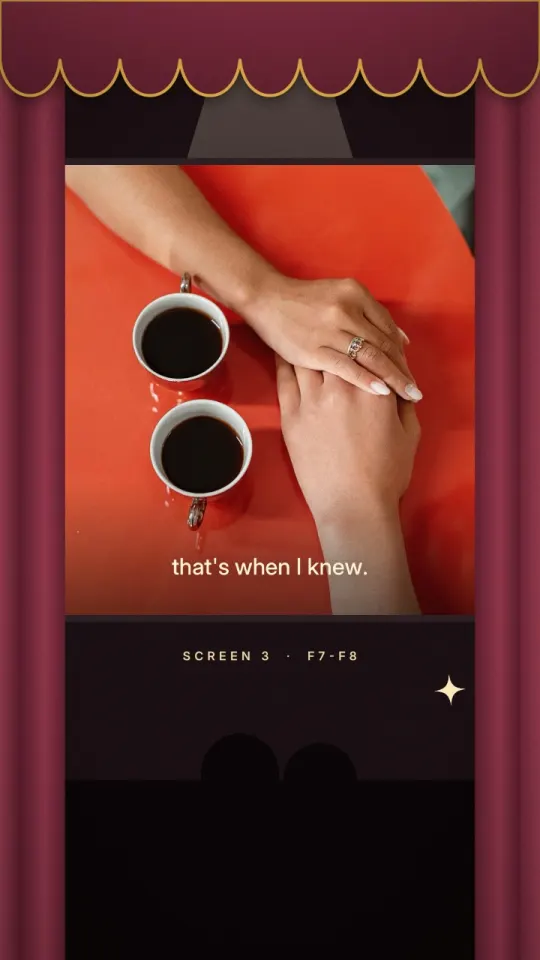
Our first movie
Story · 1 photo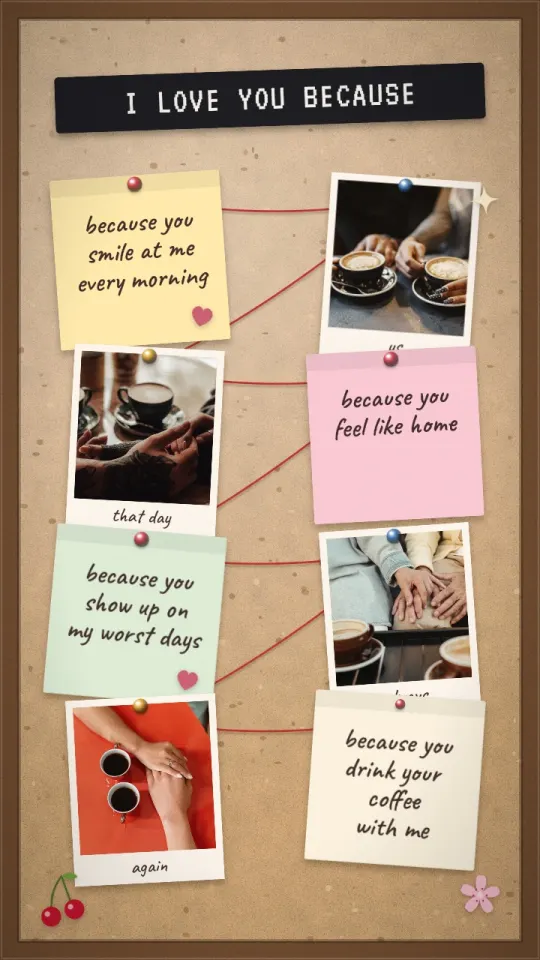
Because…
Story · 4 photos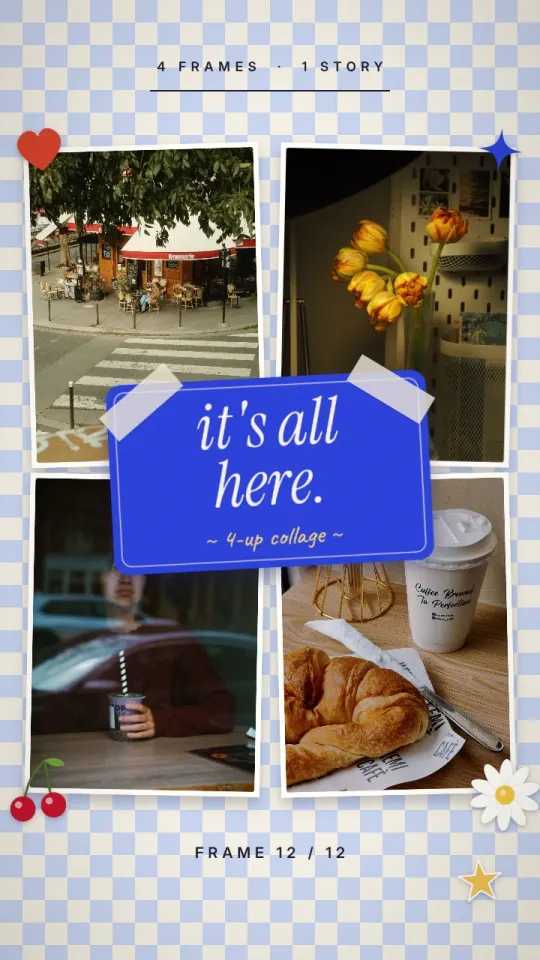
My week so far
Story · 12 photos
Wedding album
Story · 10 photos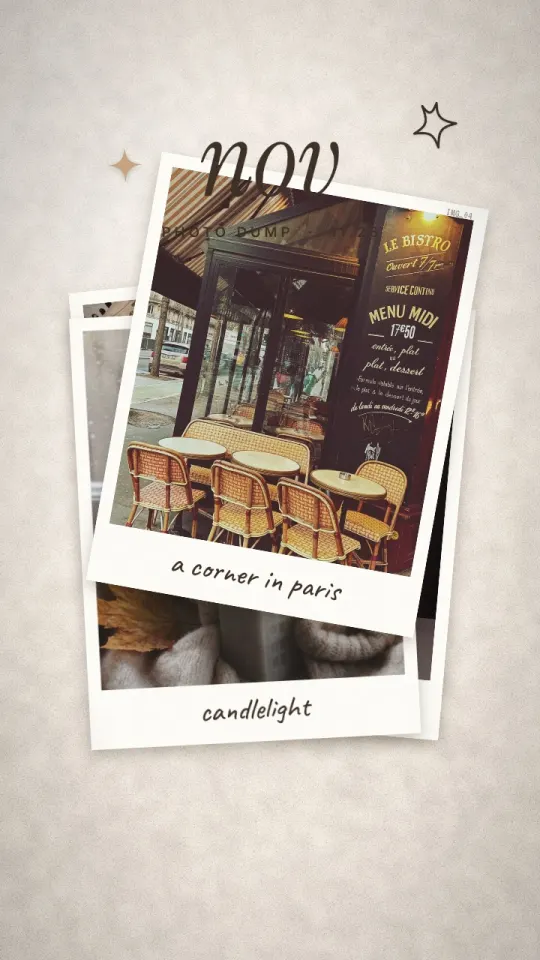
November dump
Story · 4 photos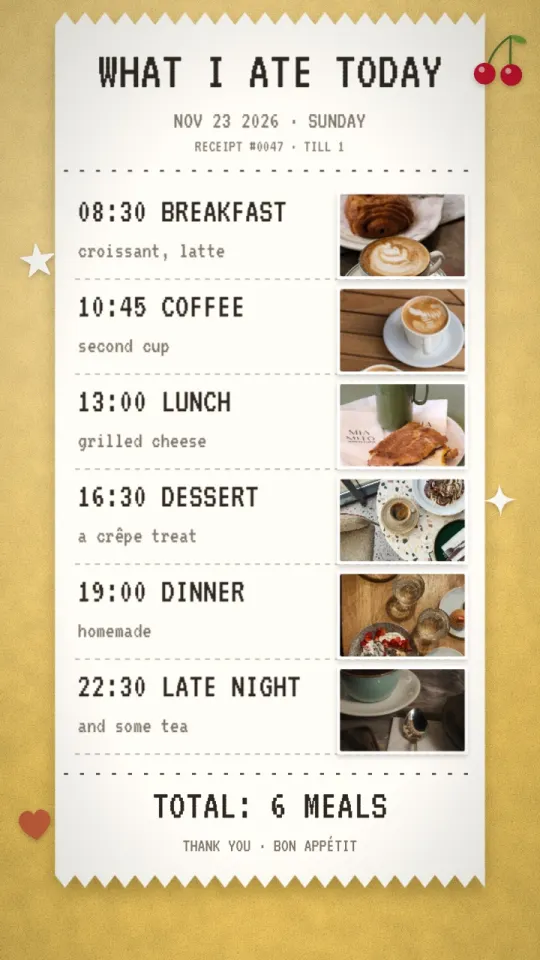
What I ate today
Story · 6 photos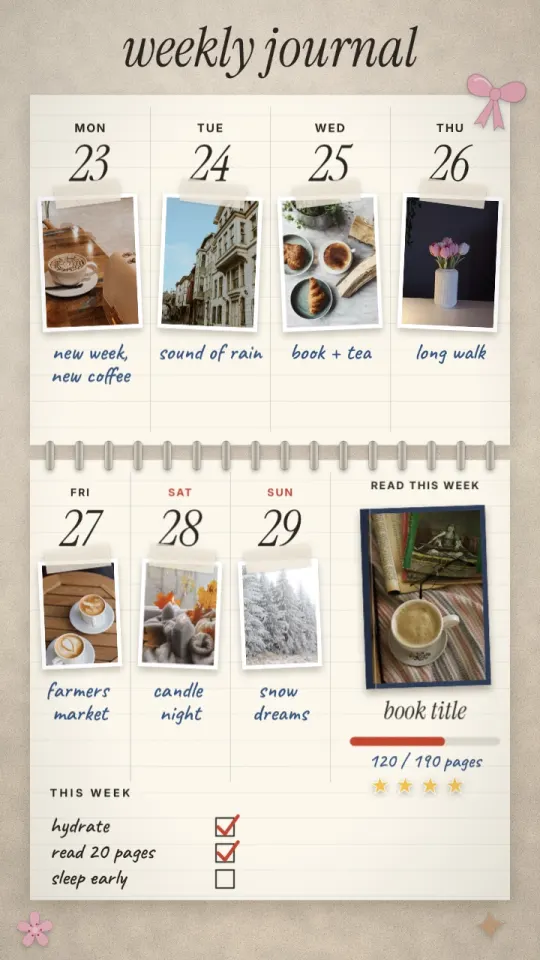
Weekly journal
Story · 8 photos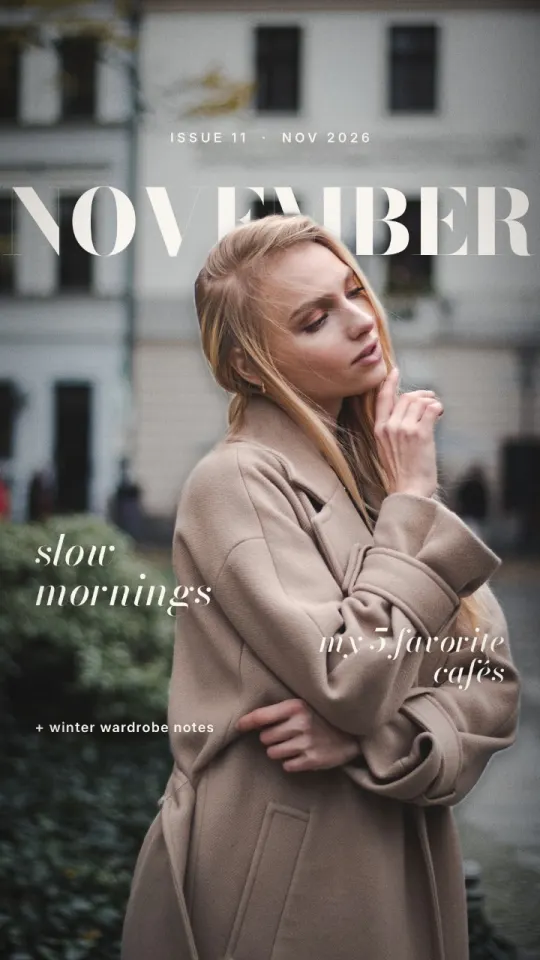
November issue
Story · 1 photo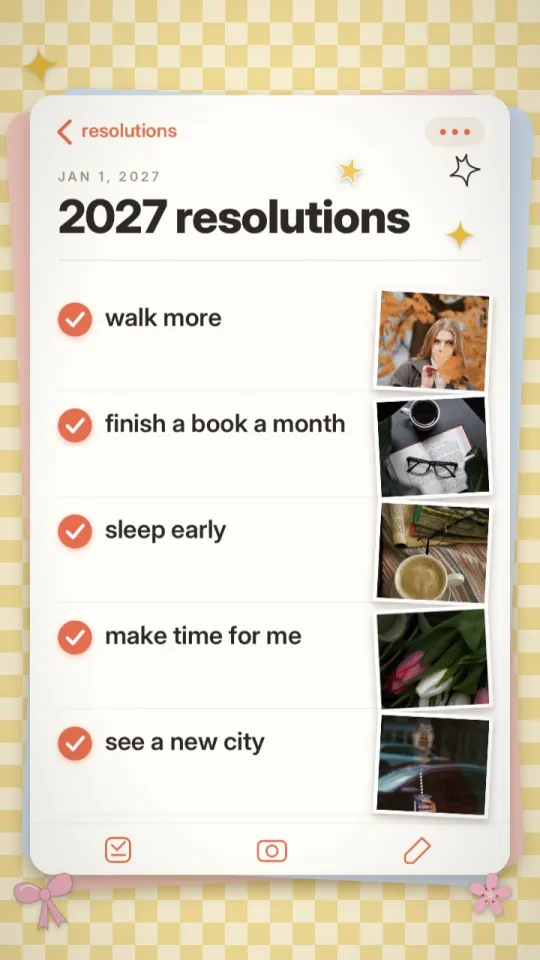
New year resolutions
Story · 5 photos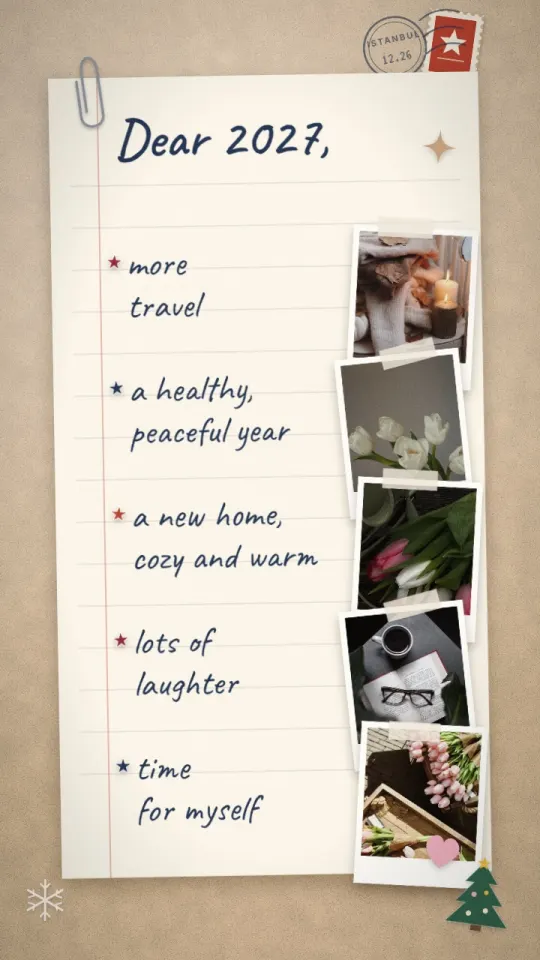
Dear 2027
Story · 5 photos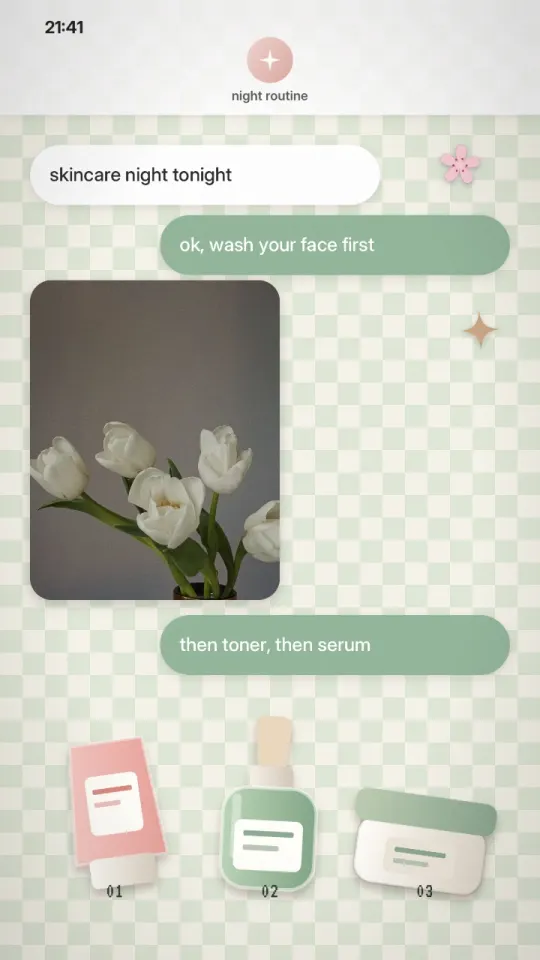
Night routine
Story · 1 photo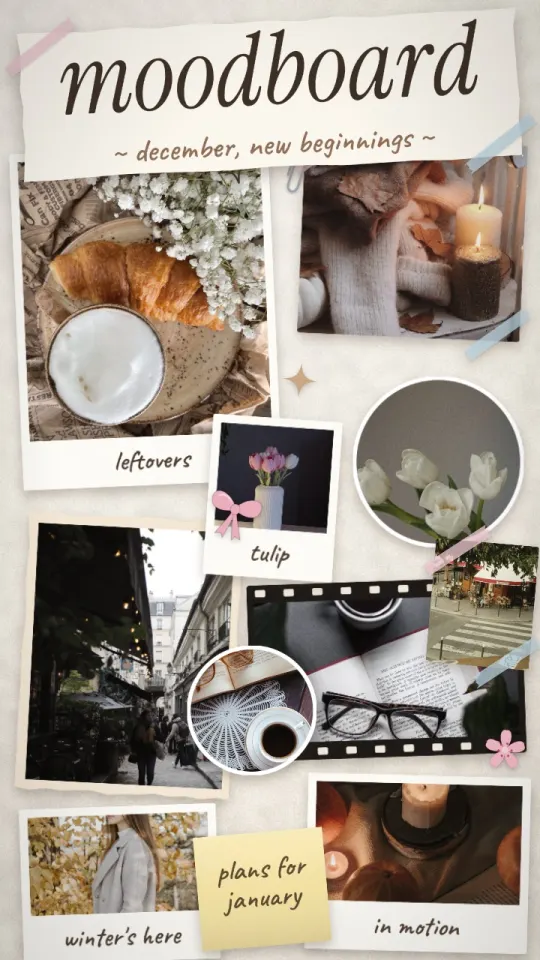
Moodboard
Story · 10 photos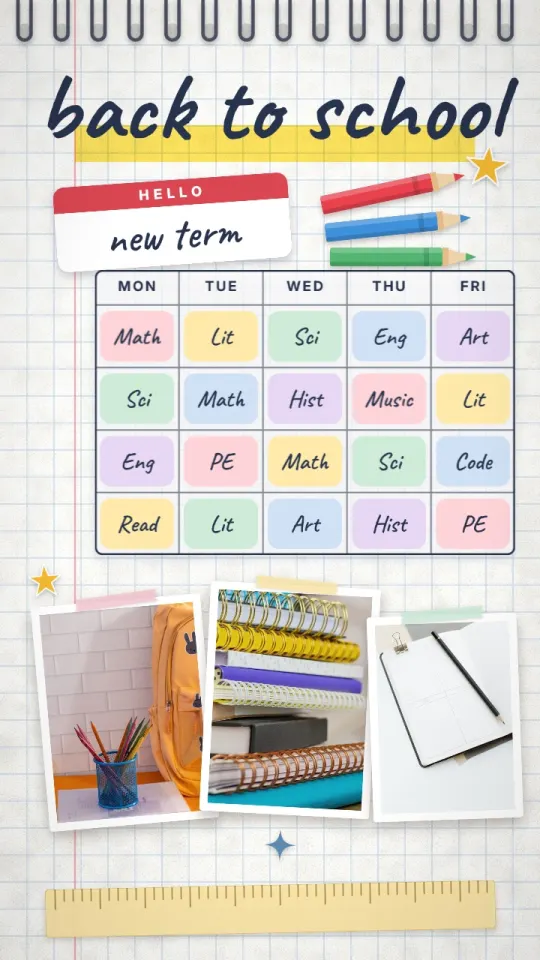
Back to school
Story · 3 photos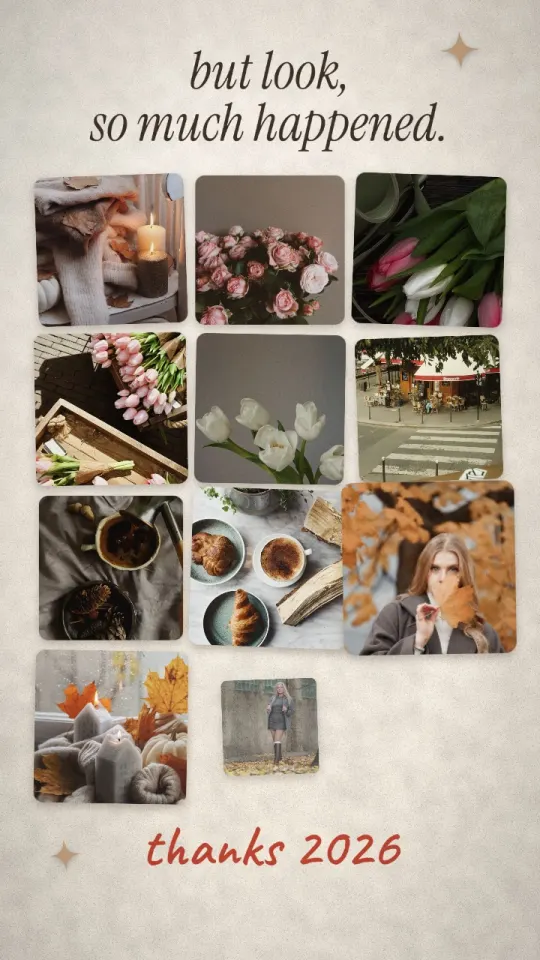
2026 month by month
Story · 11 photos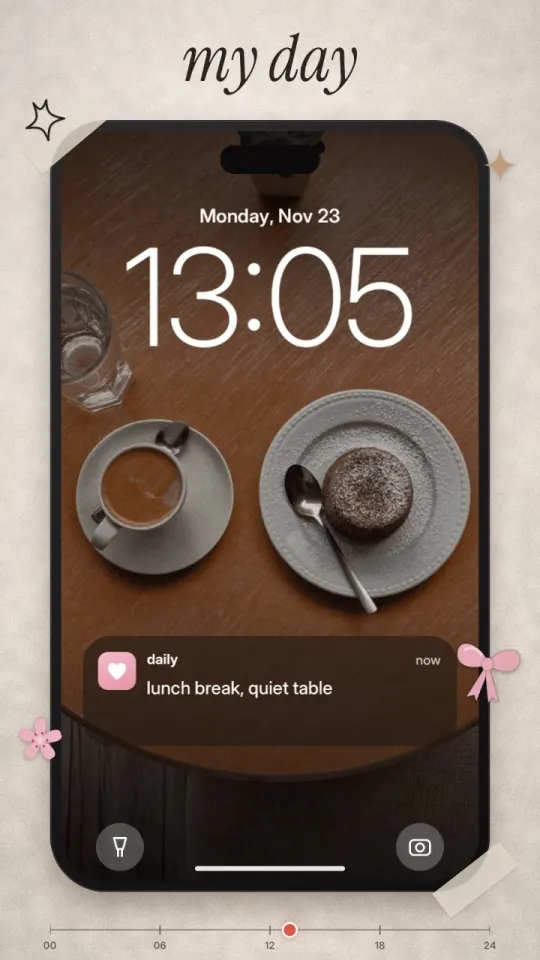
My day
Story · 1 photo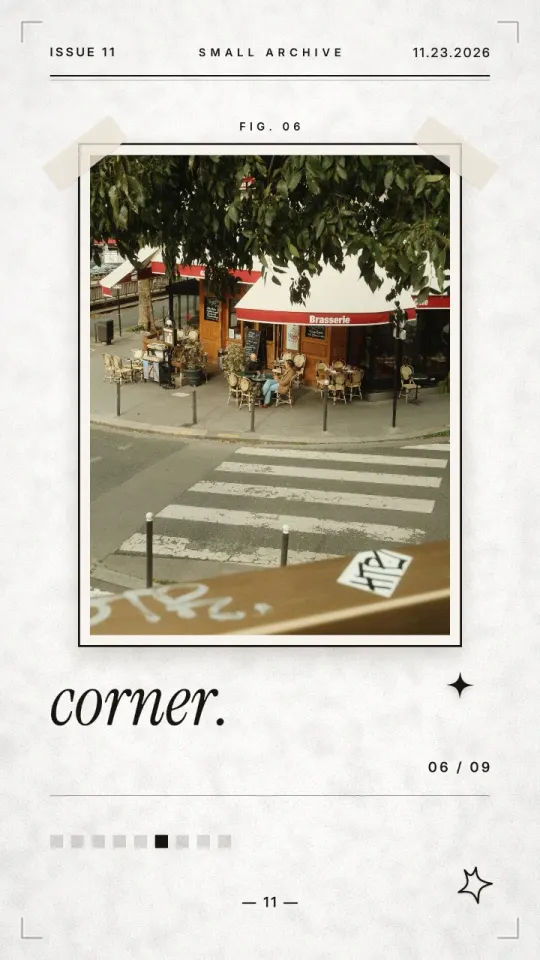
Small archive
Story · 1 photo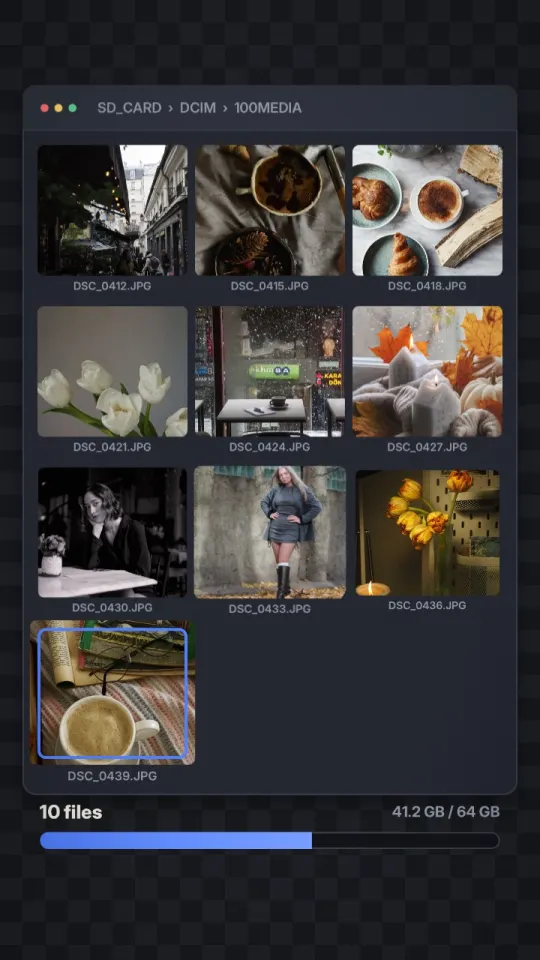
My SD card
Story · 10 photos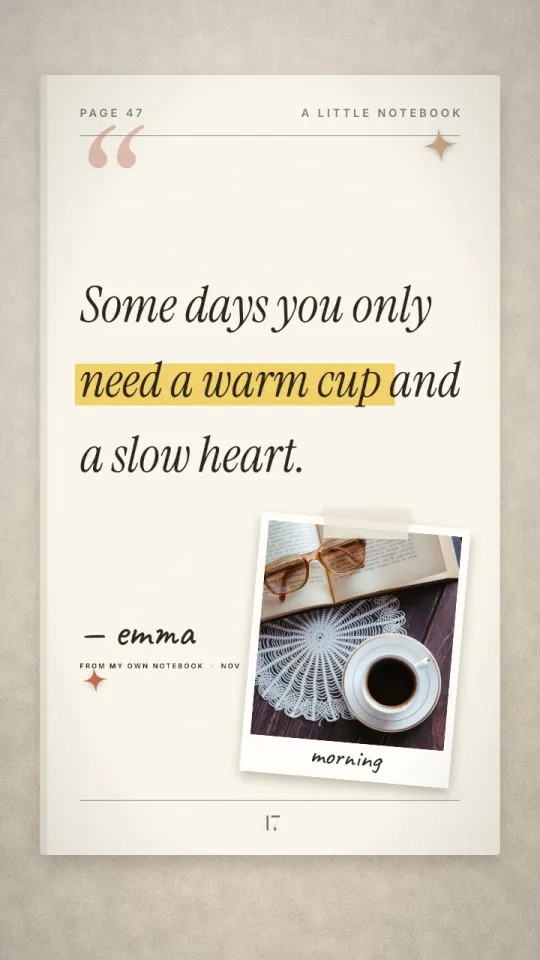
Quote card
Story · 1 photo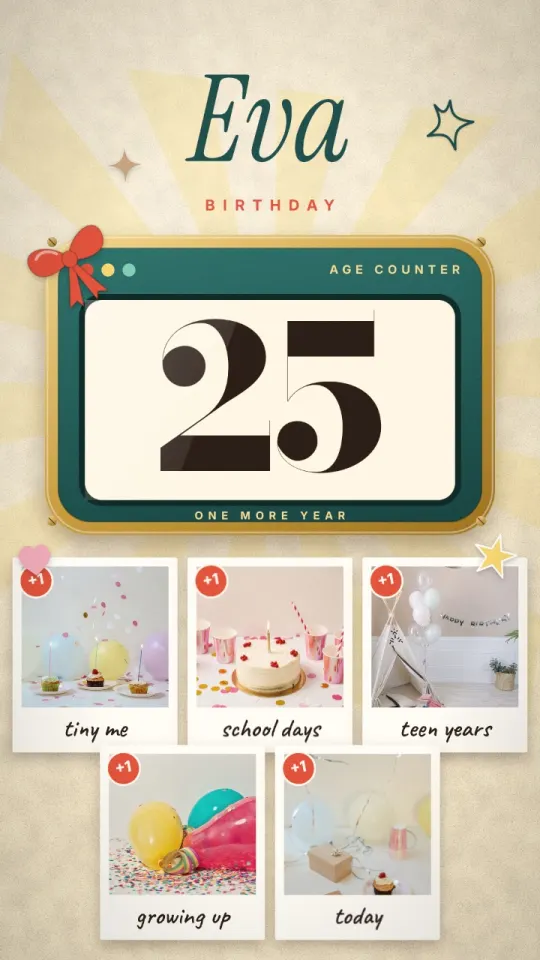
Age counter
Story · 5 photos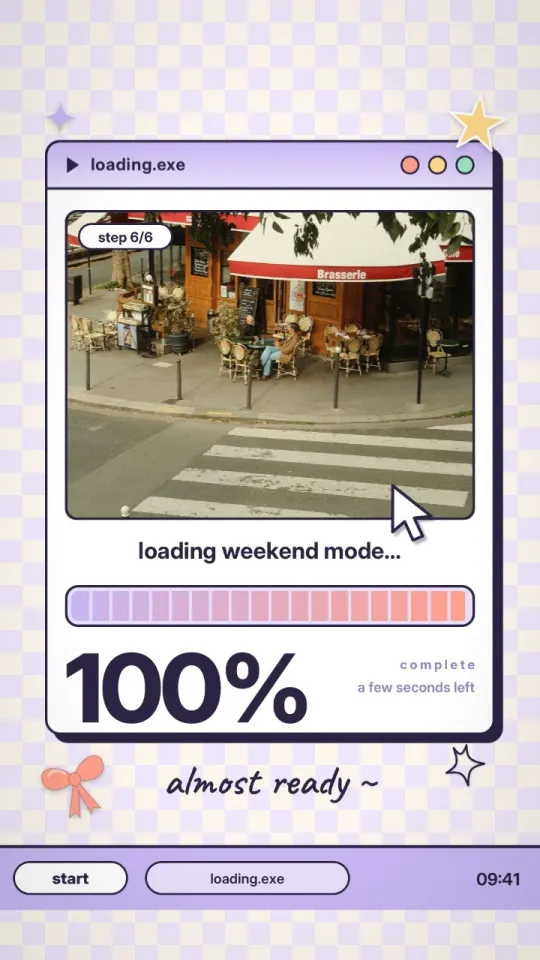
Loading
Story · 1 photoWhat can I post with a story template?
A story is the quickest format on Instagram, so the best templates solve one small problem each. ReelClub has 33 of them, and they sort into a few jobs: a monthly or weekly recap, a get-to-know-you, a single note or quote, and a multi-photo dump. Everything exports as a 1080×1920 image.
Which story templates do people reach for first?
- Month calendar puts 5 photos on a monthly calendar grid, a tidy way to close out November or start December.
- About me is a free three-photo get-to-know-you. It is the one to try first.
- Note of the day is a free single frame for one line of text and one photo.
- My favorites this week is a free four-photo list.
- Six frames gives 6 photos a clean grid.
- Moodboard holds 10 photos for a cut-and-paste look.
How do I make a story in ReelClub?
- Browse the stories and preview a template full screen.
- Tap Use template and choose your photos.
- Edit the text, and drag the focus point so faces and subjects stay in frame.
- Add a sticker or frame if you want one.
- Export, then open Instagram and add the image to your story.
Story, Reel or carousel?
| Format | Use it when |
|---|---|
| Story | You want it today, and only for 24 hours |
| Reel | You want music and motion, and a longer life |
| Carousel | You want people to swipe and save |
Many people post one set of photos three ways. A recap that fits as a 2026 month by month story (11 photos) can also be a year in review Reel.
What about seasonal stories?
New templates and monthly packs arrive without an app update. For the next few weeks, look at Dear 2027, New year resolutions and the new year collection. For a personal post, Us and Because… are built for couples.
Is it private?
Yes. There is no account, photos and projects stay on your iPhone, and the app has no ads and no tracking. For the wider catalog, see all templates.
Questions, answered
What size is an Instagram story template?
ReelClub stories export as 1080×1920 images, the full-screen 9:16 size Instagram stories use. Multi-frame stories export as a set of images saved to your Photos app, so you can upload them in order. Everything is created on your iPhone.
Which Instagram story templates are free in ReelClub?
Three story templates are free to use and export: About me, My favorites this week and Note of the day. All other stories need ReelClub Pro, which includes a 3-day free trial for new subscribers. Previewing is free.
How many photos does a story template take?
It ranges from one photo to twelve. Single-frame templates like Note of the day take one image. Month calendar takes 5, Six frames takes 6 and My week so far takes 12. The app labels what each slot is for.
Can I post a story with music?
ReelClub stories export as images, not video. To add music, post the story in Instagram and use its music option there. If you want a moving piece with a soundtrack cut to the beat, use a ReelClub Reel template instead.
Your photos, edited.
Download ReelClub on iPhone. Browse every template for free, use 10 of them without paying, and try Pro free for 3 days.




