- Home
- All templates
- Photo dump templates
- My SD card
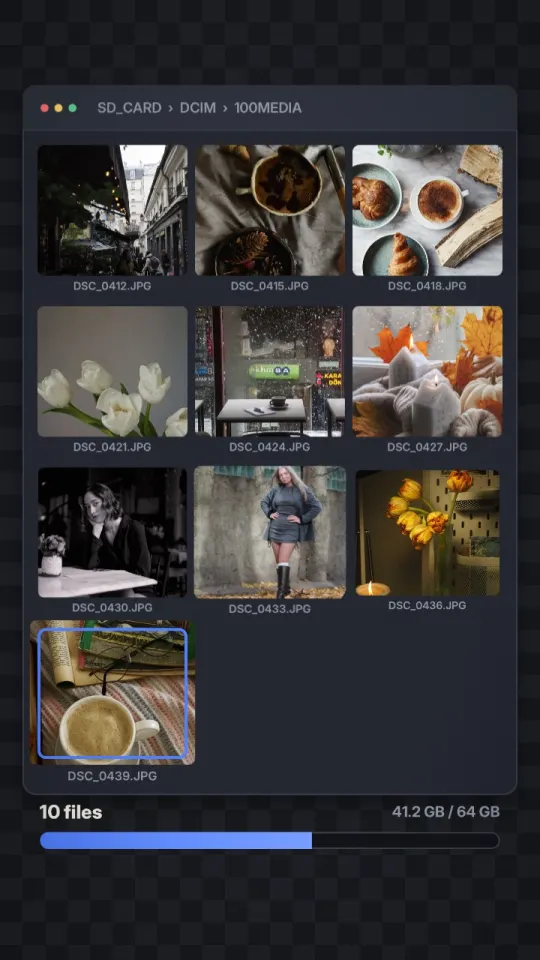
Photo dump · Story
My SD Card Story Template
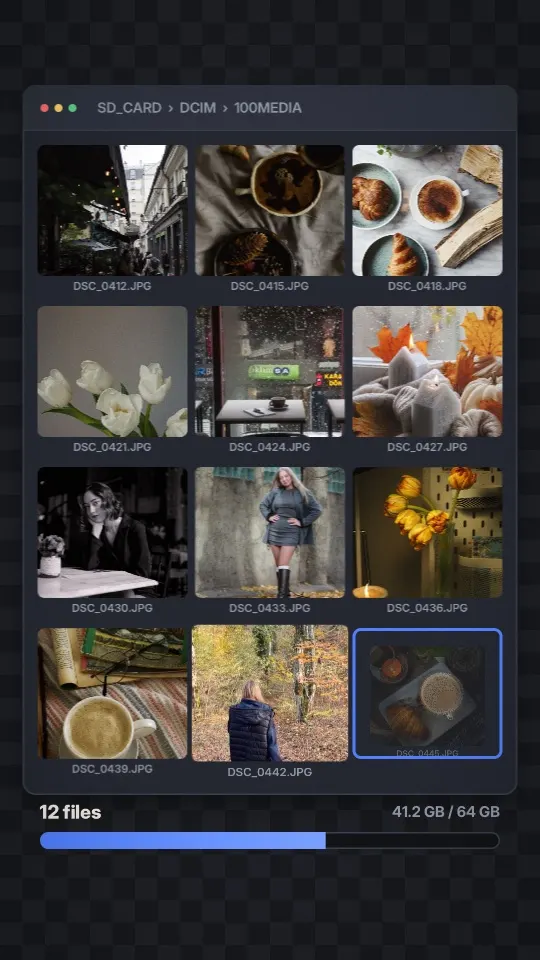
A photo dump story dressed as a digital camera's memory card. A dark file-manager window titled "sd_card › dcim › 100media" holds ten thumbnails with names like DSC_0412.JPG, one highlighted by a blue outline, and a storage bar at the bottom reads "10 files" and "41.2 GB / 64 GB".
Ten slots take moments in order. Fonts and styles can be changed, and the template needs no extra text. It is the sort of year-end dump that makes everything feel like a real camera roll, from candid shots and cafes to street corners.
Included with ReelClub Pro: $4.99/week or $29.99/year, 3-day free trial.
Perfect for
- Year-end photo dump
- Digital camera aesthetic posts
- Quick camera-roll cleanup story
What you’ll need
- moment 1
- short video / moment 2
- moment 3
- moment 4
- moment 5
- short video / moment 6
- moment 7
- moment 8
- moment 9
- short video / moment 10
Tip: Mix your ten moments across the year or the weekend, with both close-ups and wide shots. The blue-highlighted file is the last one, so end on your favorite.
Caption ideas
- 10 files, 41.2 GB, no regrets
- straight off the sd card
- dcim, 100media, the good stuff
How do you use this template?
- Download ReelClub from the App Store and open this template.
- Tap “Use template” and pick photos and videos from your library. The app shows what each slot is for.
- Change the text, music or framing if you like, then export. It saves to Photos, ready for Instagram or TikTok.
You might also like

Your photos, edited.
Download ReelClub on iPhone. Browse every template for free, use 10 of them without paying, and try Pro free for 3 days.




