- Home
- All templates
- Magazine cover
Magazine covers
Magazine Cover Templates for Instagram
ReelClub is a magazine cover maker app for iPhone. The Magazine cover Reel is a 10.5-second Reel built from 5 photos, and the November issue story is a single-frame cover. Change the headlines, pick a song and export a 1080×1920 Reel or story.
11 templates · Updated
Templates
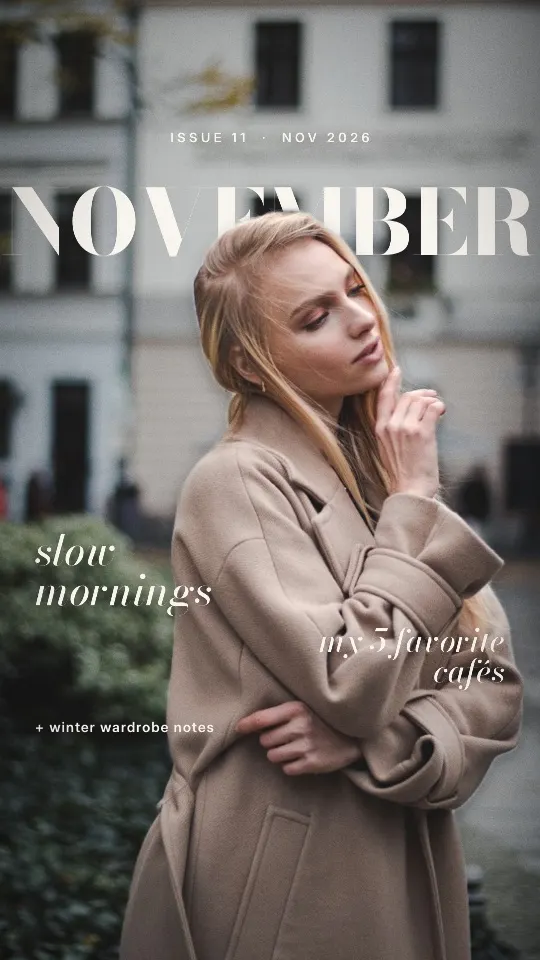
Magazine cover
Reel · 5 photos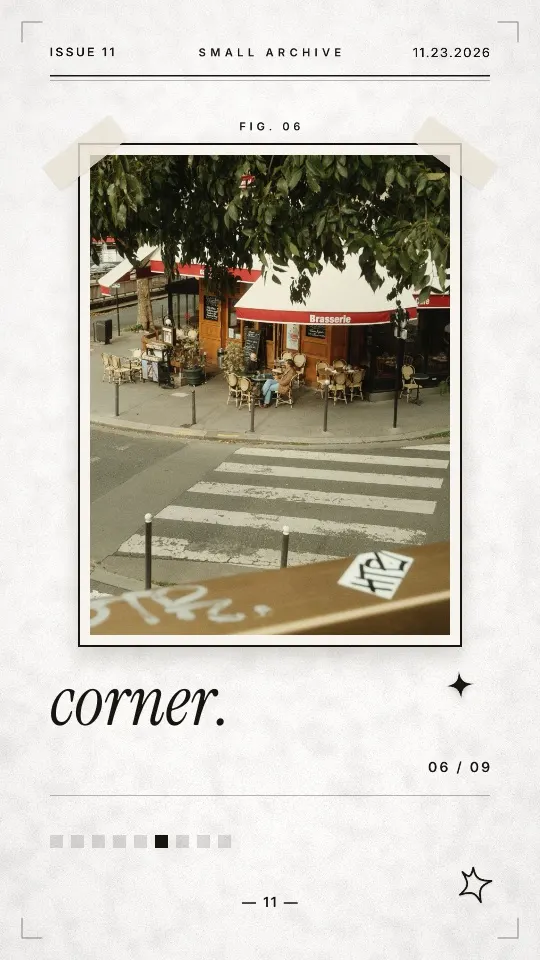
White page
Reel · 9 photos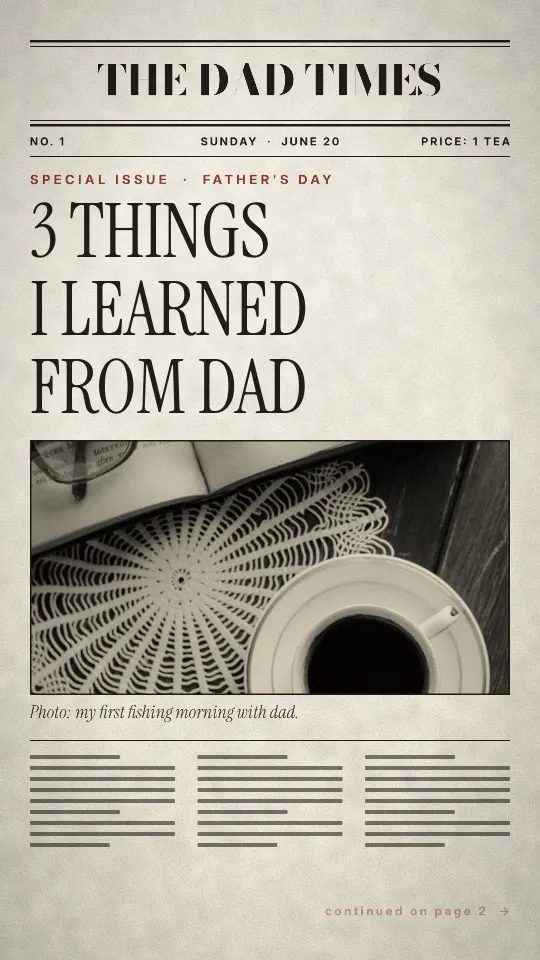
What dad taught me
Reel · 4 photos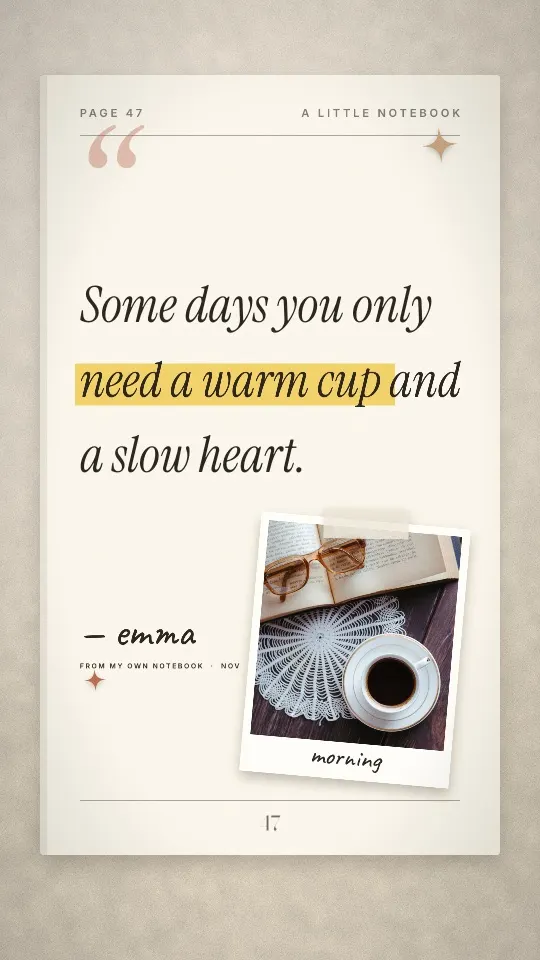
Quote card
Reel · 3 photos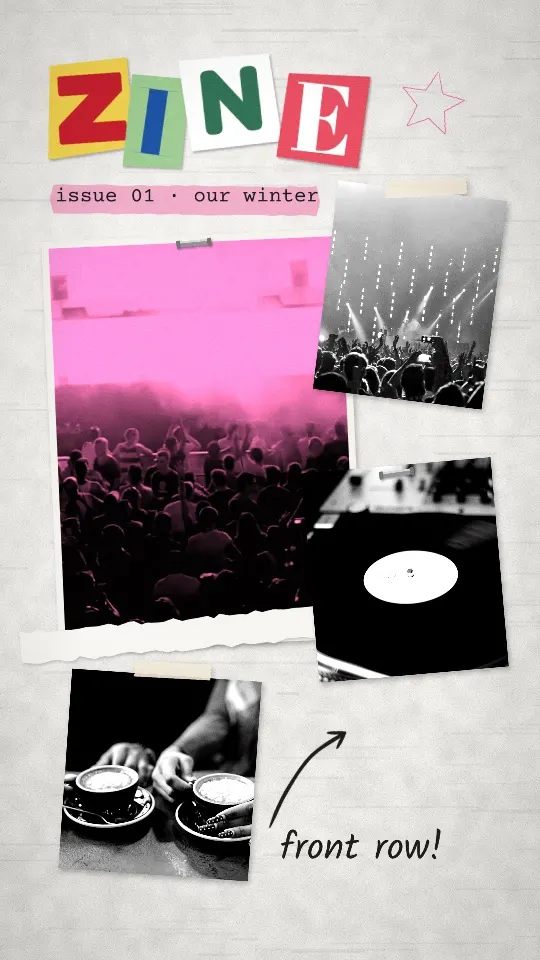
Zine
Reel · 8 photos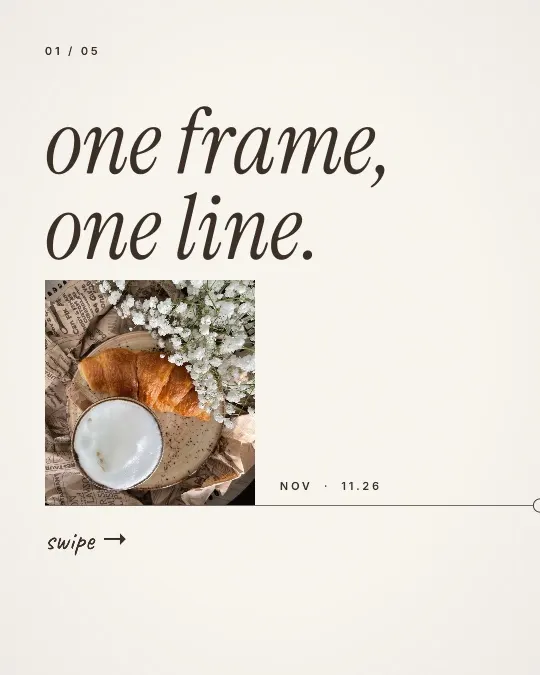
One frame, one line
Carousel · 5 slides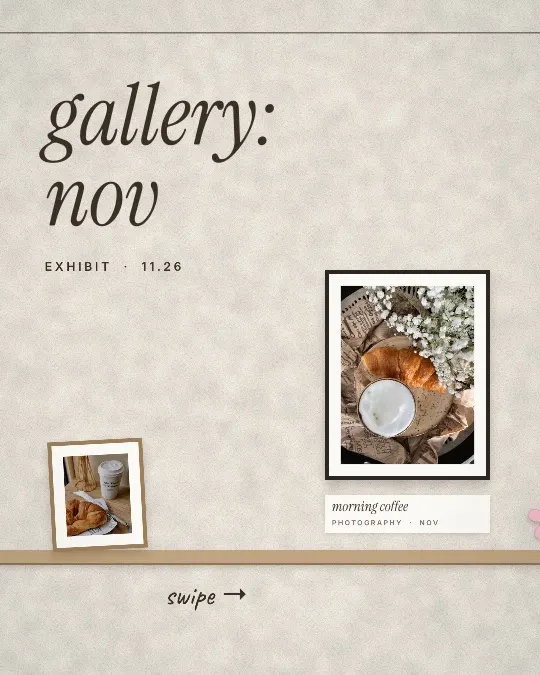
Gallery wall
Carousel · 5 slides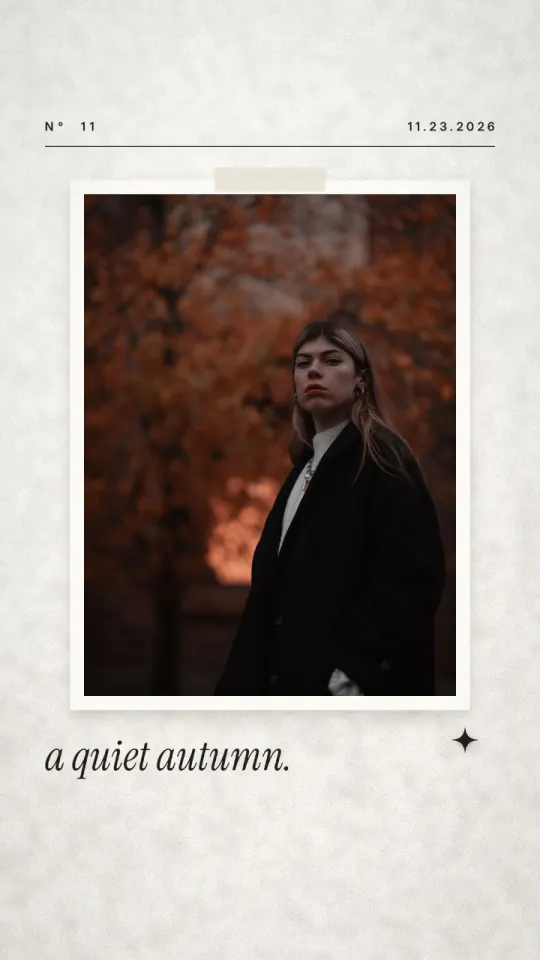
Single frame
Story · 1 photo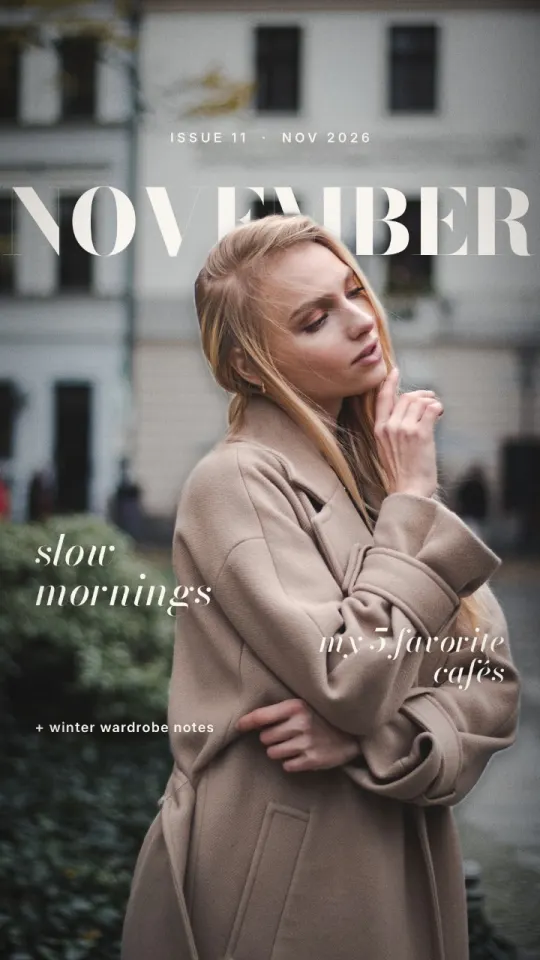
November issue
Story · 1 photo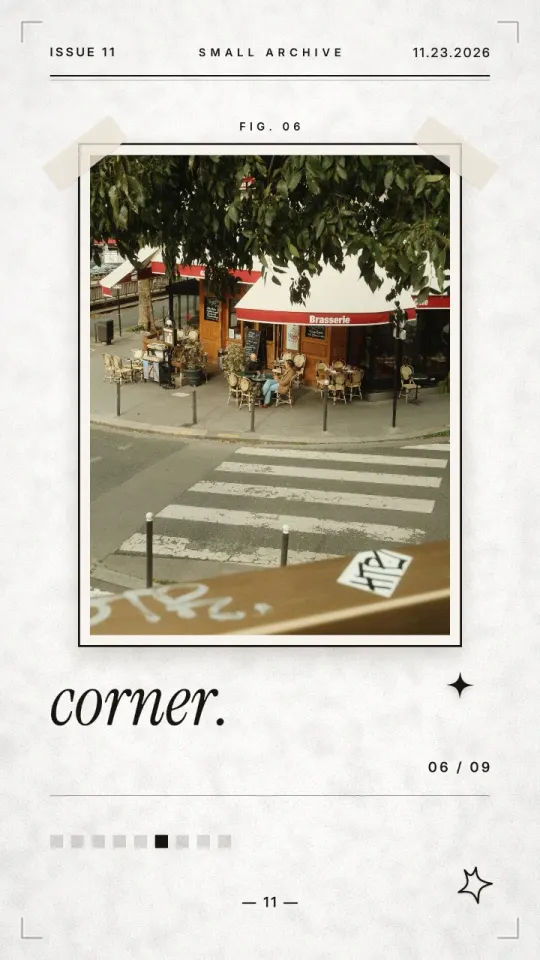
Small archive
Story · 1 photo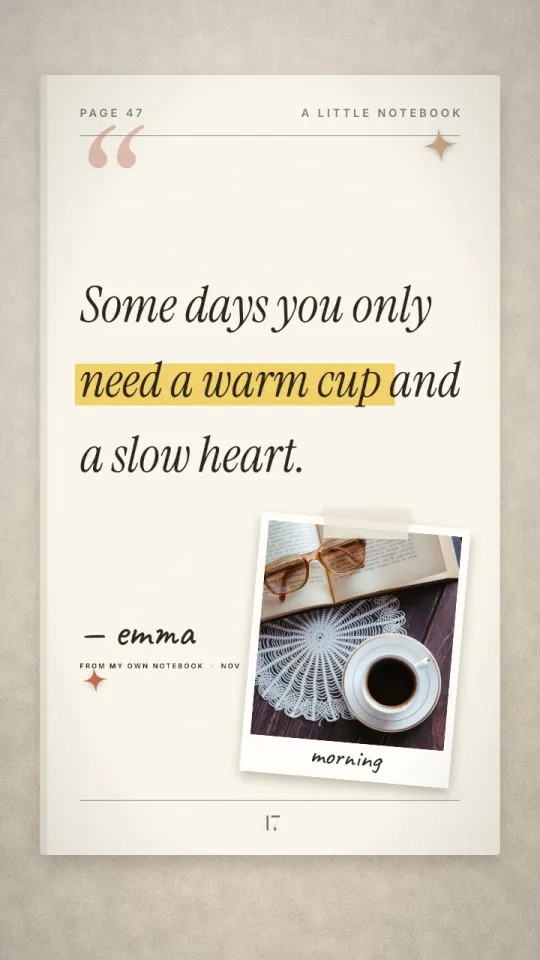
Quote card
Story · 1 photoWhat is a magazine cover template?
A magazine cover template gives your photo the structure of a cover: a masthead across the top, cover lines down the side, a date, maybe a barcode. It is a popular format for birthdays, announcements, a “main character” post and a year in review. ReelClub’s versions are original designs, with text you rewrite, so your page reads like a cover without borrowing anyone’s logo.
Which template should I use for a magazine cover?
| You want | Template | Format and details |
|---|---|---|
| A cover that moves | Magazine cover | Reel, 5 photos, 10.5 seconds |
| A single story cover | November issue | Story, 1 photo |
| A page of columns | White page | Reel, 9 photos, 11.9 seconds |
| A paper-zine look | Zine | Reel, 8 photos, 13 seconds |
| A tribute with a headline | What dad taught me | Reel, 4 photos, 13.3 seconds |
| A quote | Quote card | Story, 1 photo |
How do I make a magazine cover on my iPhone?
- Open the collection and preview Magazine cover.
- Tap Use template and choose your photos. Use portraits with room above the head, so the masthead sits clear of the face.
- Rewrite the headlines: your name, the issue month, three cover lines.
- Use the focus point to choose which part of each photo stays in frame.
- Pick a song, export, and post from Photos.
What headlines work best?
Write cover lines like a headline, not a caption. “The year I finally slowed down” beats “My 2026”. Use one big line and two small ones. For a birthday cover, put the age in the masthead position; see the birthday templates for countdown-style options. For a year in review, pair a cover with the 2026 recap set.
Can I make a magazine cover carousel?
For a swipeable magazine spread, One frame, one line (5 slides) and Gallery wall (10 photos, 5 slides) give a gallery or editorial feel. Because every carousel in ReelClub is seamless, an image can run across the fold between slides. See the carousel templates.
What size is the export?
Reels and stories export at 1080×1920. Carousel slides are 1080×1350 (4:5). Check Instagram sizes for the full list. Add 130 stickers, 19 frames and layers if you want a barcode or a sticker-style detail. Everything stays on your iPhone; see all templates for the full catalog.
Questions, answered
How do I make a magazine cover for Instagram?
Open the Magazine cover Reel or the November issue story, add your photo, rewrite the headlines and masthead text, and export. A story exports as a 1080×1920 image and the Reel as a 1080×1920 video with music. Both save to your Photos app, ready to post.
Can I put my own name and headlines on the cover?
Yes. Every text in a ReelClub template is editable, with font and style choices, so you can write your own masthead, issue date and cover lines. The templates use original editorial styling, not any real magazine's logo or brand.
Is there a magazine cover Reel, not just a still?
Yes. Magazine cover is a Reel that takes 5 photos and runs 10.5 seconds, with cuts timed to the music. If you want a still, use November issue as a single-frame story, or Single frame.
Is this magazine cover maker free?
You can preview every template for free, and 10 are fully free to use. The cover templates need ReelClub Pro ($4.99 weekly or $29.99 yearly, 3-day free trial). There is no account, and your photos stay on your iPhone.
Your photos, edited.
Download ReelClub on iPhone. Browse every template for free, use 10 of them without paying, and try Pro free for 3 days.




