- Home
- All templates
- Magazine cover
- Gallery wall
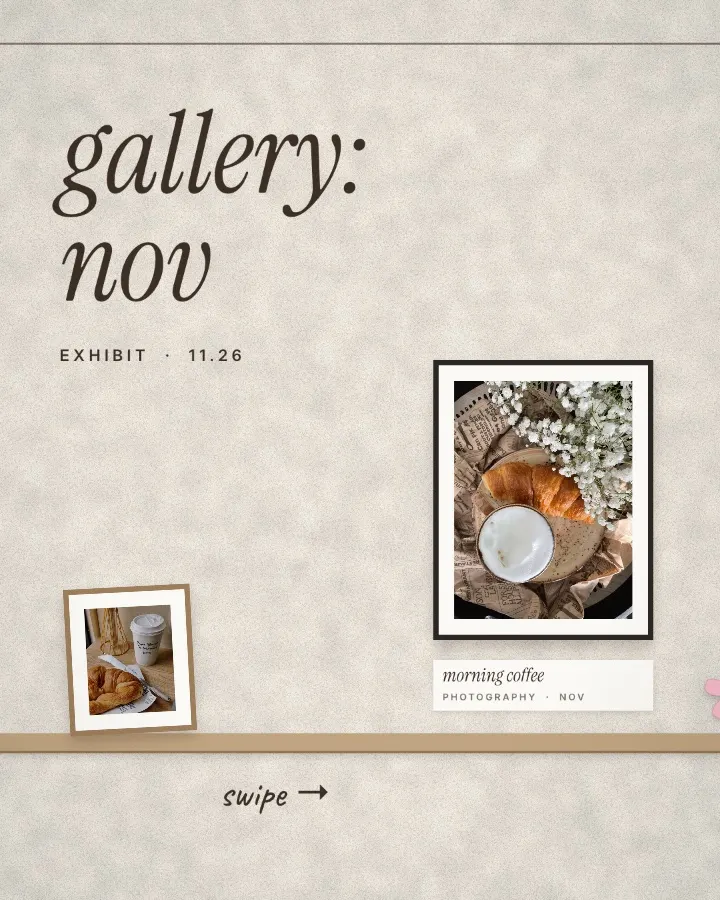
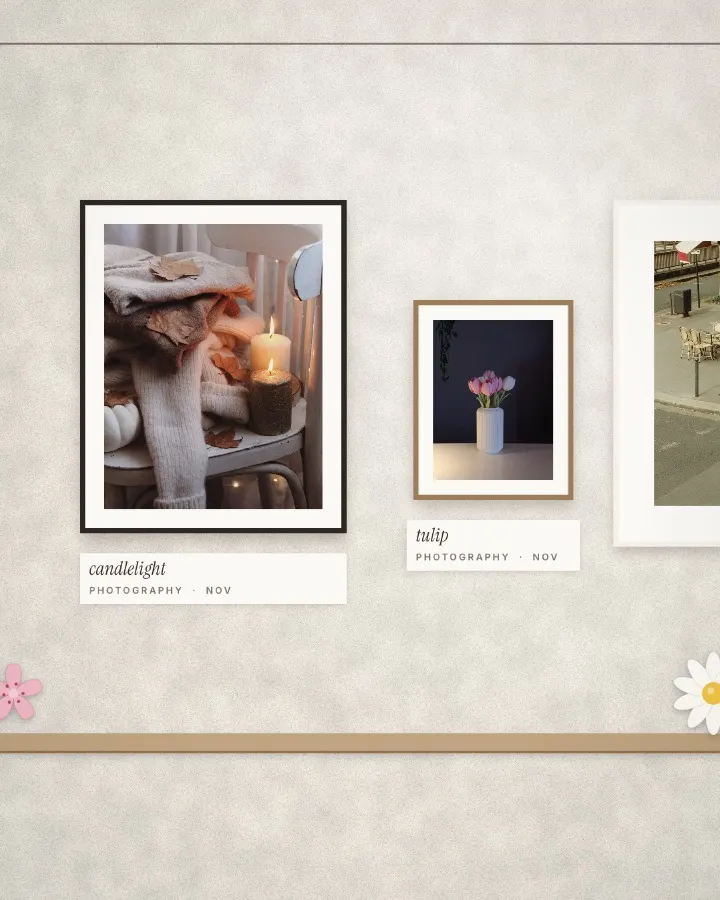
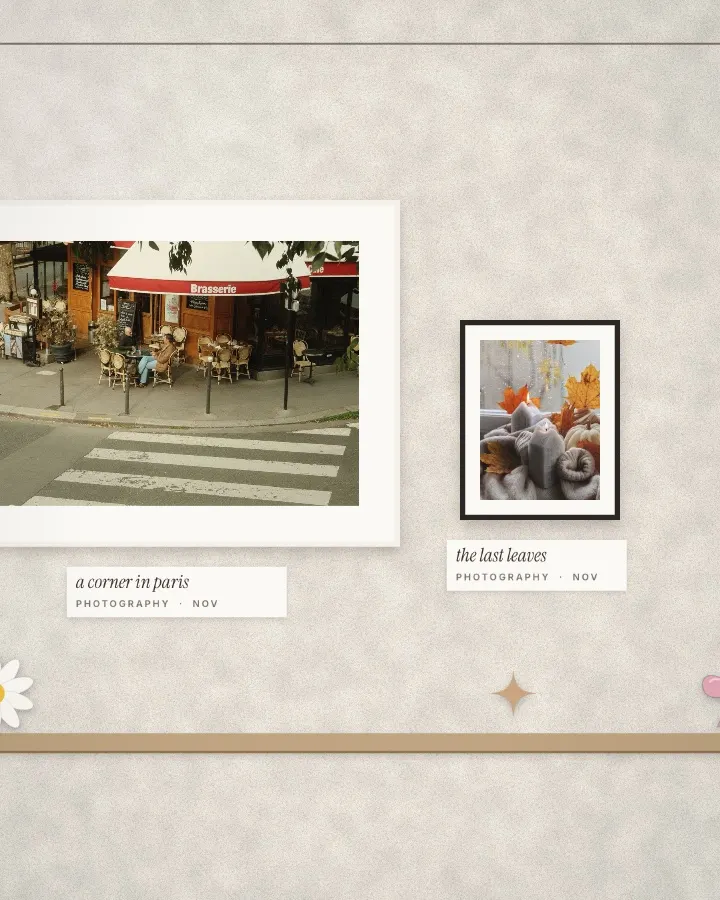
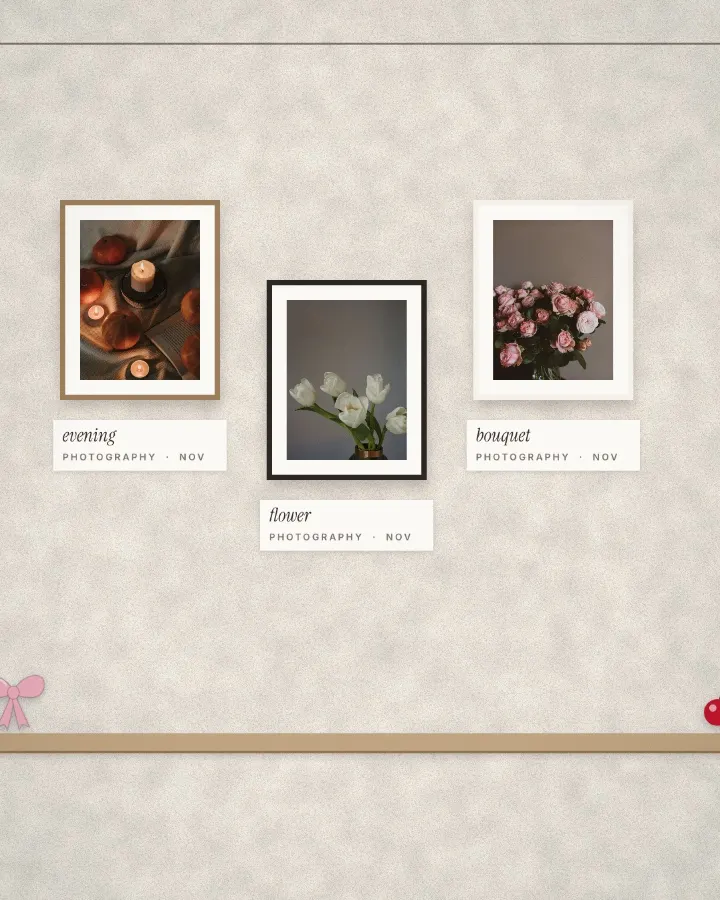
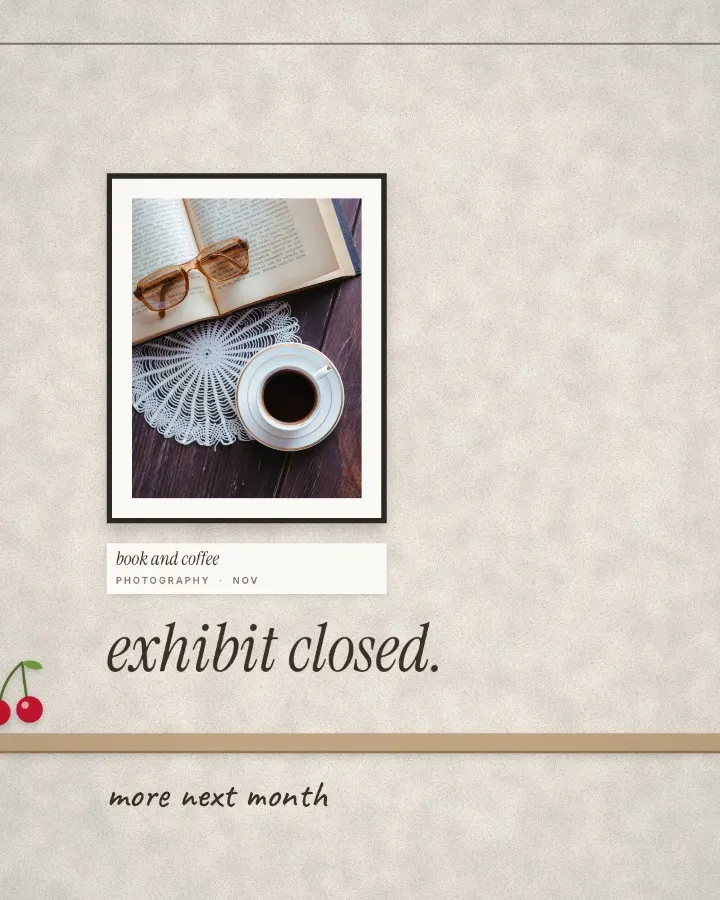
Slides are cut from one wide design, so the post flows seamlessly as you swipe.
Editorial · Carousel
Gallery Wall Carousel Template
A gallery wall carousel that turns ten photos into a small exhibition. The slides sit on a warm, stone-textured wall in soft grays, with a serif italic title ("gallery: nov") and small framed prints leaning on a wooden shelf, each with a tiny museum caption plate underneath.
The 4:5 carousel runs five slides and takes ten photos in total. You can rewrite the exhibit subtitle, every caption plate and the closing line ("exhibit closed."), and change fonts and styles. Pair it with ReelClub's frames and stickers if you want a bolder look.
Included with ReelClub Pro: $4.99/week or $29.99/year, 3-day free trial.
Perfect for
- Monthly photo recap as an exhibition
- Food, flowers and street shots together
- Quiet, minimal feed carousels
What you’ll need
- breakfast
- candle / sofa
- flowers
- street (wide, horizontal)
- coffee
- autumn
- evening light
- flowers
- bouquet
- book and coffee
Tip: Slot four wants a wide, horizontal street shot, so save your best landscape for it. Keep the other nine mostly vertical and let the captions do the storytelling.
Text you can change
- “EXHIBIT · 11.26”
- “gallery: nov”
- “morning coffee”
- “candlelight”
- “tulip”
- “a corner in paris”
- “the last leaves”
- “evening”
- “flower”
- “bouquet”
Every line, font and style can be changed in the editor.
Caption ideas
- exhibit closed. see you next month
- ten small works from a slow november
- hung on the wall, kept in the camera roll
How do you use this template?
- Download ReelClub from the App Store and open this template.
- Tap “Use template” and pick photos and videos from your library. The app shows what each slot is for.
- Change the text, music or framing if you like, then export. It saves to Photos, ready for Instagram or TikTok.
You might also like


Your photos, edited.
Download ReelClub on iPhone. Browse every template for free, use 10 of them without paying, and try Pro free for 3 days.




