- Home
- All templates
- Magazine cover
- Small archive
Editorial · Story
Small Archive Story Template
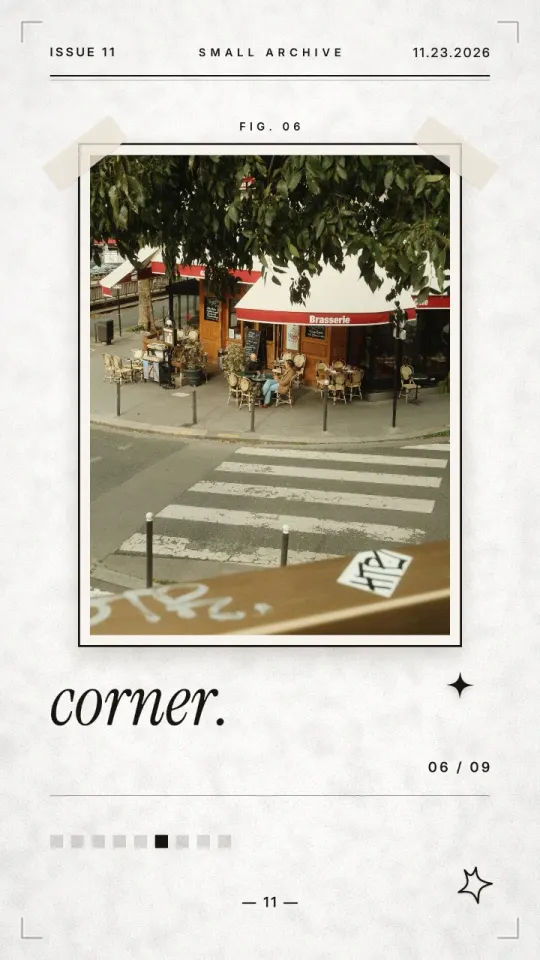
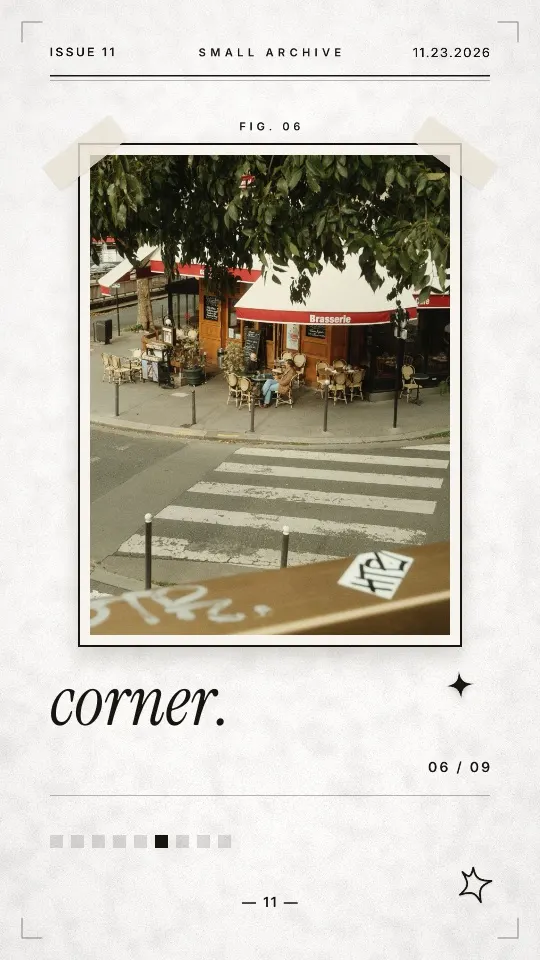
A white-page editorial story that treats one street photo like an archive plate. The off-white page has a header ("issue 11 · small archive · 11.23.2026") between thin rules, a taped photo labeled "fig. 06" in a white mat, a serif italic caption below ("corner."), a row of page-progress squares and a footer "— 11 —", with small sparkle marks at the corners.
There is one slot and it asks for a street photo. The date and caption are editable, and fonts and styles can be changed. It is a calm, quiet layout for a single image and one word.
Included with ReelClub Pro: $4.99/week or $29.99/year, 3-day free trial.
Perfect for
- Street photography on a white page
- Archive-style single image story
- Minimal editorial feeds
What you’ll need
- street
Tip: Choose a photo with strong lines or a clear subject and name it with a single word. The shorter the caption, the more editorial the page feels.
Text you can change
- “11.23.2026”
- “corner.”
Every line, font and style can be changed in the editor.
Caption ideas
- fig. 06: corner.
- small archive, one street at a time
- a corner I keep coming back to
How do you use this template?
- Download ReelClub from the App Store and open this template.
- Tap “Use template” and pick photos and videos from your library. The app shows what each slot is for.
- Change the text, music or framing if you like, then export. It saves to Photos, ready for Instagram or TikTok.
You might also like





Your photos, edited.
Download ReelClub on iPhone. Browse every template for free, use 10 of them without paying, and try Pro free for 3 days.




