- Home
- All templates
- Photo dump templates
Photo dump
Photo Dump Templates for Instagram and TikTok
ReelClub is a photo dump app for iPhone with 38 photo dump templates: Reels, carousels and stories. Choose a layout, drop in 6 to 16 photos, pick a song cut to the beat and export. A photo dump is a loose set of casual photos posted together. Ten ReelClub templates are free.
38 templates · Updated
Templates
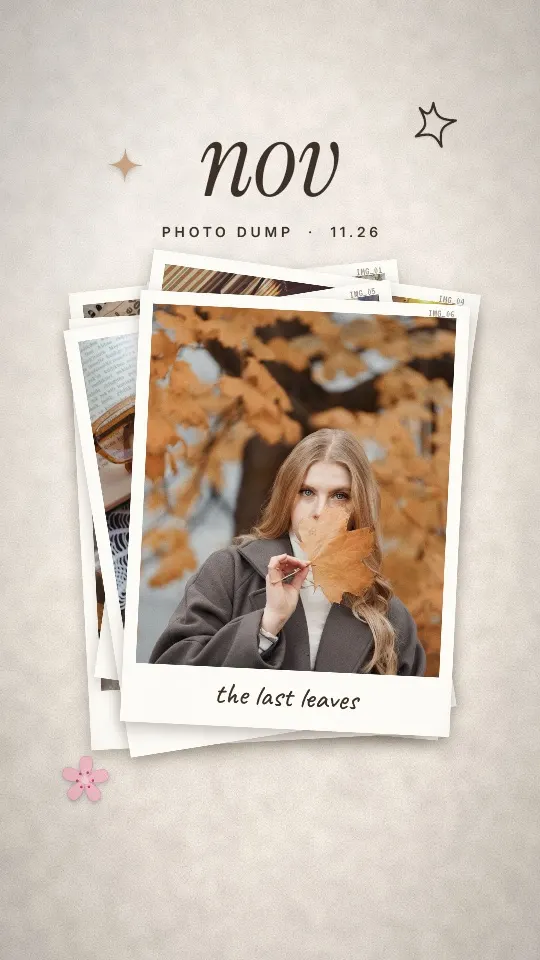
November photo dump
Reel · 8 photos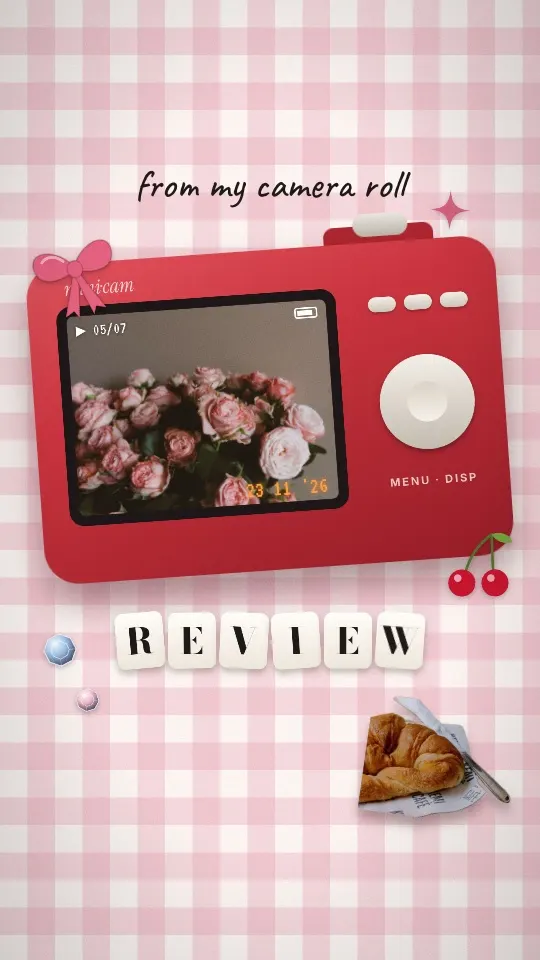
Retro camera
Reel · 11 photos
Sweater weather
Reel · 10 photos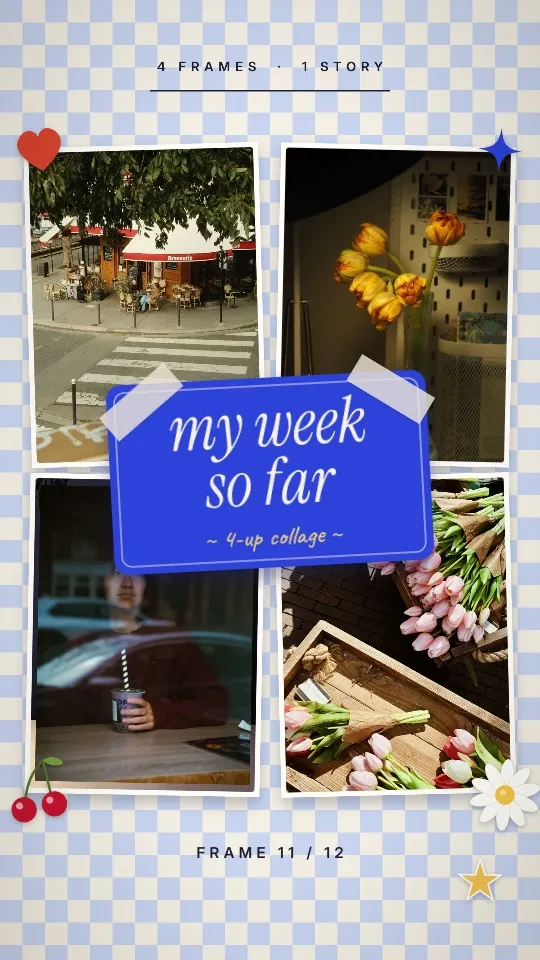
Four-up collage
Reel · 12 photos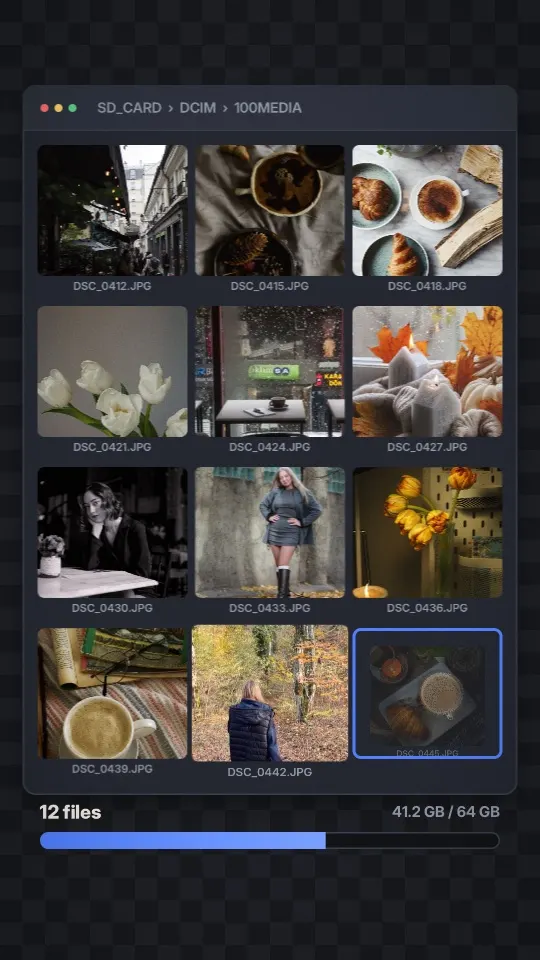
From my SD card
Reel · 13 photos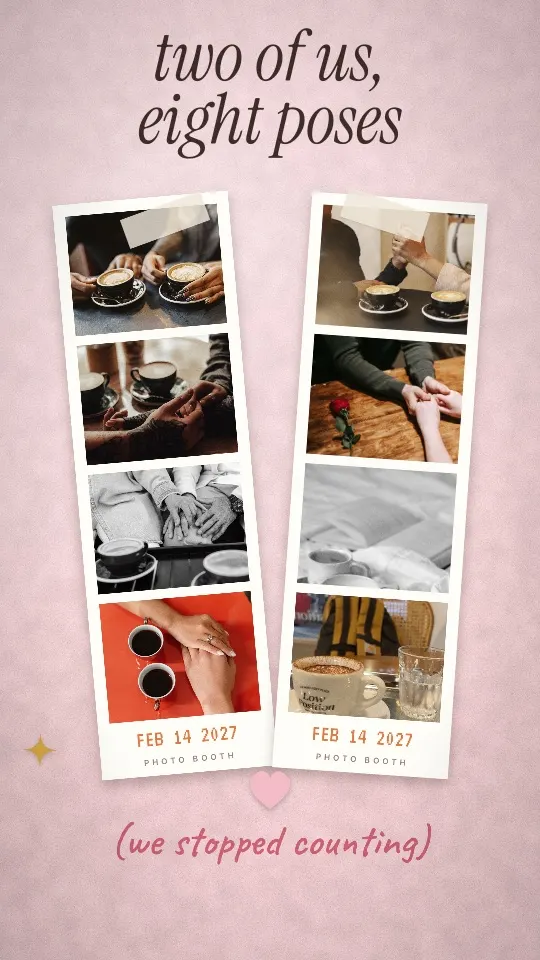
Photo booth
Reel · 8 photos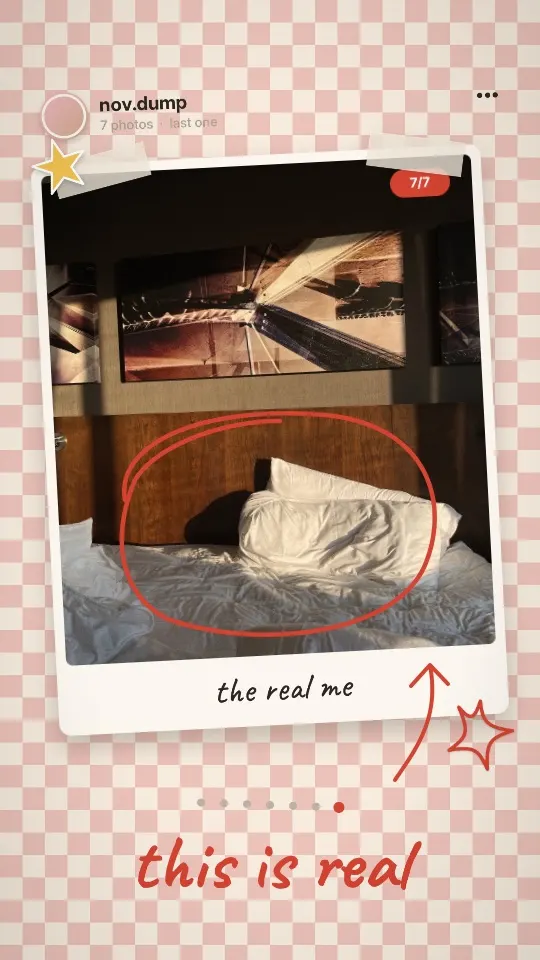
Last slide
Reel · 7 photos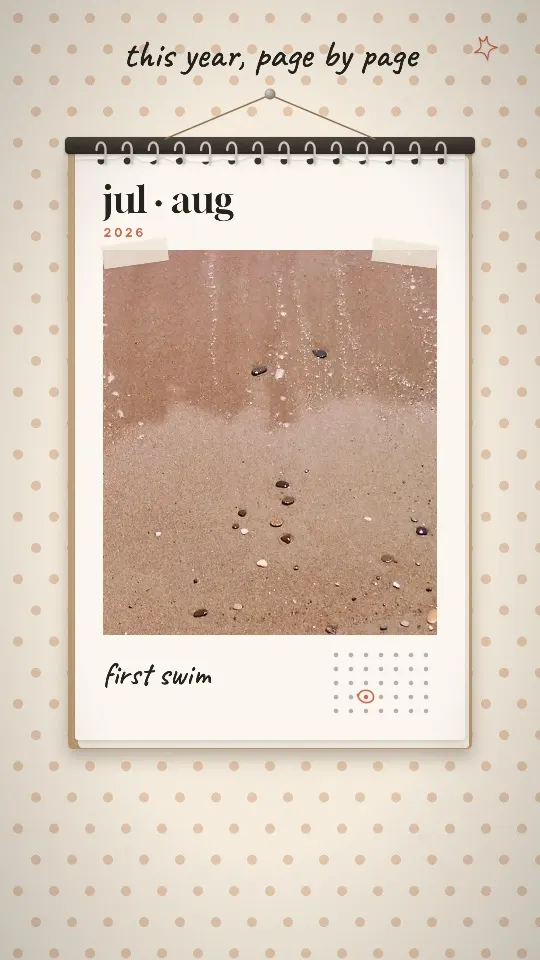
Year-end calendar
Reel · 10 photos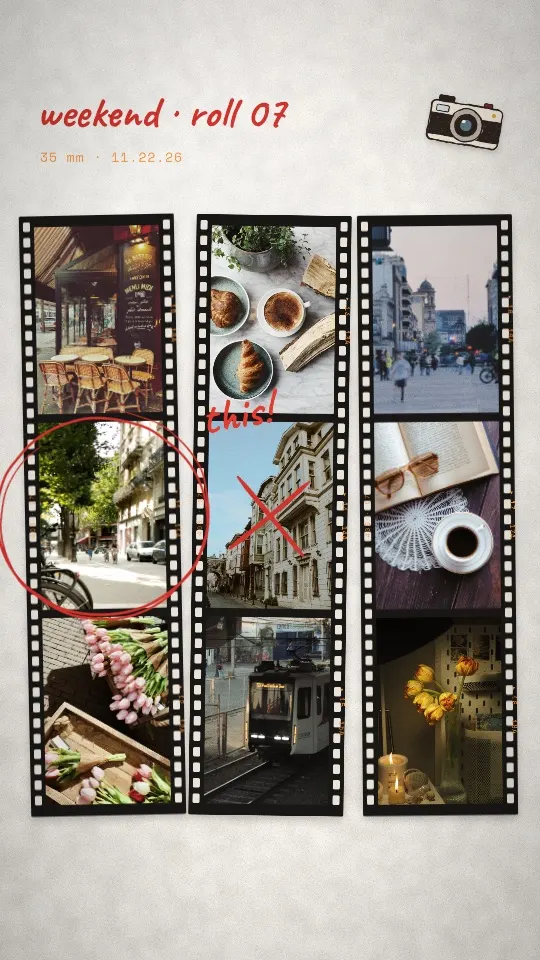
Contact sheet
Reel · 9 photos
Night lights
Reel · 6 photos
One sentence
Reel · 16 photos
Twelve months
Reel · 14 photos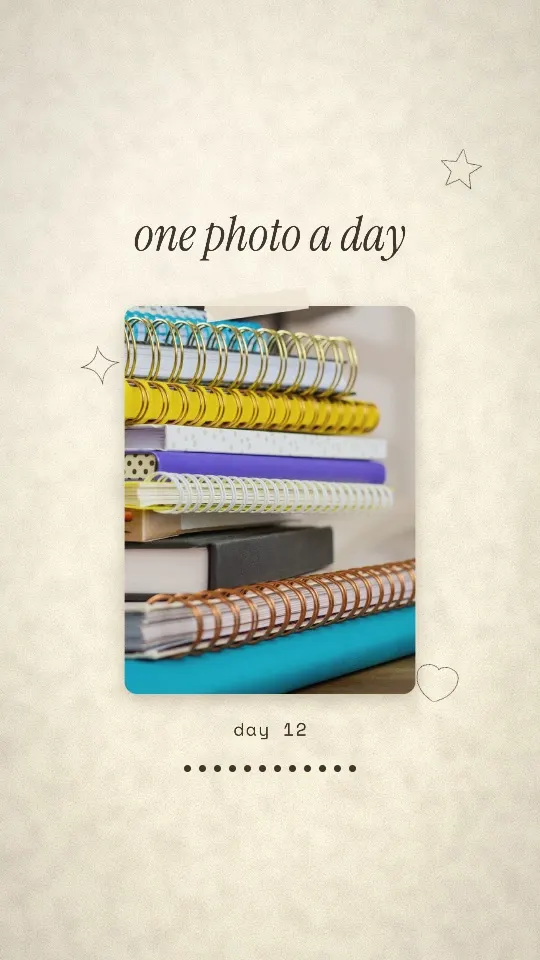
Small frame
Reel · 13 photos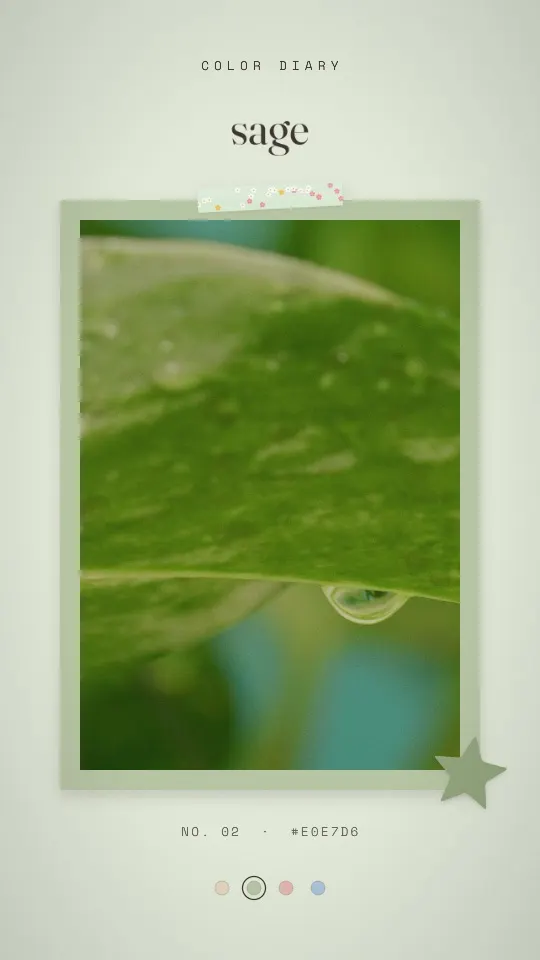
Color diary
Reel · 14 photos
Sliding strip
Reel · 10 photos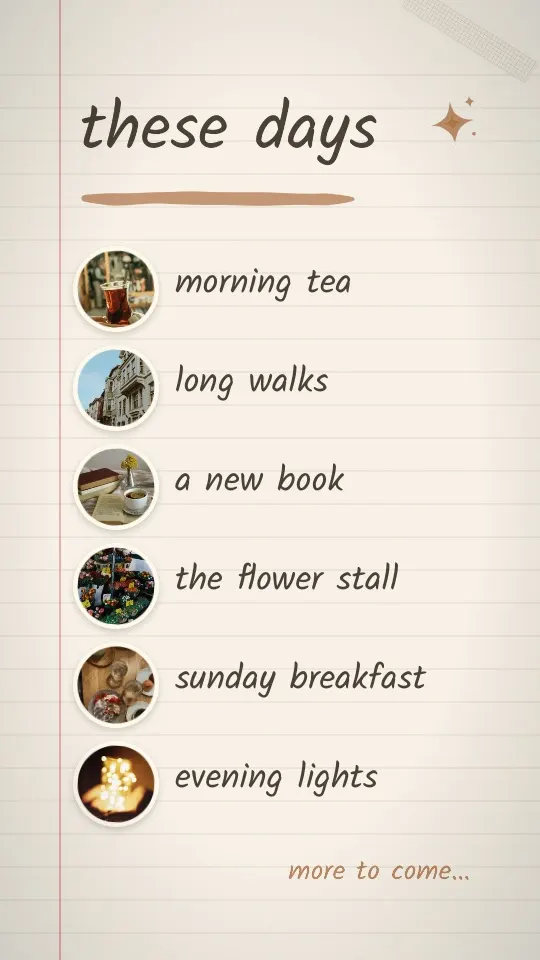
These days
Reel · 7 photos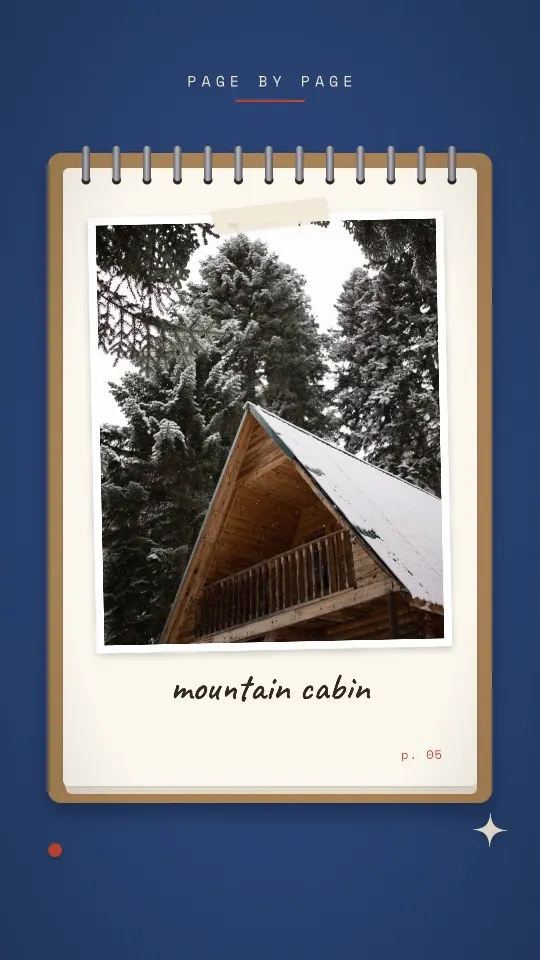
Page by page
Reel · 8 photos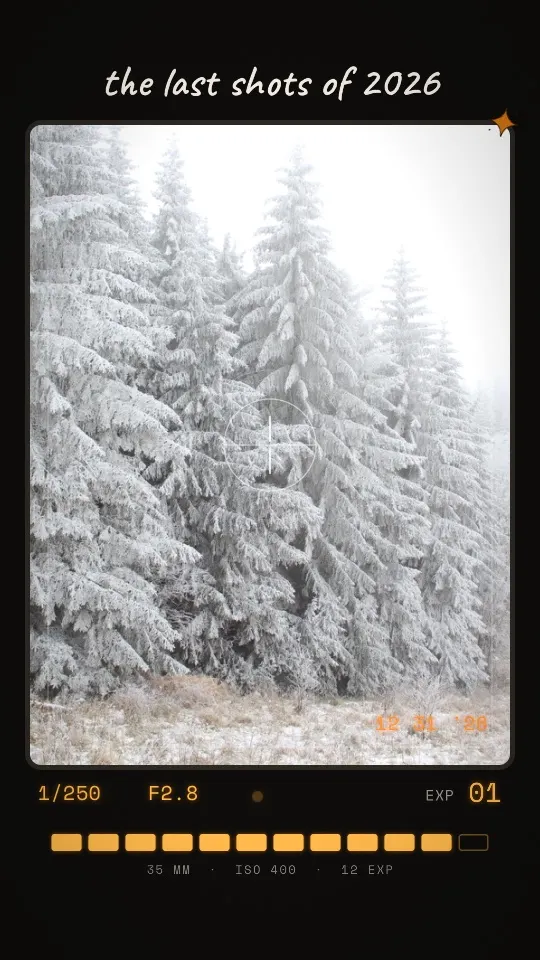
Last shots
Reel · 14 photos
Chorus
Reel · 11 photos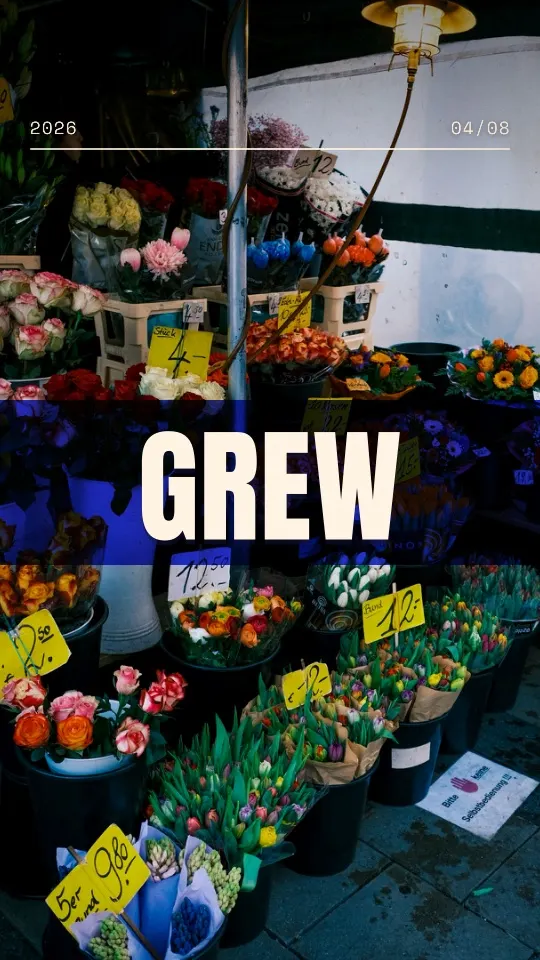
Eight words
Reel · 10 photos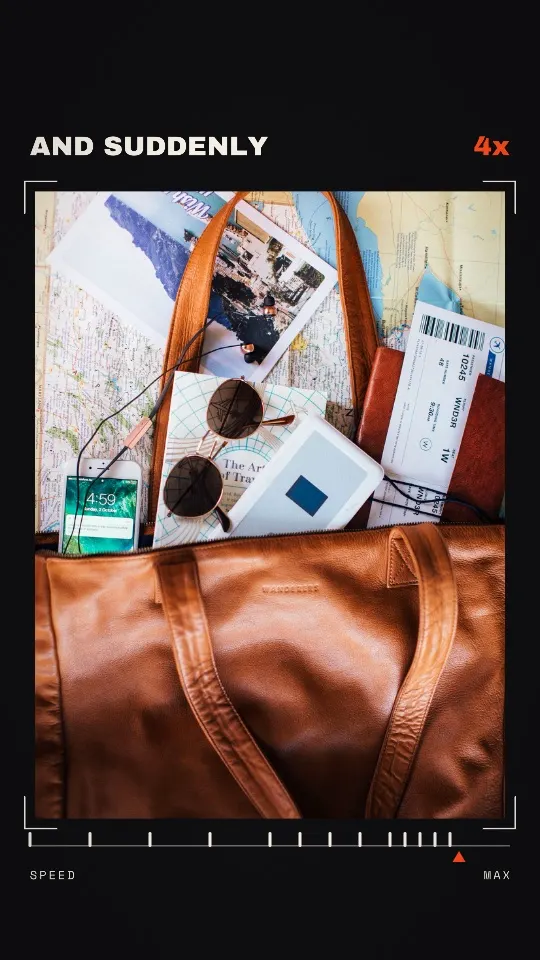
Speed
Reel · 10 photos
Neon sign
Reel · 10 photos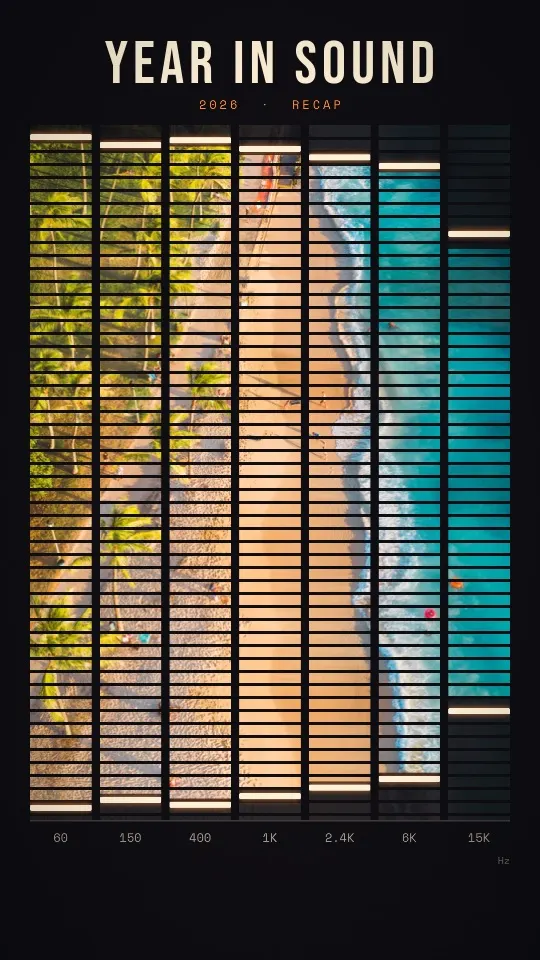
Equalizer
Reel · 10 photos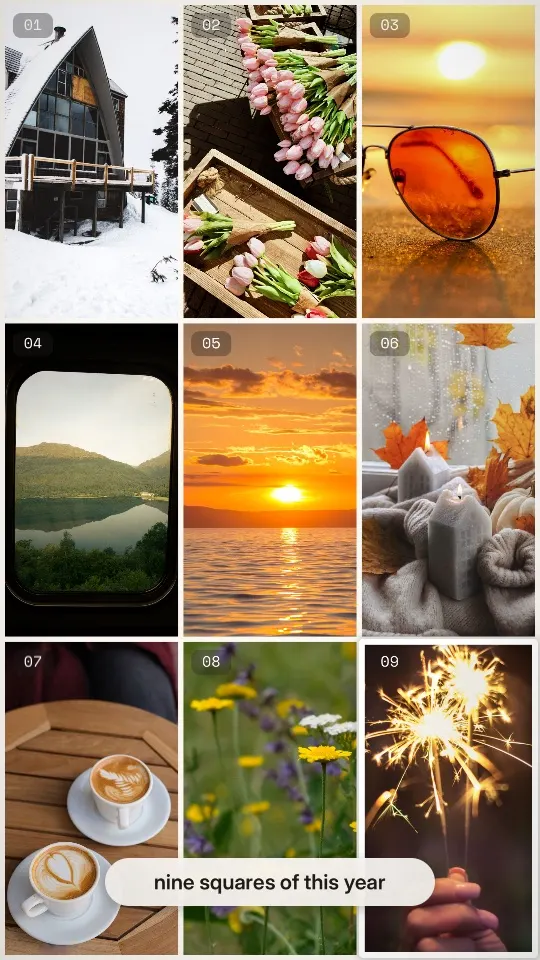
Nine squares
Reel · 9 photos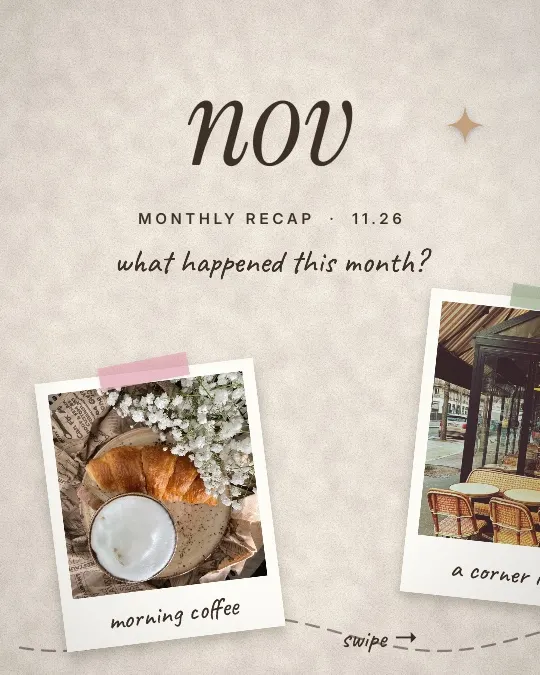
November recap
Carousel · 4 slides
December recap
Carousel · 5 slides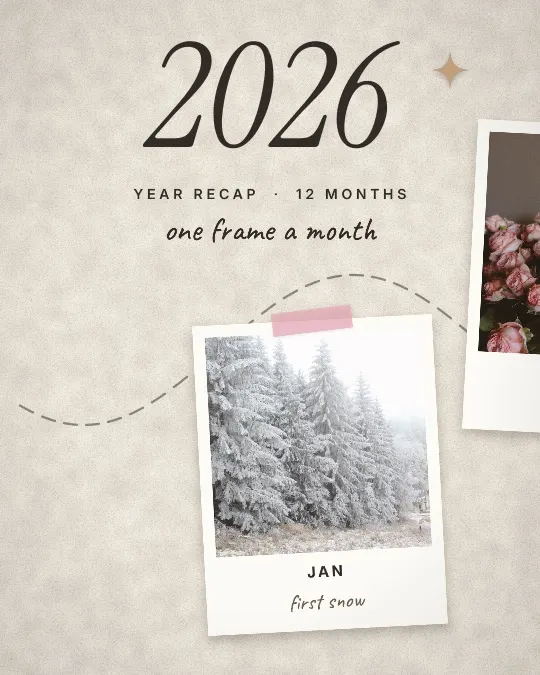
My 2026
Carousel · 7 slides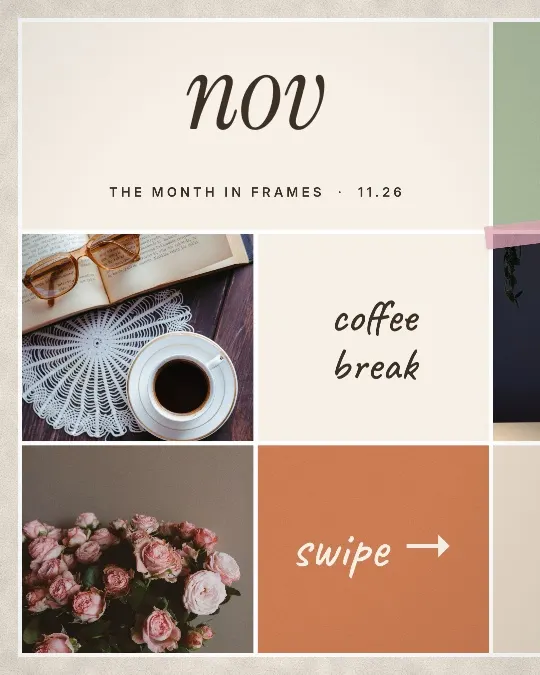
3×3 grid
Carousel · 4 slides
Mosaic
Carousel · 4 slides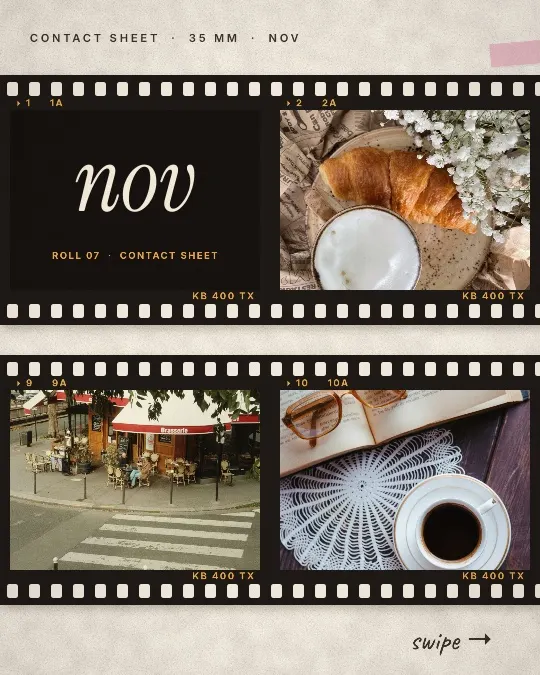
Film grid
Carousel · 4 slides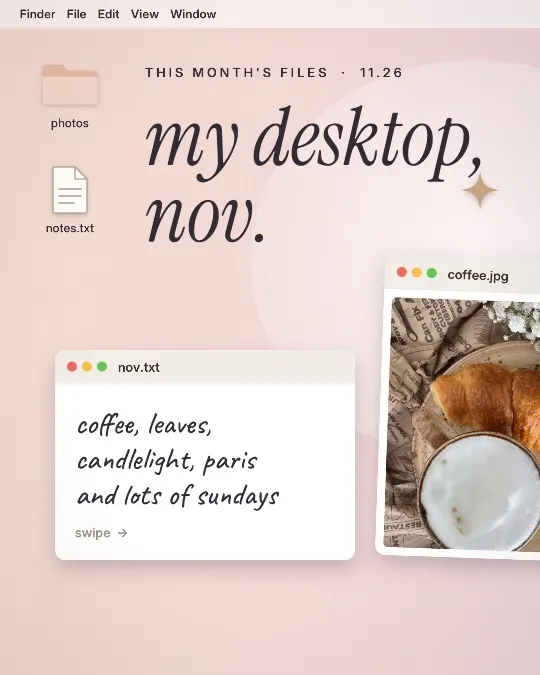
My desktop
Carousel · 5 slides
November chat
Carousel · 5 slides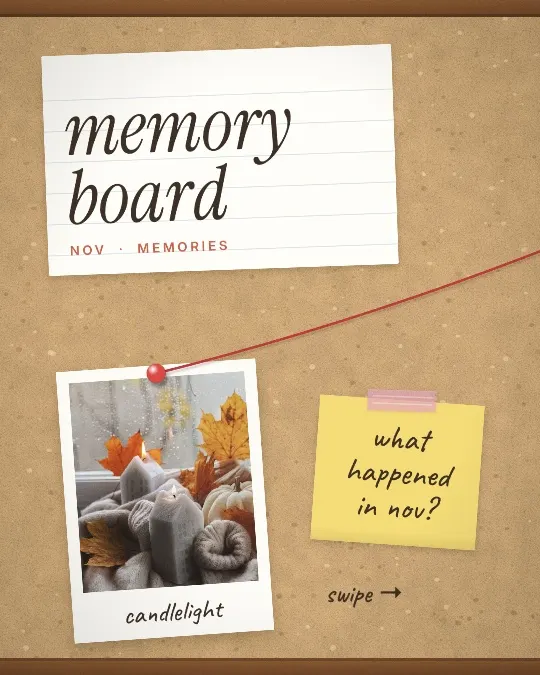
Cork board
Carousel · 5 slides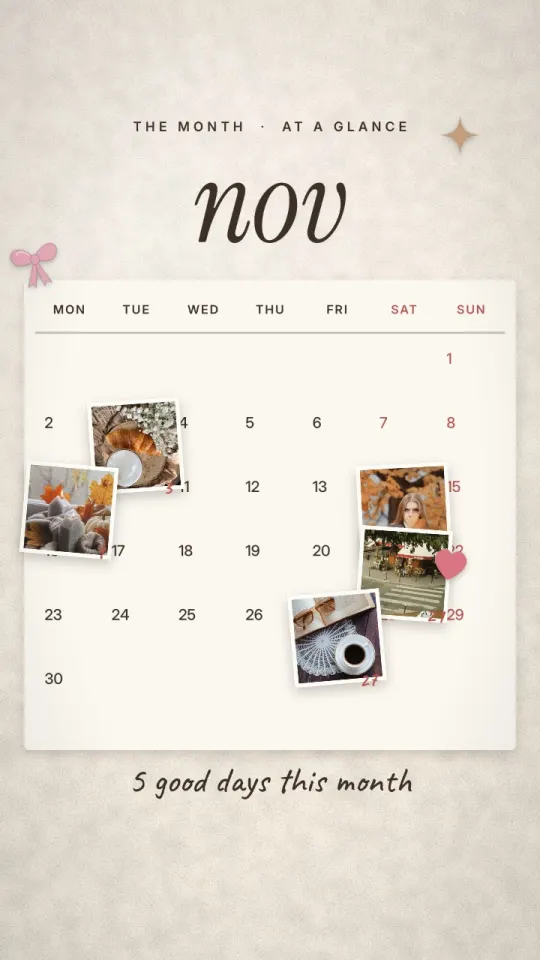
Month calendar
Story · 5 photos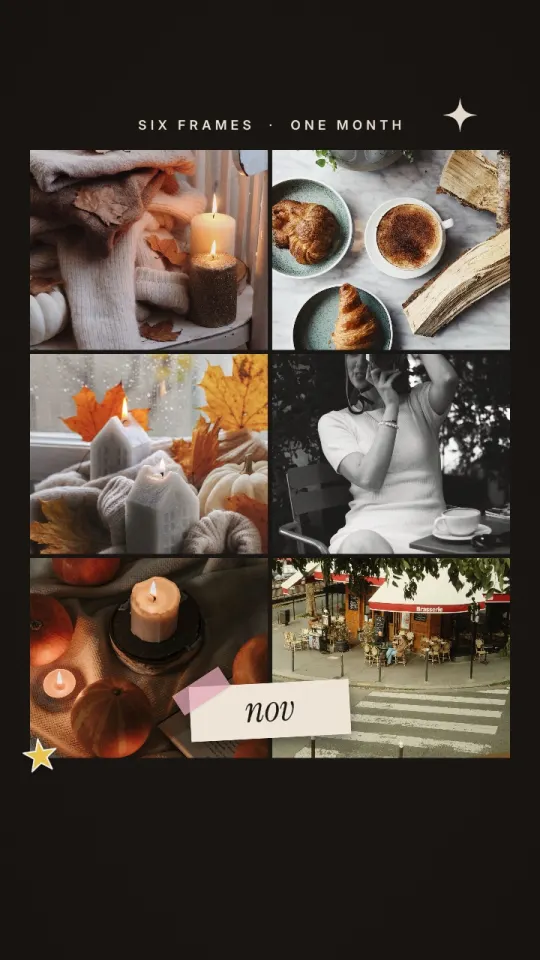
Six frames
Story · 6 photos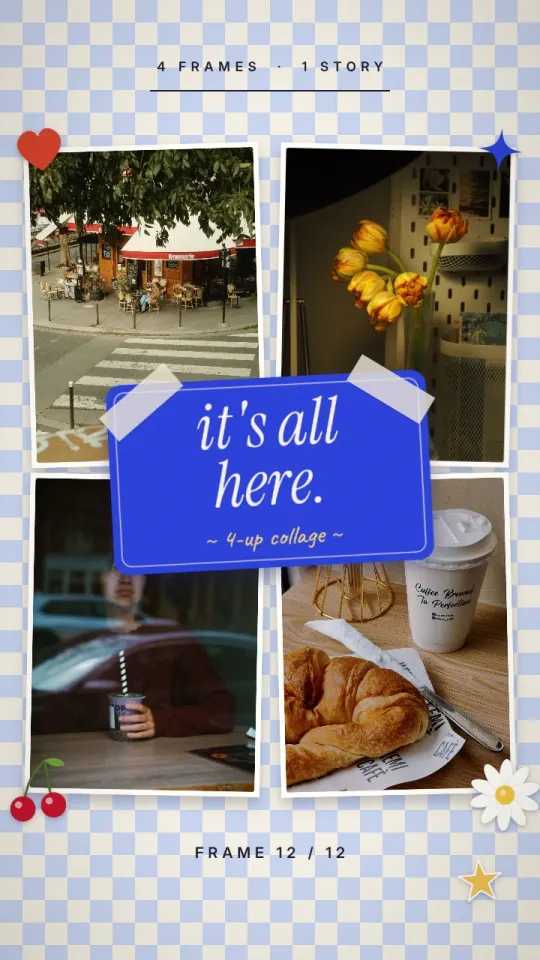
My week so far
Story · 12 photos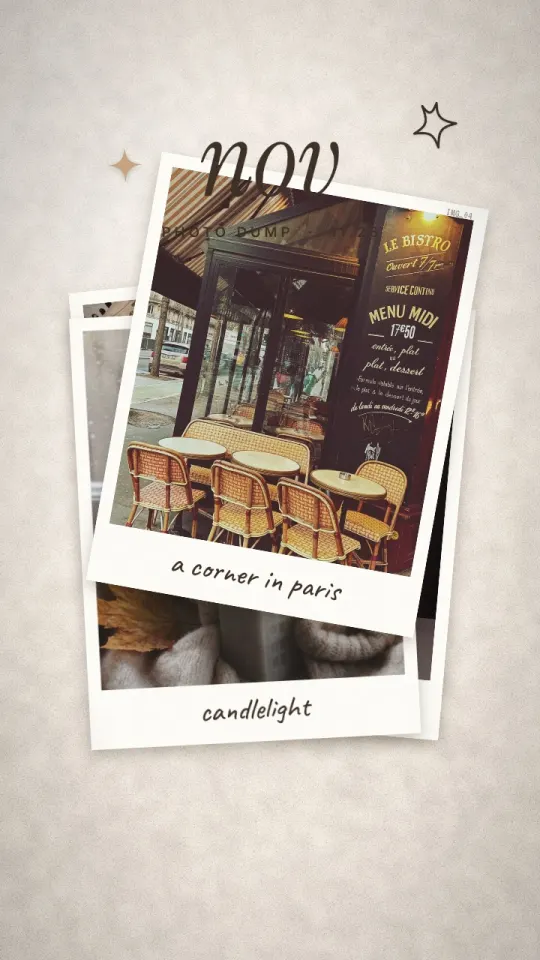
November dump
Story · 4 photos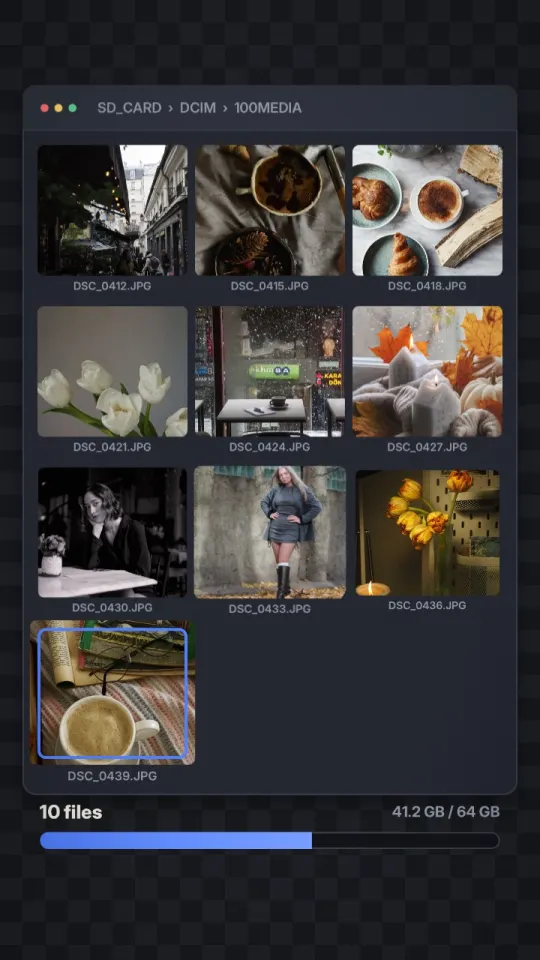
My SD card
Story · 10 photosWhat makes a good photo dump template?
A photo dump looks relaxed, but the best ones are quietly arranged. A good template does three jobs: it gives every photo a place, it paces the swipe or the cuts, and it adds just enough type to say when and where. ReelClub’s 38 photo dump templates are built around those jobs, so you spend your time choosing photos rather than nudging boxes.
Which photo dump format should I pick?
| Format | Best for | Example |
|---|---|---|
| Reel (1080×1920 video) | A month or trip, with music | November photo dump, 8 photos in 9.6 seconds |
| Carousel (4:5 slides) | A swipeable archive people can save | Film grid, 10 photos over 4 slides |
| Story (1080×1920 image) | A quick same-day dump | November dump, 4 photos |
If you are unsure, start with a Reel and export a carousel of the same photos afterwards.
Photo dump templates worth trying
- Retro camera takes 11 photos in 9.3 seconds, a fast, snapshot-heavy dump.
- From my SD card fits 13 photos into a longer 14.9 second cut and suits a whole month.
- Photo booth turns 8 photos into strips, good for friends.
- Contact sheet lays 9 photos out like a proof sheet.
- Twelve months gives one photo per month, 14 slots in all.
- 3×3 grid is the carousel pick when you want a tidy mosaic.
How do I make a photo dump in ReelClub?
- Open the photo dump collection and preview a template full screen.
- Tap Use template and choose photos and videos from your library. The app labels each slot.
- Set the focus point on each photo so the right part stays in frame.
- Edit the text, add stickers or a frame, and pick a song. Tracks are matched to each template, and you can choose the exact part of the song.
- Export. The finished file saves to your Photos app, ready to post on Instagram or TikTok.
How should I order the photos?
Open with your strongest or oddest photo, since it is the thumbnail and the hook. Alternate close-ups with wide shots, keep one screenshot or food photo for texture, and finish on something quiet. If you are stuck for subjects, photo dump ideas has lists by theme, and how to make a photo dump walks through the whole process. New to the term? Read what a photo dump is.
Can I make several versions at once?
Yes. The several-Reels-at-once feature places your chosen photos into a few templates, and you keep your favorite. ReelClub also copies a ready-made caption and hashtag suggestions in one tap. Browse everything on the all templates page, or add motion to a photo-only idea with the photo to video app.
Questions, answered
What is a photo dump?
A photo dump is a batch of casual, mostly unedited photos posted together, usually as a carousel or a quick Reel, to show a week, a month or a mood rather than one perfect picture. The charm is the mix: food, screenshots, blurry friends, a sunset. Our guide explains the format with examples.
Do I need to make a Reel, or can a photo dump be a carousel?
Both work. A Reel plays on its own with music, so people see every photo. A carousel lets viewers swipe at their own pace and is easier to save. ReelClub has templates for each, plus story versions, so you can post the same photos in more than one format.
How many photos should a photo dump have?
Most photo dumps land between 6 and 12 photos. Instagram carousels allow more, but the first three slides do most of the work. ReelClub templates ask for 6 to 16 photos depending on the layout, and the app shows what each slot is for.
Is the photo dump template free?
Browsing and previewing are free, and 10 templates are fully free to use and export. The rest need ReelClub Pro at $4.99 a week or $29.99 a year, both with a 3-day free trial. There is no account, and your photos stay on your iPhone.
Related guides
Your photos, edited.
Download ReelClub on iPhone. Browse every template for free, use 10 of them without paying, and try Pro free for 3 days.




