- Home
- All templates
- Travel
Travel
Travel Reel Templates for Instagram
ReelClub has travel reel templates for iPhone: Boarding pass, Summer route, Postcard, Packing list and Departure board, plus a Travel journal carousel and a seamless Panorama. Add 5 to 15 trip photos, pick a song cut to the beat and export a 1080×1920 Reel. Postcard is free.
18 templates · 1 free · Updated
Templates
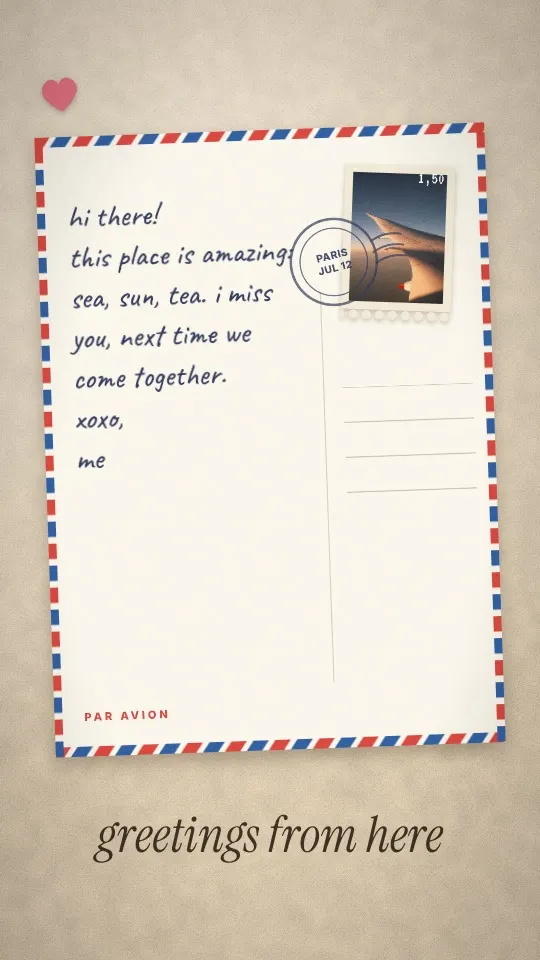
Postcard
Reel · 6 photos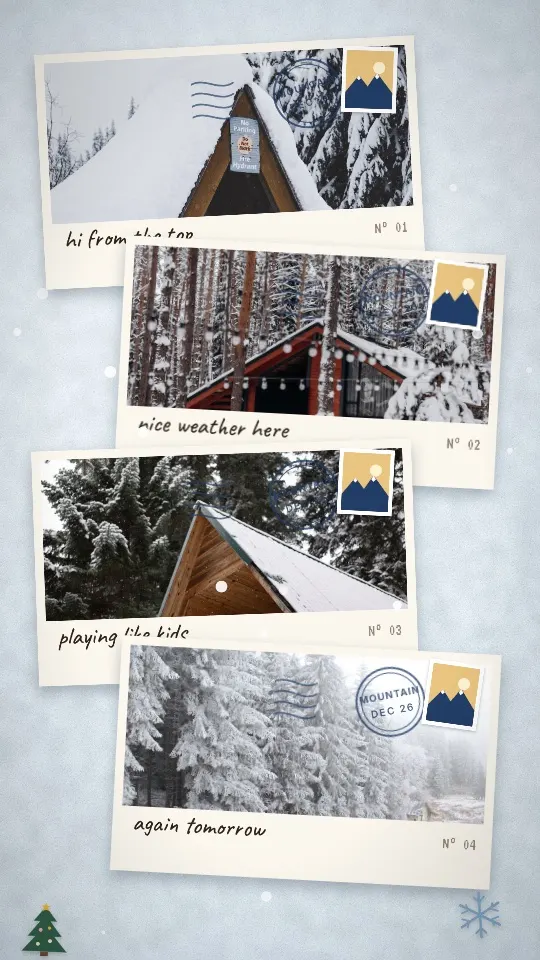
Snow trip
Reel · 6 photos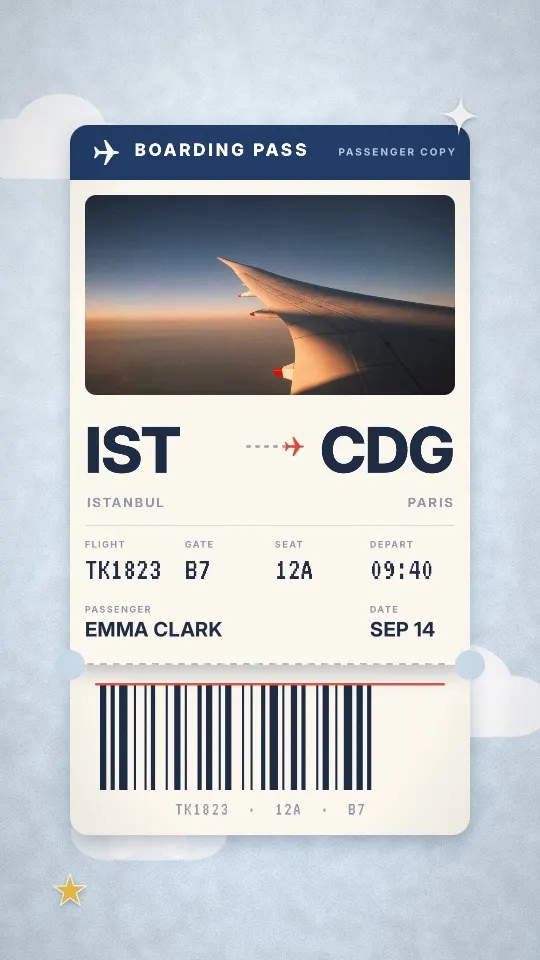
Boarding pass
Reel · 8 photos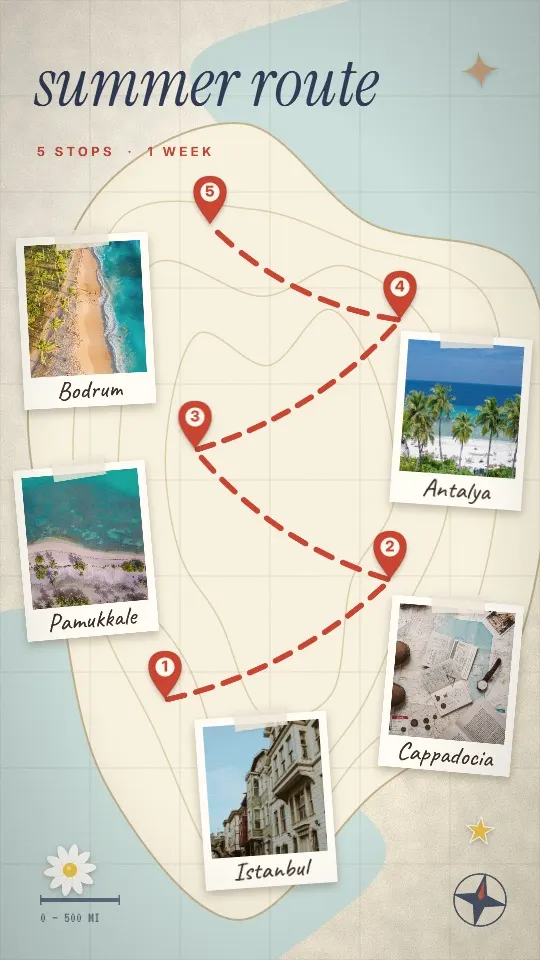
Summer route
Reel · 6 photos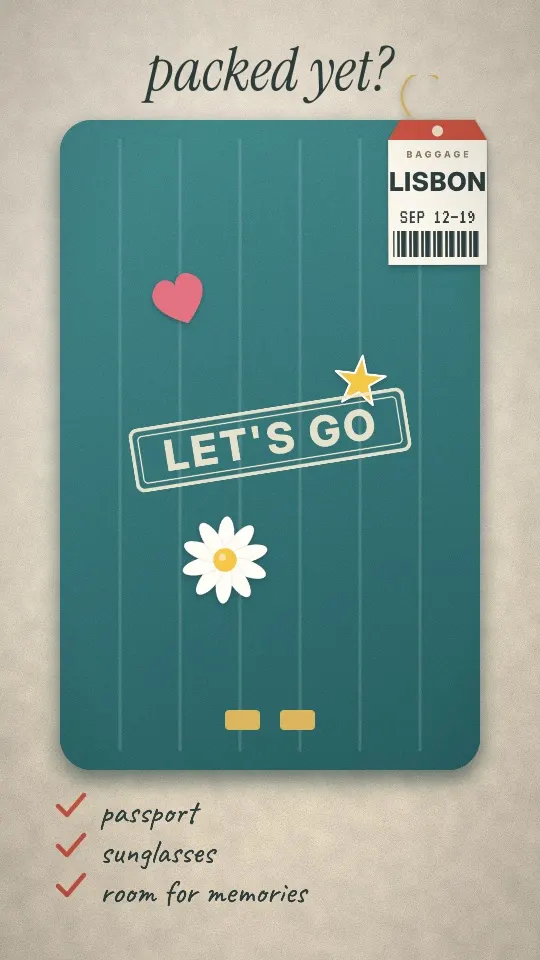
Packing list
Reel · 7 photos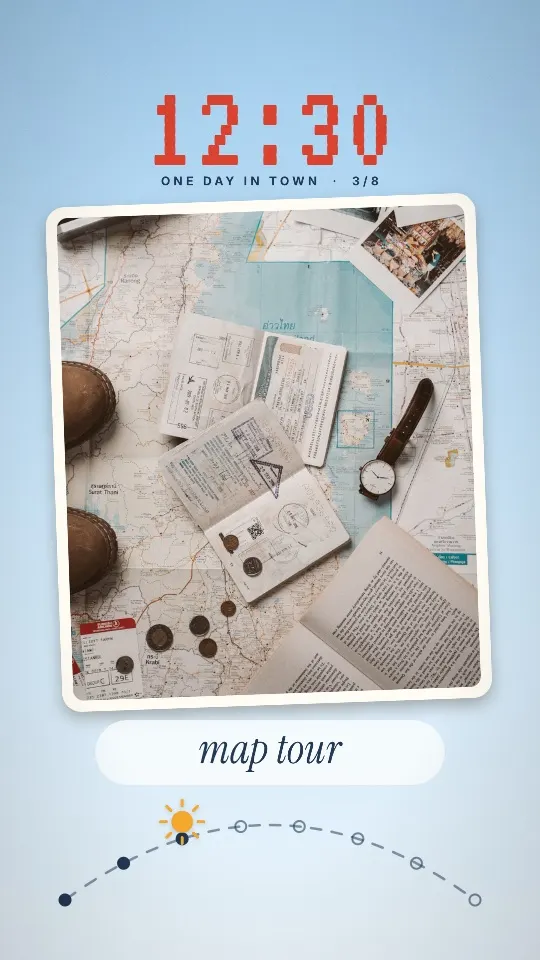
A day in the city
Reel · 9 photos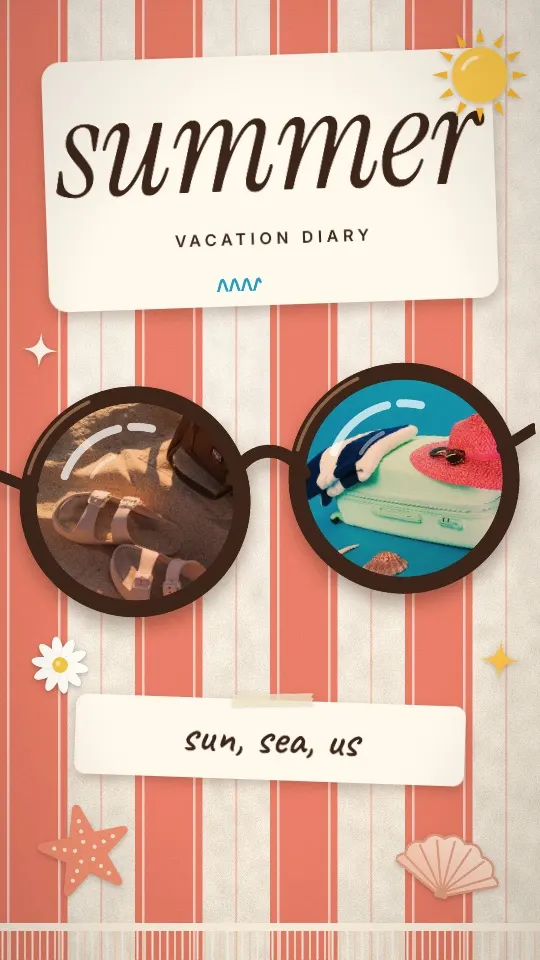
Summer shades
Reel · 7 photos
Ferry
Reel · 5 photos
Golden hour
Reel · 6 photos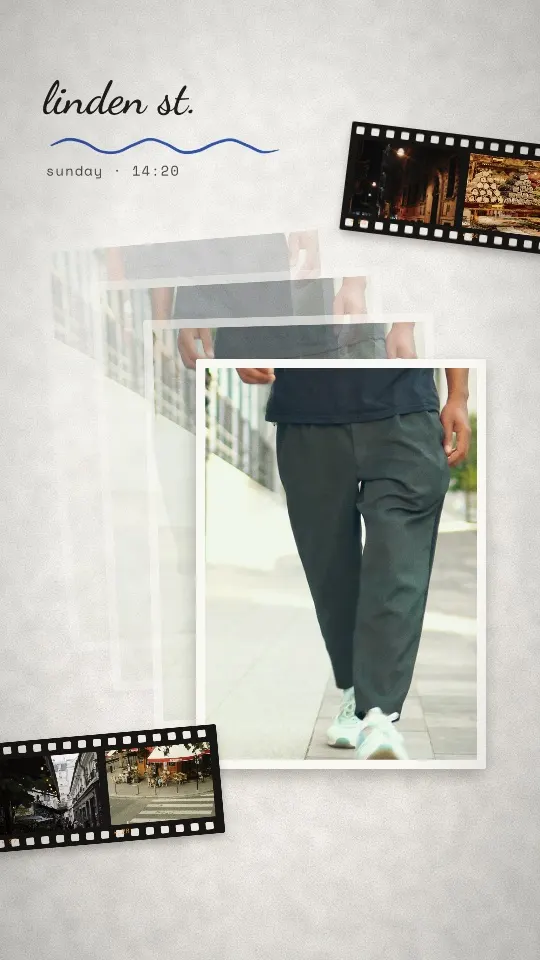
Step by step
Reel · 6 photos
Staircase
Reel · 15 photos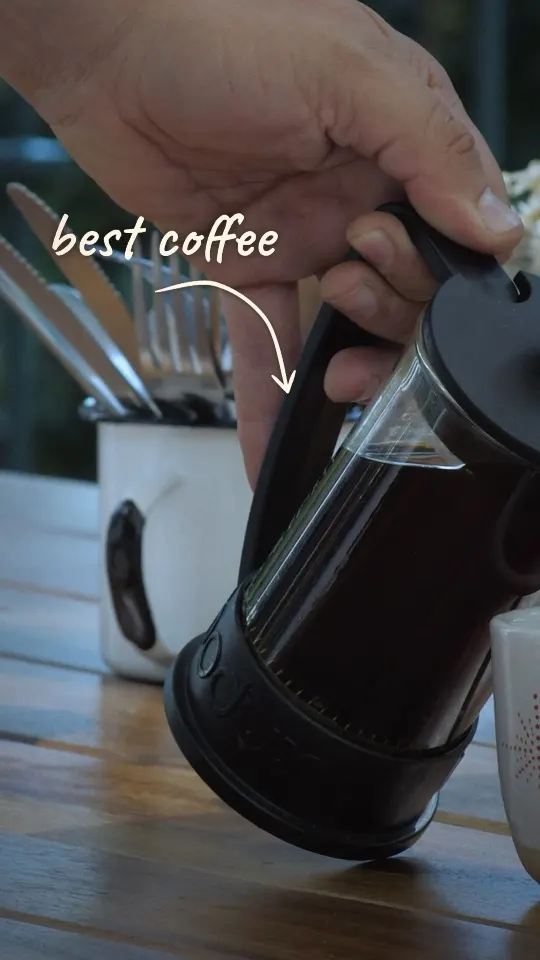
Margin notes
Reel · 9 photos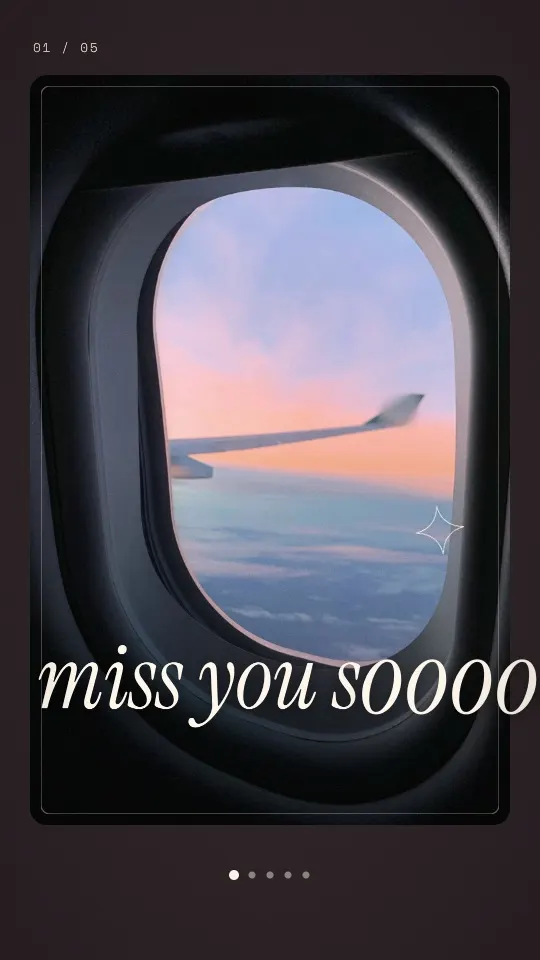
Long word
Reel · 5 photos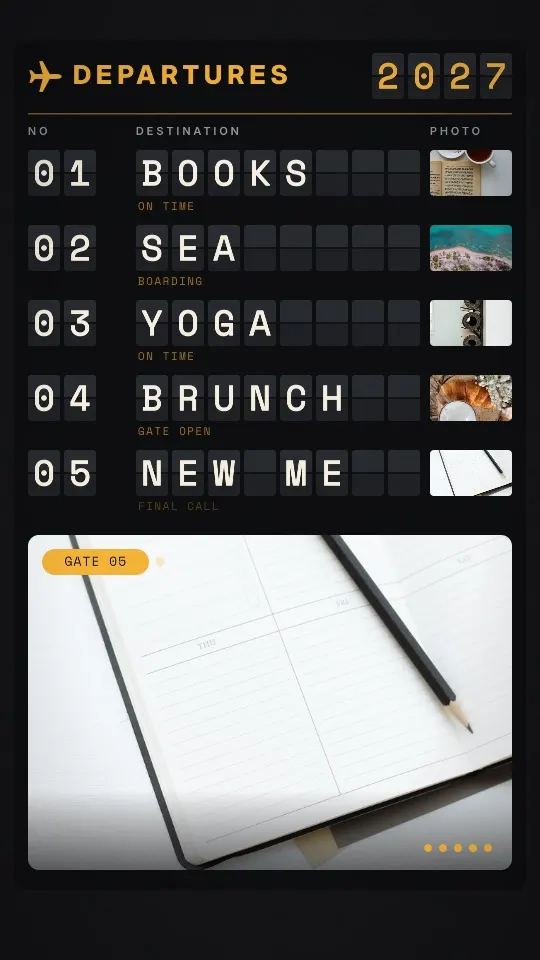
Departure board
Reel · 6 photos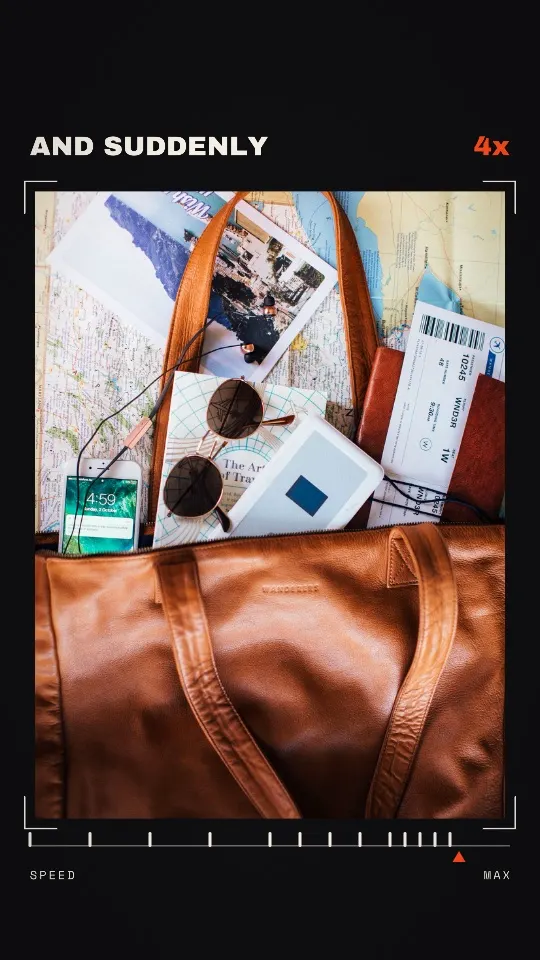
Speed
Reel · 10 photos
Panorama
Carousel · 4 slides
Mosaic
Carousel · 4 slides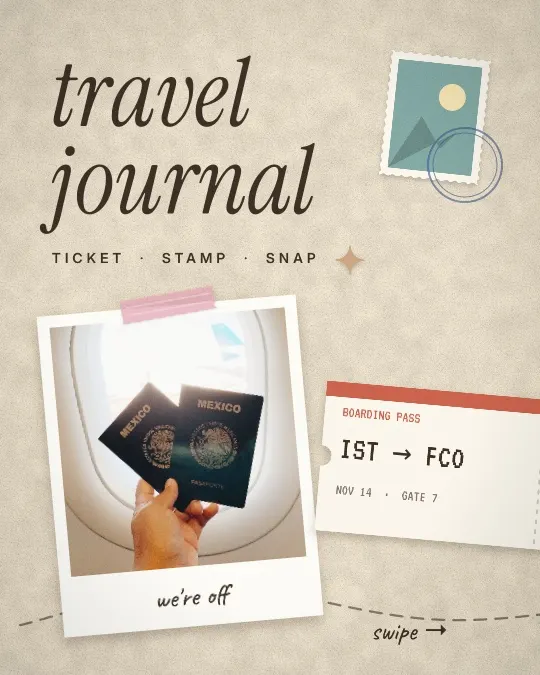
Travel journal
Carousel · 6 slidesWhat makes a good travel reel?
Trip footage tends to be too long and too even. A good travel Reel does the opposite: it picks 6 to 10 images, gives each one a clear place name or date, and lets the music decide the pace. ReelClub’s travel templates build in that structure, so you add photos and short clips and the cuts land on the beat.
Which travel template fits your trip?
| Trip style | Template | Details |
|---|---|---|
| Flying somewhere | Boarding pass | 8 photos, 13.1 seconds |
| A road trip or itinerary | Summer route | 6 photos, 13.1 seconds |
| A quick free option | Postcard | 6 photos, 12.7 seconds (free) |
| Before you leave | Packing list | 7 photos, 13 seconds |
| A city day | A day in the city | 9 photos, 15.3 seconds |
| Winter trips | Snow trip | 6 photos, 15.6 seconds |
| By water | Ferry | 5 photos, 11.8 seconds |
| Notes in the margins | Margin notes | 9 photos, 11.2 seconds |
How do I make a travel reel in ReelClub?
- Choose a template and preview it.
- Tap Use template and select photos and short videos from your library. The app tells you which slot is which.
- Replace the place names, dates and short notes.
- Pick a song. The tracks matched to each template are listed first, and you pick the exact part.
- Export and post. A ready-made caption and hashtag suggestions copy in one tap.
Should I make a Reel or a carousel?
A Reel is for people who will watch it. A carousel is for people who will linger. The Travel journal carousel gives 7 photos 6 slides and reads like a page from a notebook. Panorama takes just 3 photos across 4 slides, and is the best way to share a wide view without cropping it. See the carousel templates and the seamless carousel maker.
How do I order the photos?
Start with a place, not a person. Open on the airport, the street or the view, and save the best photo for the middle. Put the quietest photo last. If you also shot video, mix a few seconds of it between stills; templates accept photos and videos. For a day-by-day format, look at the day in my life templates, and for a loose roundup, photo dump ideas.
Is it private?
Your photos stay on your iPhone, with no account, ads or tracking. Ten templates are free; the rest need ReelClub Pro ($4.99 weekly or $29.99 yearly, 3-day free trial). Browse all templates.
Questions, answered
How do I make a travel reel from my photos?
Pick a travel template, add 6 to 10 photos from the trip, edit the place names and dates, choose a song and export. ReelClub saves a 1080×1920 Reel to Photos. Boarding pass and Summer route are built for trips; A day in the city suits a single day.
Is there a travel journal template?
Yes. Travel journal is a seamless carousel: 7 photos across 6 slides in 1080×1350 format, laid out like a notebook. Margin notes is a Reel with note-style text beside the photos. Both let you edit the text and fonts.
Which travel template is free?
Postcard is free to use and export: 6 photos in 12.7 seconds. The other travel templates need ReelClub Pro, which has a 3-day free trial. Previewing every template is free, and there is no account.
Can I make a travel photo dump?
Yes. Use Staircase (15 photos), Speed (10 photos) or any carousel for a swipeable dump. For a pure photo dump, see the photo dump collection. All export from your iPhone to Photos in the right format for Instagram and TikTok.
Your photos, edited.
Download ReelClub on iPhone. Browse every template for free, use 10 of them without paying, and try Pro free for 3 days.




