- Home
- All templates
- Travel
- Step by step
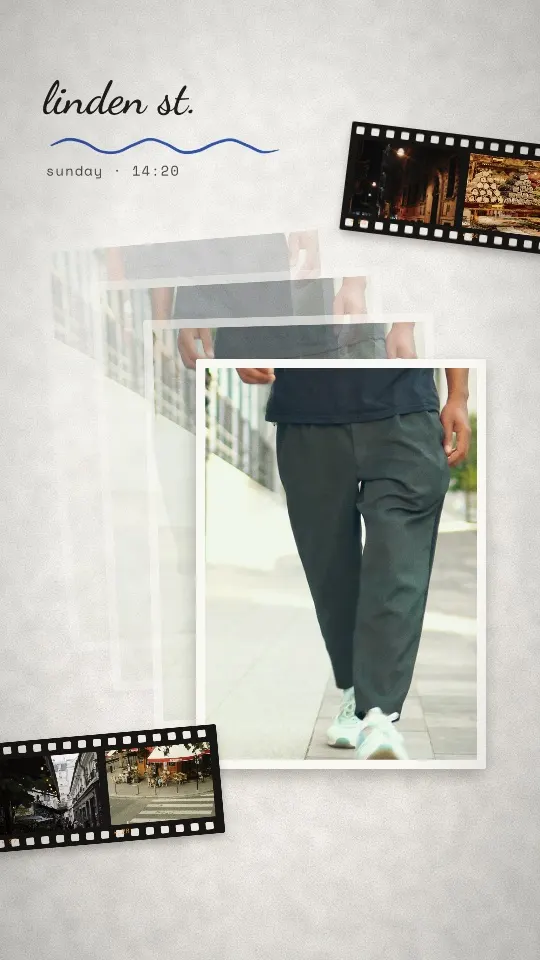
Everyday · Reel
Step By Step Reel Template
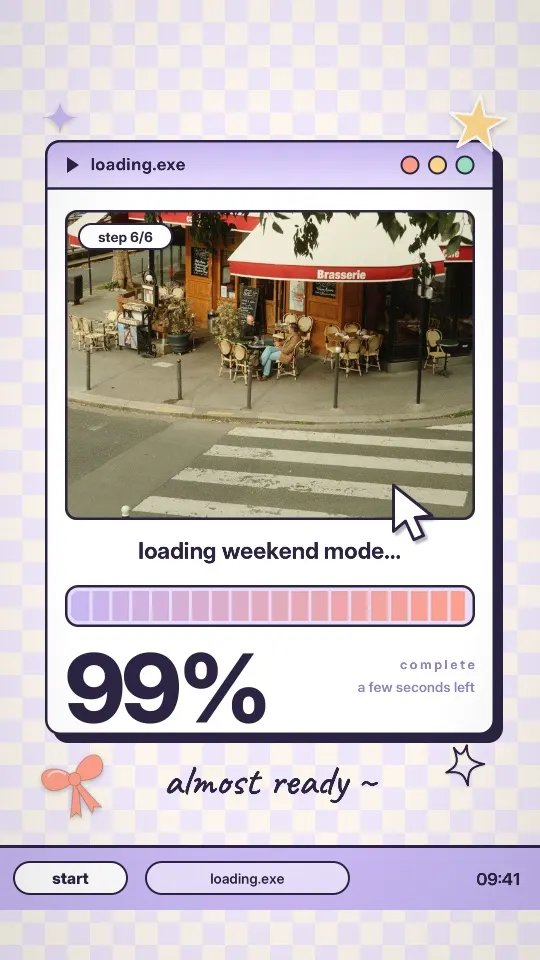
A walk through a city, street by street. The Reel moves from a street to a shop window, an avenue and a cafe corner, then closes on two clips: your feet or the road as you walk, and the street ahead. Four slots take photos and two take video. About 13 seconds, music cut to the beat. A film-like echo effect repeats frames, and a street-sign label and a day-and-time stamp can be edited, with the line "today the city walked with me". It needs ReelClub Pro.
Included with ReelClub Pro: $4.99/week or $29.99/year, 3-day free trial.
Perfect for
- City walk and street photography posts
- Weekend wandering through a neighborhood
- Slow Sunday strolls
What you’ll need
- street
- shop window
- avenue
- café / corner
- video: feet / the road as you walk
- video: walking down the street
Tip: Walk and shoot at eye level, and film the last two clips while moving: one of your shoes, one of the street ahead.
Text you can change
- “today the city walked with me”
- “sunday · 14:20”
- “linden st.”
Every line, font and style can be changed in the editor.
Caption ideas
- today the city walked with me
- sunday, 14:20, no plan
- step by step, street by street
How do you use this template?
- Download ReelClub from the App Store and open this template.
- Tap “Use template” and pick photos and videos from your library. The app shows what each slot is for.
- Change the text, music or framing if you like, then export. It saves to Photos, ready for Instagram or TikTok.
You might also like



Your photos, edited.
Download ReelClub on iPhone. Browse every template for free, use 10 of them without paying, and try Pro free for 3 days.




