Everyday · Reel
Loading Reel Template
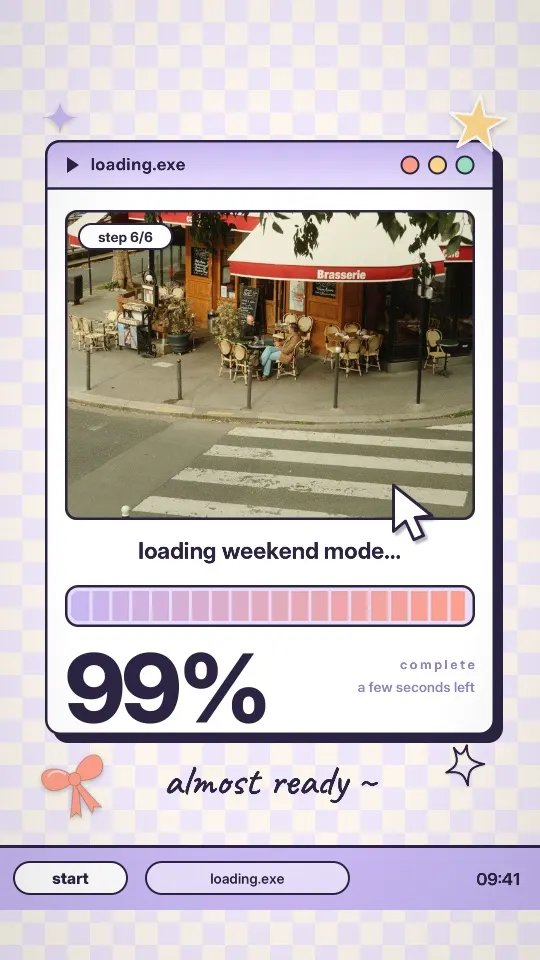
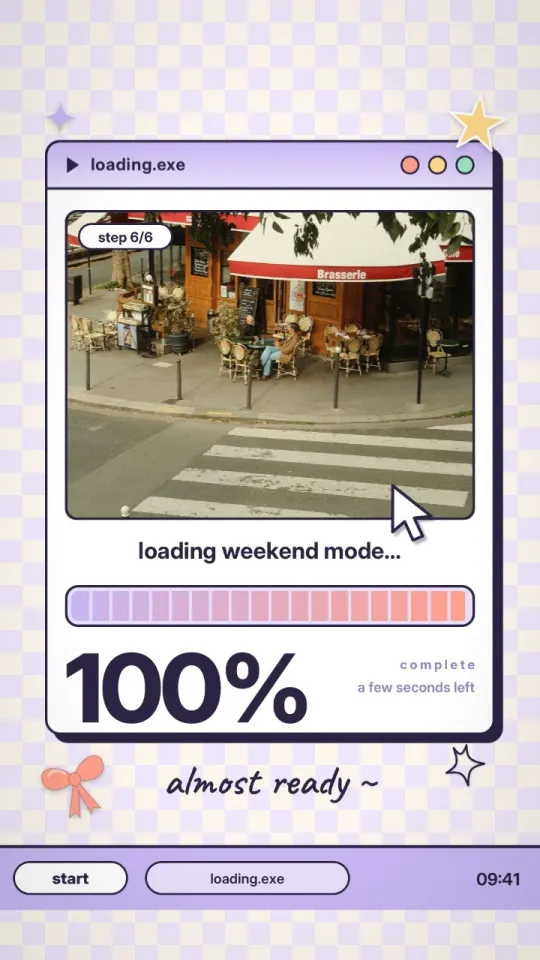
A Loading Reel that stages your get-ready routine as a computer progress bar. The cover is a lavender "loading.exe" window on a checkered background, with a photo inside, a progress bar sitting at 99%, a mouse cursor and "step 6/6" in the corner. Photos start blurry and come into focus as the bar fills. Seven photos or videos run about ten seconds, beat-synced, and the final ready-to-go slot turns into video. The window title, loading message and captions are editable.
Included with ReelClub Pro: $4.99/week or $29.99/year, 3-day free trial.
Perfect for
- Get ready with me, weekend edition
- Before-and-after transformation post
- Retro computer aesthetic edit
What you’ll need
- step 1: morning you (blurry to sharp)
- step 2: coffee / breakfast
- step 3: getting ready
- step 4: details (bag, flower, shoes)
- step 5: home / candle / scent
- step 6: heading out
- closing: ready you (becomes video)
Tip: Shoot six quick steps of getting ready, from coffee to the door, and save a short video of the finished you for the last slot.
Text you can change
- “ready.”
- “almost ready ~”
- “loading weekend mode…”
Every line, font and style can be changed in the editor.
Caption ideas
- loading weekend mode…
- almost ready ~
- 99% ready, 100% late
How do you use this template?
- Download ReelClub from the App Store and open this template.
- Tap “Use template” and pick photos and videos from your library. The app shows what each slot is for.
- Change the text, music or framing if you like, then export. It saves to Photos, ready for Instagram or TikTok.
You might also like
Your photos, edited.
Download ReelClub on iPhone. Browse every template for free, use 10 of them without paying, and try Pro free for 3 days.




