- Home
- All templates
- Travel
- Travel journal
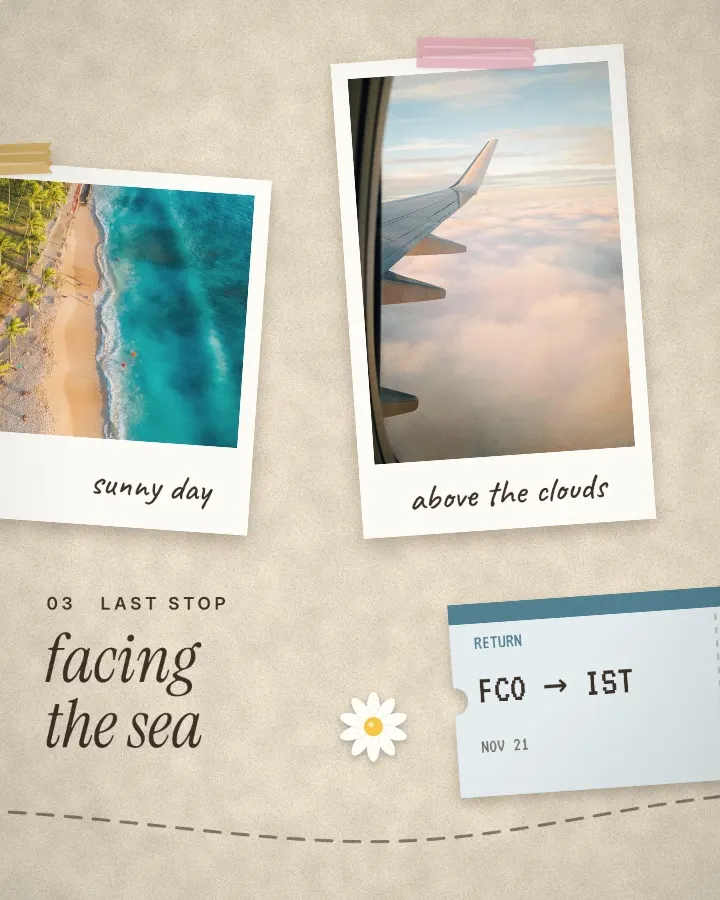
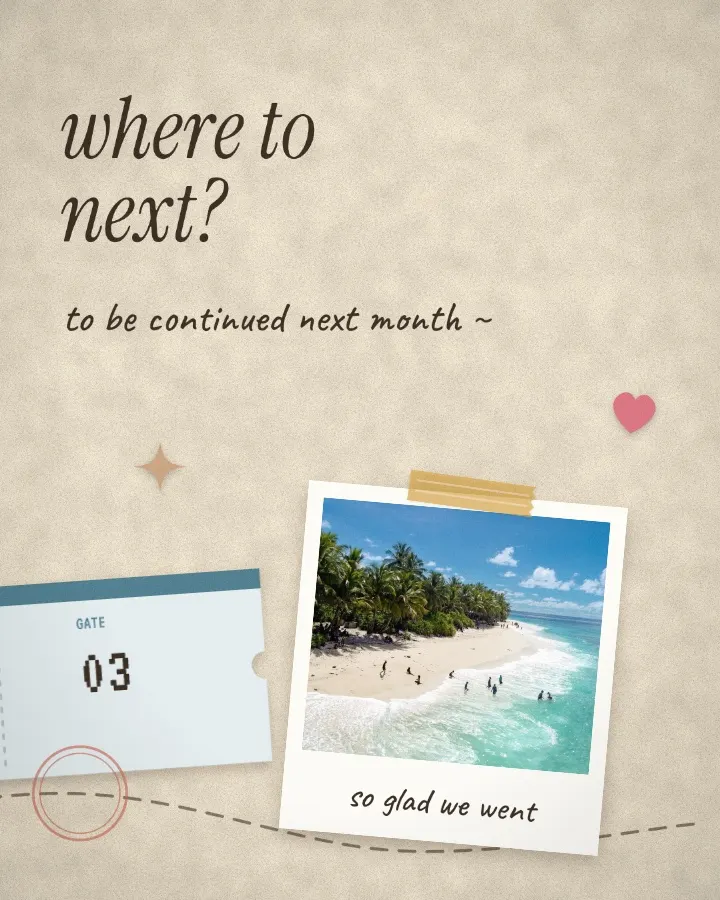
Slides are cut from one wide design, so the post flows seamlessly as you swipe.
Travel · Carousel
Travel Journal Carousel Template
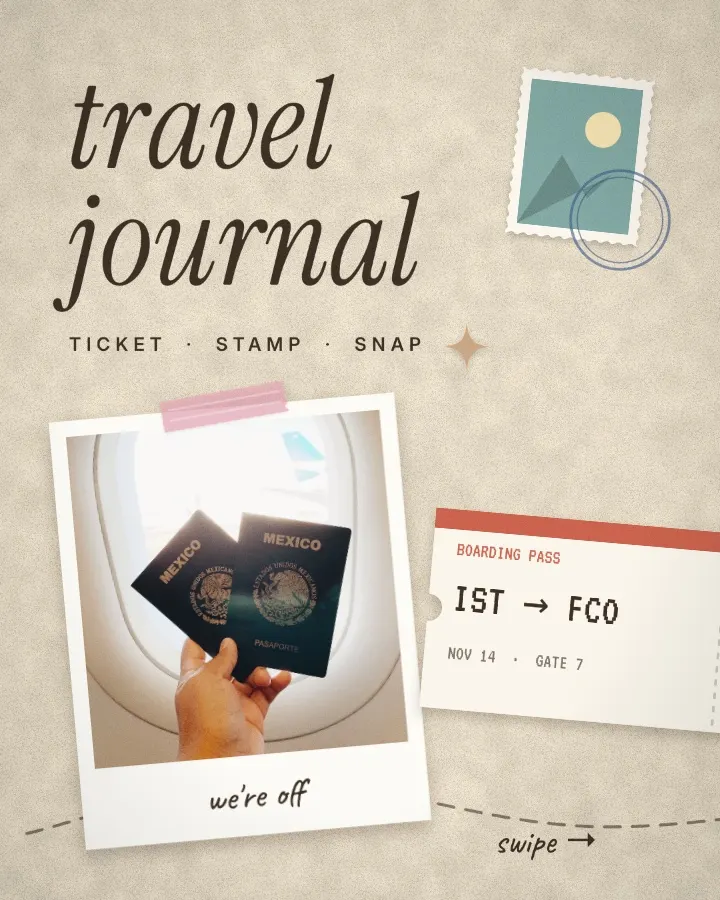
A travel journal carousel built from the things you keep in a passport pocket. The cover shows a polaroid of passports against a plane window, a boarding pass from IST to FCO, a postage stamp, a dashed flight path and a serif title ("travel journal") on beige paper, with the line "ticket, stamp, snap".
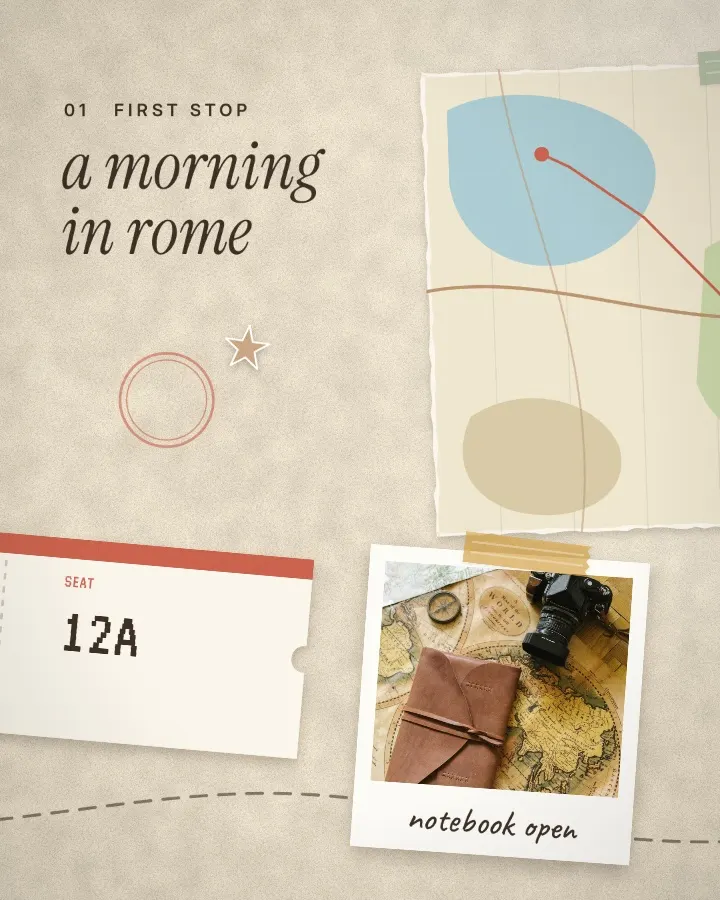
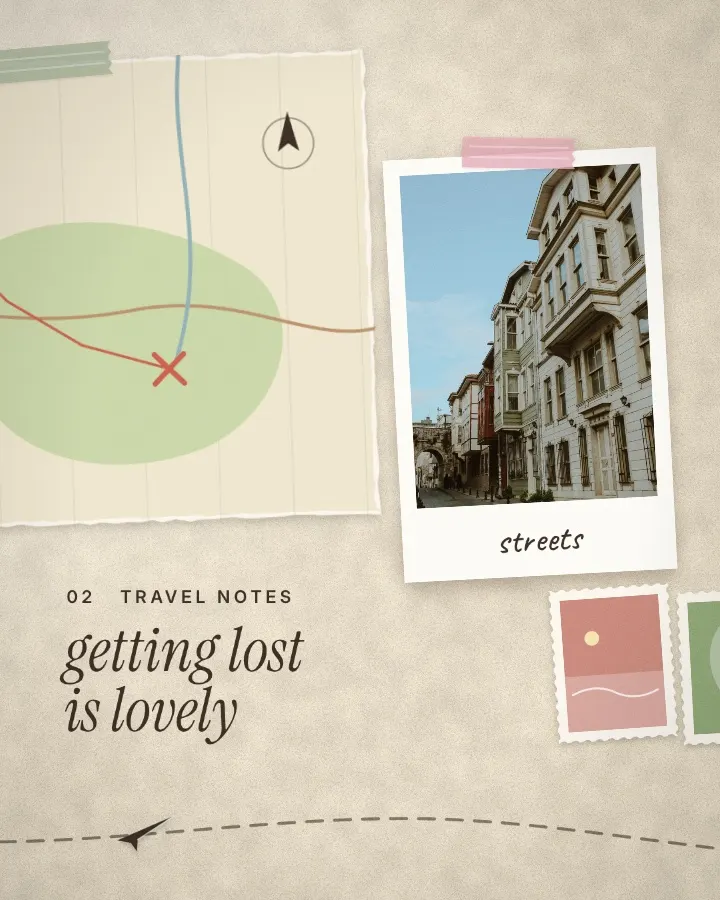
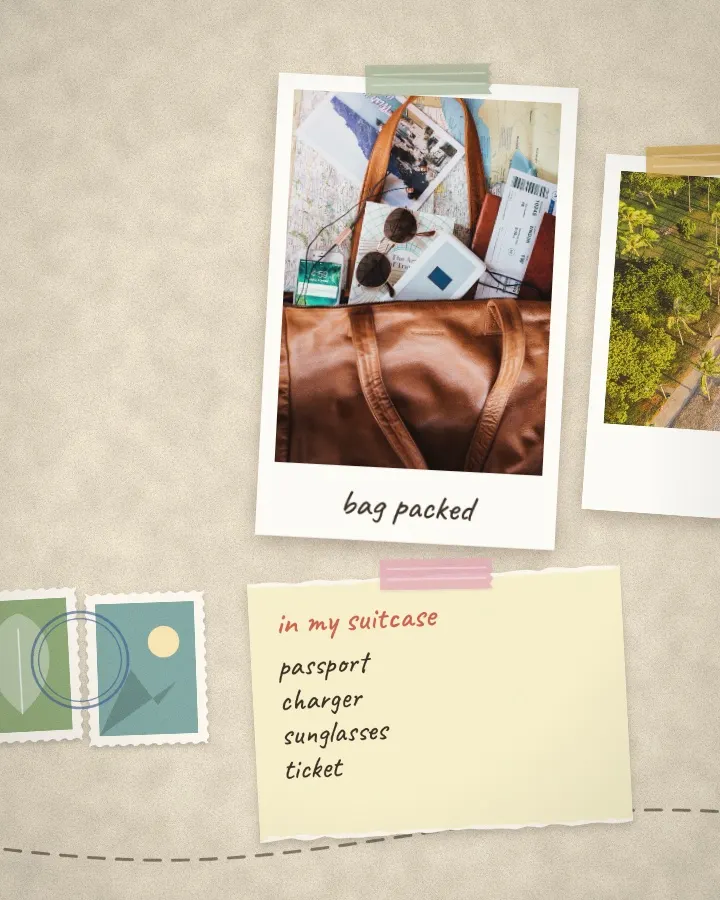
Seven photos run through six 4:5 slides: first stop, travel notes, a "in my suitcase" list and a last stop by the sea. Route, section titles, packing list, polaroid captions and the closing question ("where to next?") are all editable, plus fonts and styles.
Included with ReelClub Pro: $4.99/week or $29.99/year, 3-day free trial.
Perfect for
- Holiday recap in a travel diary
- City break or road trip posts
- Summer trip photo journals
What you’ll need
- passport / plane window
- journal or map
- a street you walked
- suitcase / ticket
- sky
- sea / beach (landscape)
- your favorite shot
Tip: Open with a passport or plane-window shot, finish with sea or sky, and write the route line for your real trip so the boarding pass feels like yours.
Text you can change
- “TICKET · STAMP · SNAP”
- “travel journal”
- “01 FIRST STOP”
- “a morning in rome”
- “02 TRAVEL NOTES”
- “getting lost is lovely”
- “03 LAST STOP”
- “facing the sea”
- “IST → FCO”
- “where to next?”
Every line, font and style can be changed in the editor.
Caption ideas
- getting lost is lovely
- packed, stamped and already missing it
- where to next?
How do you use this template?
- Download ReelClub from the App Store and open this template.
- Tap “Use template” and pick photos and videos from your library. The app shows what each slot is for.
- Change the text, music or framing if you like, then export. It saves to Photos, ready for Instagram or TikTok.
You might also like
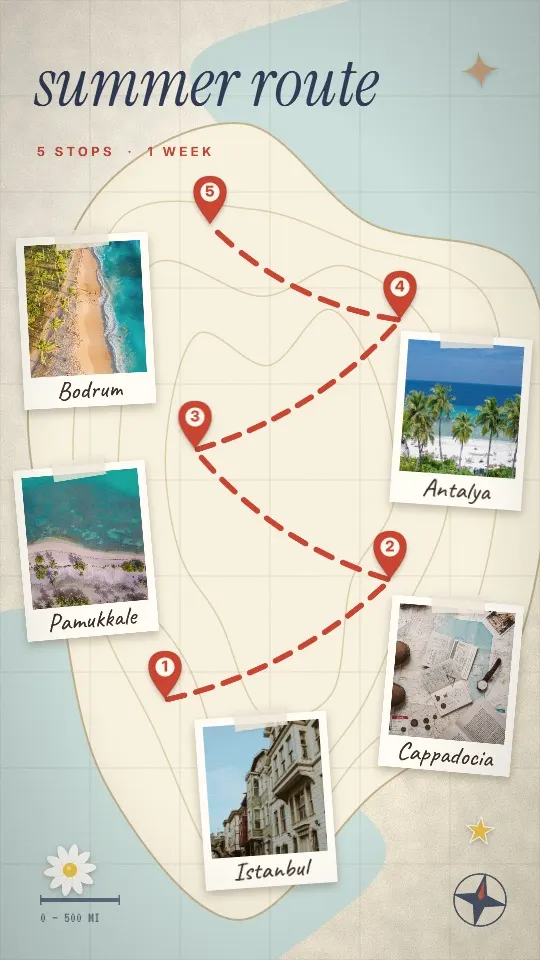
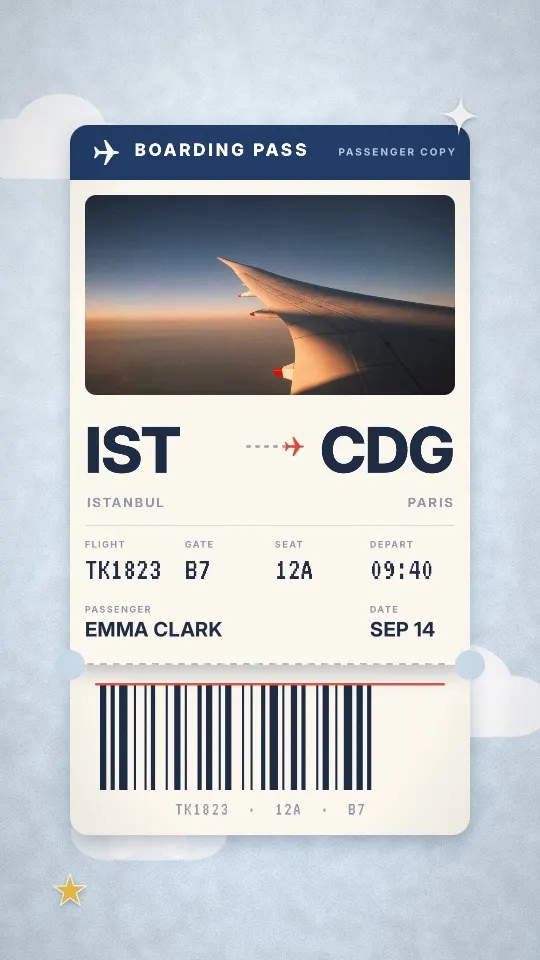


Your photos, edited.
Download ReelClub on iPhone. Browse every template for free, use 10 of them without paying, and try Pro free for 3 days.




