- Home
- All templates
- Photo dump templates
- Cork board
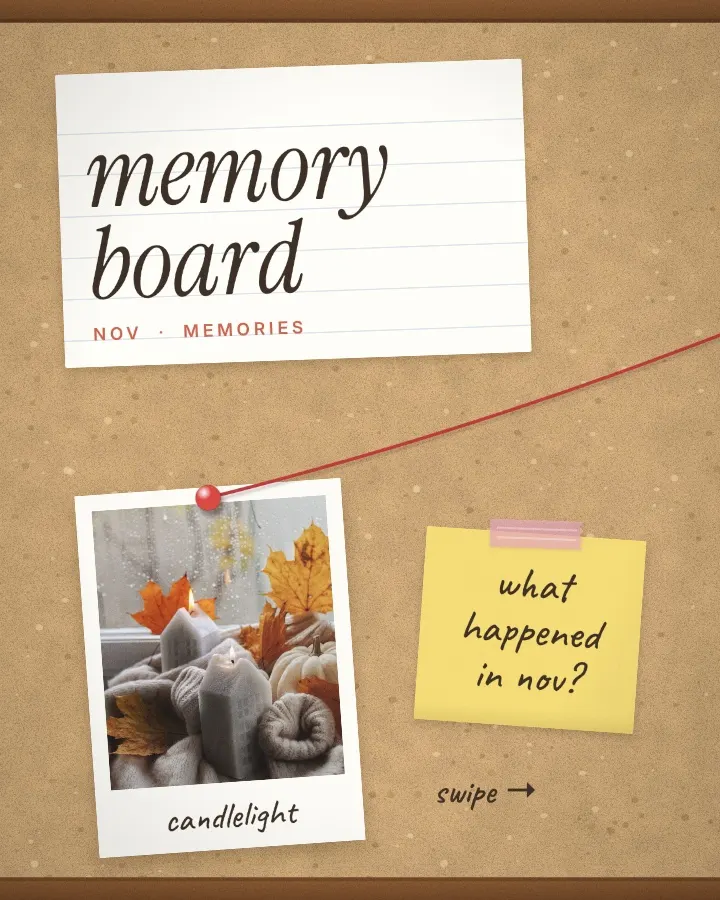
Slides are cut from one wide design, so the post flows seamlessly as you swipe.
Everyday · Carousel
Cork Board Carousel Template
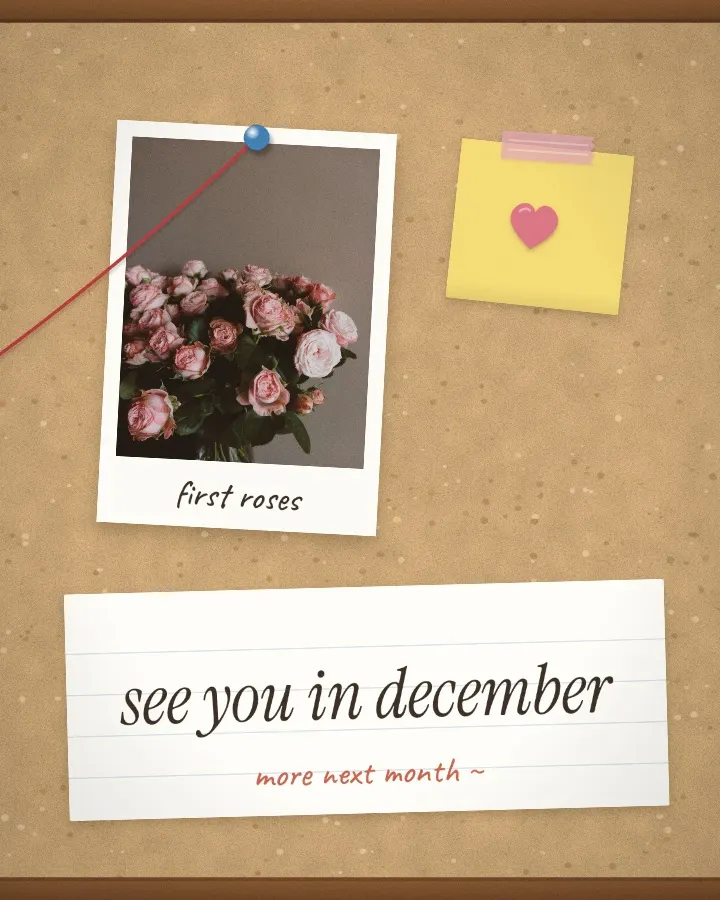
A cork board carousel that pins your month's small keepsakes in place. The cover is brown cork framed in wood, with a lined index card titled "memory board", a red string running to a pushpin, a polaroid of candles and autumn leaves and a yellow sticky note asking "what happened in nov?".
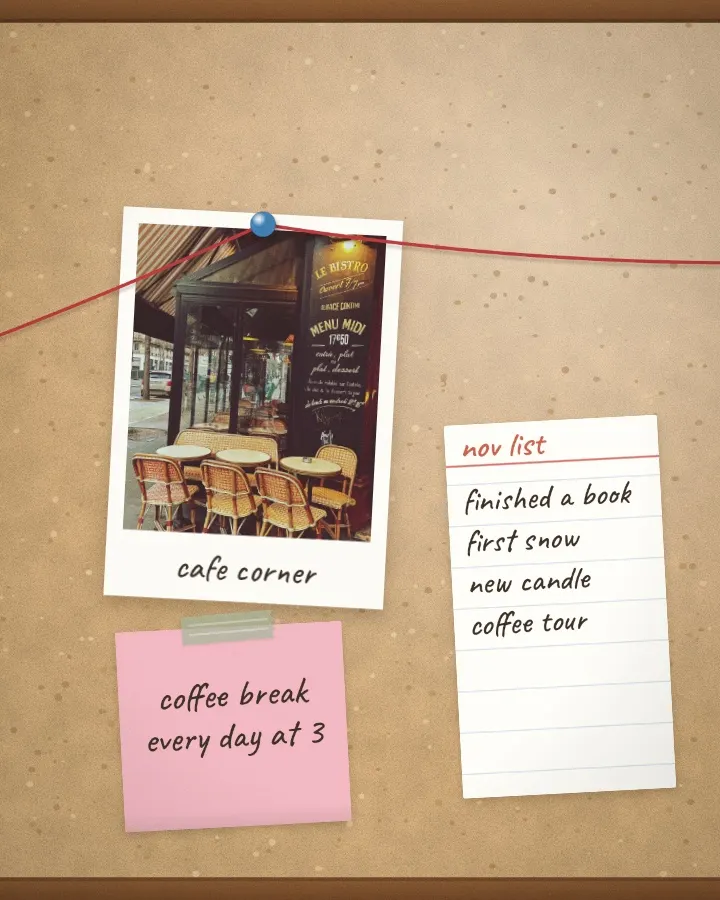
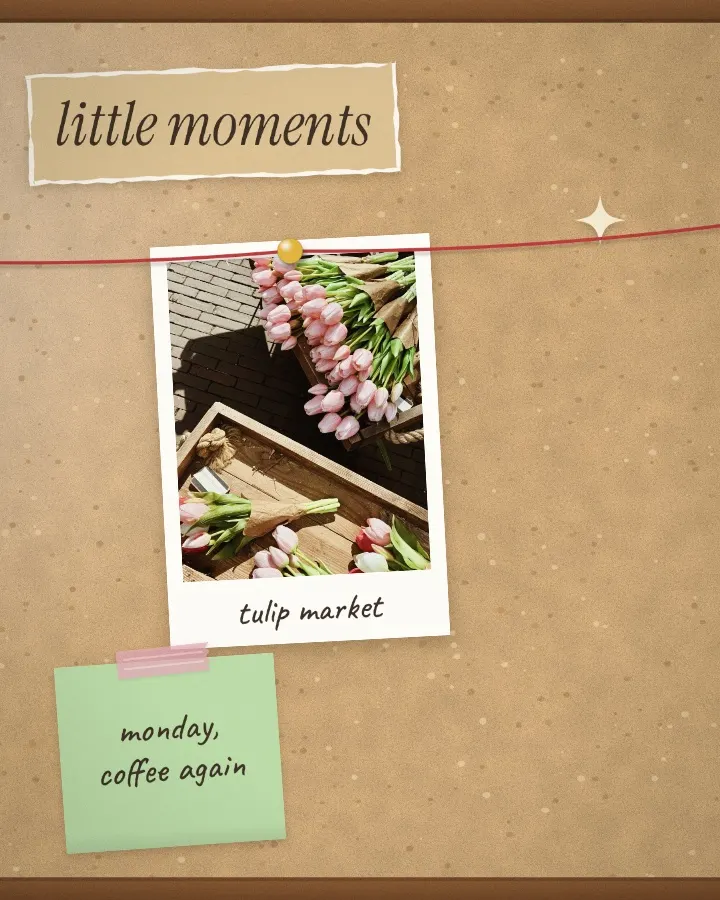
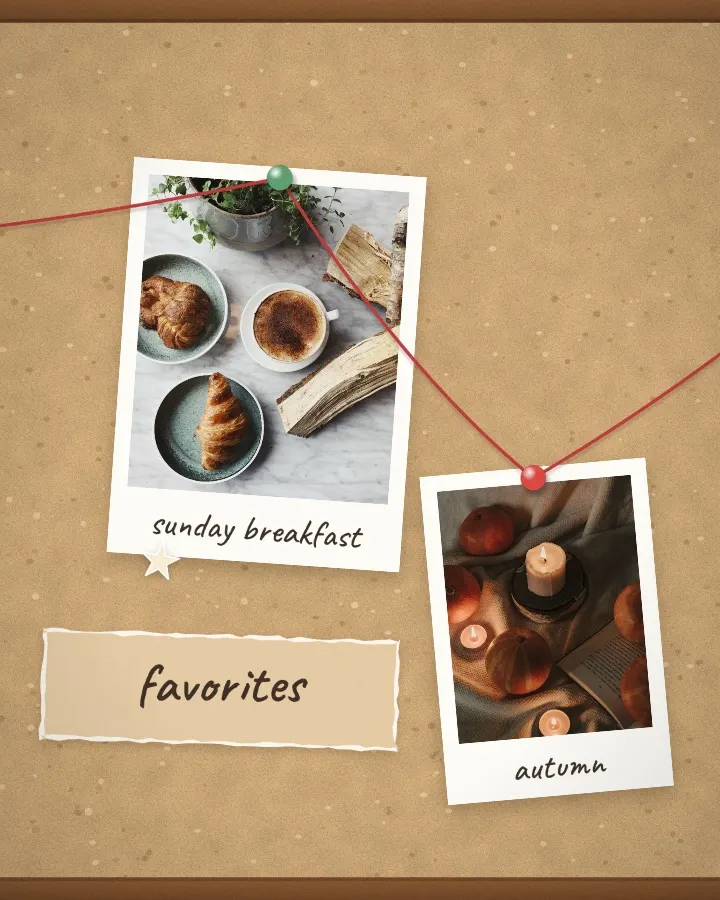
Six photos spread over five 4:5 slides: candle, cafe, flowers, breakfast, autumn and a favorite bloom. Further slides add a "nov list" and a "little moments" section. All the notes, list lines, headings and the closing line are editable, and you can change fonts and styles.
Included with ReelClub Pro: $4.99/week or $29.99/year, 3-day free trial.
Perfect for
- A memory-board monthly recap
- Small moments and favorites lists
- Scrapbook-style autumn carousels
What you’ll need
- candle / autumn shot
- cafe or street
- flowers
- food / breakfast
- autumn
- your favorite flower
Tip: Write short sticky-note captions that read like real memories, such as a time or a habit, and put your most colorful photo in the polaroid by the red string.
Text you can change
- “NOV · MEMORIES”
- “memory board”
- “favorites”
- “little moments”
- “see you in december”
- “more next month ~”
- “finished a book first snow new candle coffee tour”
- “nov list”
- “what happened in nov?”
- “candlelight”
Every line, font and style can be changed in the editor.
Caption ideas
- pinned to the board: everything november
- what happened in nov? mostly coffee
- little moments, kept with thumbtacks
How do you use this template?
- Download ReelClub from the App Store and open this template.
- Tap “Use template” and pick photos and videos from your library. The app shows what each slot is for.
- Change the text, music or framing if you like, then export. It saves to Photos, ready for Instagram or TikTok.
You might also like
Your photos, edited.
Download ReelClub on iPhone. Browse every template for free, use 10 of them without paying, and try Pro free for 3 days.




