- Home
- All templates
- Carousel templates
- Sunday list
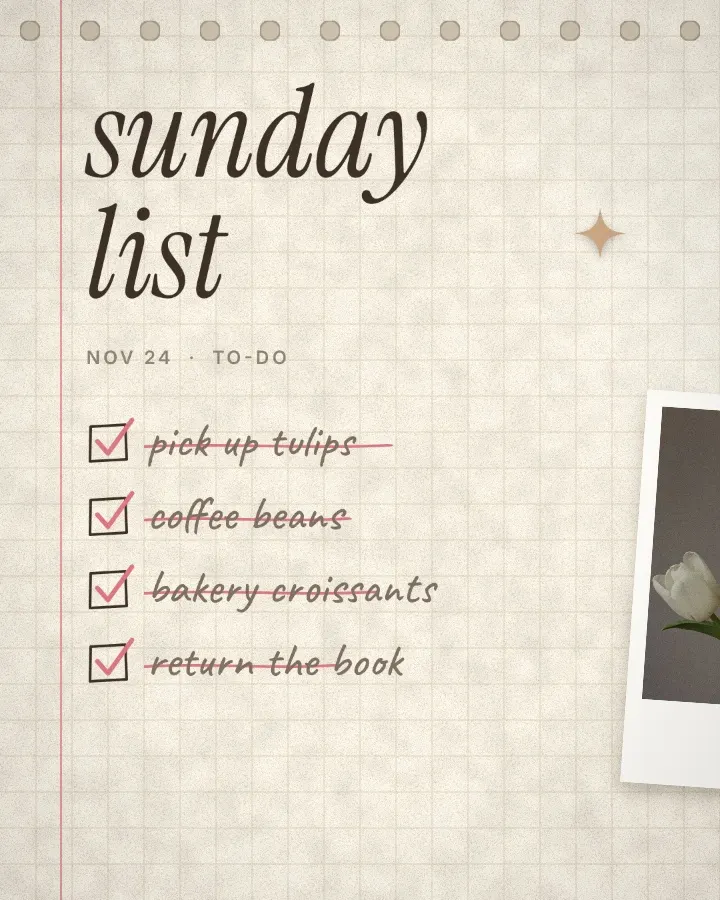
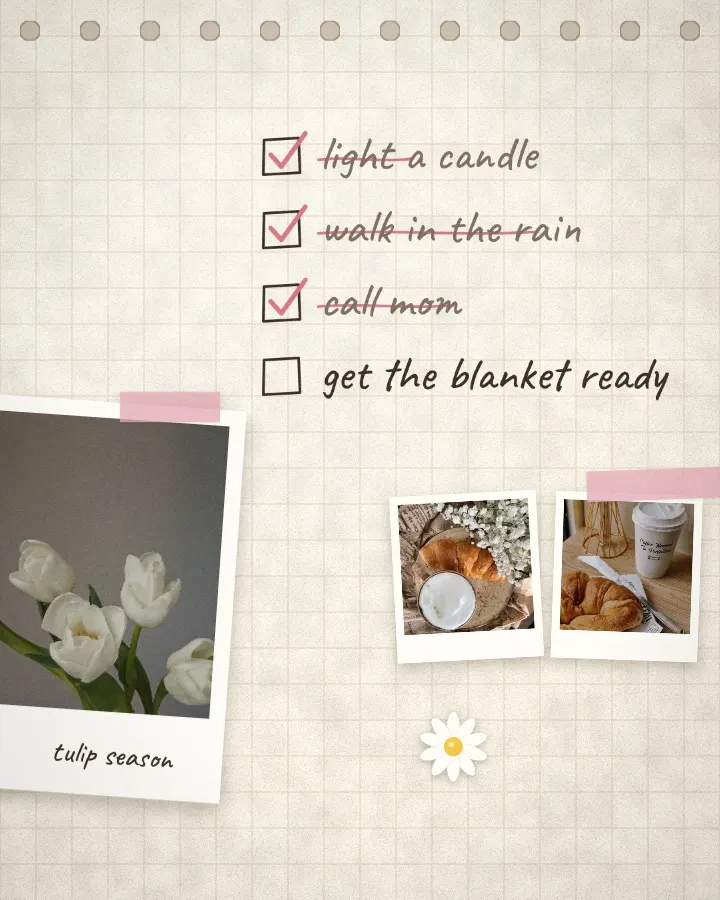

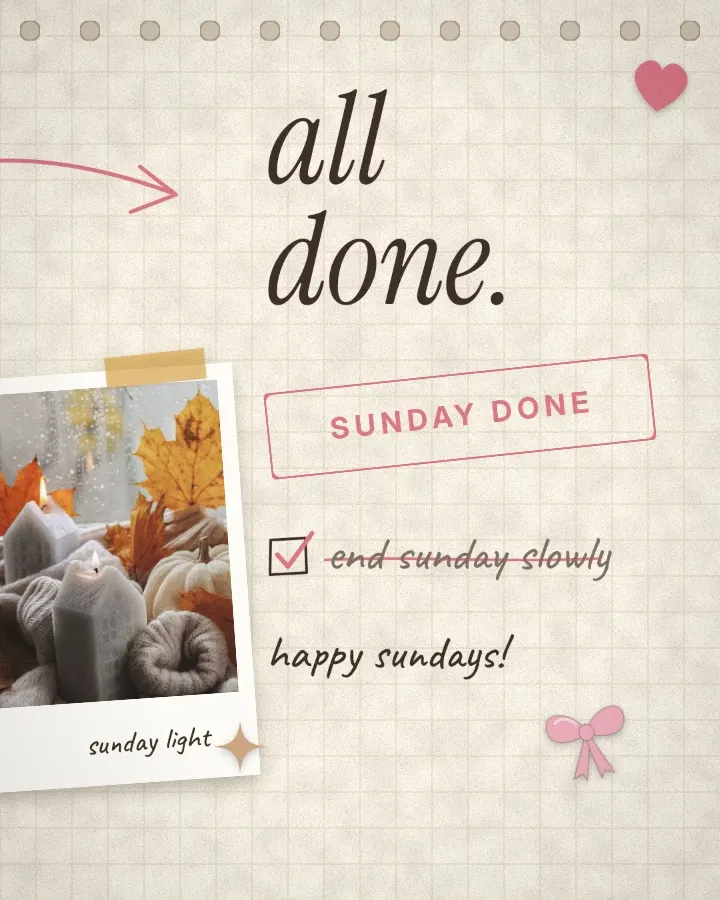
Slides are cut from one wide design, so the post flows seamlessly as you swipe.
Everyday · Carousel
Sunday List Carousel Template
A Sunday to-do list carousel where every task gets ticked off with a photo. The cover is cream notebook paper with a red margin line and punched holes, a serif title ("sunday list"), a date line and four items in a handwritten script, each struck through and checked in pink, while a tulip photo slides in from the right.
Six photos fill four 4:5 slides, with up to twelve list items to write. The slot hints suggest a vertical flower, candle, coffee, cup, food and book. Edit every list line, the notes and the closing words ("all done.") and change the font and style.
Included with ReelClub Pro: $4.99/week or $29.99/year, 3-day free trial.
Perfect for
- A slow Sunday routine post
- Cozy weekend to-do carousels
- Planner-style lifestyle content
What you’ll need
- flower (vertical)
- candle / home
- coffee
- coffee cup
- food
- book
Tip: Make the first photo a vertical flower or any single object with space around it, since it sits beside the tall list. Match list items to the photos.
Text you can change
- “NOV 24 · TO-DO”
- “sunday list”
- “all done.”
- “happy sundays!”
- “pick up tulips”
- “brew some tea”
- “a little gift for you”
- “end sunday slowly”
- “coffee beans”
- “bakery croissants”
Every line, font and style can be changed in the editor.
Caption ideas
- sunday list: all done
- tulips, croissants, a candle and a call to mom
- ended sunday slowly, as planned
How do you use this template?
- Download ReelClub from the App Store and open this template.
- Tap “Use template” and pick photos and videos from your library. The app shows what each slot is for.
- Change the text, music or framing if you like, then export. It saves to Photos, ready for Instagram or TikTok.
You might also like


Your photos, edited.
Download ReelClub on iPhone. Browse every template for free, use 10 of them without paying, and try Pro free for 3 days.




