- Home
- All templates
- Photo dump templates
- My desktop
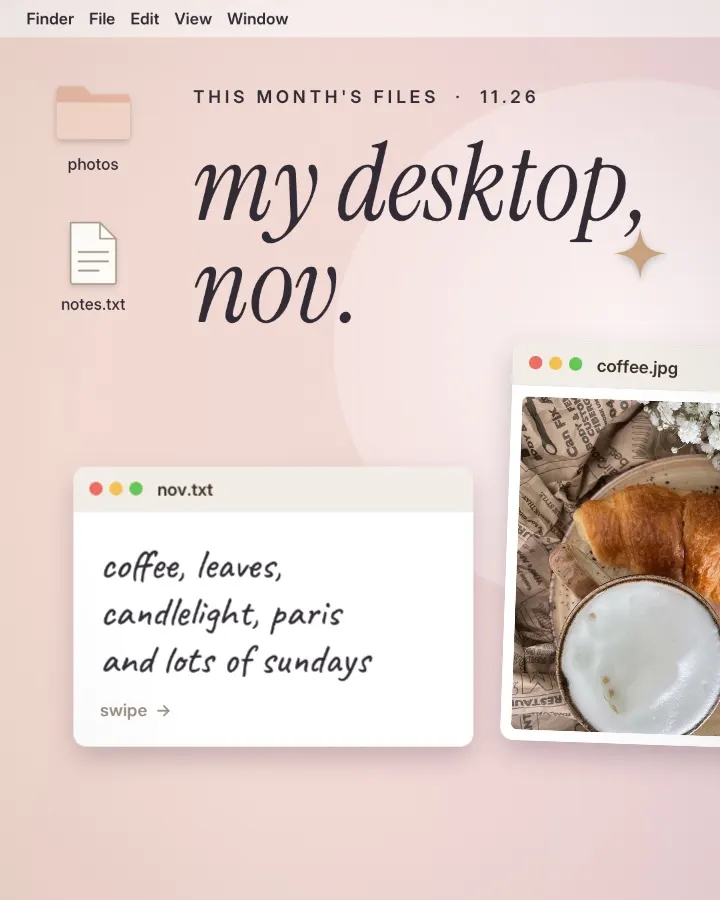
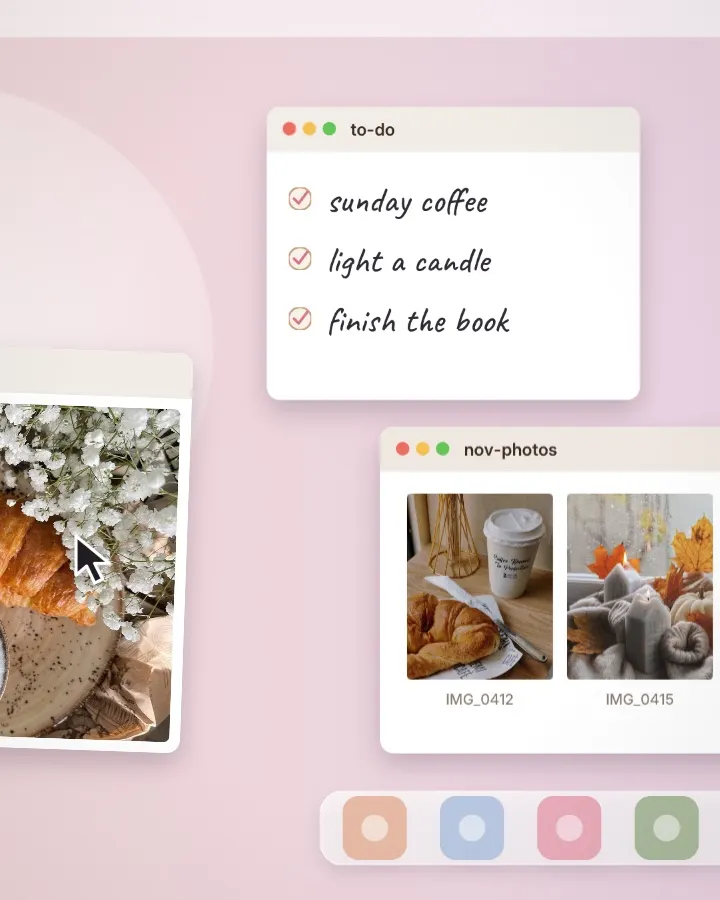
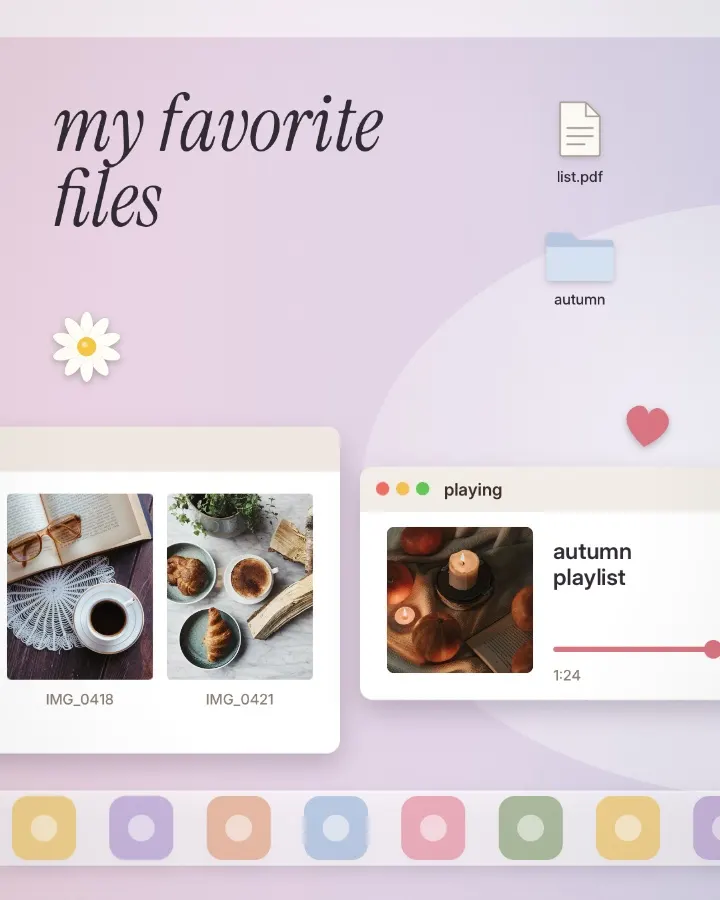
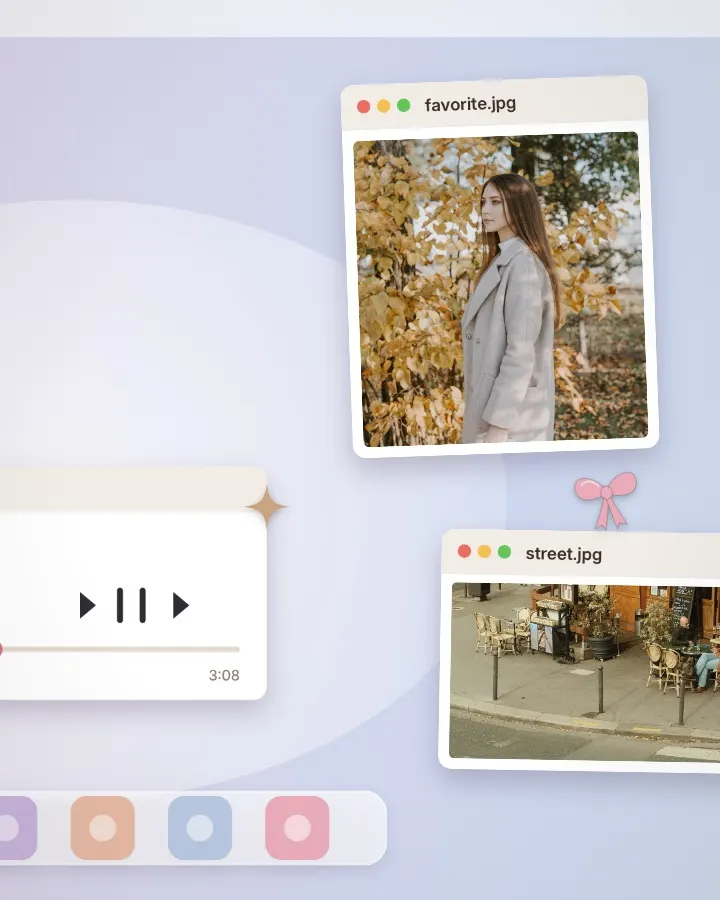
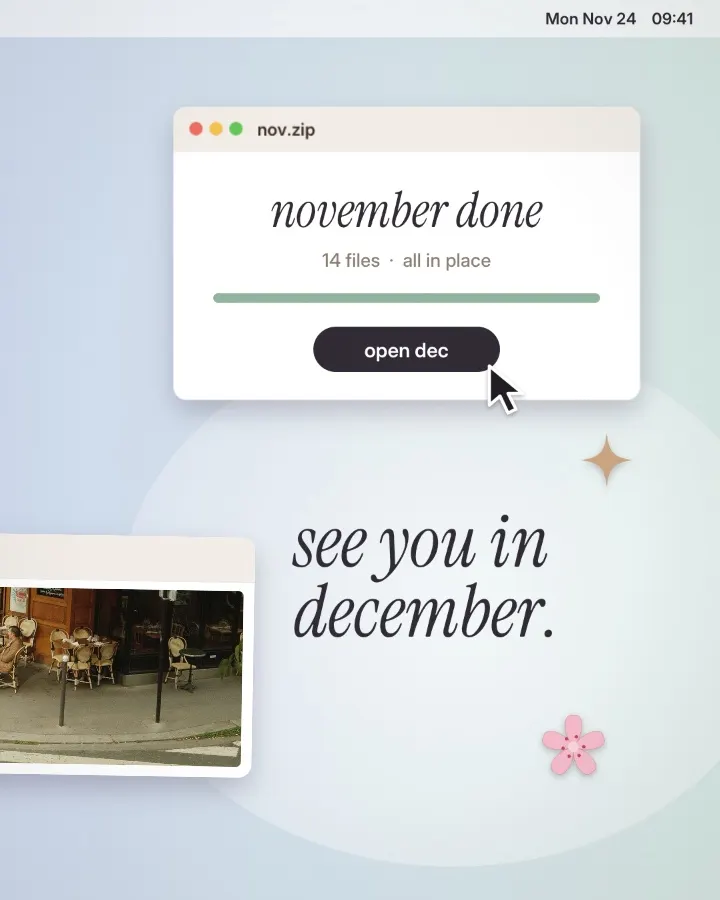
Slides are cut from one wide design, so the post flows seamlessly as you swipe.
Everyday · Carousel
My Desktop Carousel Template
A computer-desktop carousel that recaps your month as if it were a screen full of files. The cover is a pale pink desktop with a Finder-style menu bar, folder icons, a serif title ("my desktop, nov."), a text-file window with your notes and a photo in a window titled "coffee.jpg".
Eight photos fill five 4:5 slides, including a vertical favorite, an album-cover square and a horizontal street shot. You can edit the subtitle, the file window text, the to-do lines, the playlist name and the closing note, and change fonts and styles.
Included with ReelClub Pro: $4.99/week or $29.99/year, 3-day free trial.
Perfect for
- A month-in-files recap
- Playlist, to-do and photo dump in one
- Posts for people who live on their laptop
What you’ll need
- favorite shot (vertical)
- coffee / breakfast
- album cover (square)
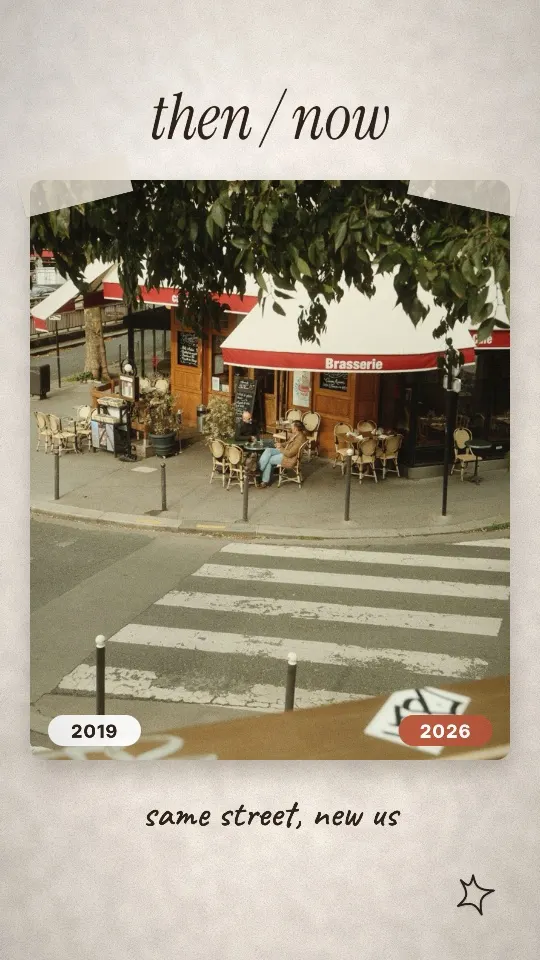
- street / landscape (horizontal)
- coffee
- candle / autumn
- book
- food
Tip: Use a square image for the album-cover slot, such as a cropped playlist cover or a tight coffee shot, and set its focus point so the cup stays visible.
Text you can change
- “THIS MONTH'S FILES · 11.26”
- “my desktop, nov.”
- “my favorite files”
- “november done”
- “see you in december.”
- “sunday coffee”
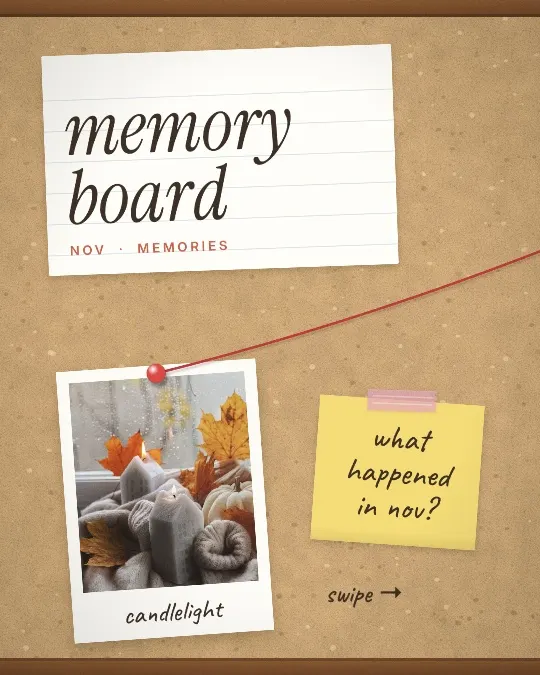
- “light a candle”
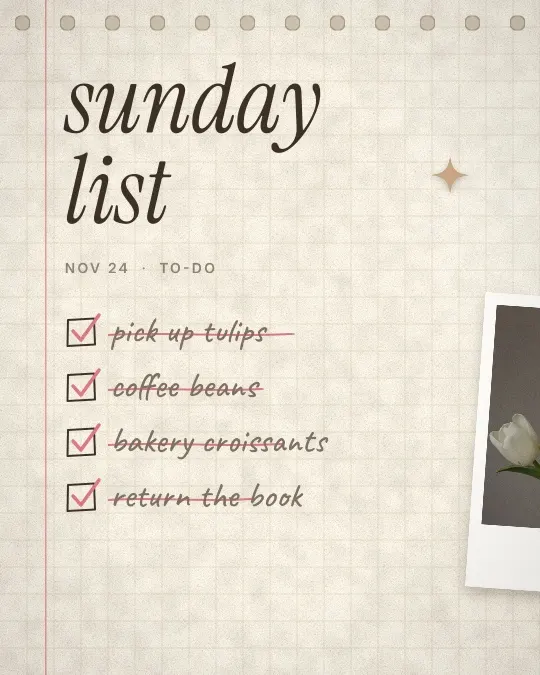
- “finish the book”
- “coffee, leaves, candlelight, paris and lots of sundays”
- “autumn playlist”
Every line, font and style can be changed in the editor.
Caption ideas
- november, saved as final_final.jpg
- my favorite files this month
- closing all the tabs. see you in december
How do you use this template?
- Download ReelClub from the App Store and open this template.
- Tap “Use template” and pick photos and videos from your library. The app shows what each slot is for.
- Change the text, music or framing if you like, then export. It saves to Photos, ready for Instagram or TikTok.
You might also like





Your photos, edited.
Download ReelClub on iPhone. Browse every template for free, use 10 of them without paying, and try Pro free for 3 days.




