- Home
- All templates
- Photo dump templates
- November recap
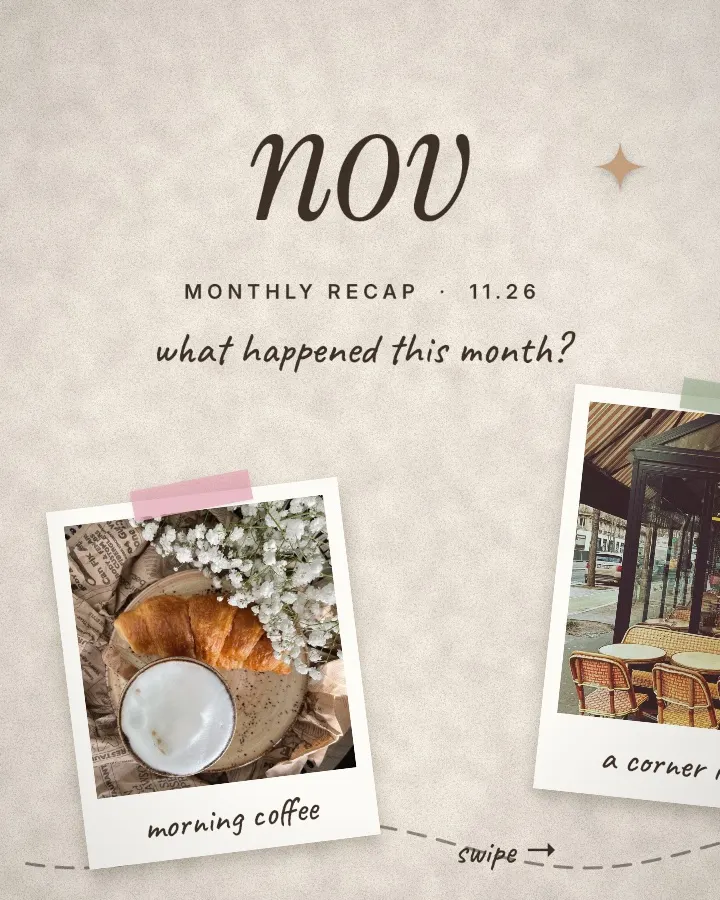
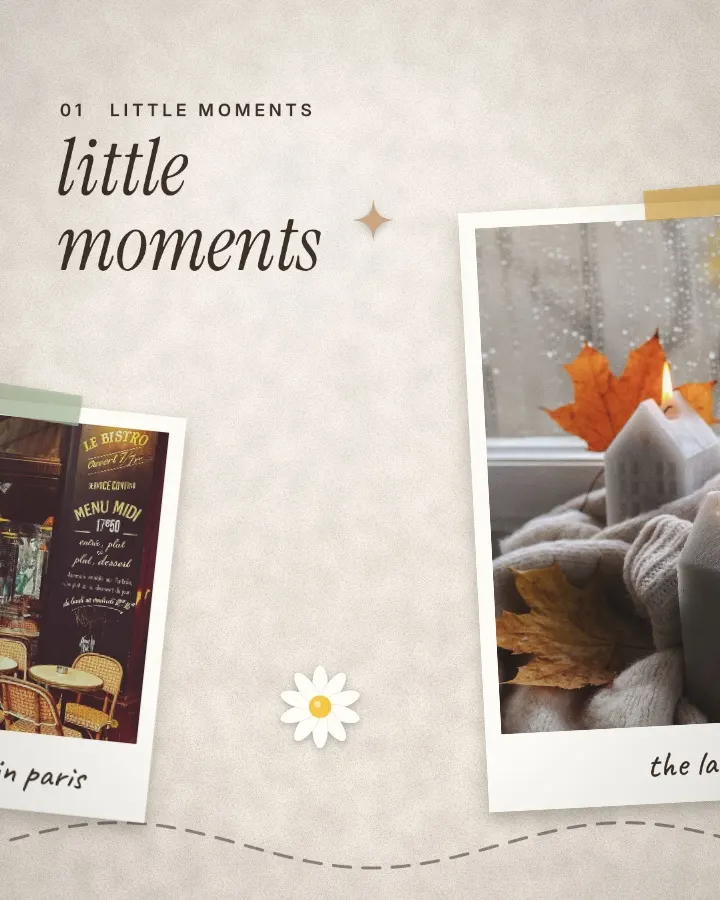
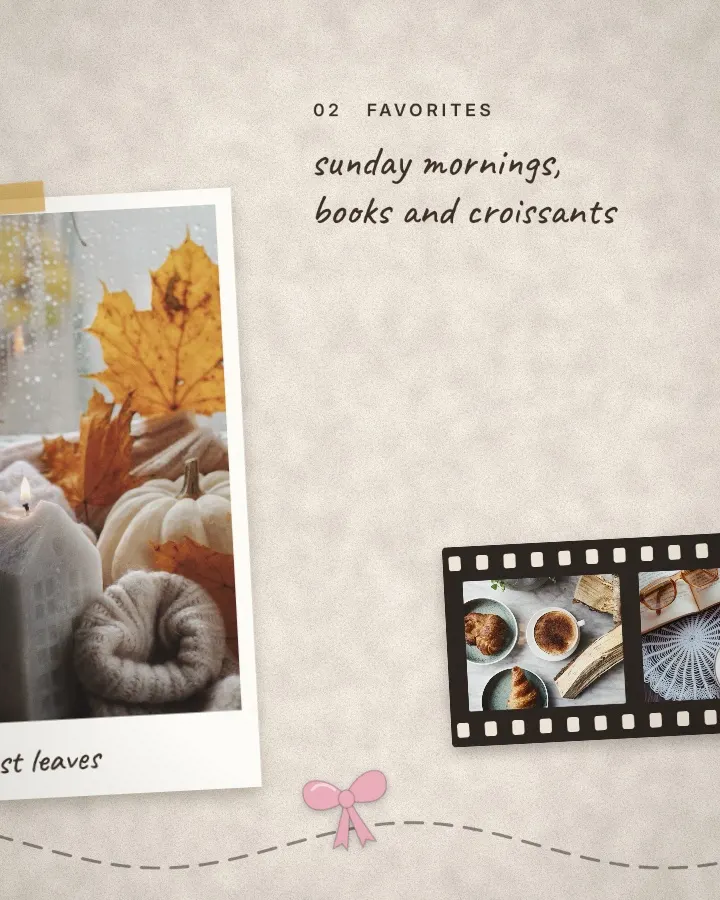

Slides are cut from one wide design, so the post flows seamlessly as you swipe.
Photo dump · Carousel
November Recap Carousel Template
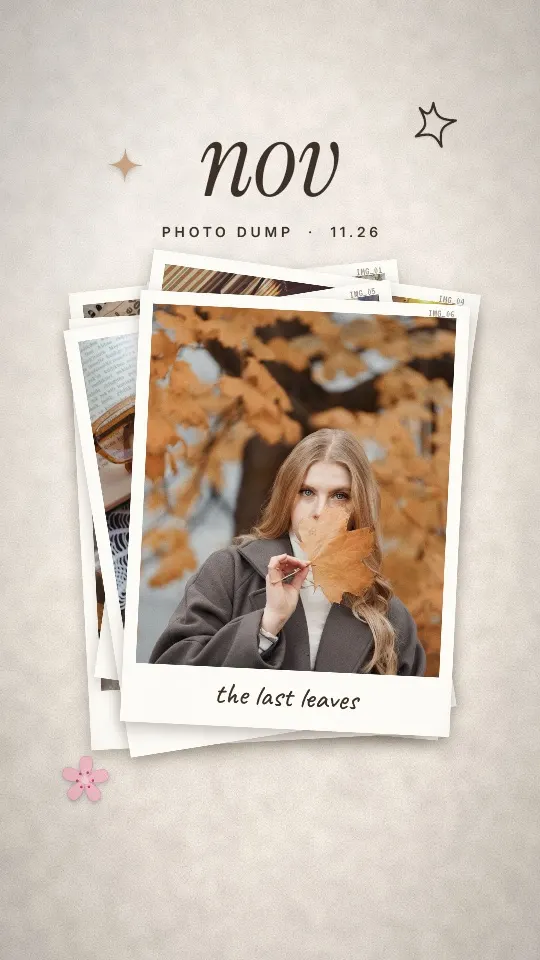
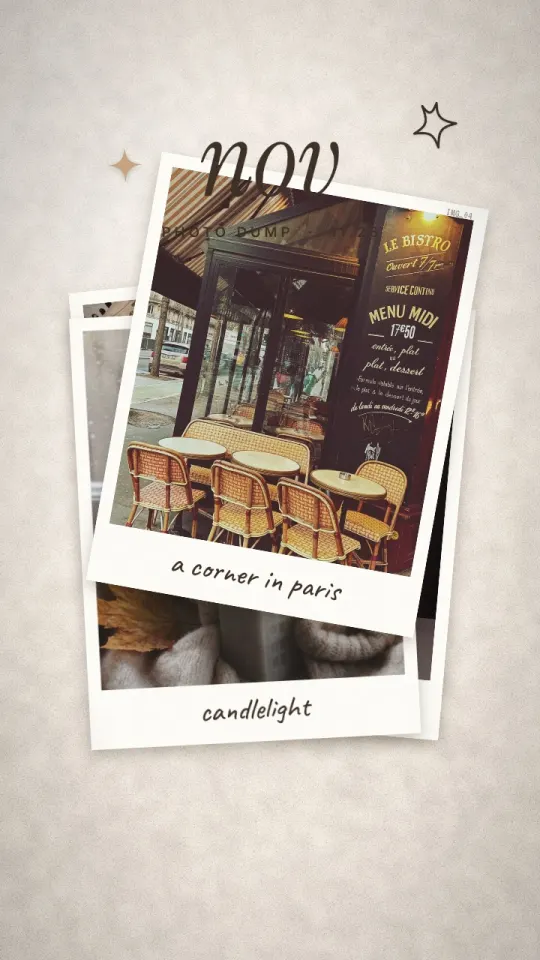
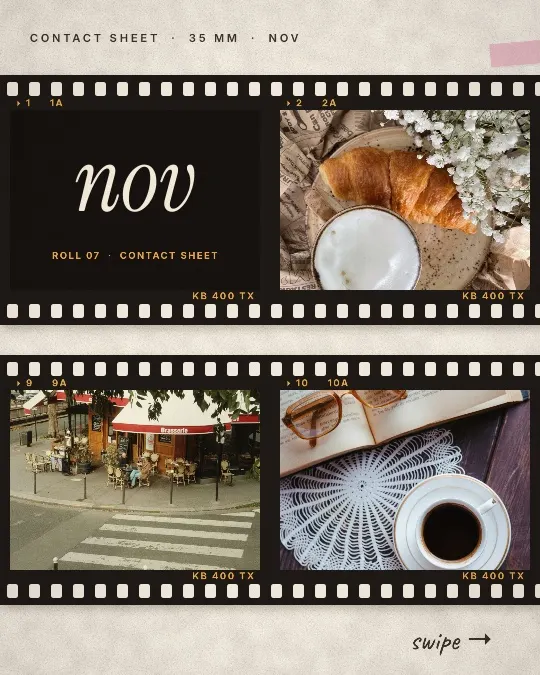
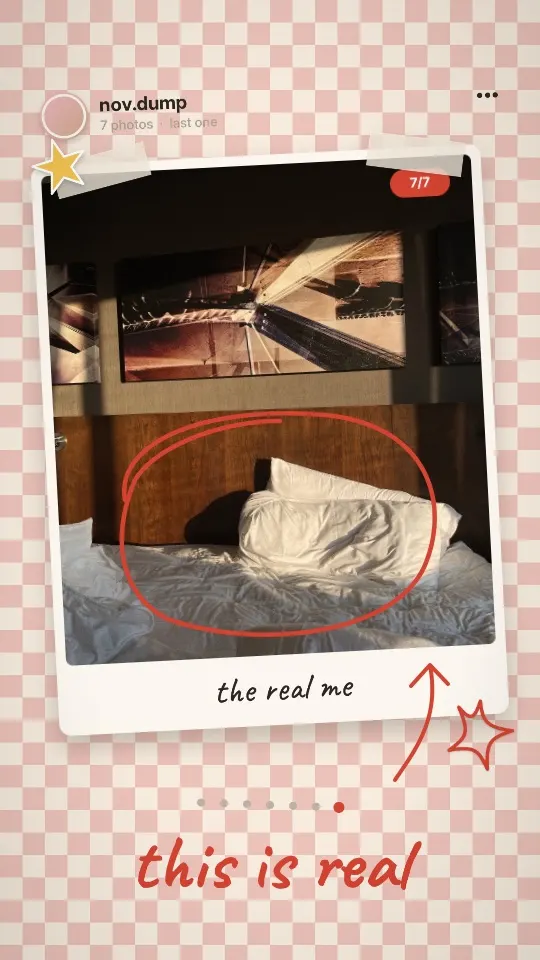
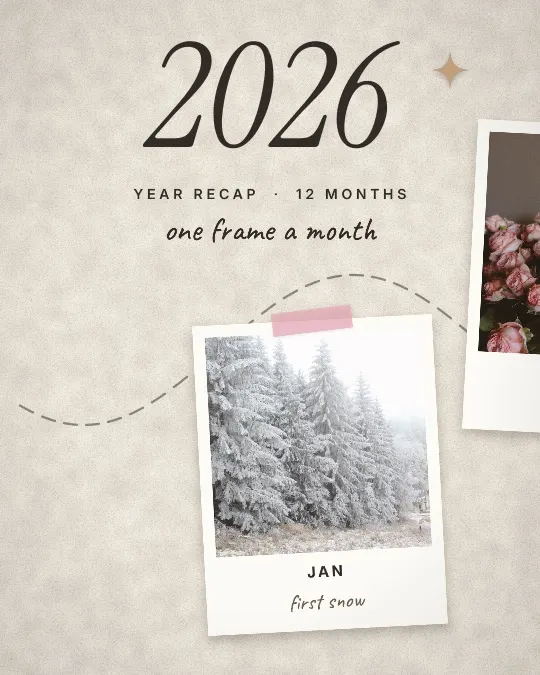
A four-slide November photo dump for Instagram, set on warm paper with taped polaroids, a pink tape strip and a big handwritten "nov" on the first slide. A line asks, "what happened this month?" and a dashed arrow nudges viewers to swipe.
It has 6 photo slots across 4 slides in the 4:5 carousel format, and one of them is a vertical favorite. The monthly recap label ("monthly recap · 11.26"), the section titles such as "little moments" and "favorites," and each polaroid caption can be edited. Swap the month and date for any other, and the same layout still works.
Included with ReelClub Pro: $4.99/week or $29.99/year, 3-day free trial.
Perfect for
- Monthly recap posts for any month
- Autumn photo dumps with captions
- Slow, coffee-and-books diaries
What you’ll need
- coffee / breakfast
- street / café
- your favorite shot (vertical)
- food
- book / desk
- flowers / home
Tip: Put your strongest vertical photo in the favorite slot, and fill the polaroids with everyday scenes like coffee, breakfast, a street and a café table.
Text you can change
- “MONTHLY RECAP · 11.26”
- “what happened this month?”
- “nov”
- “01 LITTLE MOMENTS”
- “little moments”
- “02 FAVORITES”
- “sunday mornings, books and croissants”
- “december, we're waiting”
- “more next month”
- “morning coffee”
Every line, font and style can be changed in the editor.
Caption ideas
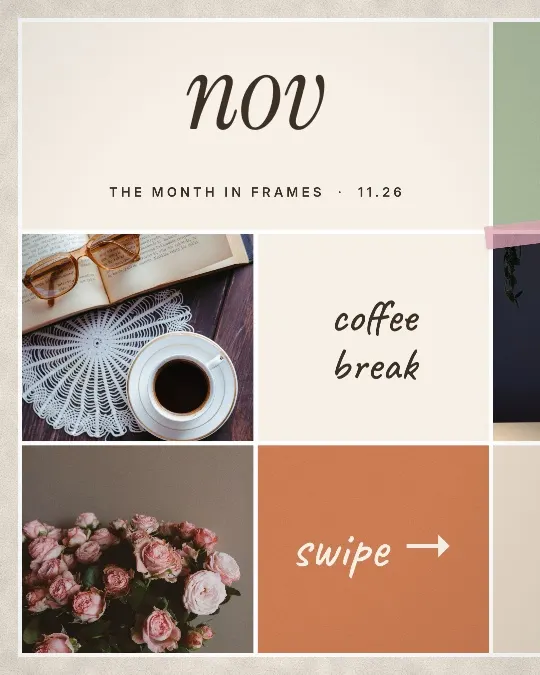
- nov, in six small frames
- what happened this month? mostly coffee
- sunday mornings, books and croissants
How do you use this template?
- Download ReelClub from the App Store and open this template.
- Tap “Use template” and pick photos and videos from your library. The app shows what each slot is for.
- Change the text, music or framing if you like, then export. It saves to Photos, ready for Instagram or TikTok.
You might also like

Your photos, edited.
Download ReelClub on iPhone. Browse every template for free, use 10 of them without paying, and try Pro free for 3 days.




