- Home
- All templates
- Photo dump templates
- December recap
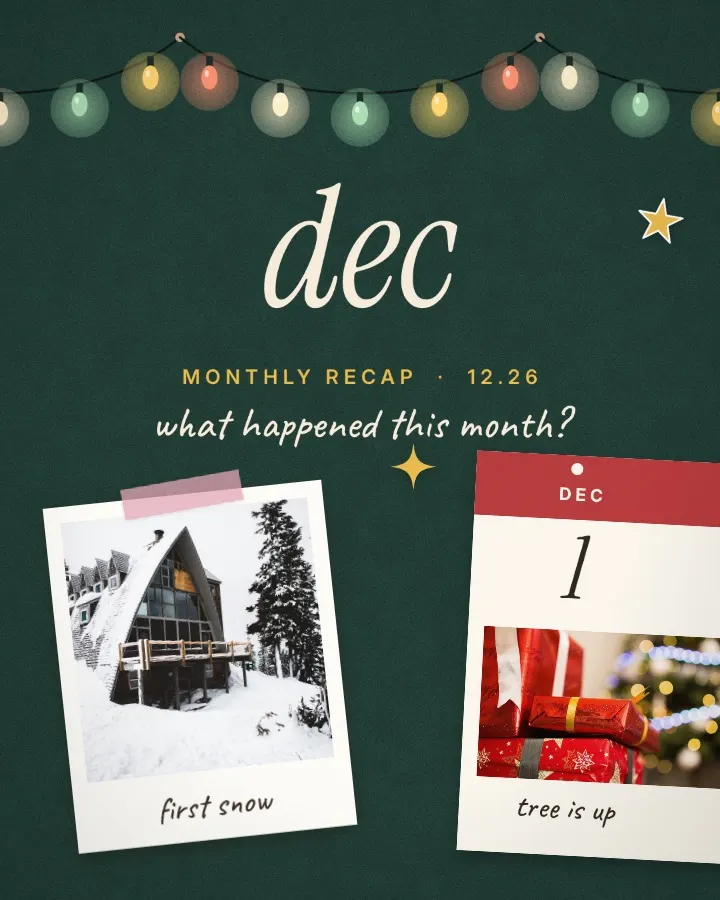
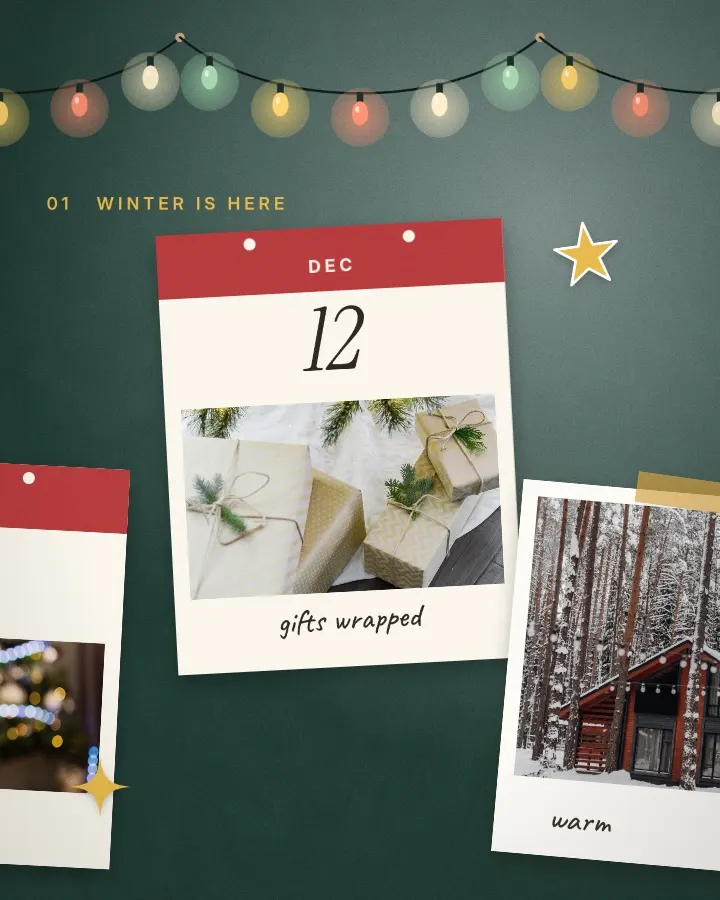
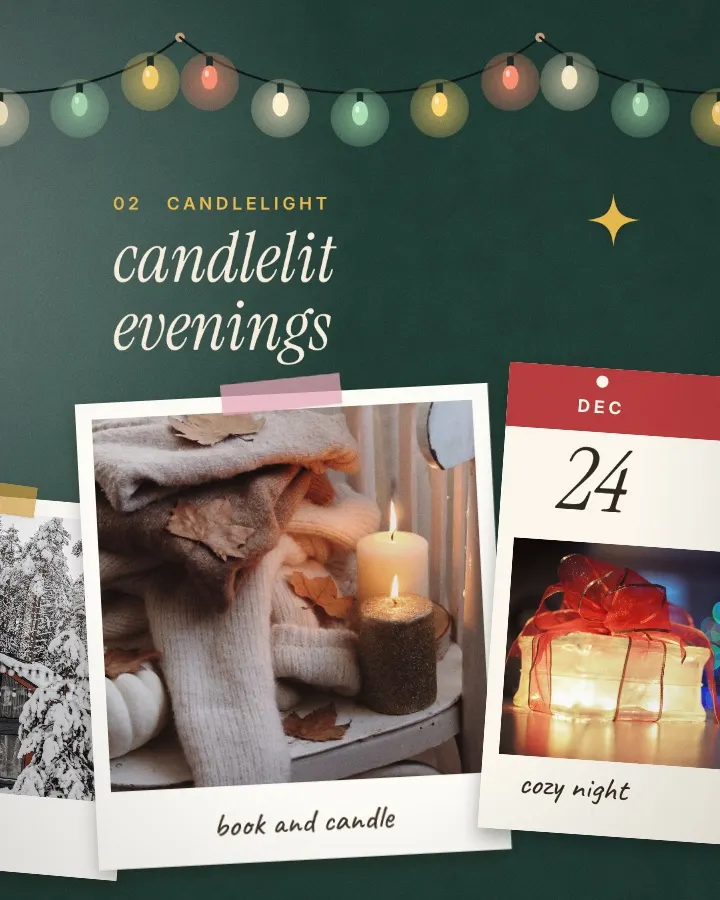
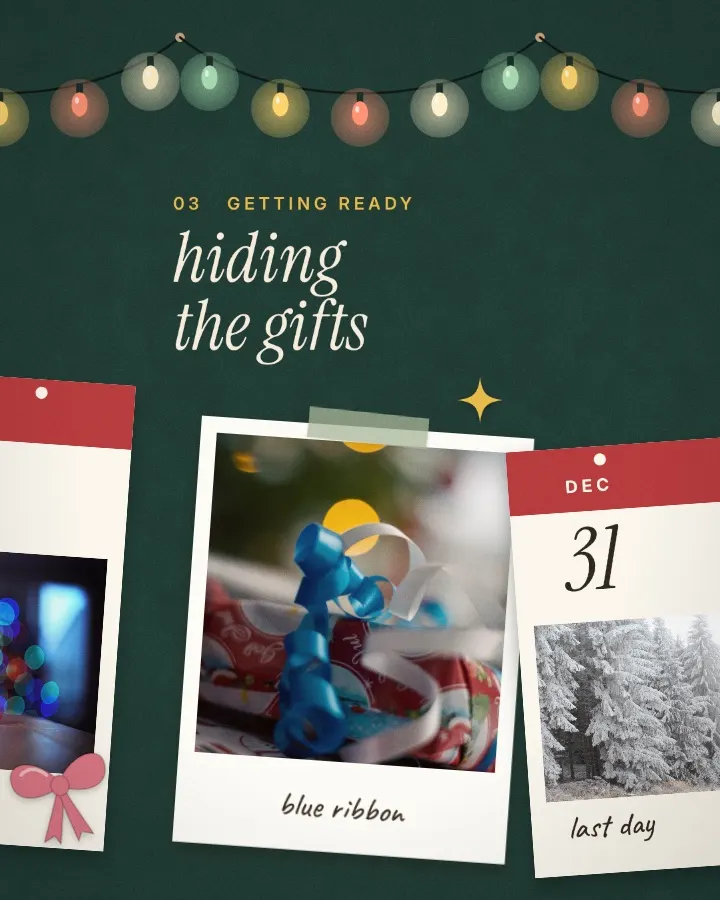
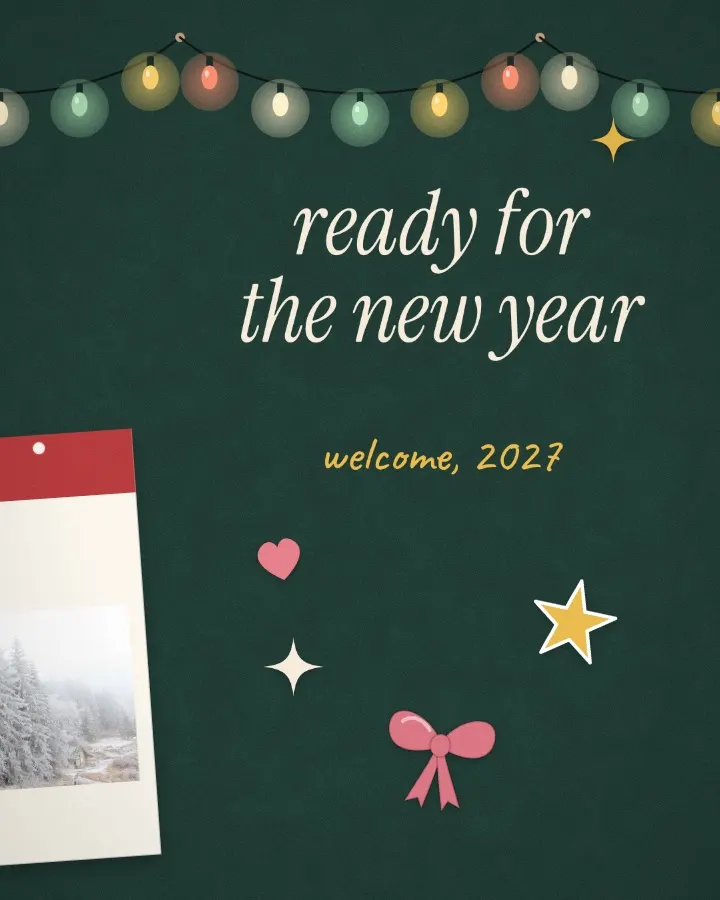
Slides are cut from one wide design, so the post flows seamlessly as you swipe.
Special days · Carousel
December Recap Carousel Template
A December carousel in deep evergreen, with a string of warm holiday lights across the top and a big "dec" in cream script. Instead of plain polaroids, some photos sit on tear-off calendar pages with a red header, and others on snapshot cards labeled "first snow" and "tree is up."
The template spans 5 slides in the 4:5 format with 8 photo slots, so you can fit a whole month of winter: a tree, ornaments, snow, a cabin, gifts and candles. The recap label, section headings like "candlelit evenings" and every caption are editable.
Included with ReelClub Pro: $4.99/week or $29.99/year, 3-day free trial.
Perfect for
- Holiday and December monthly recaps
- End-of-year photo dumps with a winter feel
- Gift, tree and candlelight memories
What you’ll need
- tree / ornament
- snow / winter scene
- gift / package
- winter cabin
- candle / cozy corner
- glowing gift
- gift (with ribbon)
- snowy trees
Tip: Mix scales across the 8 slots: a wide winter scene or cabin, close-ups of ornaments and candles, and one gift or package shot for the calendar pages.
Text you can change
- “MONTHLY RECAP · 12.26”
- “what happened this month?”
- “dec”
- “01 WINTER IS HERE”
- “02 CANDLELIGHT”
- “candlelit evenings”
- “03 GETTING READY”
- “hiding the gifts”
- “12”
- “24”
Every line, font and style can be changed in the editor.
Caption ideas
- dec, in warm lights
- what happened this month? the tree went up
- candlelit evenings, a quiet end to the year
How do you use this template?
- Download ReelClub from the App Store and open this template.
- Tap “Use template” and pick photos and videos from your library. The app shows what each slot is for.
- Change the text, music or framing if you like, then export. It saves to Photos, ready for Instagram or TikTok.
You might also like
Your photos, edited.
Download ReelClub on iPhone. Browse every template for free, use 10 of them without paying, and try Pro free for 3 days.




