- Home
- All templates
- Photo dump templates
- Page by page
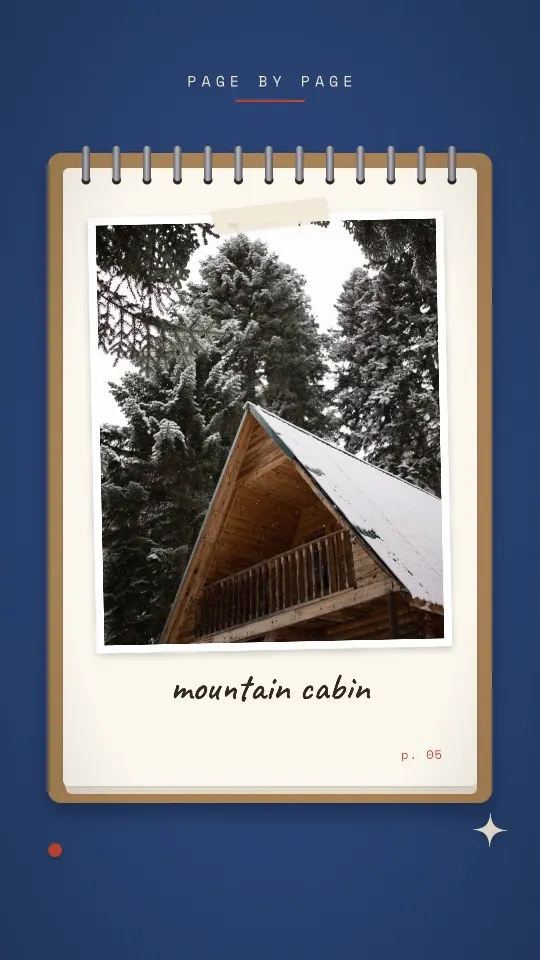
Photo dump · Reel
Page By Page Reel Template
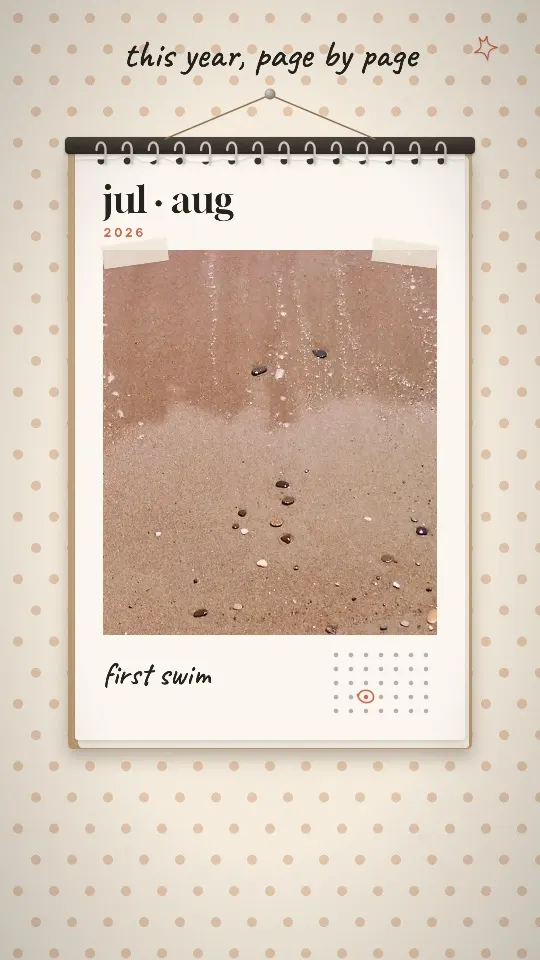
Your year as a spiral notebook, flipped one page at a time. A navy backdrop, a ring-bound page with a photo taped on it, and a handwritten caption underneath such as "mountain cabin" make it feel like a keepsake. A label reads "page by page" along the top and a small "2026 · VOL. 01" sets the year.
The template has 8 slots (7 photos and 1 video) and runs around 11 seconds, with beat-synced music. Edit every caption, from "window seat" to "blank pages," and the year. It's a tidy fit for chapters like trips, school, work and winter.
Included with ReelClub Pro: $4.99/week or $29.99/year, 3-day free trial.
Perfect for
- 2026 year-end photo recaps
- A scrapbook of the semester
- Chapter-style travel or life updates
What you’ll need
- page 1: a trip
- page 2: school / work
- page 3: desk / notebook
- page 4: street / flowers
- page 5: winter
- page 6: night
- page 7: breakfast / home
- video: last page, opens full screen
Tip: Plan one photo per chapter, such as trip, school, desk, street, flowers and winter, and keep the video for the very last page.
Text you can change
- “2026 · VOL. 01”
- “little moments”
- “and more”
- “more in 2027”
- “window seat”
- “new term”
- “blank pages”
- “by the flower stand”
- “mountain cabin”
- “lights on”
Every line, font and style can be changed in the editor.
Caption ideas
- 2026, vol. 01
- turning the pages of this year
- more in 2027
How do you use this template?
- Download ReelClub from the App Store and open this template.
- Tap “Use template” and pick photos and videos from your library. The app shows what each slot is for.
- Change the text, music or framing if you like, then export. It saves to Photos, ready for Instagram or TikTok.
You might also like

Your photos, edited.
Download ReelClub on iPhone. Browse every template for free, use 10 of them without paying, and try Pro free for 3 days.




