- Home
- All templates
- Birthday
- Age counter
Special days · Story
Age Counter Story Template
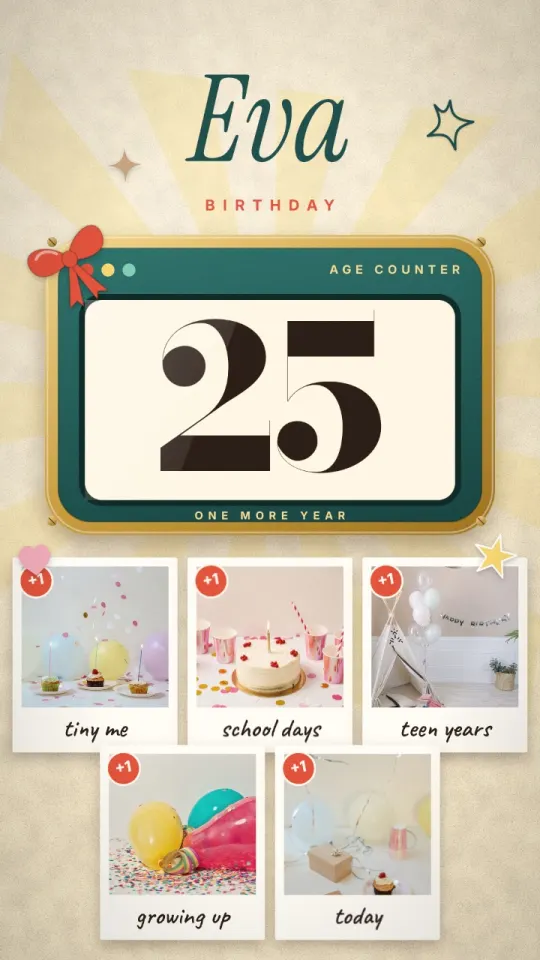
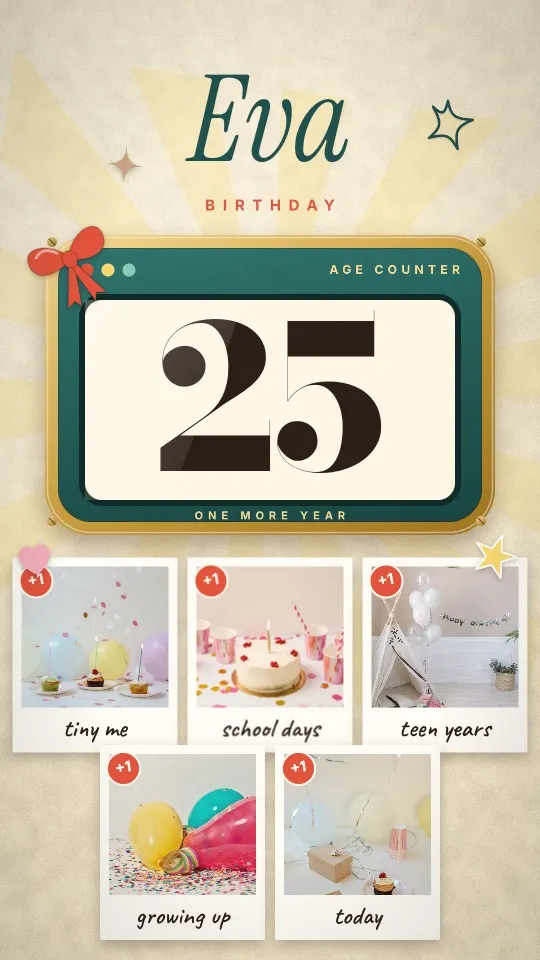
A birthday story that counts your age on a vintage scoreboard. A warm cream sunburst background holds the name in green serif ("Eva") with "birthday" in red below it, a red bow on top of a green-and-gold sign showing a huge "25" with "one more year" under it, and five polaroids with red "+1" badges at the bottom.
The five photos run in time order: baby or first photo, childhood or school, teen years, recent and today. Change the name, the age and the five year notes ("tiny me", "school days", "today"), plus fonts and styles. It works at any age, from 18 to 50.
Included with ReelClub Pro: $4.99/week or $29.99/year, 3-day free trial.
Perfect for
- Birthday story with life photos
- Milestone age announcements
- A throwback post for your day
What you’ll need
- baby photo or first photo
- childhood / school
- teen years
- recent
- today
Tip: Follow the age: a baby photo first, a school shot second, teen years third, something recent fourth and today's selfie last, then edit the age number.
Text you can change
- “Eva”
- “25”
- “tiny me”
- “school days”
- “teen years”
- “growing up”
- “today”
Every line, font and style can be changed in the editor.
Caption ideas
- 25 and counting
- tiny me to today, one +1 at a time
- one more year, same me (mostly)
How do you use this template?
- Download ReelClub from the App Store and open this template.
- Tap “Use template” and pick photos and videos from your library. The app shows what each slot is for.
- Change the text, music or framing if you like, then export. It saves to Photos, ready for Instagram or TikTok.
You might also like


Your photos, edited.
Download ReelClub on iPhone. Browse every template for free, use 10 of them without paying, and try Pro free for 3 days.




