- Home
- All templates
- 2026 recap
- My tabs
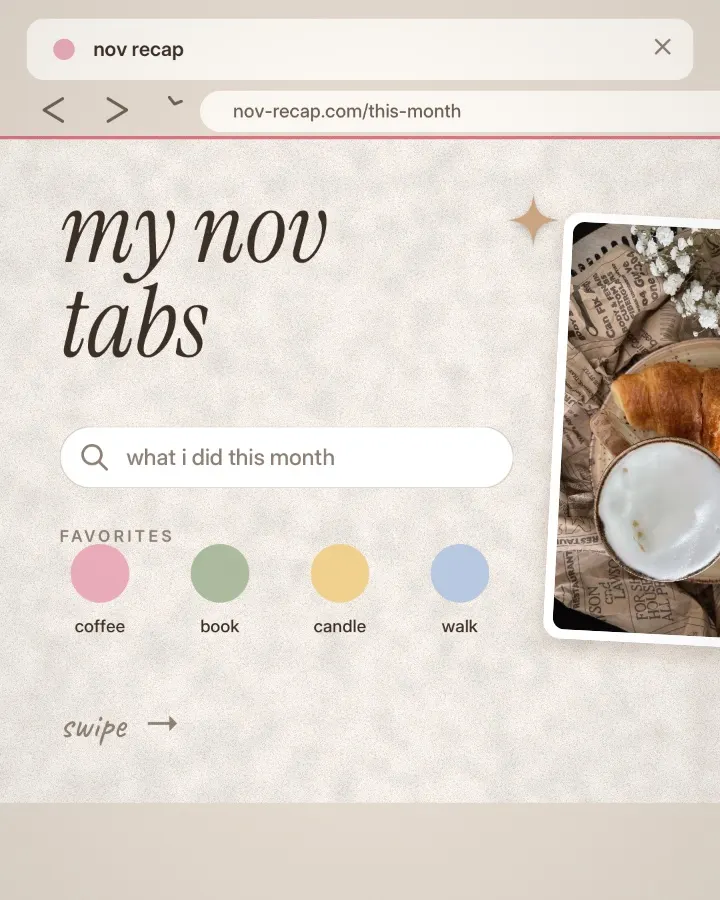
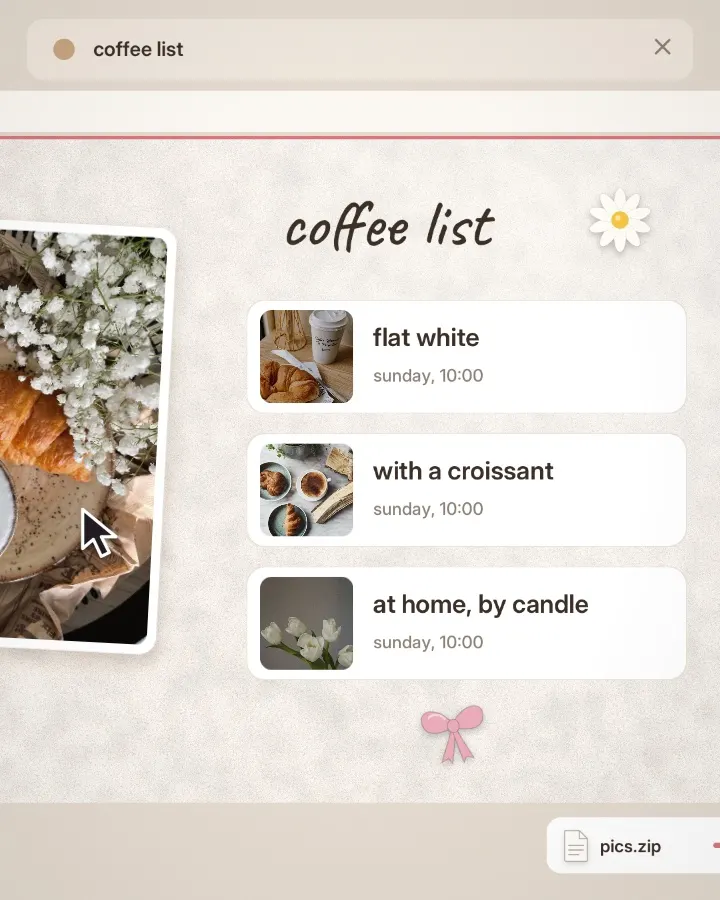
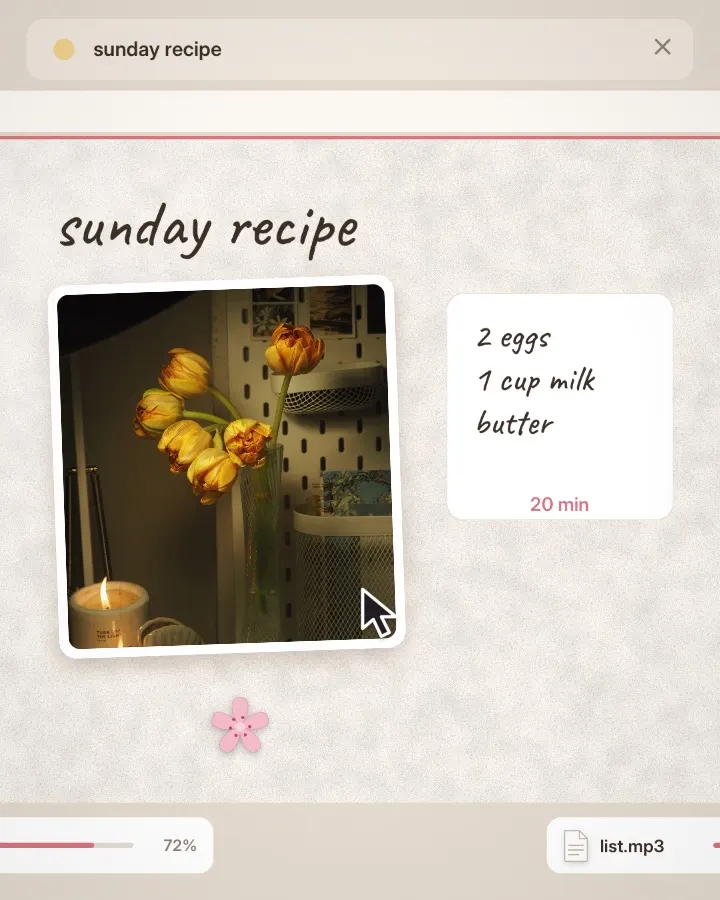
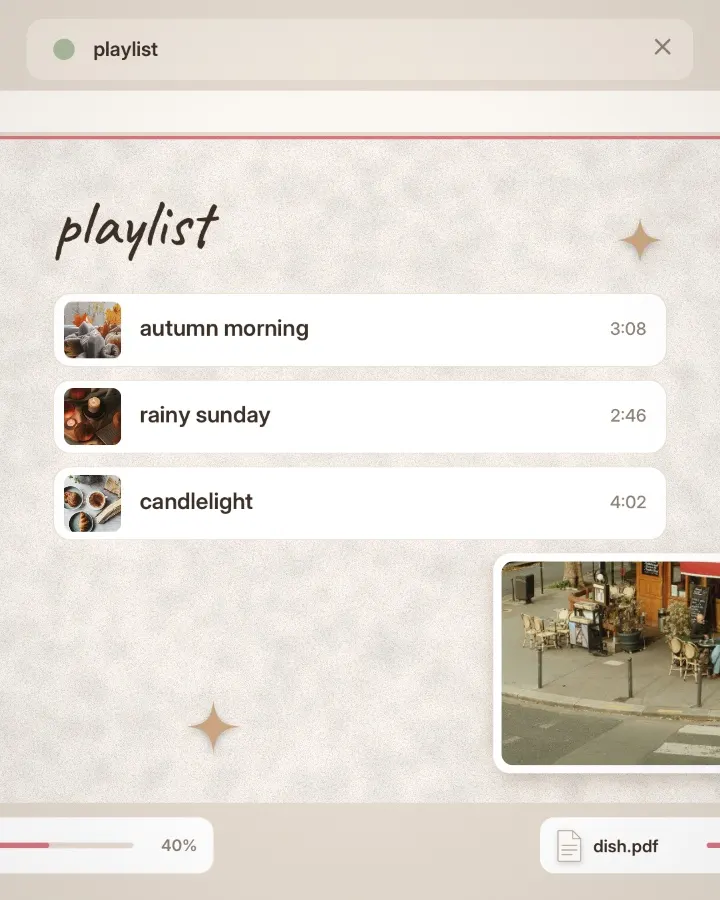
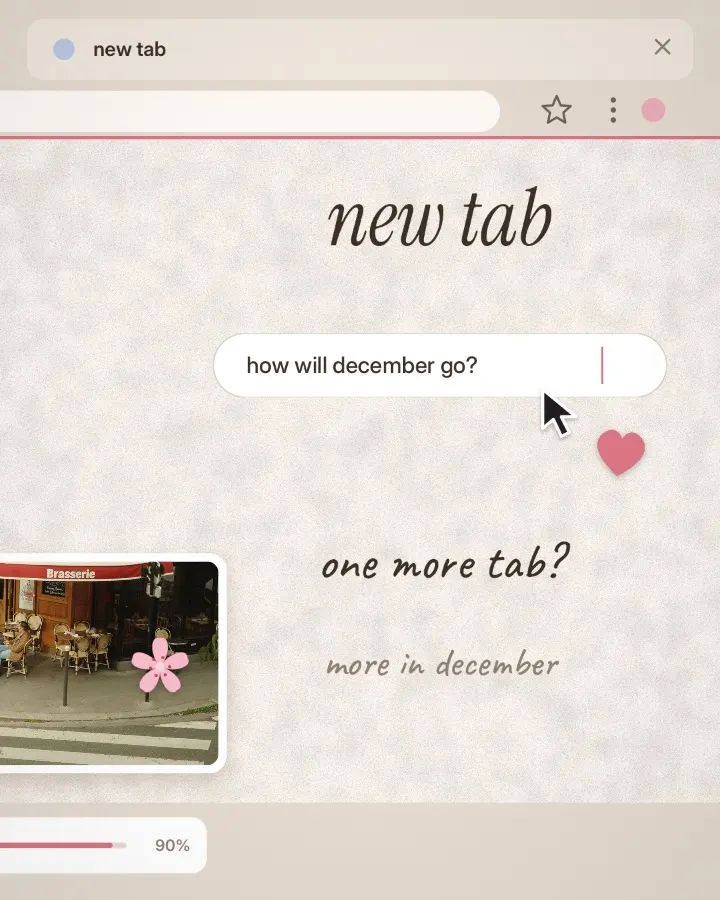
Slides are cut from one wide design, so the post flows seamlessly as you swipe.
Lifestyle · Carousel
My Tabs Carousel Template
A browser-window carousel that organizes your month into open tabs. The cover has a pink-dotted tab bar reading "nov recap", an address bar, a serif title ("my nov tabs"), a search field that asks "what i did this month", four colored bubbles for favorites and a tilted photo at the edge.
Eight photos run through five 4:5 slides: a coffee list, a Sunday recipe, a playlist with album covers and a closing new tab. Tab names, the coffee list, ingredients, track names and the search lines are all editable, and you can change fonts and styles.
Included with ReelClub Pro: $4.99/week or $29.99/year, 3-day free trial.
Perfect for
- Coffee-and-cafe monthly recap
- Recipe, playlist and photos in one post
- Digital-aesthetic carousels
What you’ll need
- coffee
- food
- flowers
- recipe / food
- album cover
- album cover 2
- street / landscape (horizontal)
- coffee / breakfast (vertical)
Tip: Two slots are album covers, so use square crops, such as screenshots of your playlist art. Keep the last vertical slot for a calm breakfast or coffee shot.
Text you can change
- “what i did this month”
- “my nov tabs”
- “flat white”
- “with a croissant”
- “at home, by candle”
- “new tab”
- “how will december go?”
- “one more tab?”
- “more in december”
- “coffee list”
Every line, font and style can be changed in the editor.
Caption ideas
- too many tabs open, all of them november
- a coffee list, a recipe and a rainy playlist
- opening a new tab for december
How do you use this template?
- Download ReelClub from the App Store and open this template.
- Tap “Use template” and pick photos and videos from your library. The app shows what each slot is for.
- Change the text, music or framing if you like, then export. It saves to Photos, ready for Instagram or TikTok.
You might also like


Your photos, edited.
Download ReelClub on iPhone. Browse every template for free, use 10 of them without paying, and try Pro free for 3 days.




