- Home
- All templates
- Café & food
- Recipe card
Food · Reel
Recipe Card Reel Template
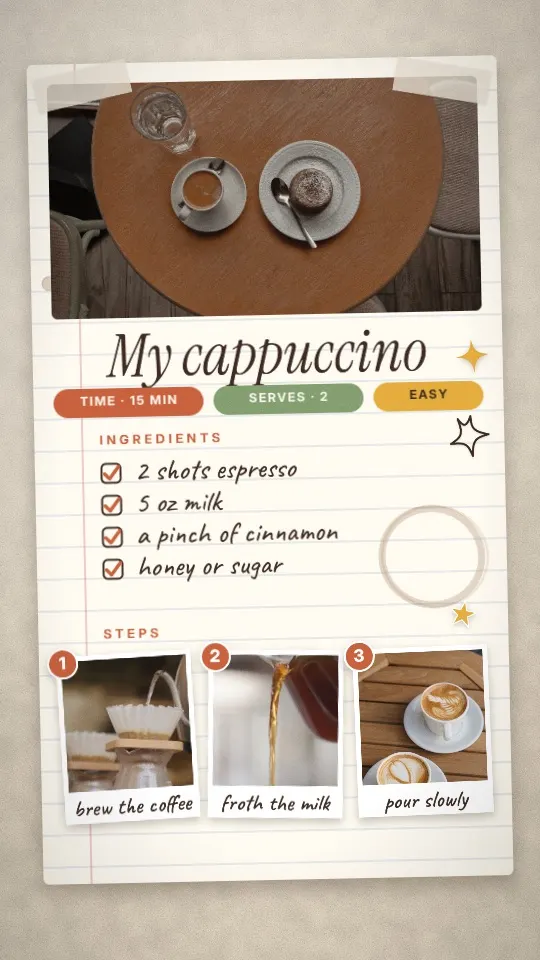
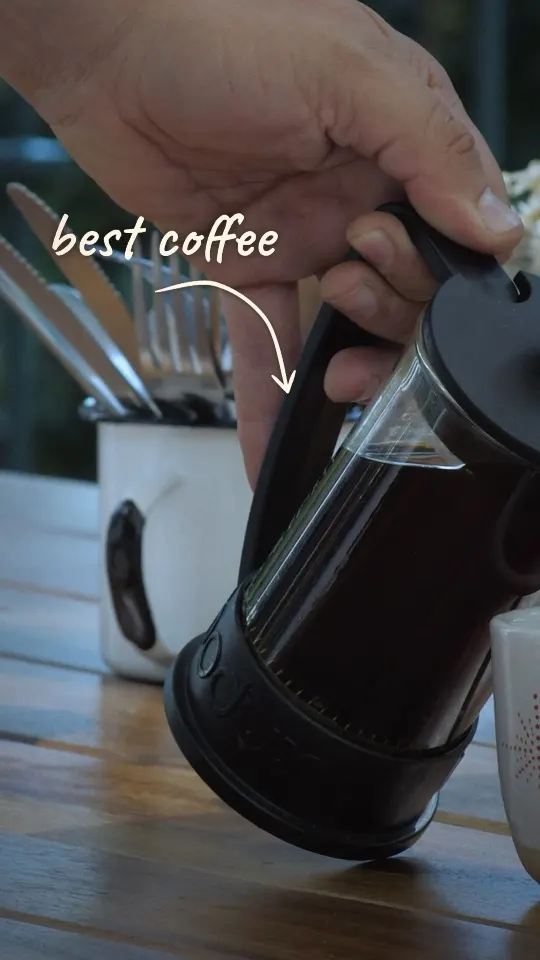
A step-by-step recipe Reel laid out like a card you would pin to the fridge. It opens on the finished dish or drink, moves through two prep clips and a final-touch step, then closes on the plate or glass and a serving shot. The default recipe is a home cappuccino, with prep time, servings and a difficulty tag you can overwrite with your own dish. Six slots, about 17 seconds, music cut to the beat. Every step title and ingredient line is editable text. It is one of the free templates.
This template is free: use and export it without a subscription.
Perfect for
- Home coffee and drink recipes
- Quick weekend baking steps
- Small food accounts and recipe blogs
What you’ll need
- cover: finished dish or drink
- video: prep (step 1)
- video: prep (step 2)
- step 3: final touch
- video: plate or glass (closing)
- last frame: serving
Tip: Film the two prep steps as short close clips, and shoot the finished dish for both the cover and the last frame so the Reel loops cleanly.
Text you can change
- “brew the coffee”
- “froth the milk”
- “pour slowly”
- “enjoy your cup”
- “save it, try it this weekend”
- “2 shots espresso”
- “5 oz milk”
- “a pinch of cinnamon”
- “honey or sugar”
- “serves · 2”
Every line, font and style can be changed in the editor.
Caption ideas
- brew the coffee, froth the milk, pour slowly
- save it, try it this weekend
- the cup i make every sunday
How do you use this template?
- Download ReelClub from the App Store and open this template.
- Tap “Use template” and pick photos and videos from your library. The app shows what each slot is for.
- Change the text, music or framing if you like, then export. It saves to Photos, ready for Instagram or TikTok.
You might also like
Your photos, edited.
Download ReelClub on iPhone. Browse every template for free, use 10 of them without paying, and try Pro free for 3 days.




