- Home
- All templates
- Collage
- Paper cutout collage
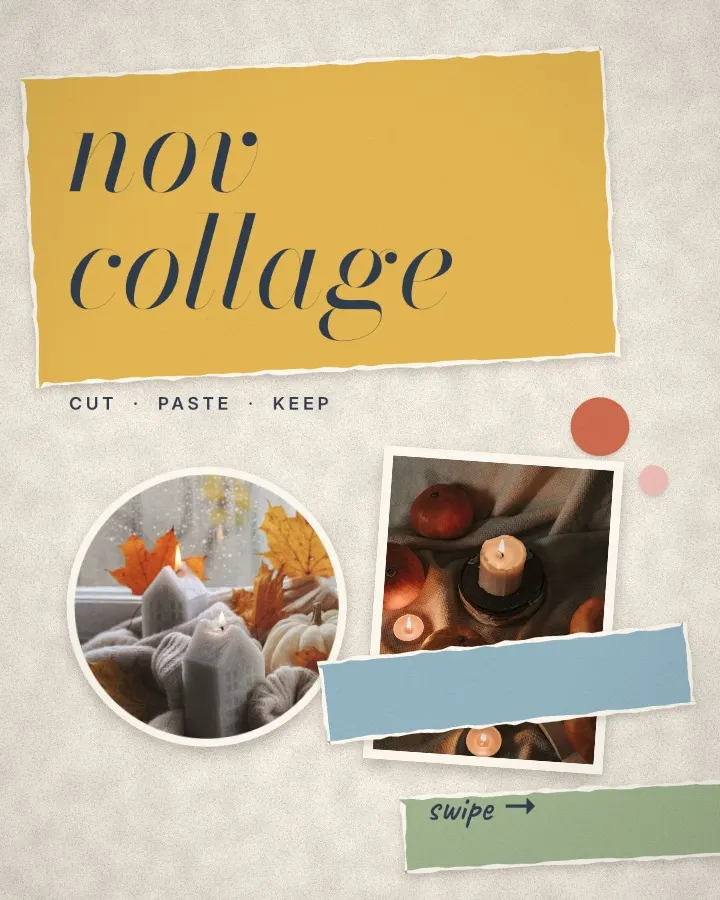
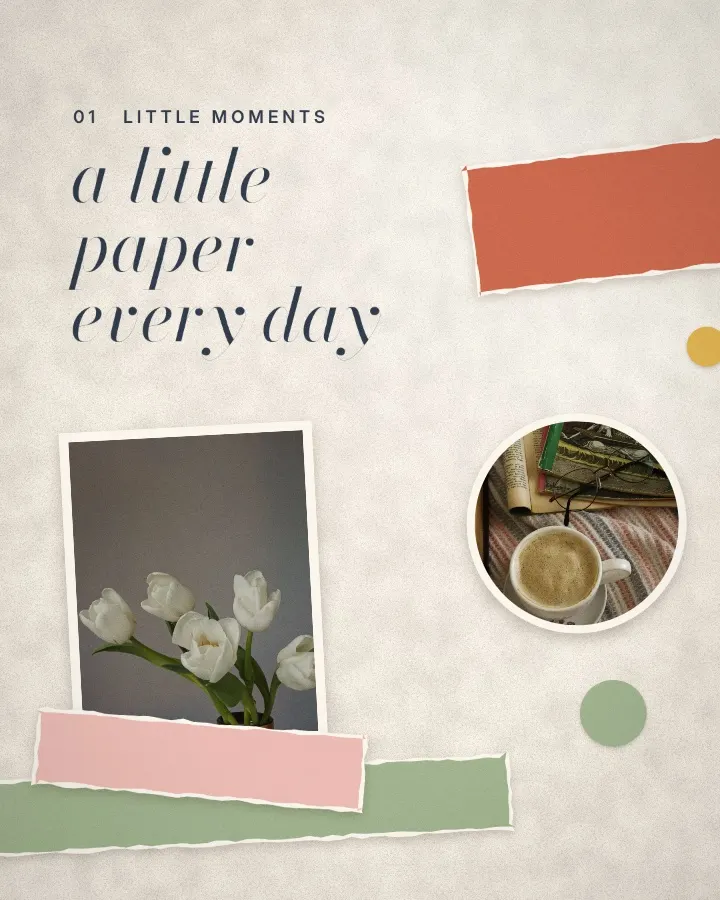
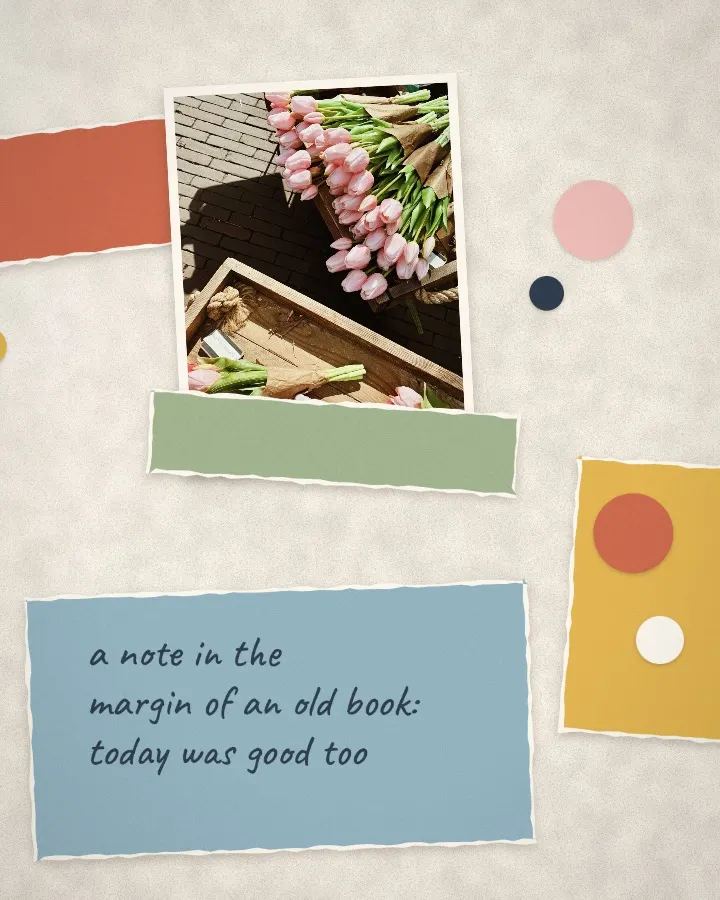


Slides are cut from one wide design, so the post flows seamlessly as you swipe.
Collage · Carousel
Paper Cutout Collage Carousel Template
A torn-paper collage carousel that feels cut out with scissors and glued down. The cover has a mustard paper strip with a bold serif title ("nov collage"), a round-cropped candle photo, a tilted autumn photo with blue and green tape, small paper dots and a line reading "cut, paste, keep".
Seven photos fill five 4:5 slides, with section labels like "little moments" and "favorites" and a handwritten margin note. Titles, section headings, the note and the closing line are editable, and so are fonts and styles. The mix of round and rectangular crops works best with photos of different shapes.
Included with ReelClub Pro: $4.99/week or $29.99/year, 3-day free trial.
Perfect for
- Scrapbook-style monthly collages
- Autumn and flower photo dumps
- Craft-lover feeds with a handmade feel
What you’ll need
- candle / autumn shot
- autumn
- flowers
- book / coffee
- flower market
- flowers
- coffee and book
Tip: Alternate close-ups and wider shots, such as a candle then a flower market, because the round and torn-edge frames show detail differently. Set each photo's focus point.
Text you can change
- “CUT · PASTE · KEEP”
- “nov collage”
- “01 LITTLE MOMENTS”
- “a little paper every day”
- “02 FAVORITES”
- “sunday morning”
- “see you in december”
- “more next month”
- “a note in the margin of an old book: today was good too”
Every line, font and style can be changed in the editor.
Caption ideas
- cut, paste, keep
- a little paper every day
- november, glued to the page
How do you use this template?
- Download ReelClub from the App Store and open this template.
- Tap “Use template” and pick photos and videos from your library. The app shows what each slot is for.
- Change the text, music or framing if you like, then export. It saves to Photos, ready for Instagram or TikTok.
You might also like


Your photos, edited.
Download ReelClub on iPhone. Browse every template for free, use 10 of them without paying, and try Pro free for 3 days.




