- Home
- All templates
- Valentine's Day
- Love letter
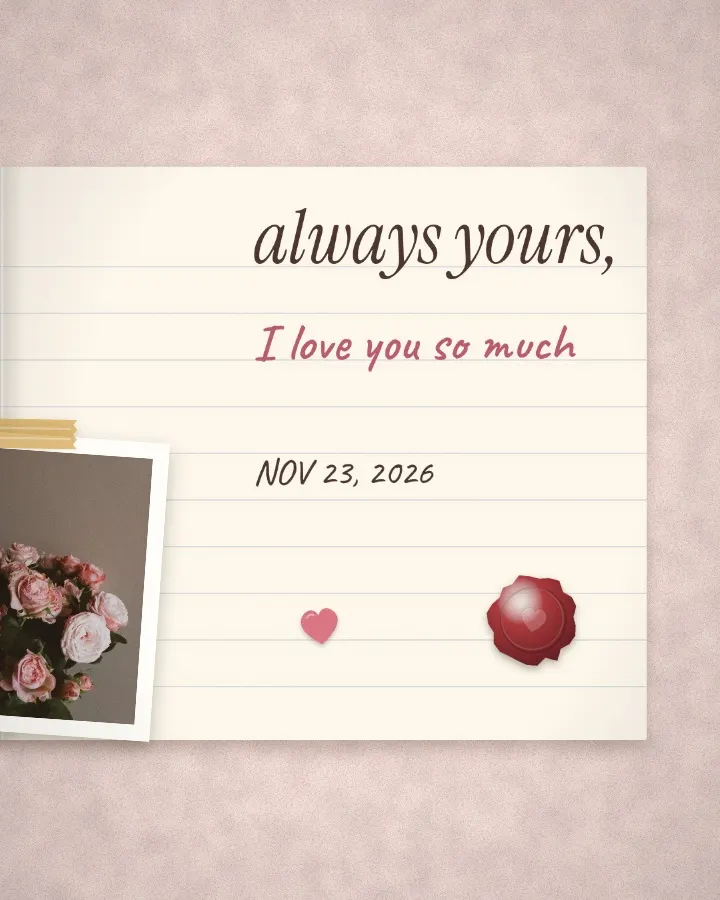
Slides are cut from one wide design, so the post flows seamlessly as you swipe.
Special days · Carousel
Love Letter Carousel Template
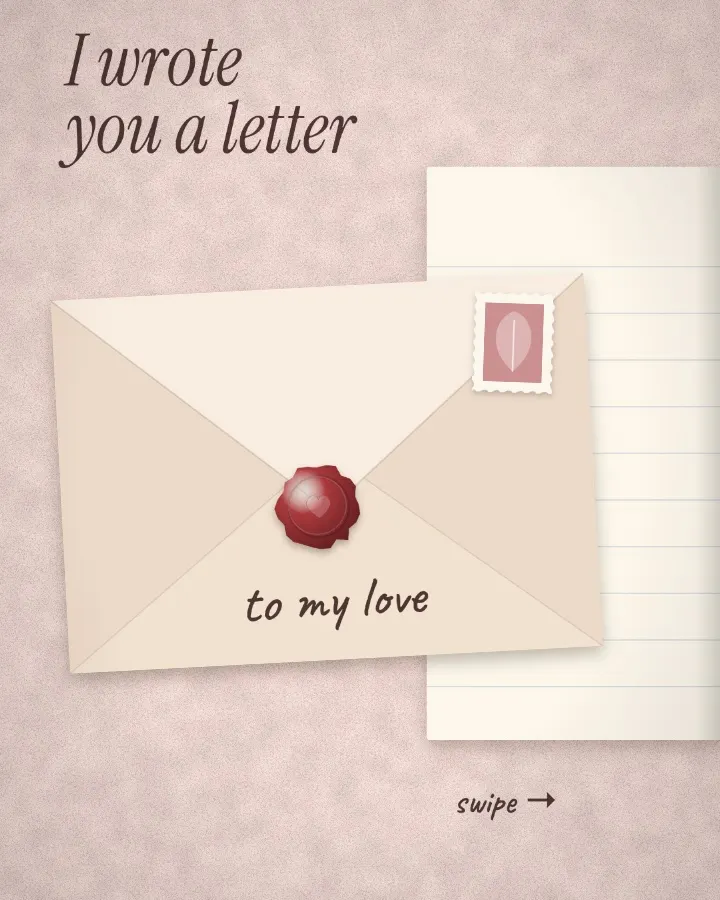
A love letter carousel that opens like an envelope. The cover is blush pink paper with a handwritten title ("I wrote you a letter"), a cream envelope sealed with a red wax stamp and "to my love" in script, plus a lined sheet sliding out on the right.
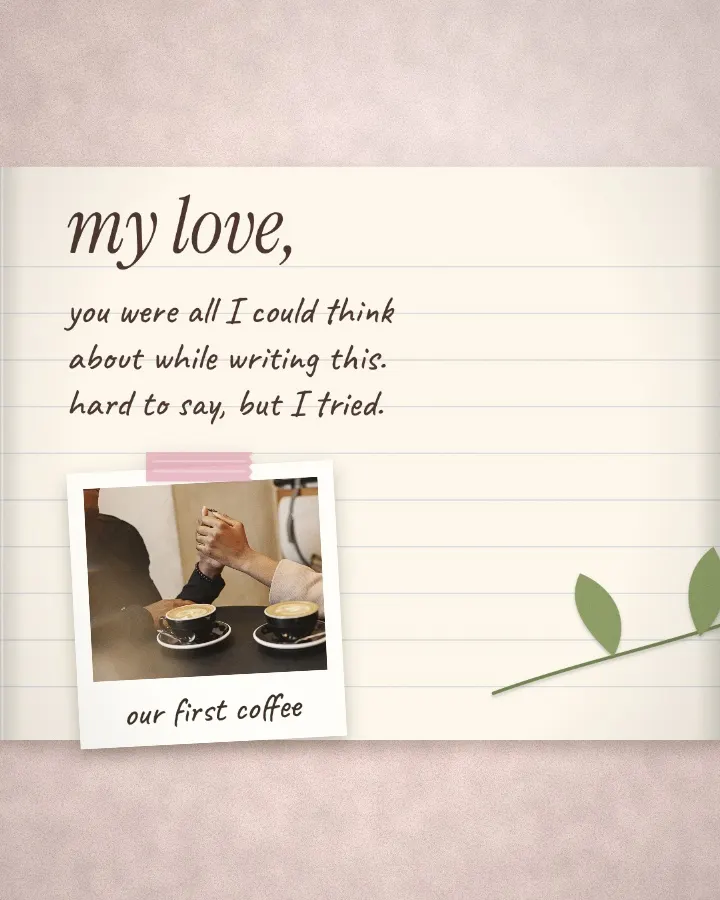
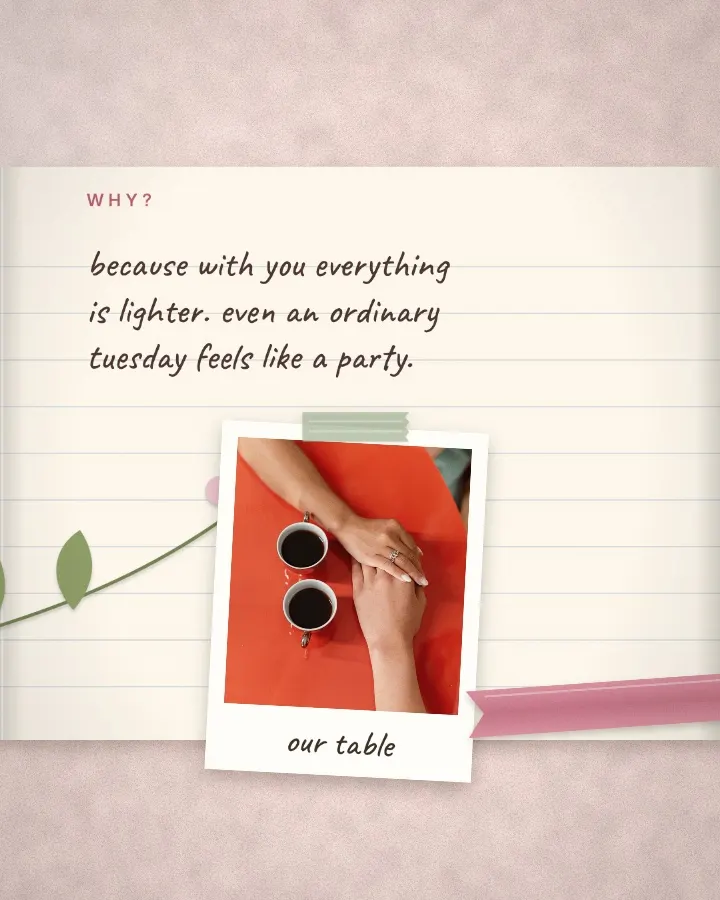
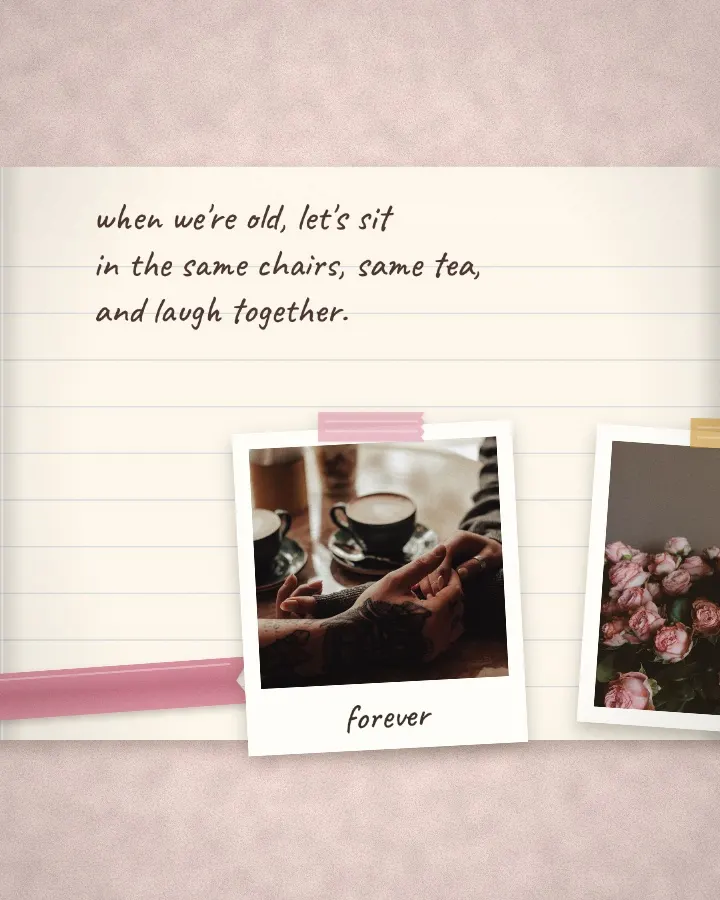
Four photos are spread across five 4:5 slides alongside three short letter paragraphs on ruled paper. You can rewrite the salutation, the "WHY?" section, every paragraph, the sign-off, the date and the polaroid captions, and change fonts and styles. It suits Valentine's Day, anniversaries and plain Tuesdays.
Included with ReelClub Pro: $4.99/week or $29.99/year, 3-day free trial.
Perfect for
- Valentine's Day for your partner
- Anniversary posts with a handwritten feel
- A romantic surprise carousel
What you’ll need
- a moment together (coffee)
- hand in hand or a table
- a shot with your love
- flowers
Tip: Write the three paragraphs about one real memory each, then match photos in order: a shared coffee, hands or a table, a picture of the two of you, and flowers.
Text you can change
- “I wrote you a letter”
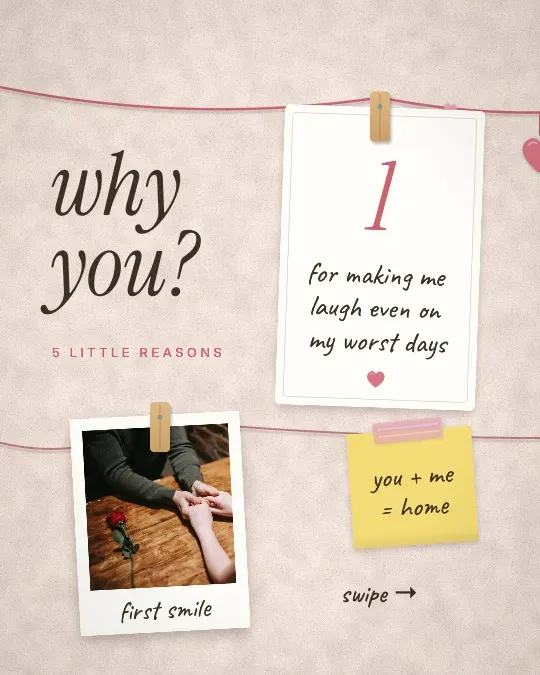
- “WHY?”
- “my love,”
- “always yours,”
- “I love you so much”
- “to my love”
- “you were all I could think about while writing this. hard to say, but I tried.”
- “because with you everything is lighter. even an ordinary tuesday feels like a party.”
- “when we're old, let's sit in the same chairs, same tea, and laugh together.”
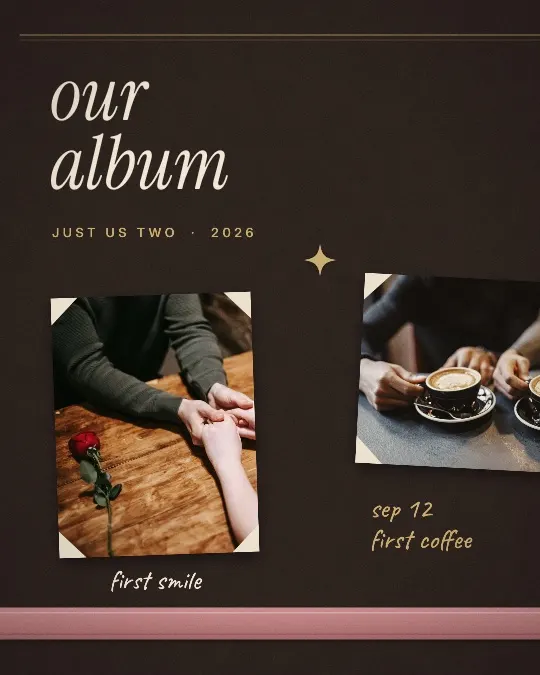
- “our first coffee”
Every line, font and style can be changed in the editor.
Caption ideas
- I wrote you a letter
- always yours
- some things are easier to say on paper
How do you use this template?
- Download ReelClub from the App Store and open this template.
- Tap “Use template” and pick photos and videos from your library. The app shows what each slot is for.
- Change the text, music or framing if you like, then export. It saves to Photos, ready for Instagram or TikTok.
You might also like

Your photos, edited.
Download ReelClub on iPhone. Browse every template for free, use 10 of them without paying, and try Pro free for 3 days.




